
Discover how the ‘Find Similar’ button brings AI-powered connections to your Cosmos clusters—watch my quick step-by-step tutorial and see it in action.
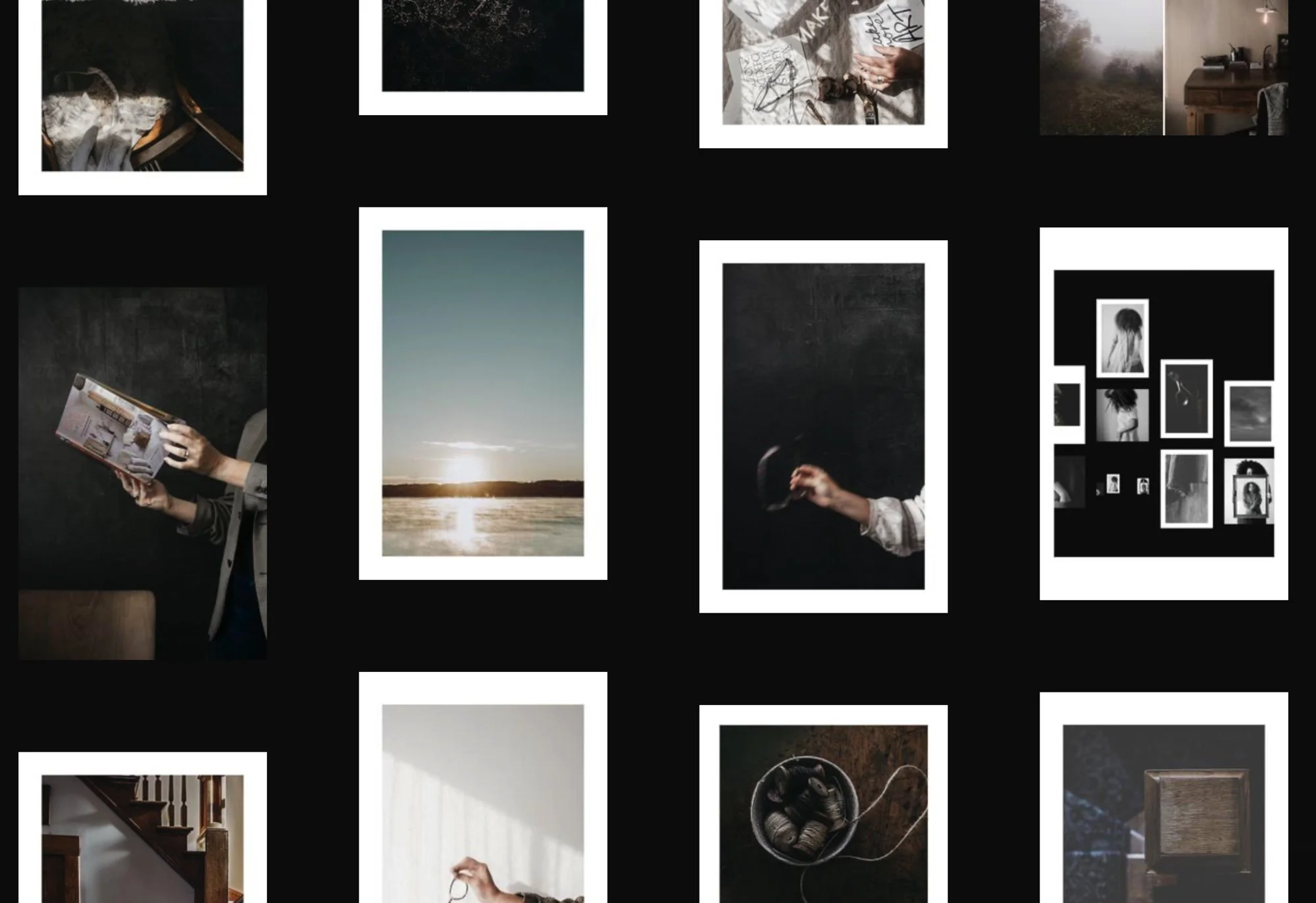
I stumbled upon a new feature in my Cosmos clusters this weekend, and it’s so good.
The new ‘Find Similar’ button uses a bit of AI magic to match elements in your cluster with visually or conceptually related content.
Whether theme, mood, or vibe, it pulls together elements beautifully. (at least mostly)
No more digging around for that perfect connection—just click the magic button, and voila.
Let’s Check it Out
Over to You
I’d love to hear your thoughts! Have you tried the new ‘Find Similar’ feature in Cosmos? Drop a comment and let me know how it’s working for you or how you might use it in your creative process.
“White space is not emptiness, but possibility. It is not absence, but presence. It is the pause that gives meaning to motion, The silence that gives weight to words, The emptiness that defines the full.”
You might Also Enjoy:
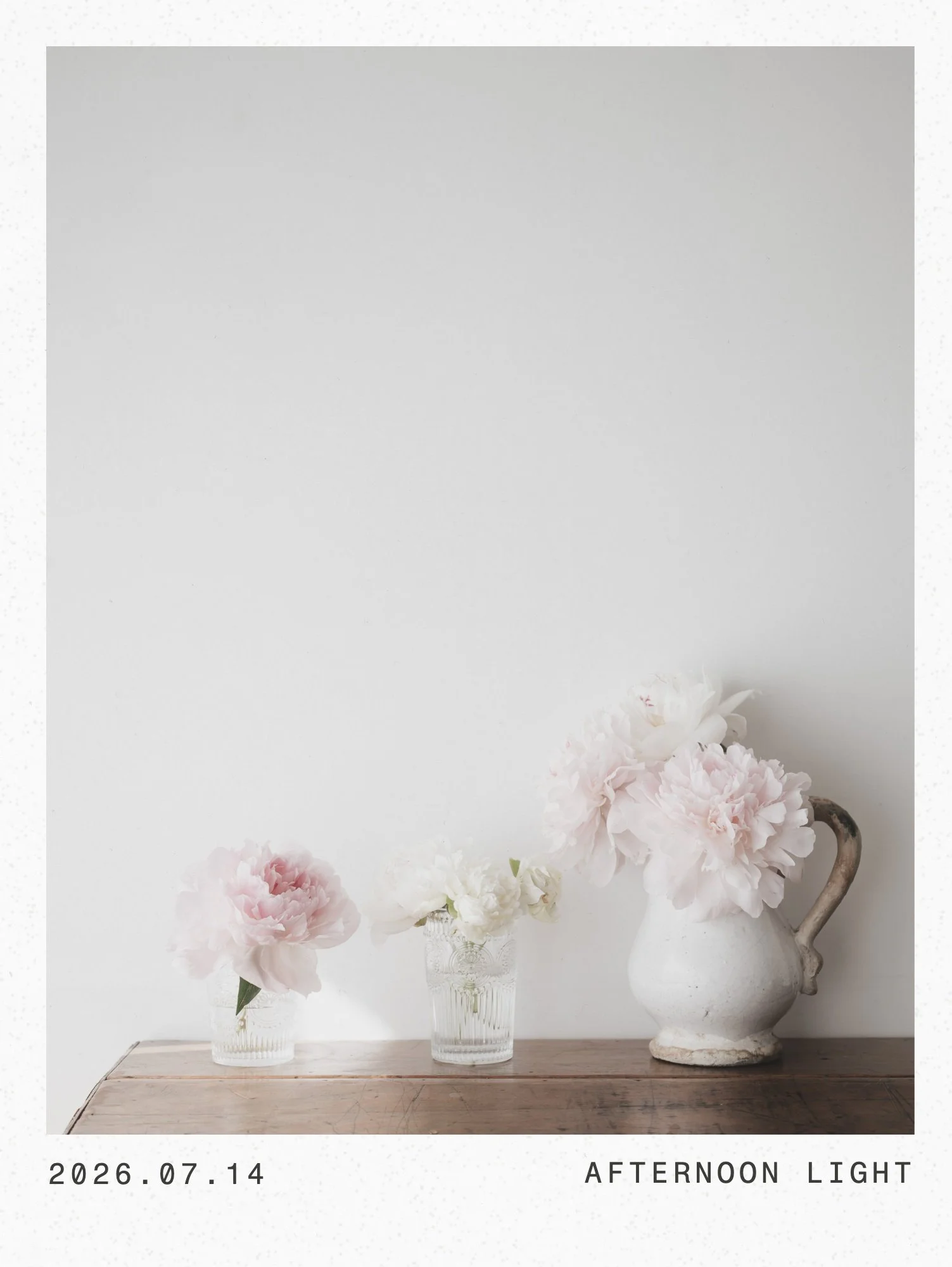
It's been quiet around here because I've been heads down building something new. Frame is a photo layout tool made for creatives who want design to feel calm and intuitive, not technical. Film frames, calendars, layouts you shape cell by cell, paper textures with one click. Here are 5 of my favorite features, and a look at why I built it.
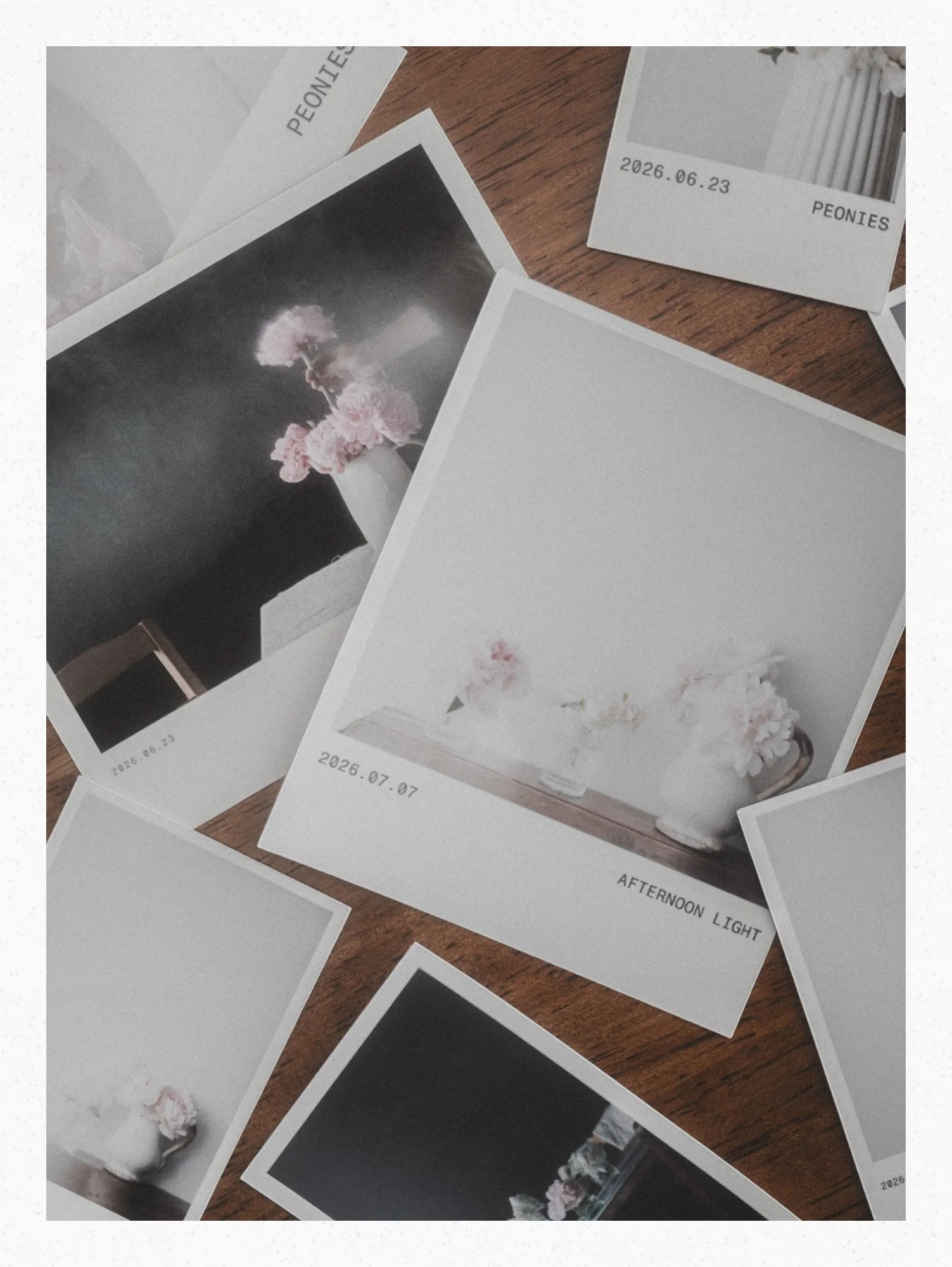
Meet Proof, the newest White Space Studio tool for laying out photos to print. Today I turn a page of peony photos into a Cricut print then cut file, ready to upload straight into Design Space.
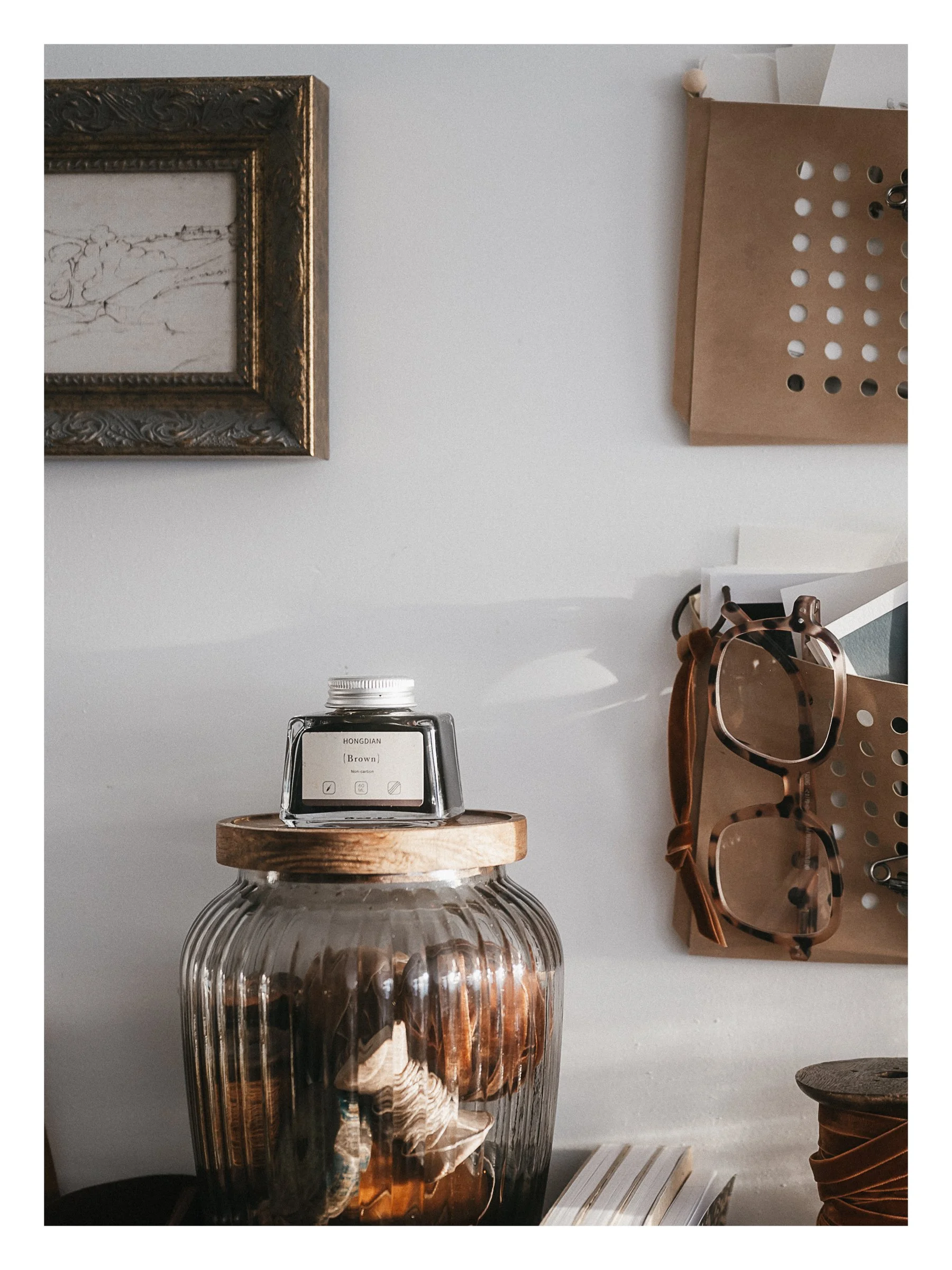
Studio note .05 - White Space Letter print packages, another different kind of diptych tutorial and two of my favourite journals.
A small print project that started in the Lightroom Print module and became something I can't stop making. Step-by-step video included
For eight months, I called it a 'creative rut.' Eighteen years ago. I couldn't pick up a brush, couldn't make myself want to. Then one day I picked up a camera, went on a walk, and something clicked. Here's what I learned about the difference between blocked and empty. And why the path back is rarely more effort.
I'm not sure what it is, but the camera knows real wood. So when I needed a bench for filming overhead tutorials, I went down the workbench rabbit hole and landed on butcher block. The story is a bit on the longish side, but it's a good one. Puffy eye and all.
The April 2026 Lightroom update added a direct path from your catalog to Firefly moodboards. No exporting your images. No extra steps. Just a simple, visual way to moodboard all your beautiful magic. ♡
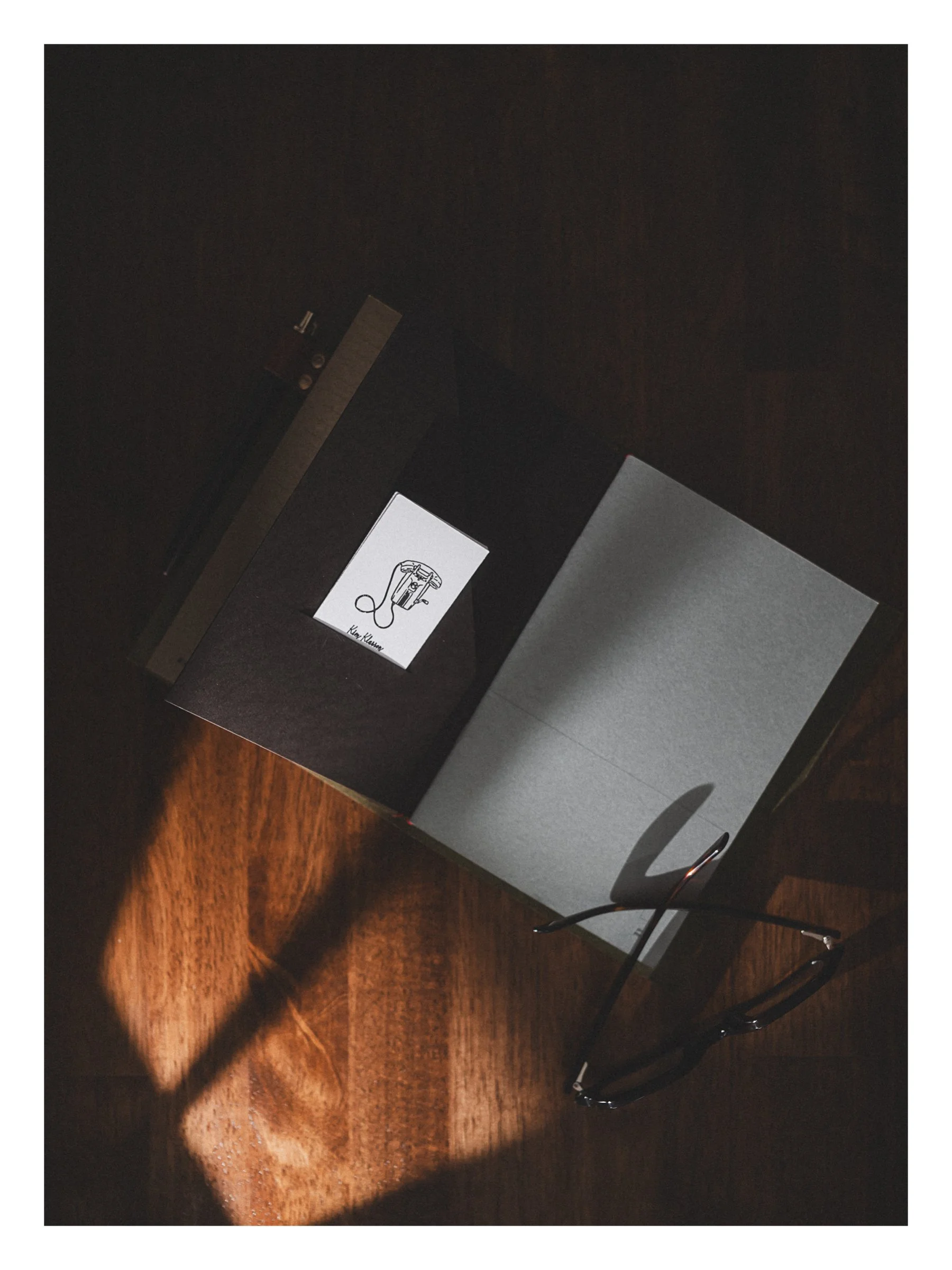
What if instead of swapping phones, you handed someone a calling card instead. Simple. Handmade-feeling. Yours. This tutorial shows you exactly how I made mine, from AI line drawing to Cricut-cut calling card.
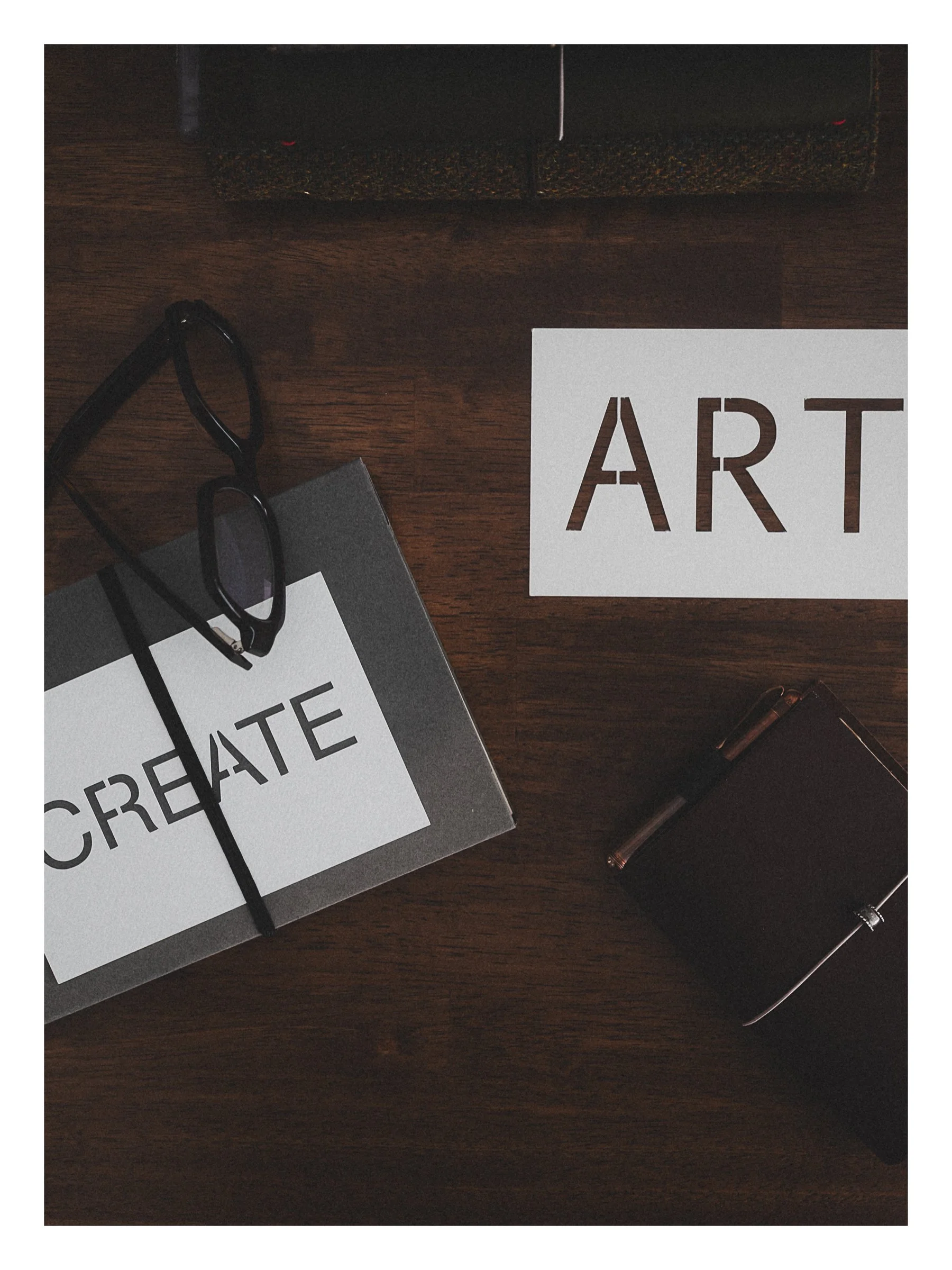
A step-by-step Cricut tutorial for making stencil word cards (perfect for photo styling) in a clean, minimalist style, including the simple bridging fix that keeps letters like A and R from falling apart.
A faux suede letter pouch cut with my Cricut. Three done… a few more to go. Come make one with me. (Step-by-Step Tutorial)

I told a friend I despise the thumbs up emoji. She said, 'me too.' So I went down a rabbit hole. Turns out this tiny yellow hand started a genuine cultural conversation, and somehow I'm on the wrong side of my own argument.
I'm deep in the journal-tok rabbit hole and I have zero regrets. This week's Studio Notes is a little bit of everything ⋯ favourite stamps, two staplers I genuinely love, elevated scrap paper, and two tutorials I think you'll want to bookmark.
This week…
From my desk… my story of falling in love with Japanese stationery and my current favourite journal as well.

Design a seamless carousel from your own photos, check every swipe, split it for Instagram, then print it so it lives on instead of fading away in your feed. Video Tutorials included