
How to Print Your Instagram Carousel as One Seamless Image
so it can live on instead of fading away in your feed
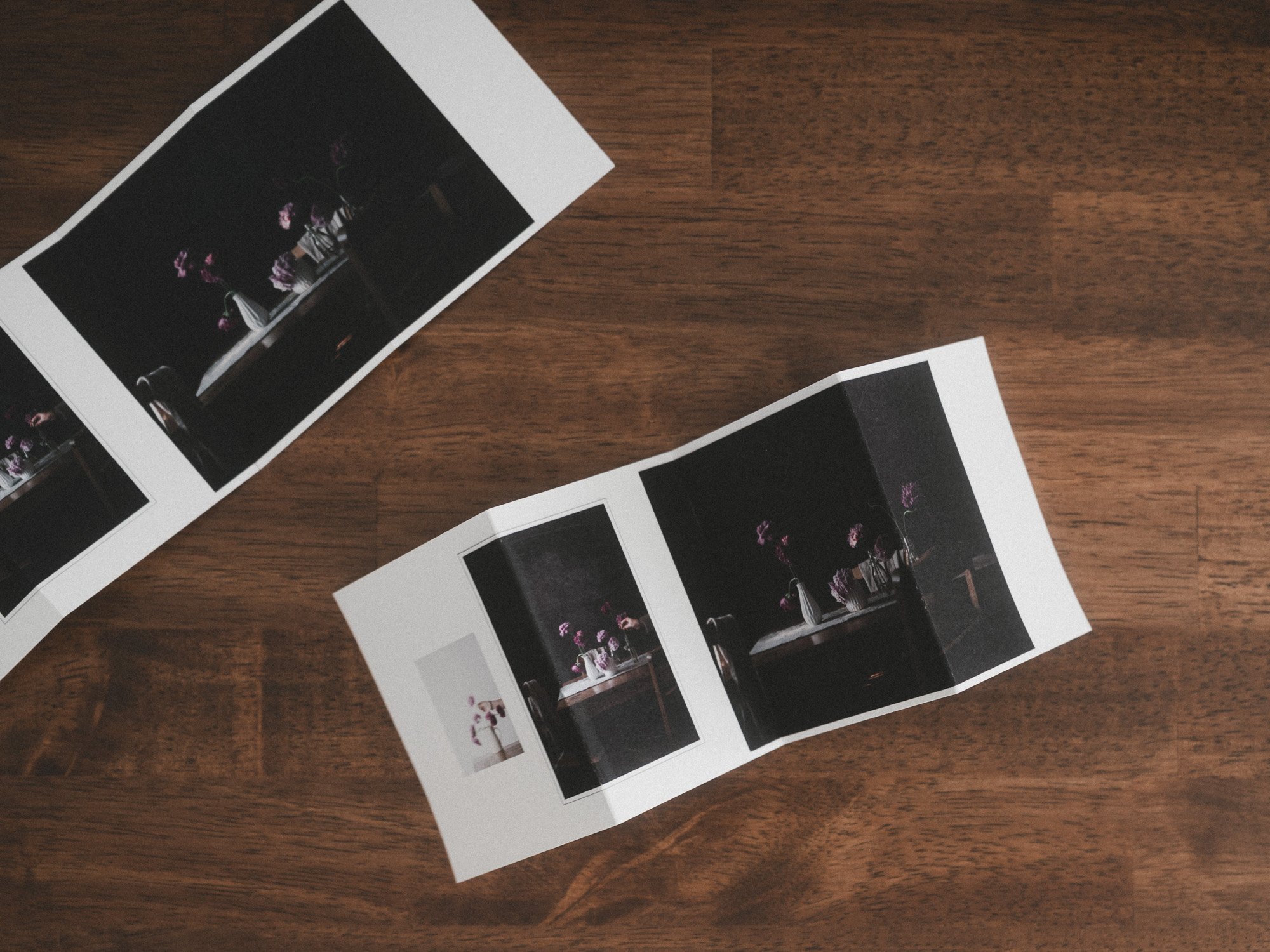
Funny story.
One of my most clicked blog posts is: How to Make a seamless Instagram Carousel.
That was a multi-step, multi-tool (rather clunky) process.
First the math (pixels x’s pages =’s panorama size), set up your canvas, add your images, then plit the image with Photoshop’s NOT intuitive slice tool. Finally cross your fingers it looks good once you post.
That clunky process is exactly what inspired SOCIAL.
The thought. What if White Space Studio could make seamless carousels simple?’
Right down to the ‘split’. (and swipe check too)
If you're new to seamless carousels, picture one wide panoramic design split into multiple pages.
You post the pages as a regular instagram carousel and as you swipe, the image continues across the seam. The magic is watching it reveal itself, swipe by swipe.
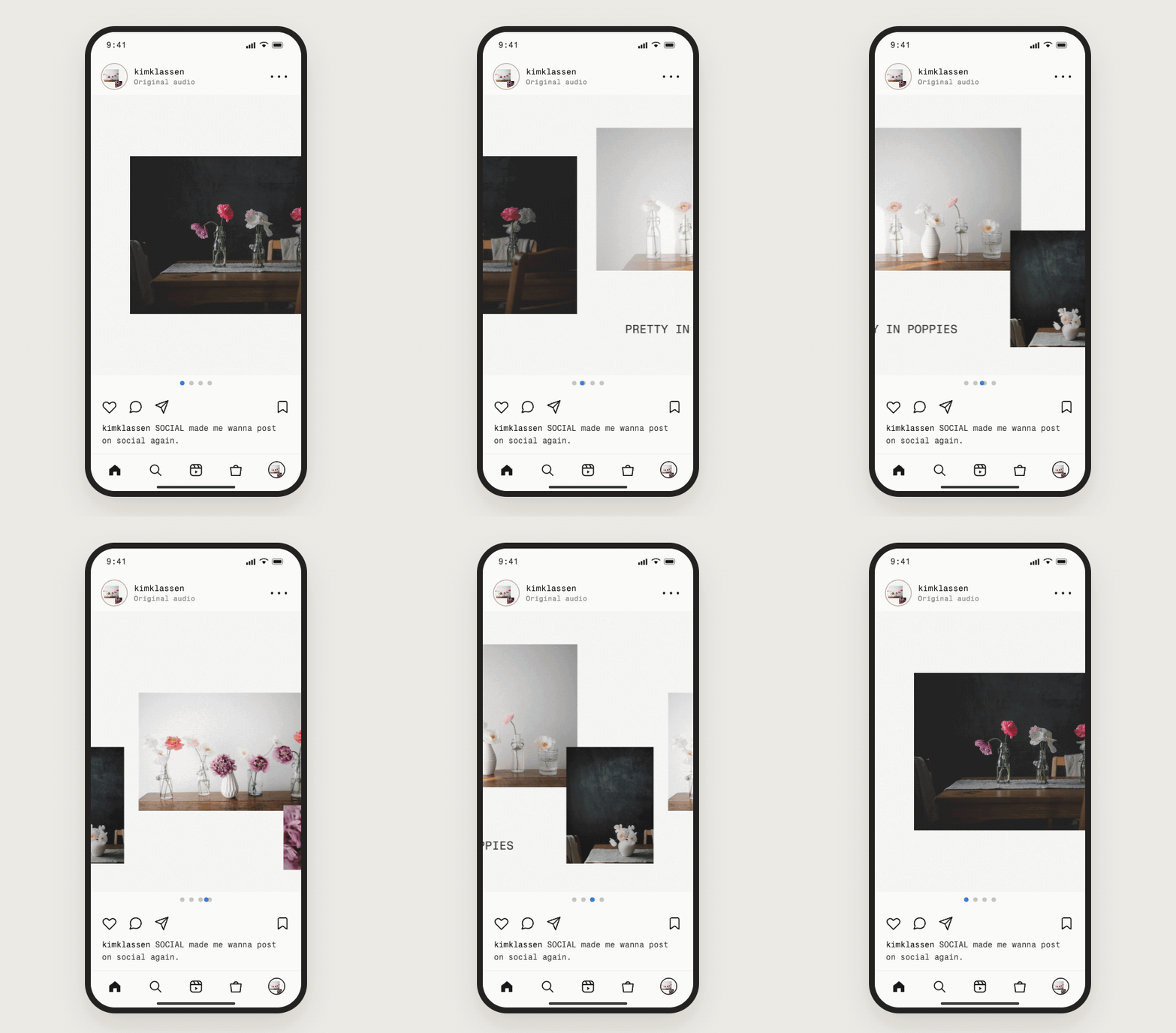
I designed the tool I wished existed. Drag your photos onto one wide, beautiful canvas. Check each swipe before you post when you're ready. SOCIAL splits everything into numbered pages ready to post on Insta.
It became so much more than a carousel maker.
It might be my favorite tool in White Space Studio because the newest edition gives you the files to print your seamless carousel in multiple ways.
It couldn't be easier. Share it on Instagram, of course, and tag me.
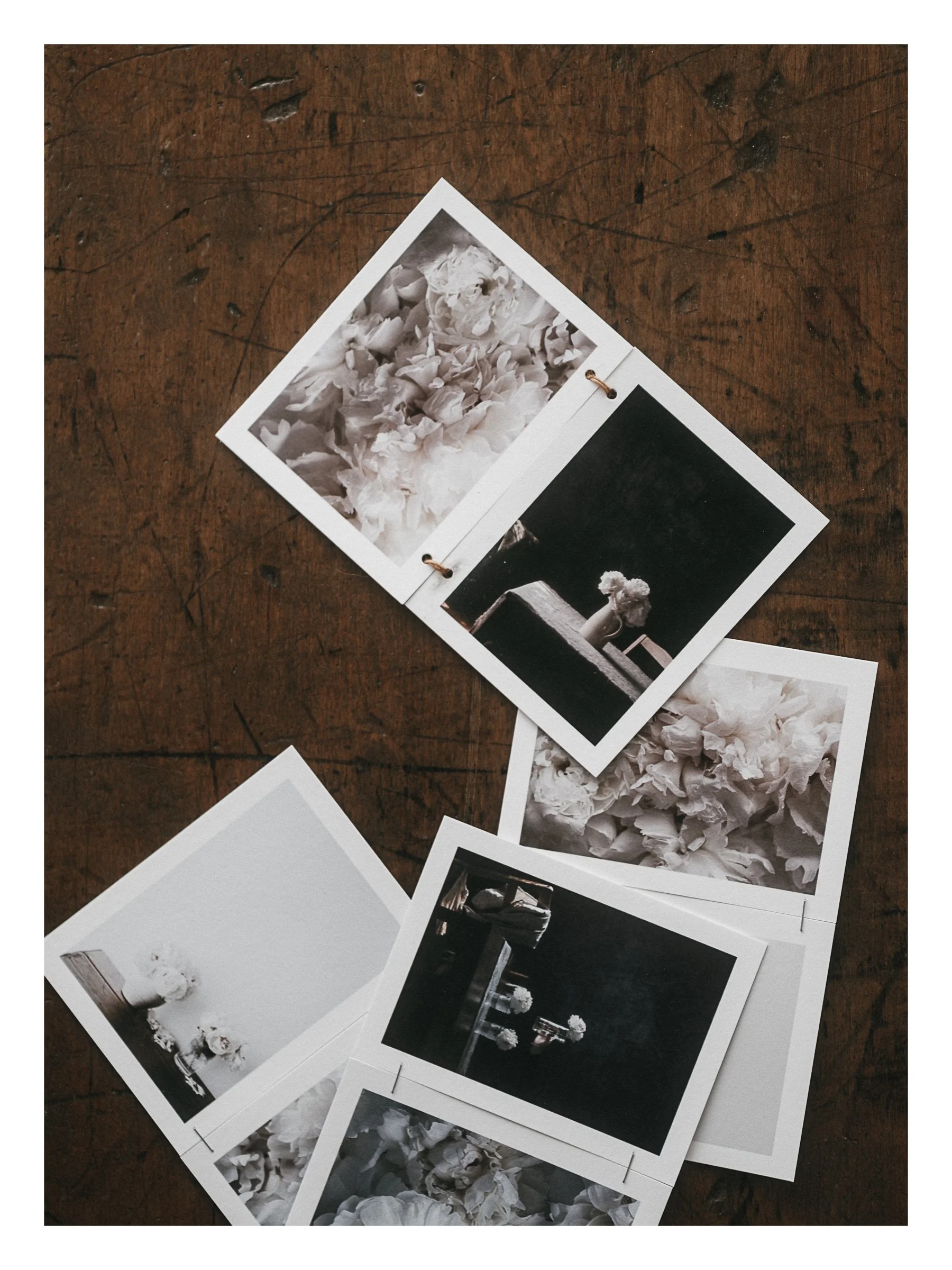
Why stop there? Print it so it can live on instead of fading away in your feed.
Let me show you how this works with SOCIAL · one of nine creative tools inside White Space Studio, where your own photographs and words become things you can share (hold in your hands).
Have a look-see HERE.
xx
Kim
Designing your Seamless Carousel in SOCIAL
Assembling Your Printed Seamless Carousel
You might also Enjoy

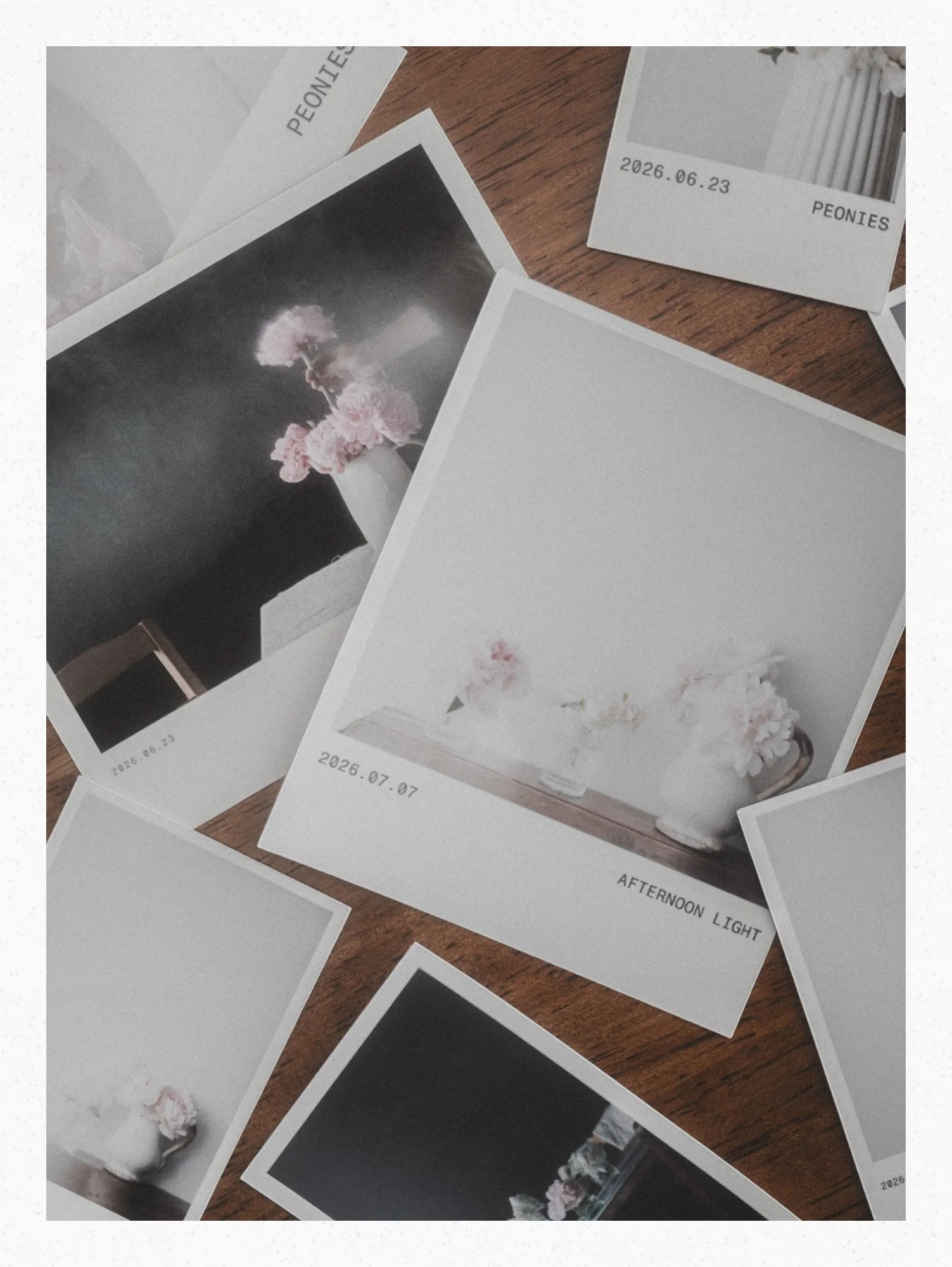
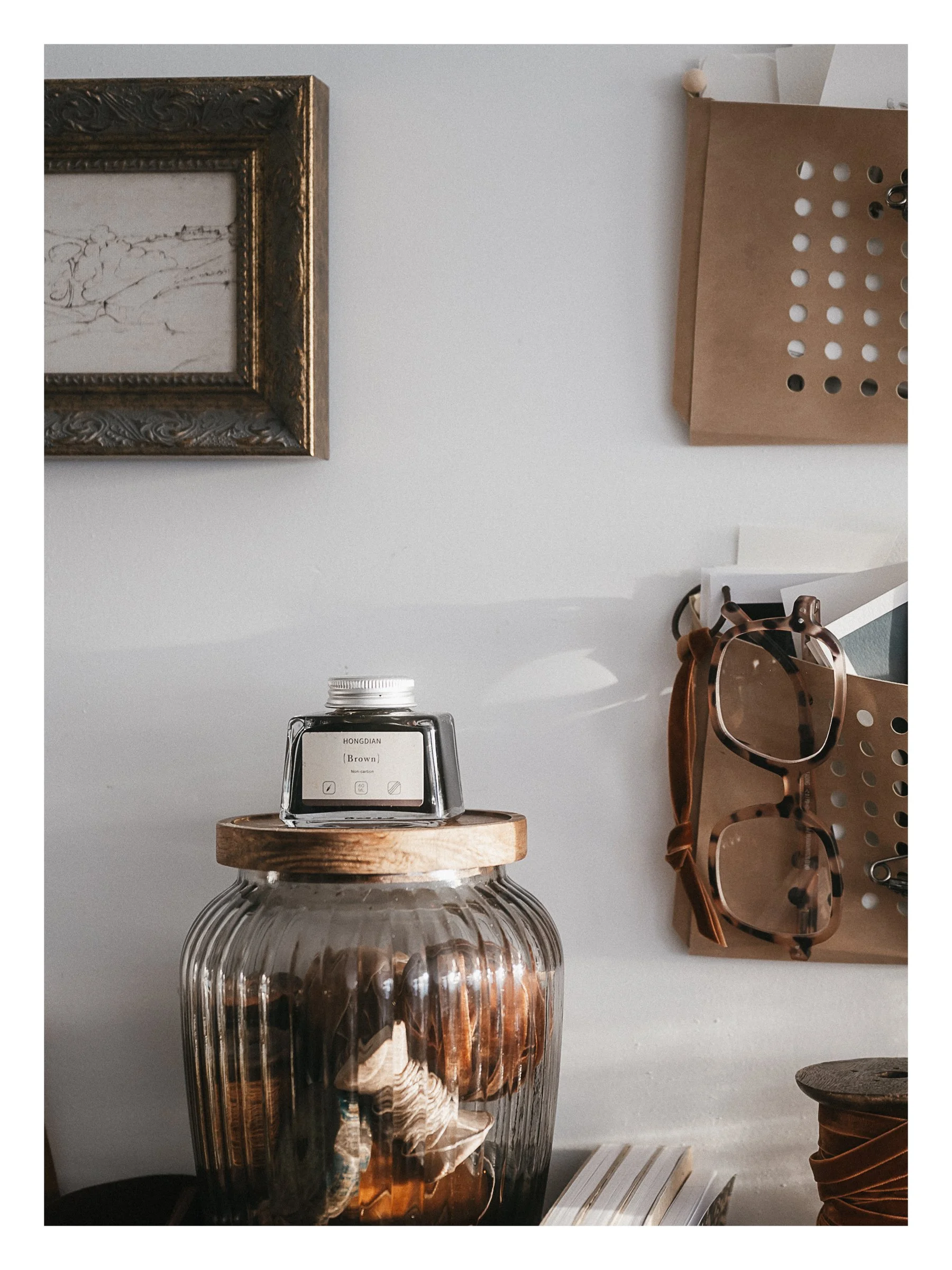




Design a seamless carousel from your own photos, check every swipe, split it for Instagram, then print it so it lives on instead of fading away in your feed. Video Tutorials included