
Proof Makes Perfect Cricut Print Files. Let Me Show You How.
I made the loveliest film frames in Proof, exported, and cut the darling frames on my Cricut. Watch my start to finish video.
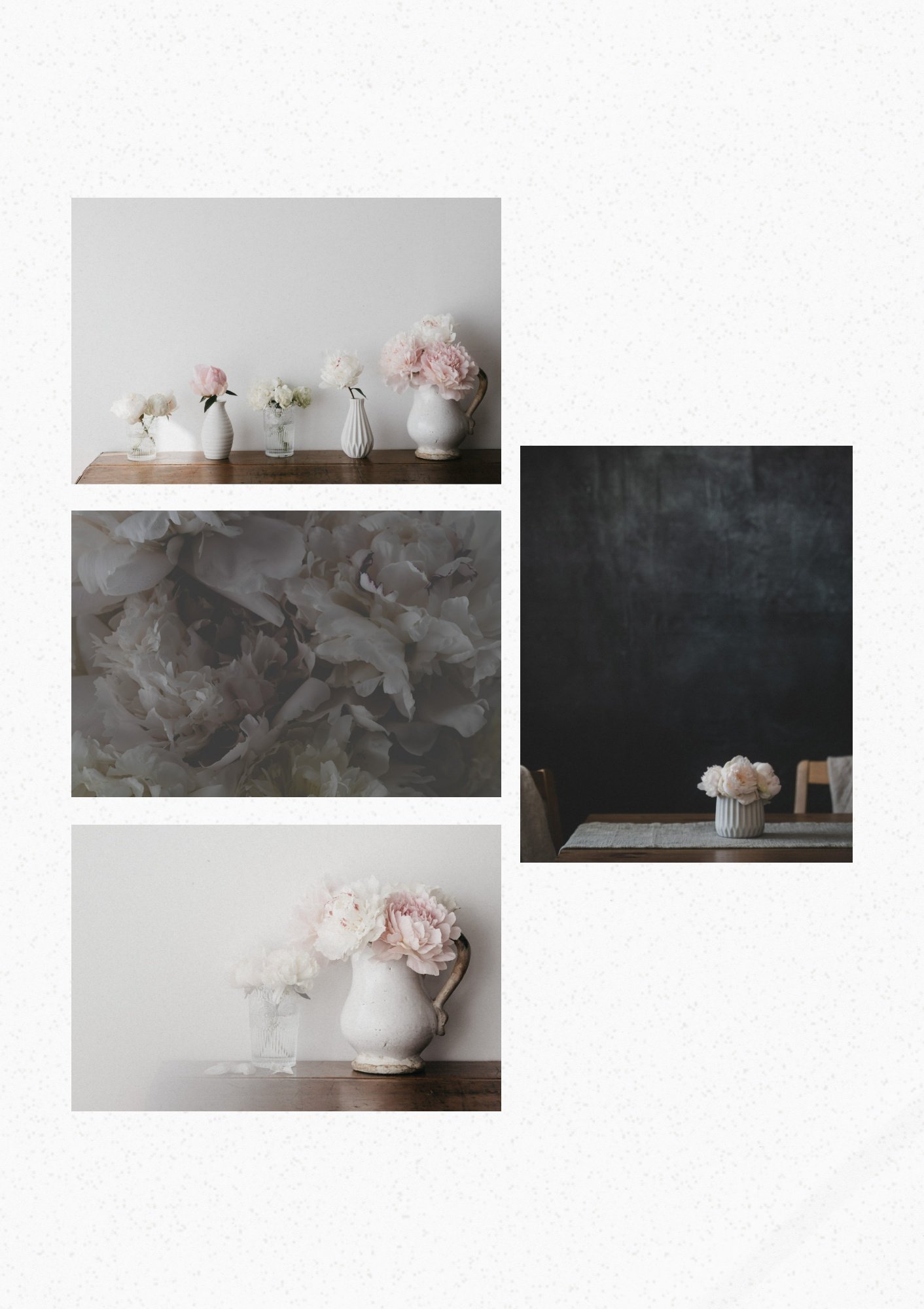
Hello Lovely,
I’m so excited about today’s tutorial.
First, let me introduce you to Proof, because for a lot of you this is the first time you're seeing it. It’s one of the six White Space Studio tools.
Proof is all about getting your photos onto a sheet … so you can print, print, print.
You can lay out one sheet or several, use the templates or freeform if you prefer.
Your lovely photos, on a page. Ready, set to print.
The other day I was moving photos around on the page, when this thought came in…
What if Proof could prep a cricut print then cut file?
And now it can.
No more ‘crooked kim cuts’.
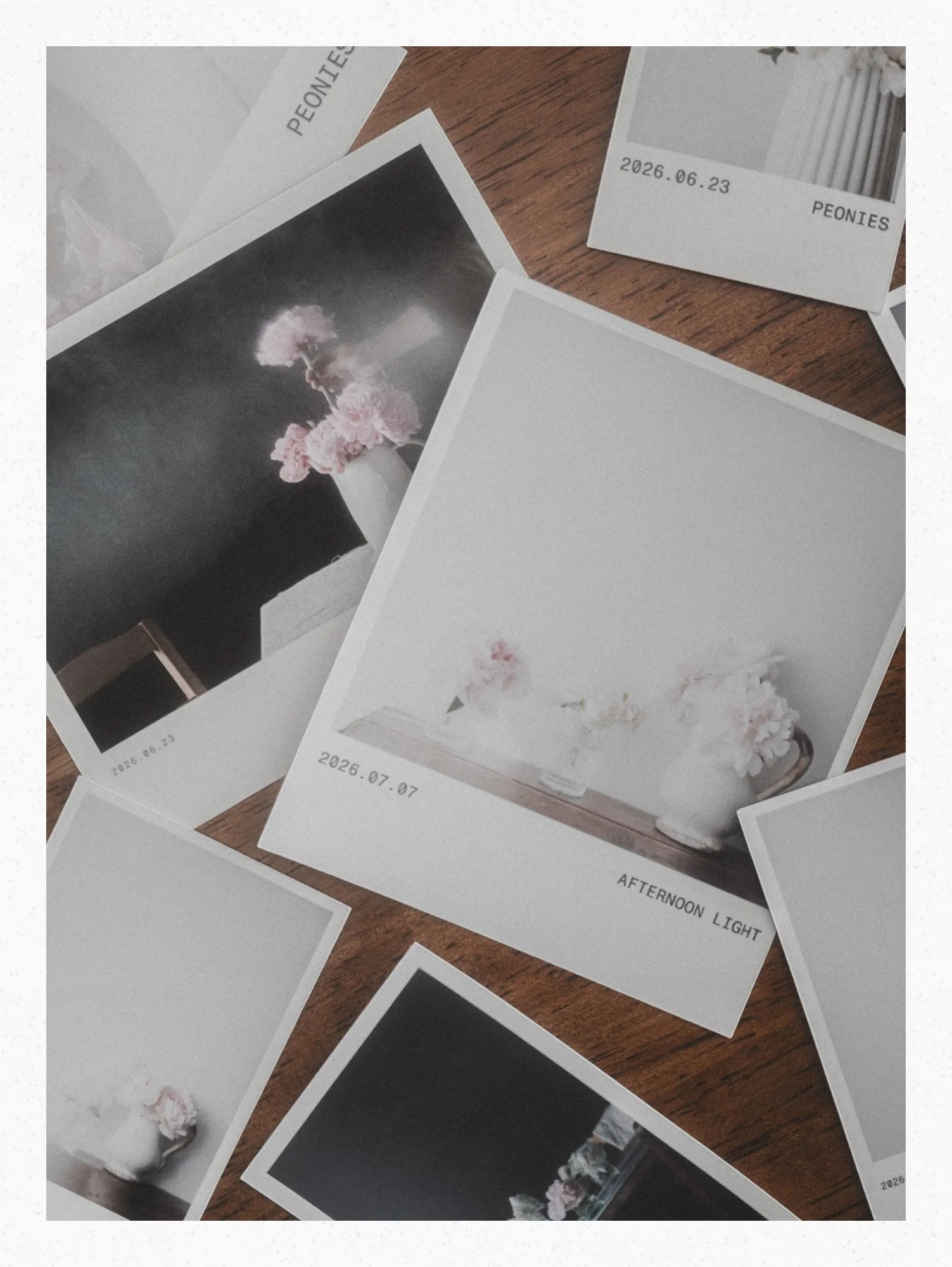
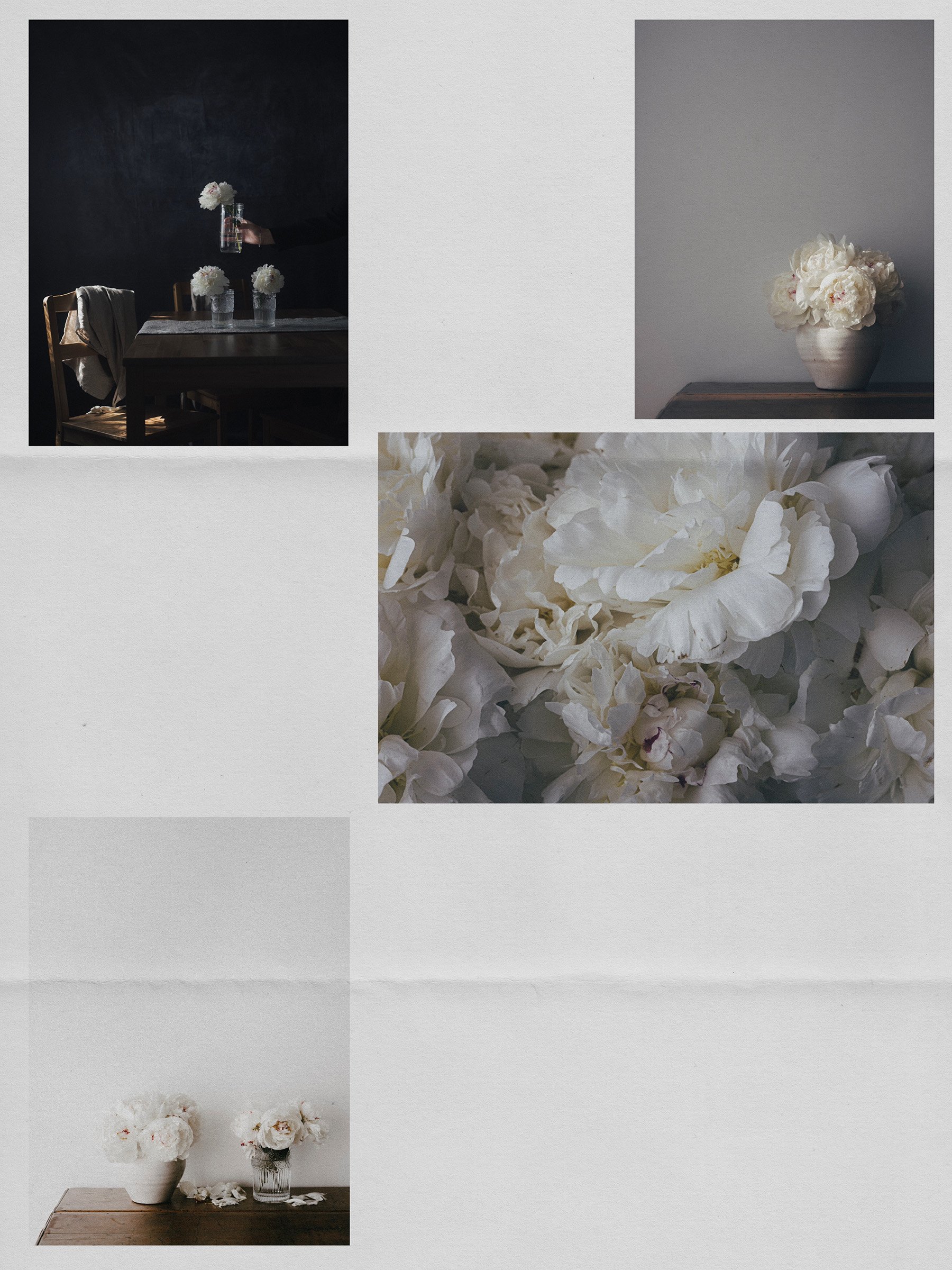
Proof made my pretty peony photos into beautiful film frame prints with only a few clicks.
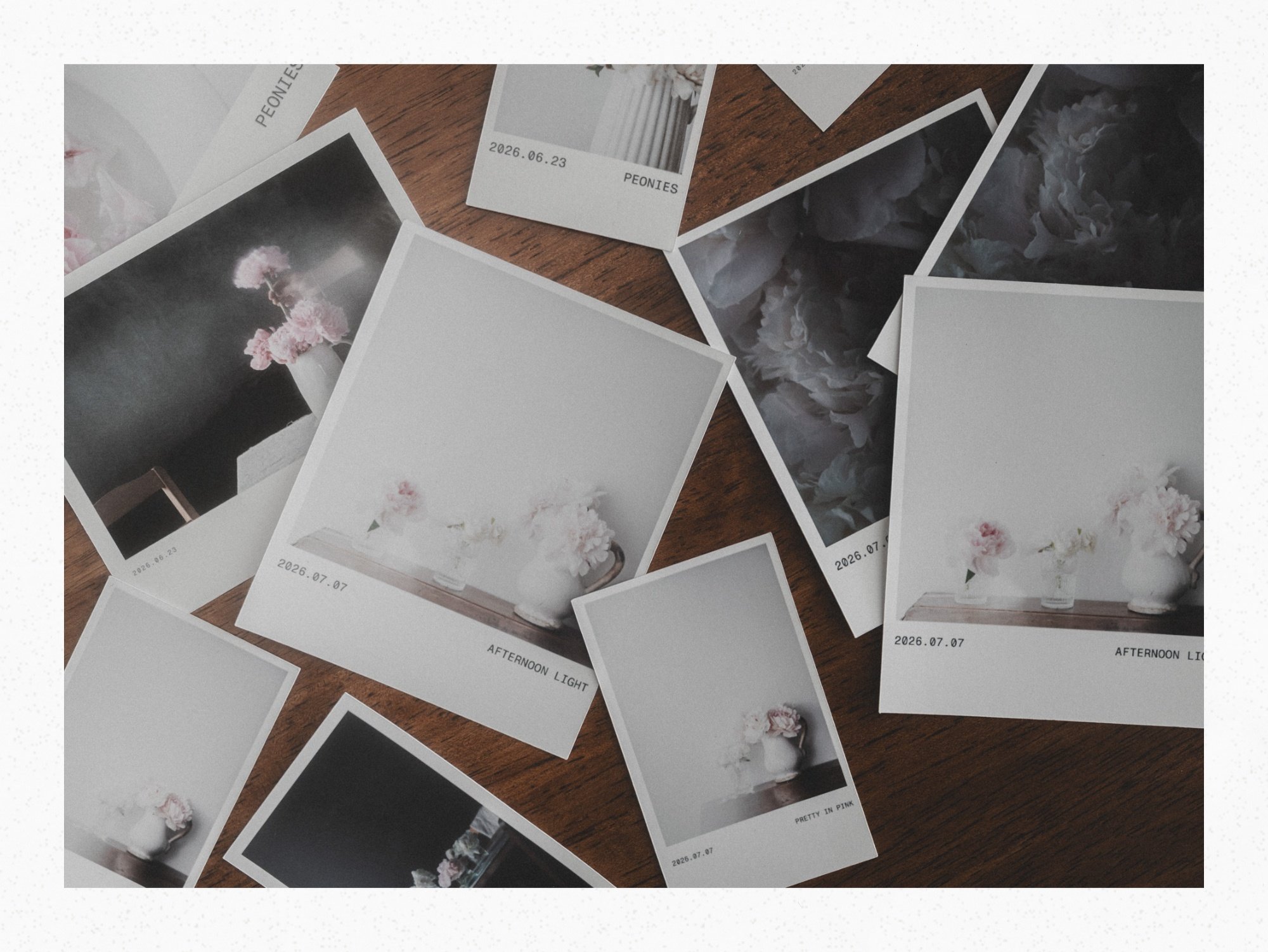
And the workflow is so simple it almost feels like cheating.
I lay out my film frame in Proof, get it looking just right, then export the Cricut print then cut ready png file.
From there it goes straight into Design Space. Upload, tap Make.
That’s it.
Watching that little blade trace the edges is the best part. Screen to paper, never gets old.
In today’s video I walk you through all of it. The layout in Proof. The export. The Cricut steps.
Then over to my cricut to watch it cut.
Meet Proof
And of course I had to put my film frame print photo into a film frame from the new FRAME app.
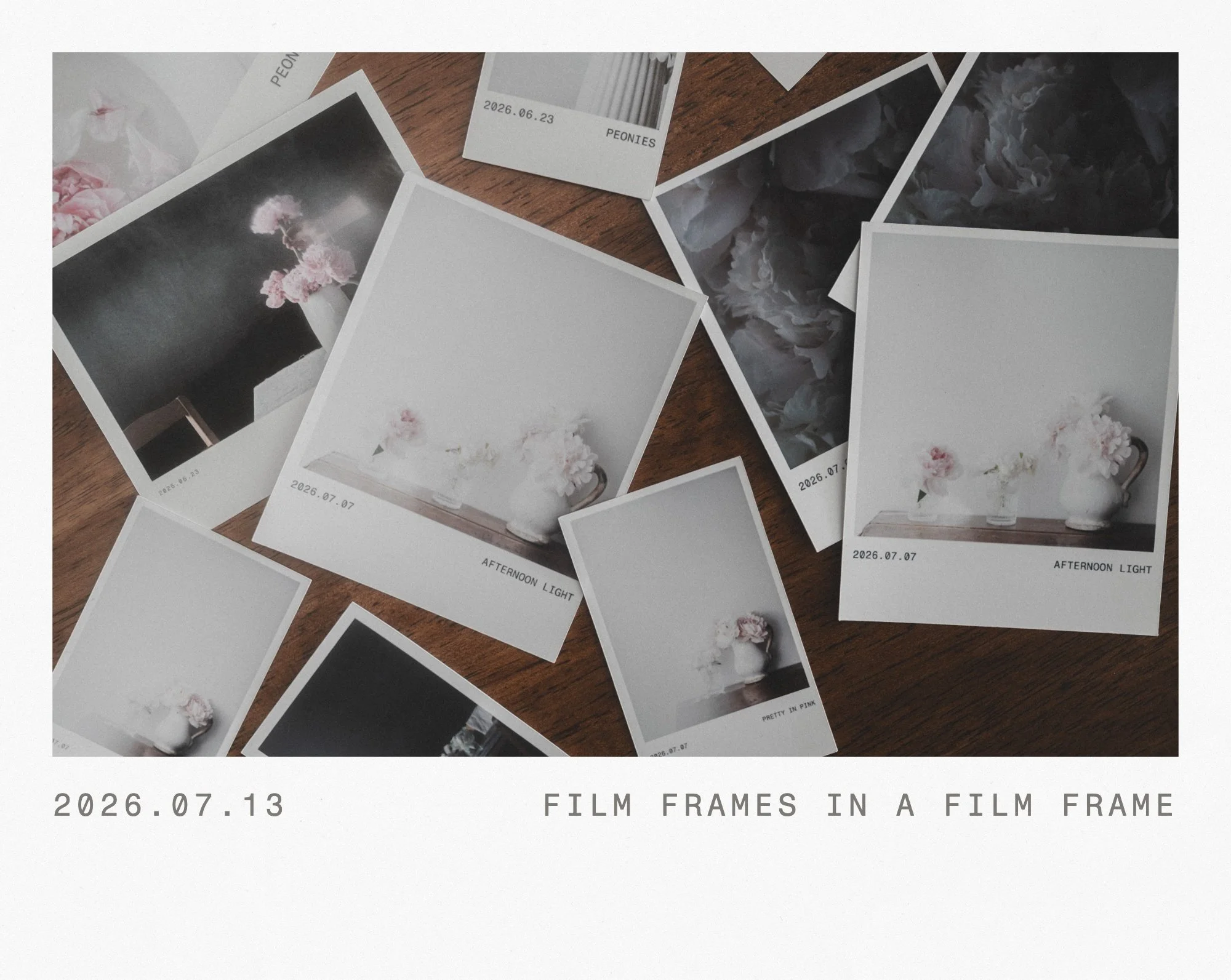
instant landscape film frame
You might also Enjoy
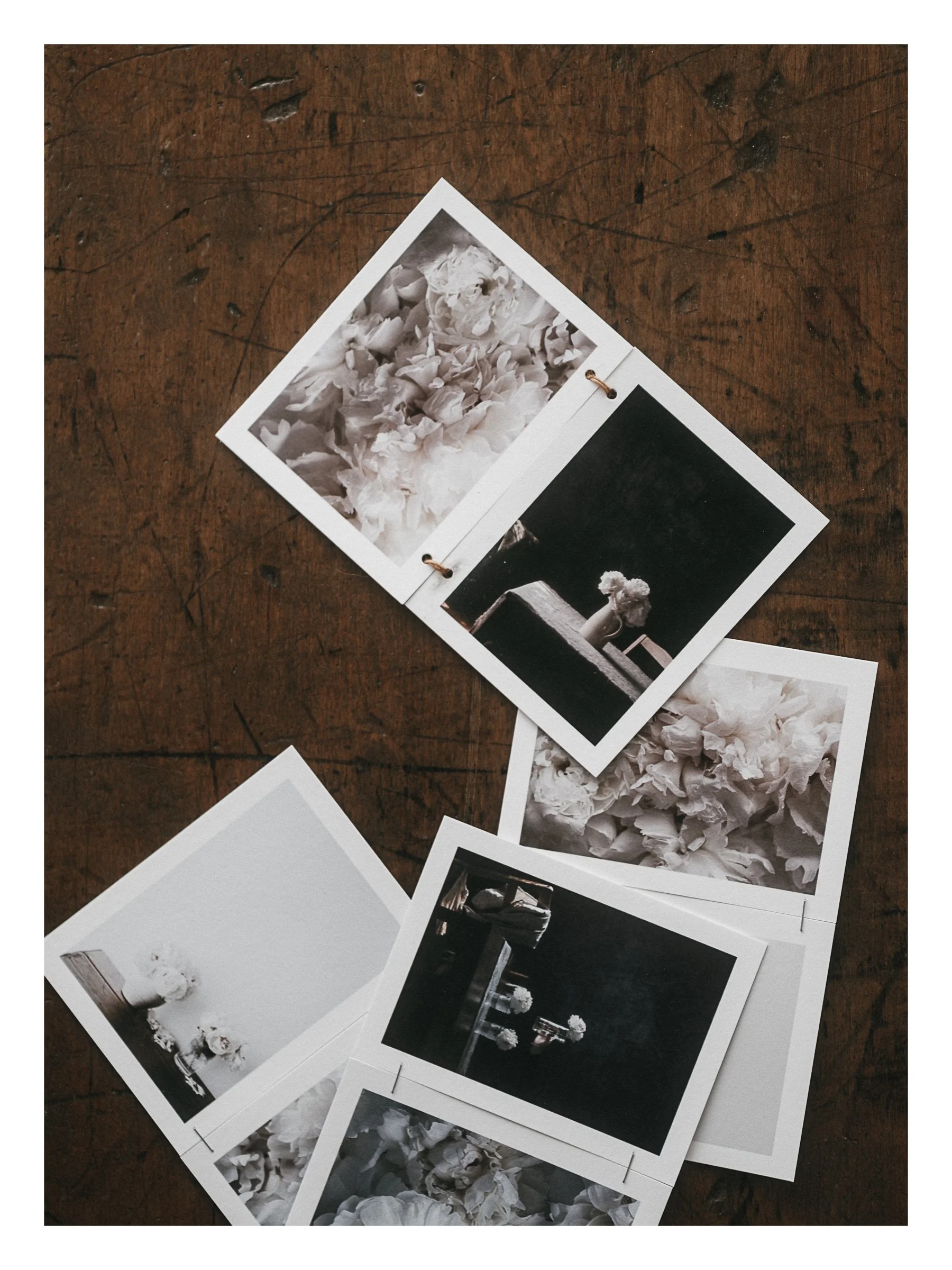


Design a seamless carousel from your own photos, check every swipe, split it for Instagram, then print it so it lives on instead of fading away in your feed. Video Tutorials included