

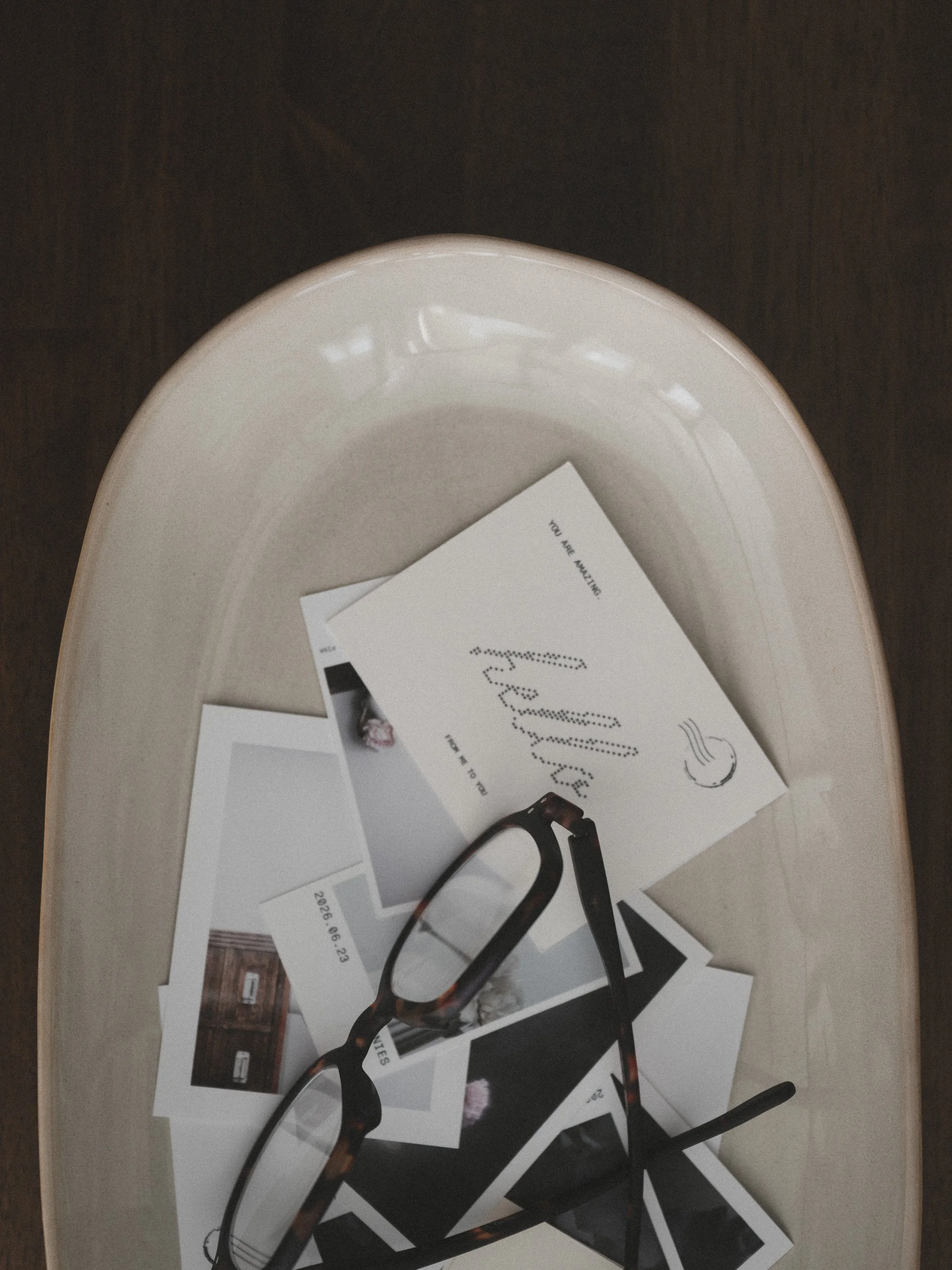
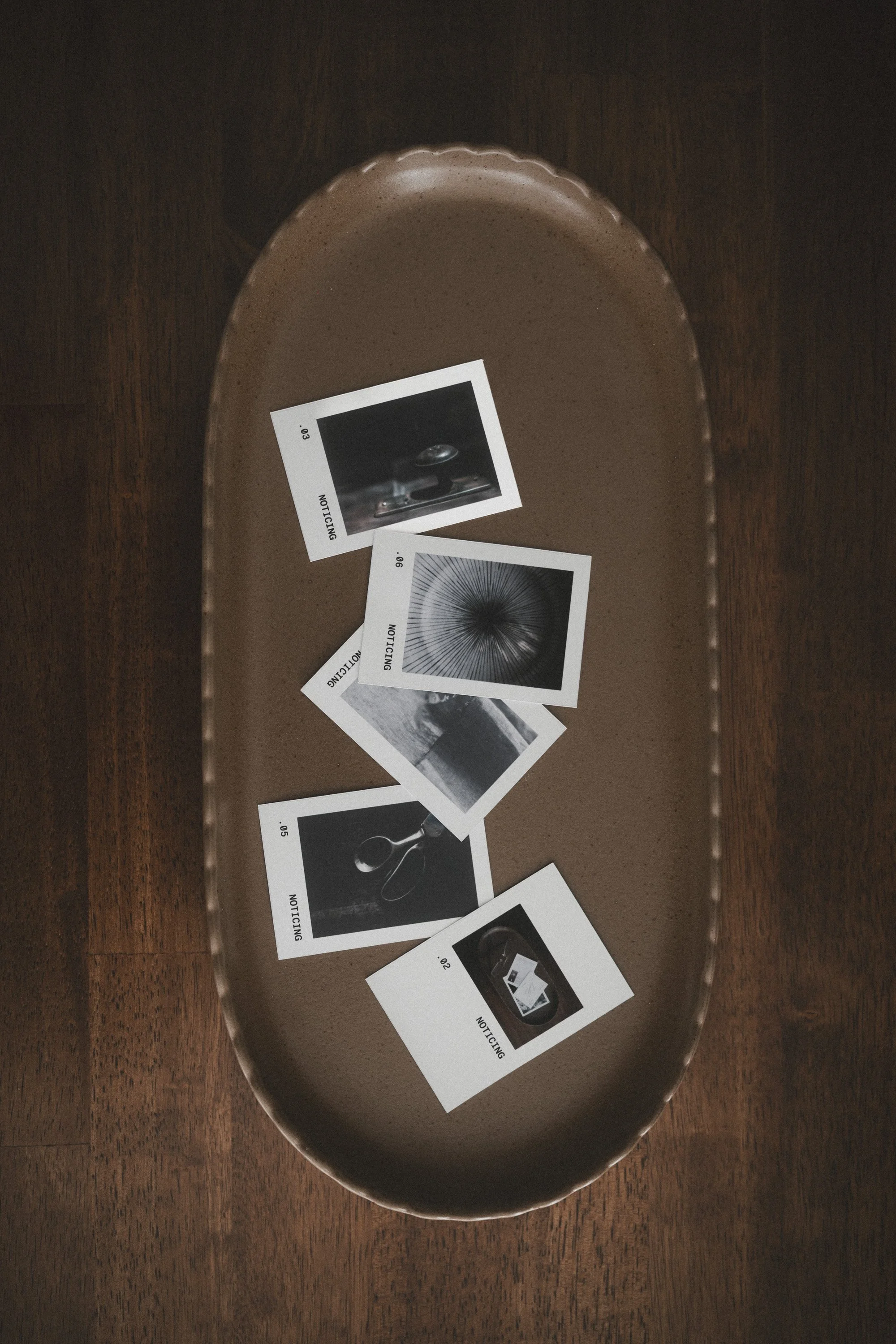

White Space Studio
A theme each month. A live workshop to kick things off. A classroom where we share what we made. And the White Space Studio tools, for your photographs and words, included.
Join · $127 USD a year
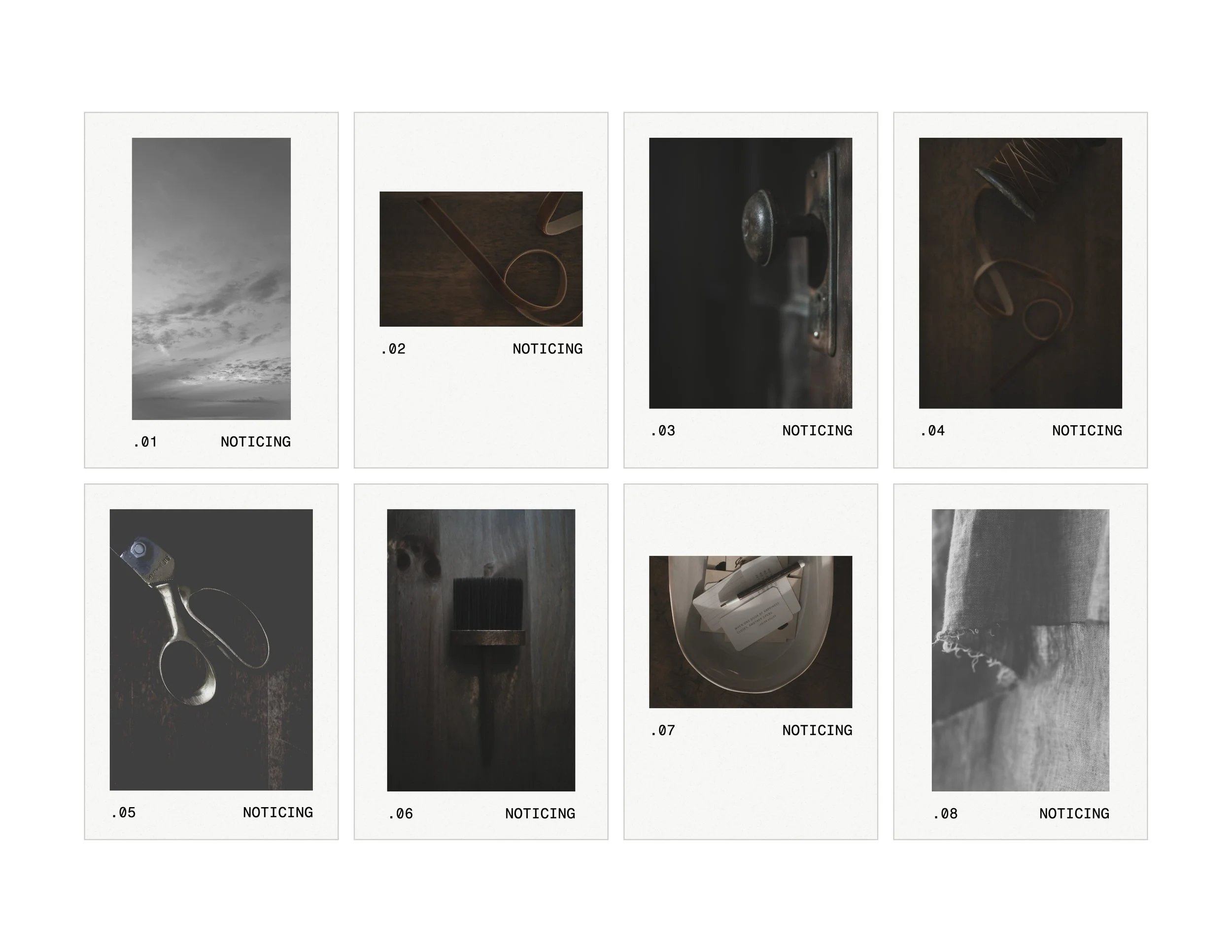
THIS MONTH IN THE STUDIO
‘MULTIPLES’
I don't know about you, but I'm so guilty of taking one photo and walking away. Click. Done.
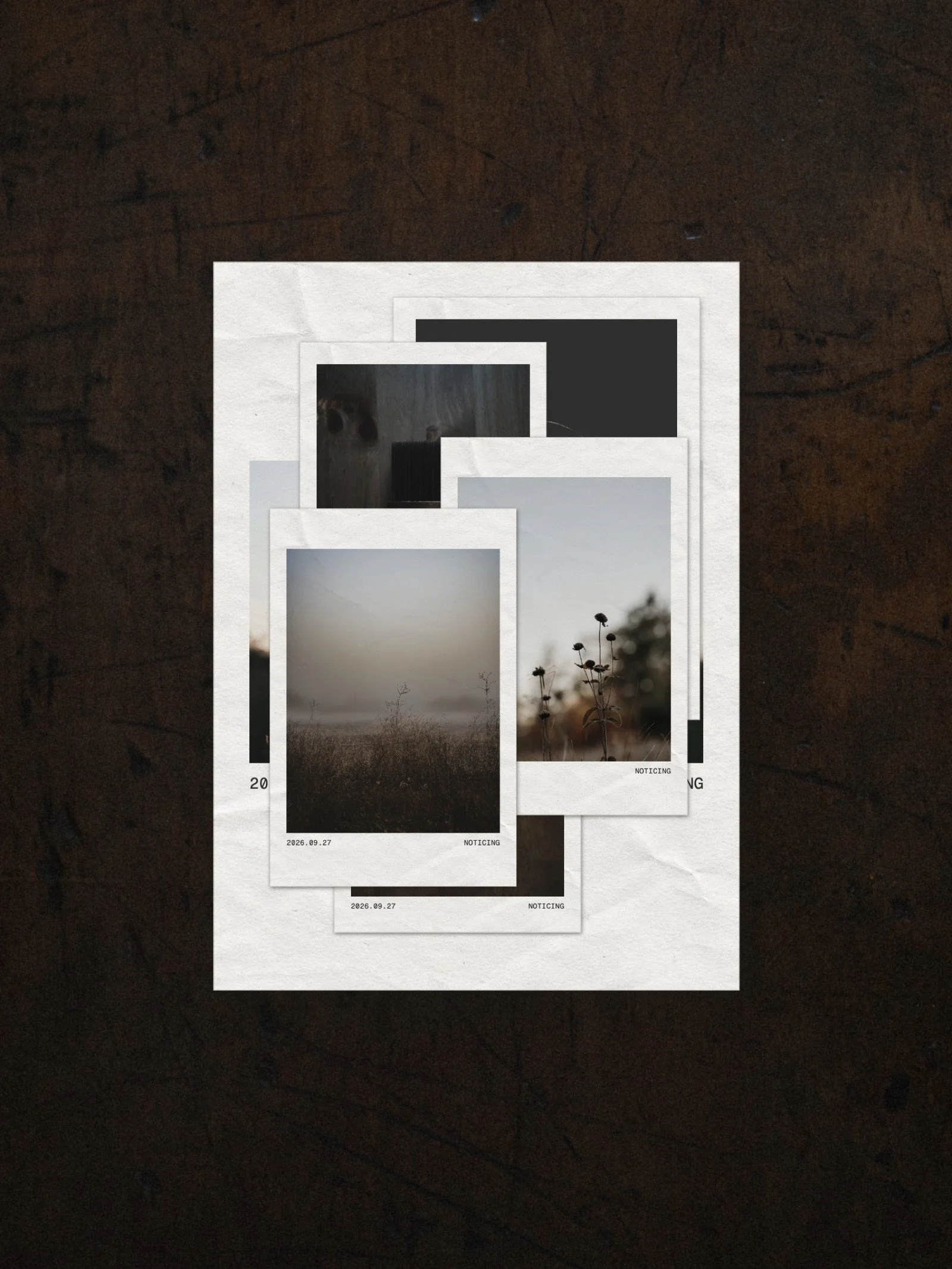
This month we stay a little longer. Take the wide shot, then get closer. Then closer again, right down to the details. Walk around to the other side. Look down from above. There's almost always more than one photo hiding in a scene… we just have to look for it.
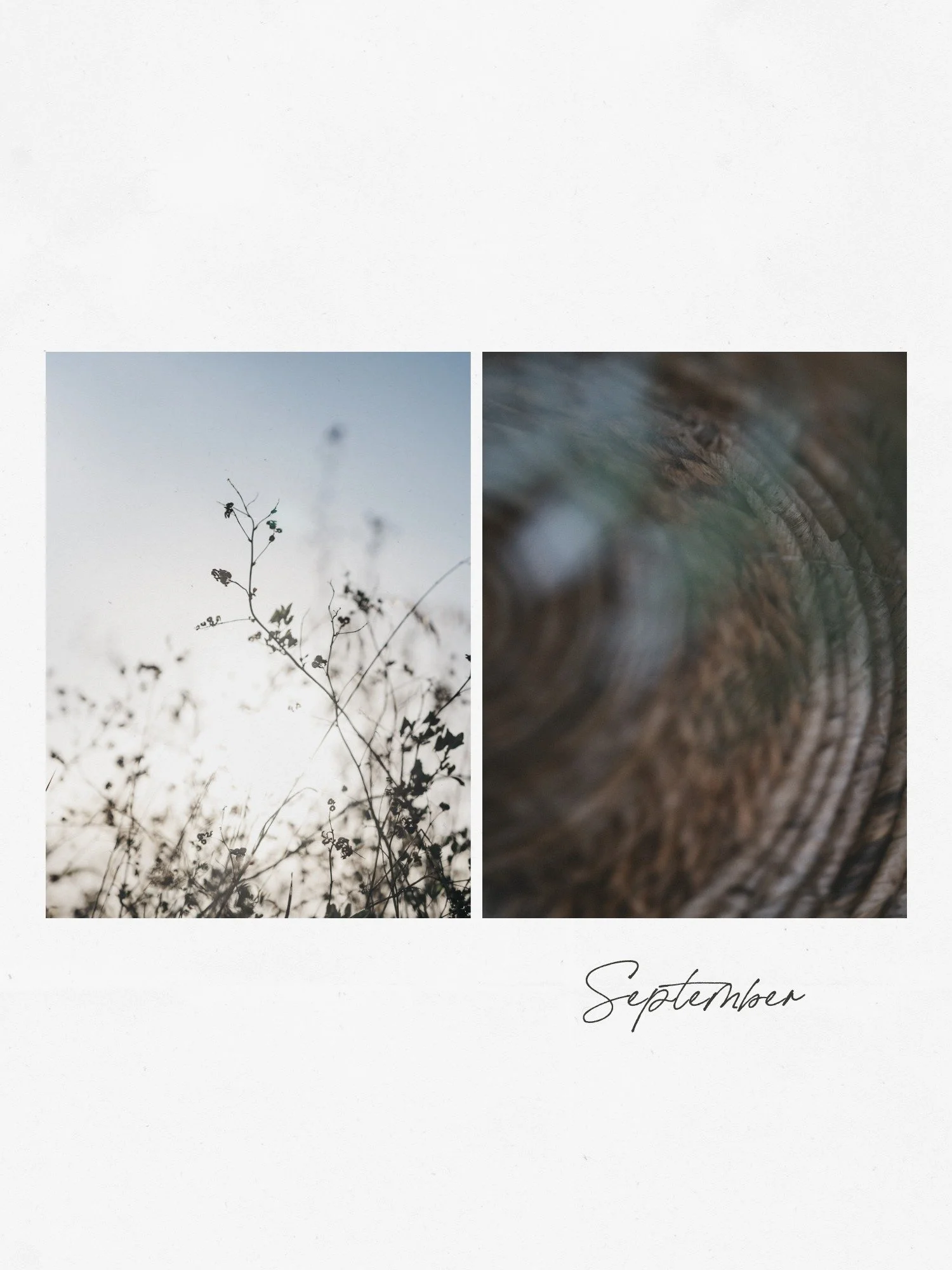
And then the fun part, putting them together. A carousel in SOCIAL that unfolds swipe by swipe, a ZINE spread, a proof page of everything you saw.
We'll kick it off live on Monday, October 5 at 11 am Central. I'll share the MULTIPLES mood board and tell you all about the Social Experiment (more on that below).
Can't make it live? The replay will be waiting for you in the members area.
(Each month brings a new theme, with inspiration along the way.)
THE SOCIAL EXPERIMENT · OCTOBER 12 TO 31
What if social could be fun?
I realized recently it's been almost 11 months since I posted on Instagram. Someone asked me why. There wasn't a reason. I was doing all the things, and social just slipped out of my days.
So I'm starting an experiment, and I'd love for you to join me.
I'll tell you all about it at the October 5 live. Then you have that week to make your plan. Every day, once a week, whenever it feels doable. Yours can look however you like.
We start together on Monday, October 12 and go to the end of the month.
And the lovely thing about MULTIPLES? One scene can give you a whole week of posts.
Once a week, I’ll show you exactly how I made one of my posts. From SOCIAL in the Studio, to putting it all together, right through to posting it on Instagram. Every step, so you can follow along and make your own.
Add #thesocialexperiment to yours so we can find each other.
First the Inspiration, then the How
For years, this is what I've done. I follow my curiosity, play, learn, experiment, and then I share what I’ve discovered with you. From inspiration to something beautiful you can share, in print or online.
Each month, a new theme. A live workshop to open it, with the replay in the classroom. A place to share what you made, and see what everyone else made. Short tutorials, new ones every week. Watch one in five minutes, learn one thing, go make something.
'It's almost like you were in the brain of someone who is not very tech savvy and you created this way to do with ease. I love it.'
—Jocelyn Kempe
Something Tangible in a Digital Ai World
White Space Studio helps people take back their creative attention. Away from endless input and back to their own photographs, words and ideas.
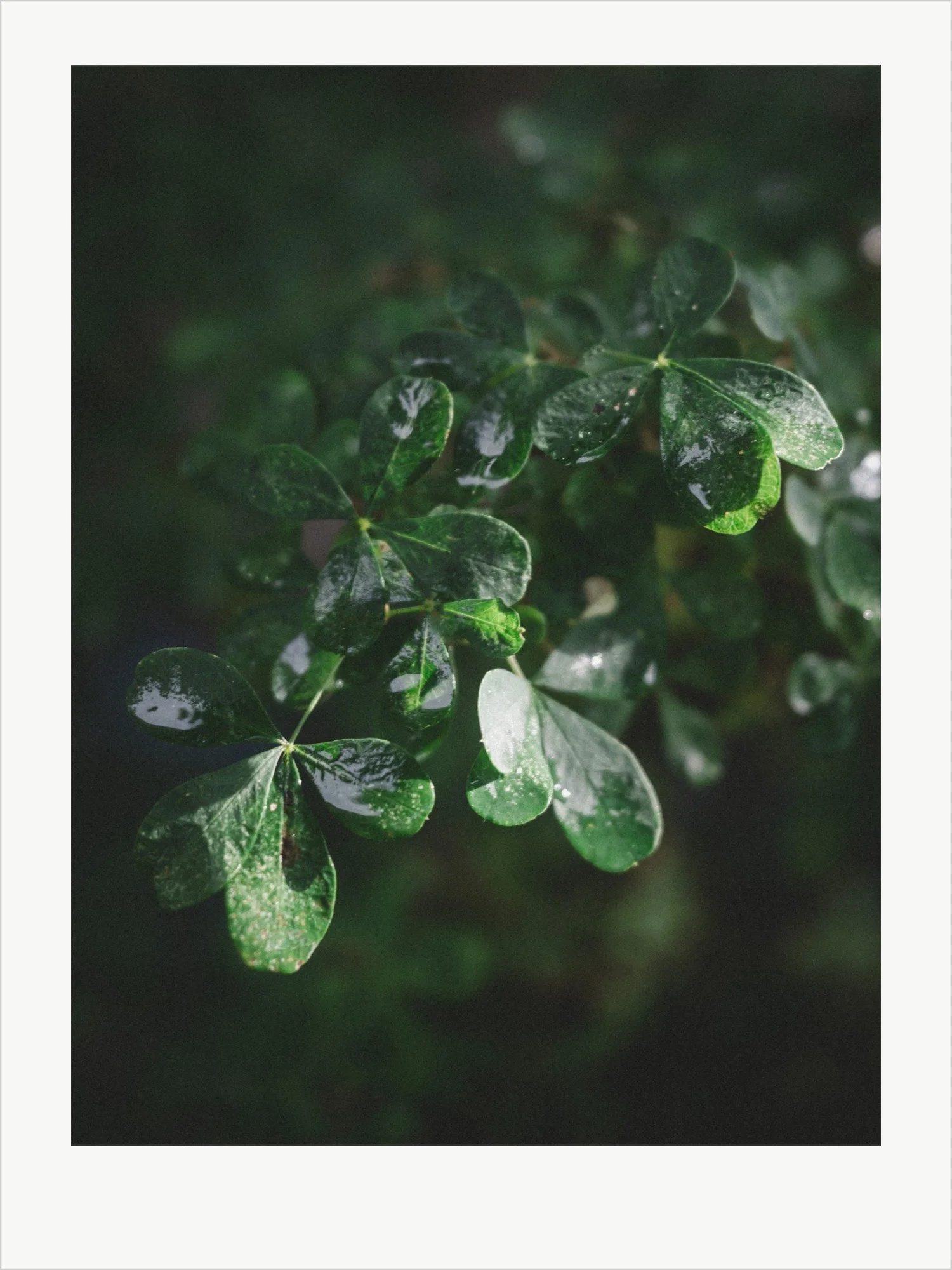
An invitation to make something meaningful
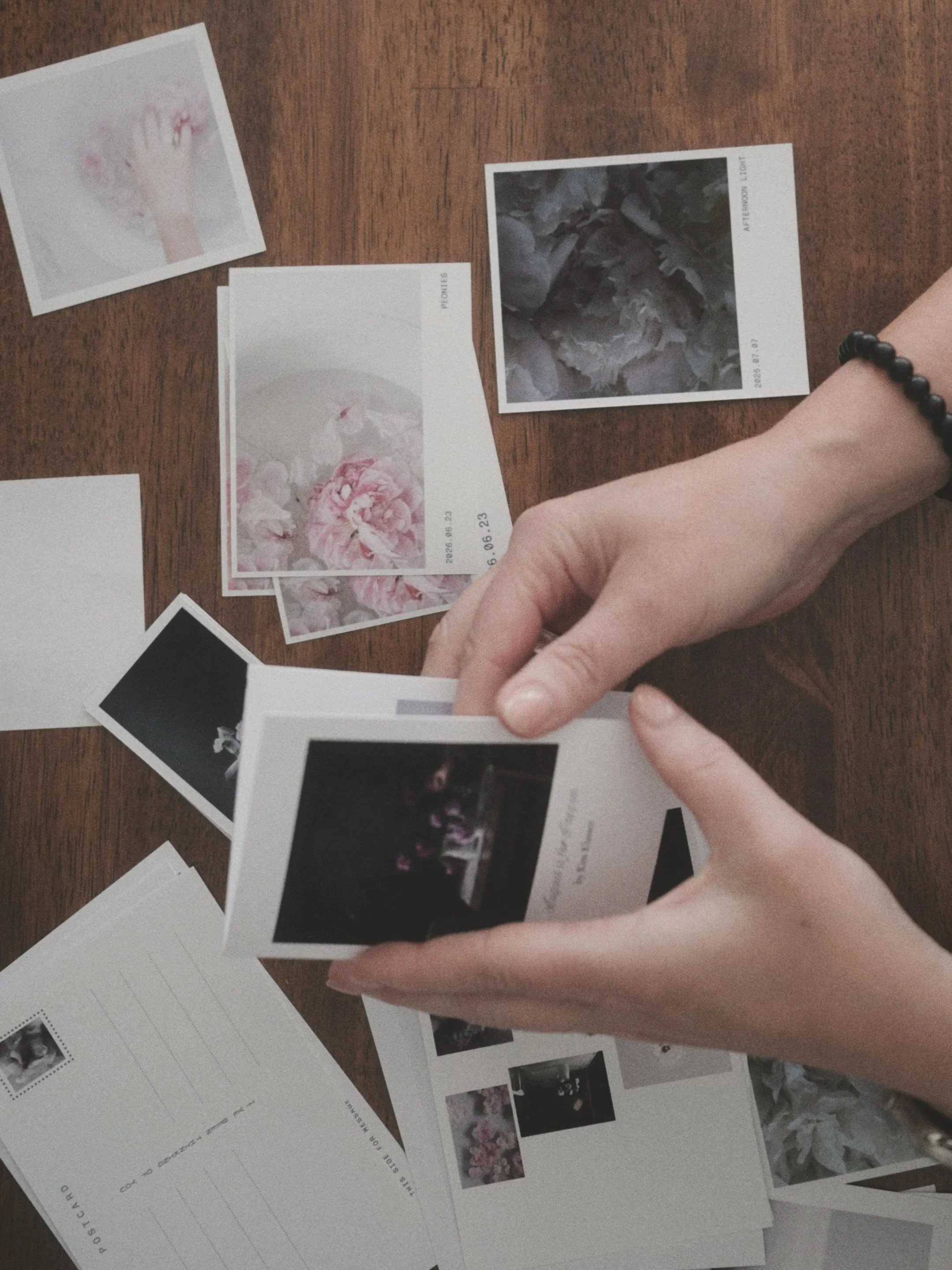
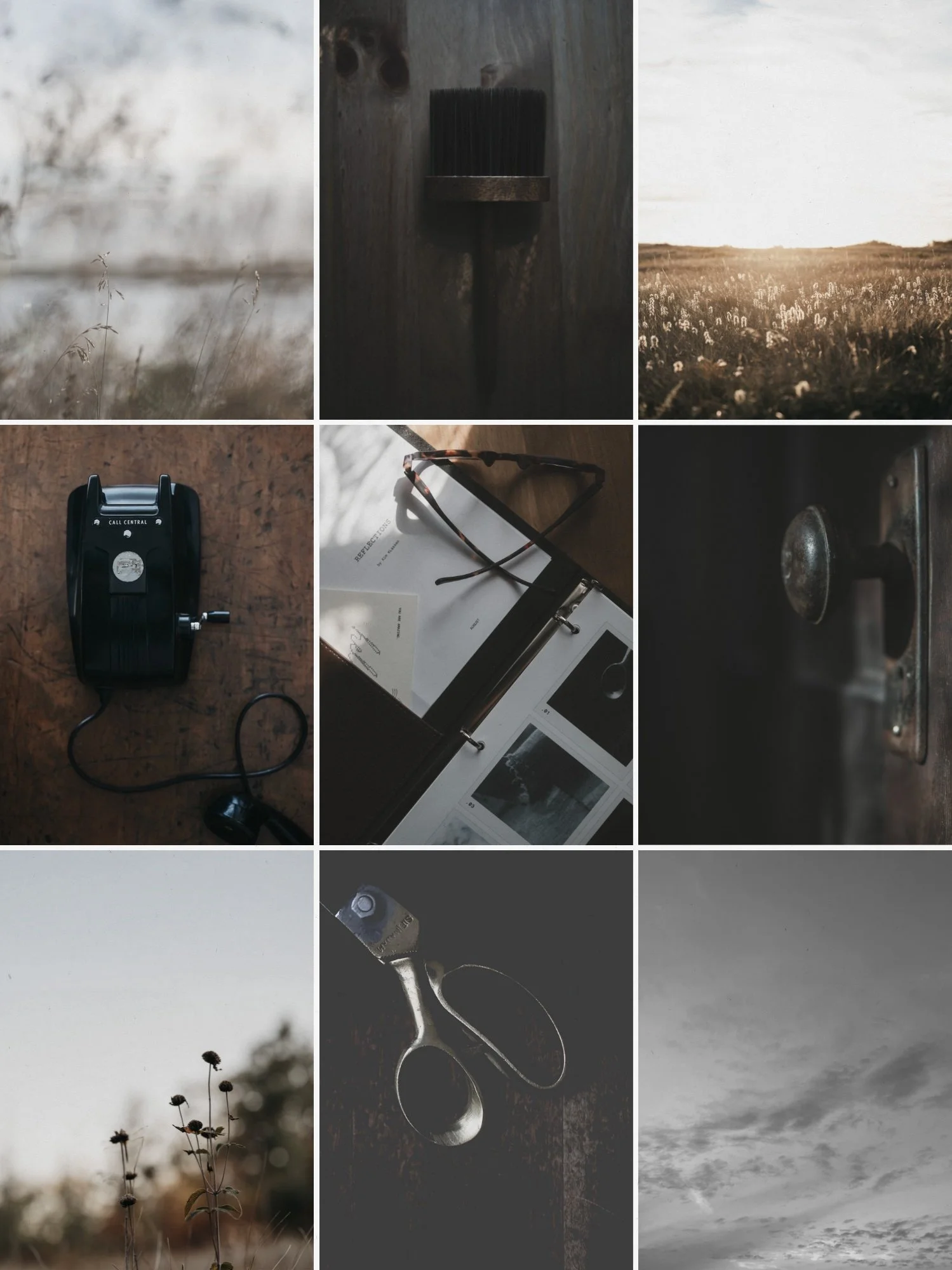
The photos on your phone, your camera, your hard drives, words in notebooks, screenshots saved (almost forgotten).
WSS is designed to bring your ideas to ‘life’.
Nine tools.
Library · Edit · Proof · Frame · Postcard · Zine · Social · Writer · Concept.
The typefaces already belong together. The layouts elevate your photos.
An invitation to fall in love with your beautiful work.
And while every app keeps adding more AI, these add none. Your photos and your words are more than enough.
Every tool began with something I wanted to make.
-
![]()
LIBRARY
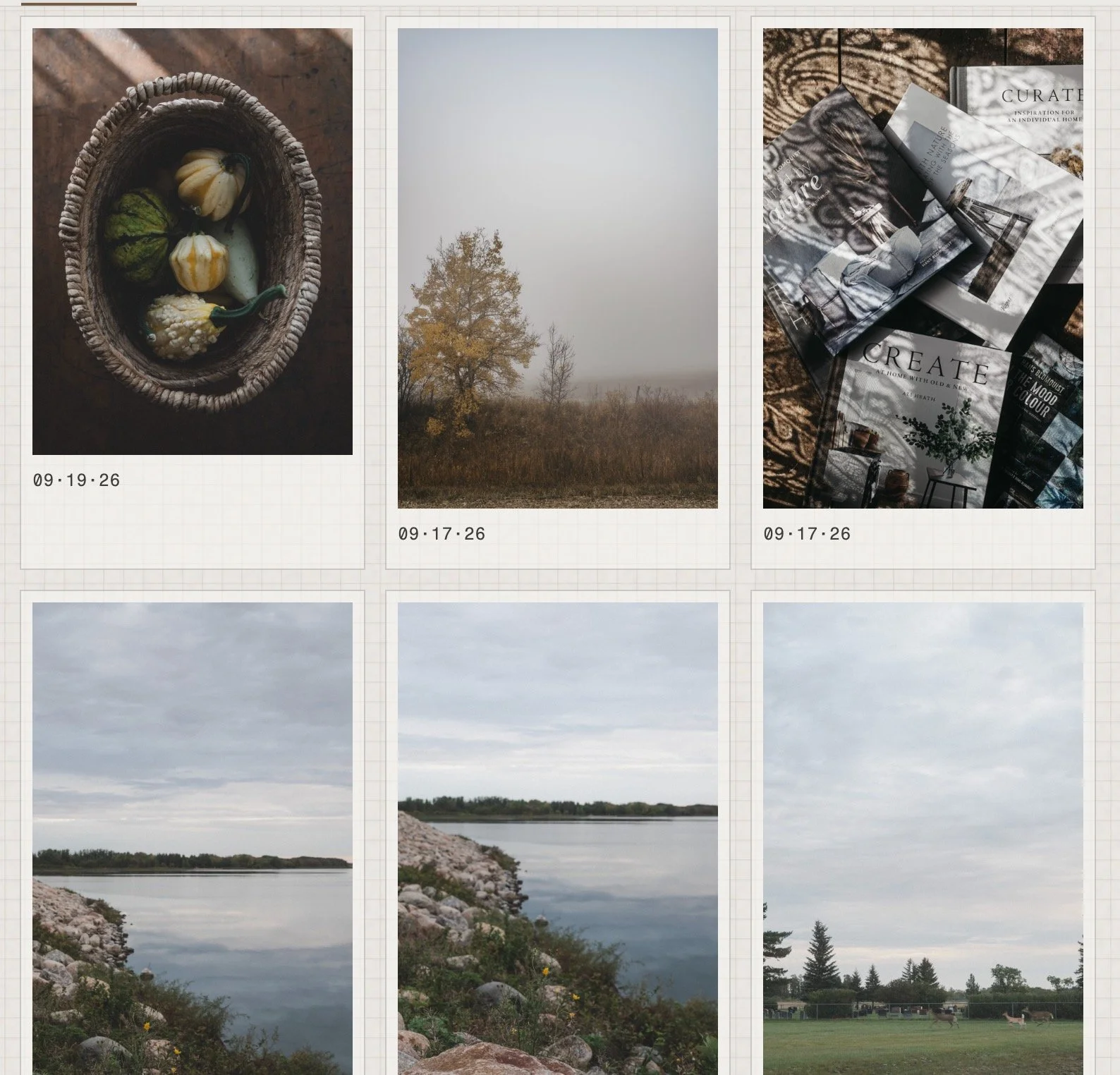
A home for all your photographs. Bring them in once and every tool in the Studio can find them. Gather your favourites into collections. Everything stays on your own computer.
-
![]()
EDIT
Give a photograph the look you love in one click with my Signature Presets. A small set of sliders lets you refine from there, and each one stops before things go too far.
-
![]()
SOCIAL
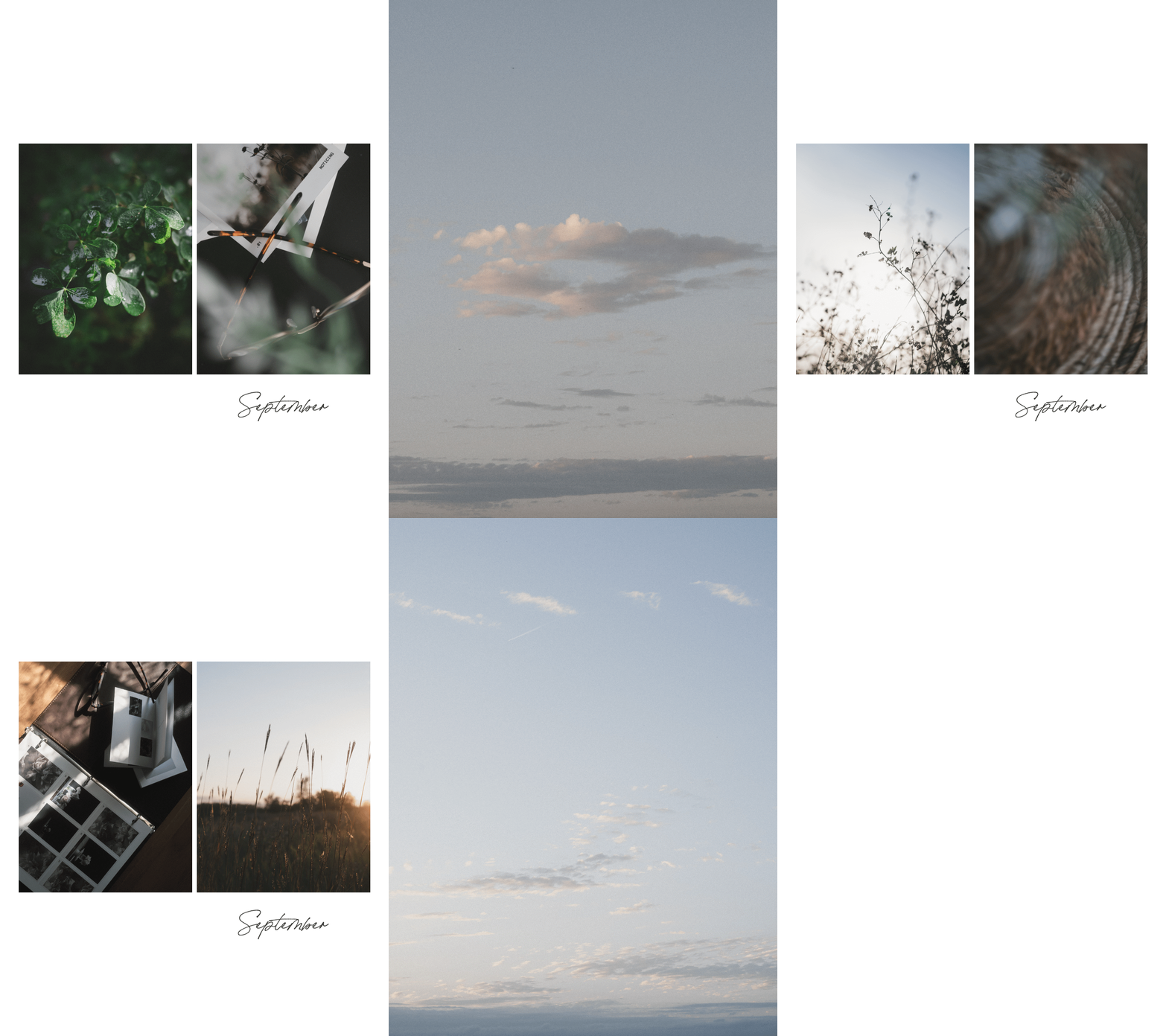
A carousel that reads as one continuous image, swipe by swipe. Or set your design in motion, with photographs appearing one by one, and export it as a GIF or MP4. Single posts, stories, and pins too.
-
![]()
FRAME
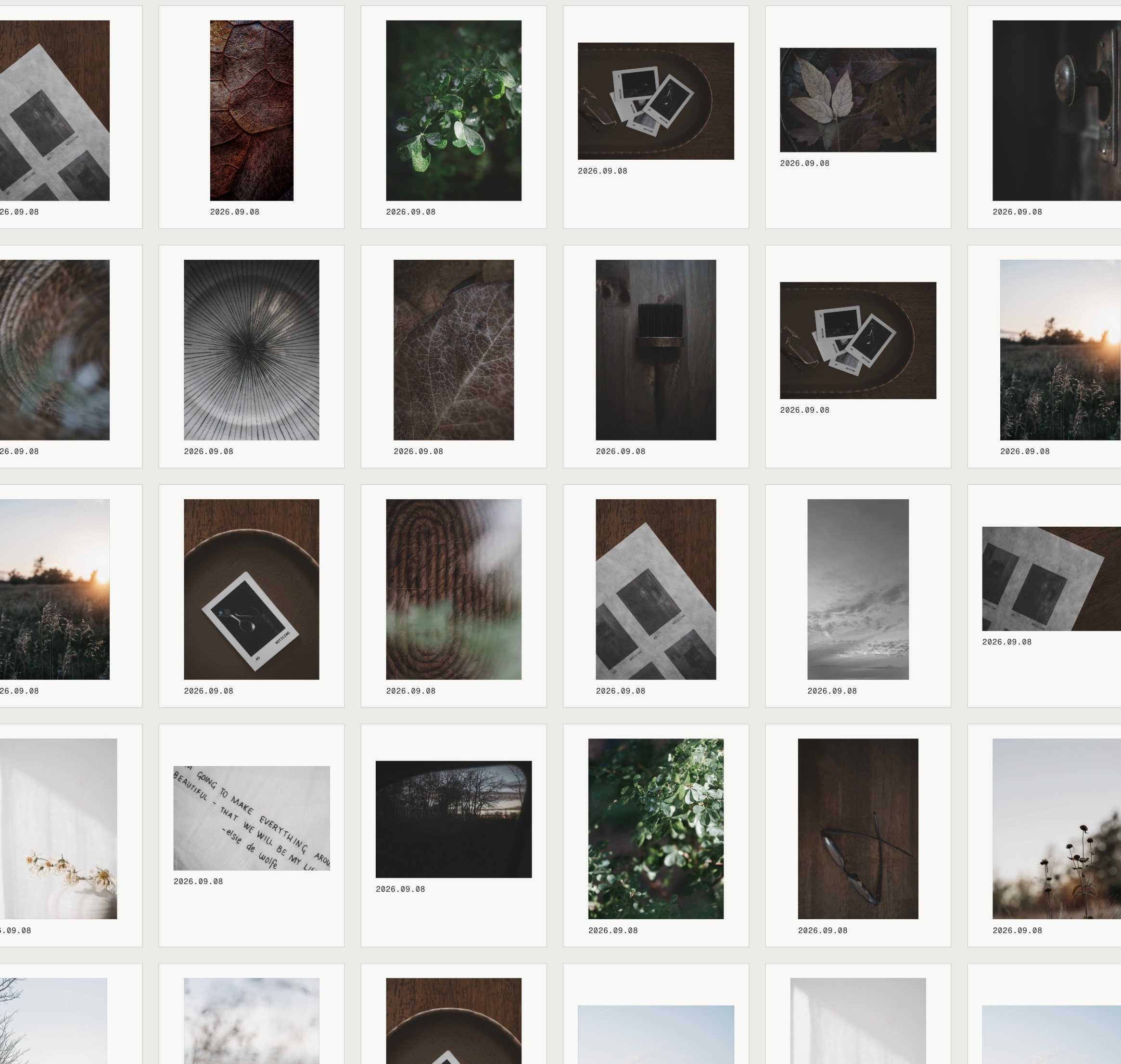
Where a photograph becomes a print. Choose a layout, decide how much white space it needs, add a few words. It looks finished on screen before it ever reaches the printer.
-
![]()
PROOF
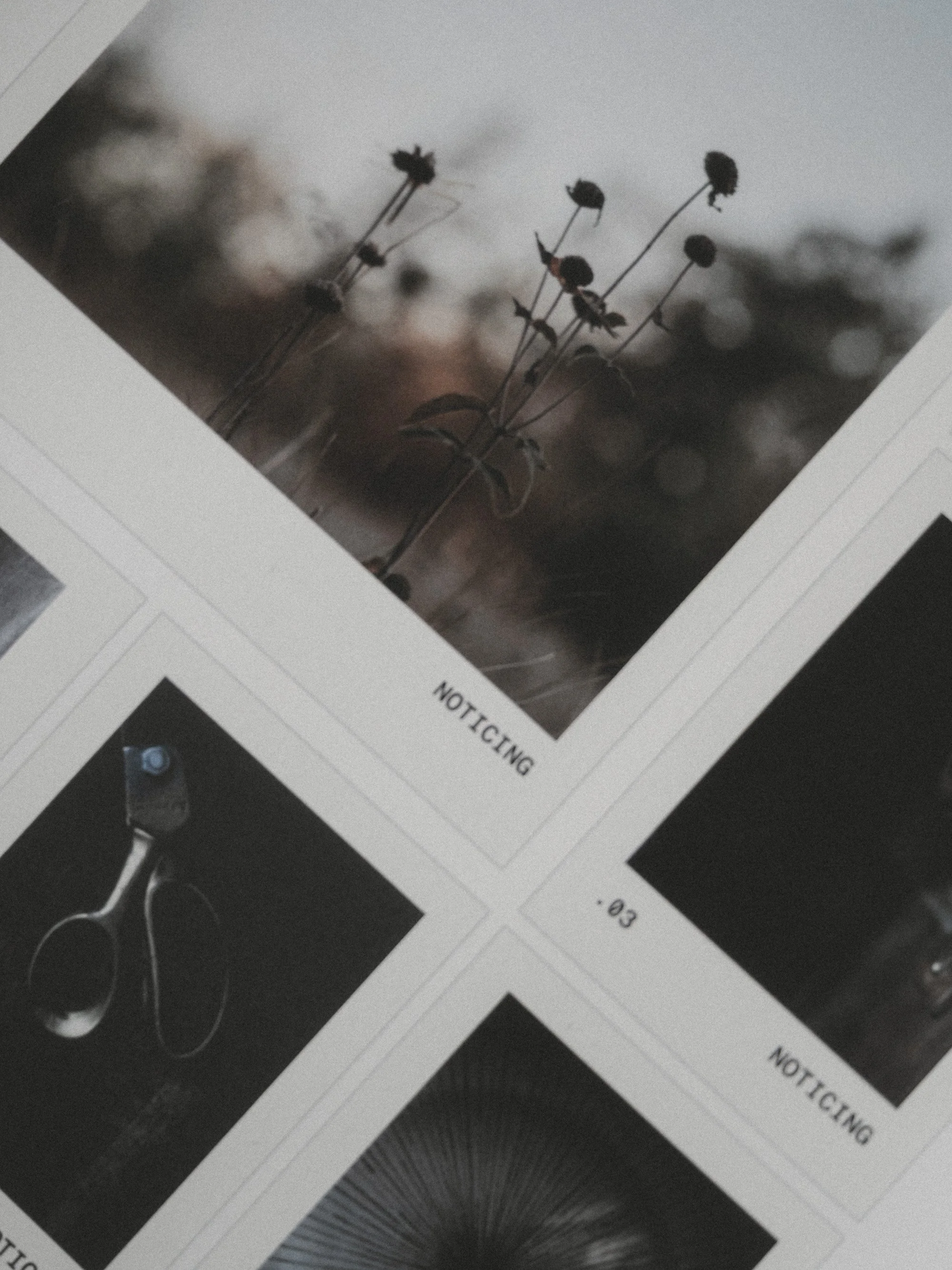
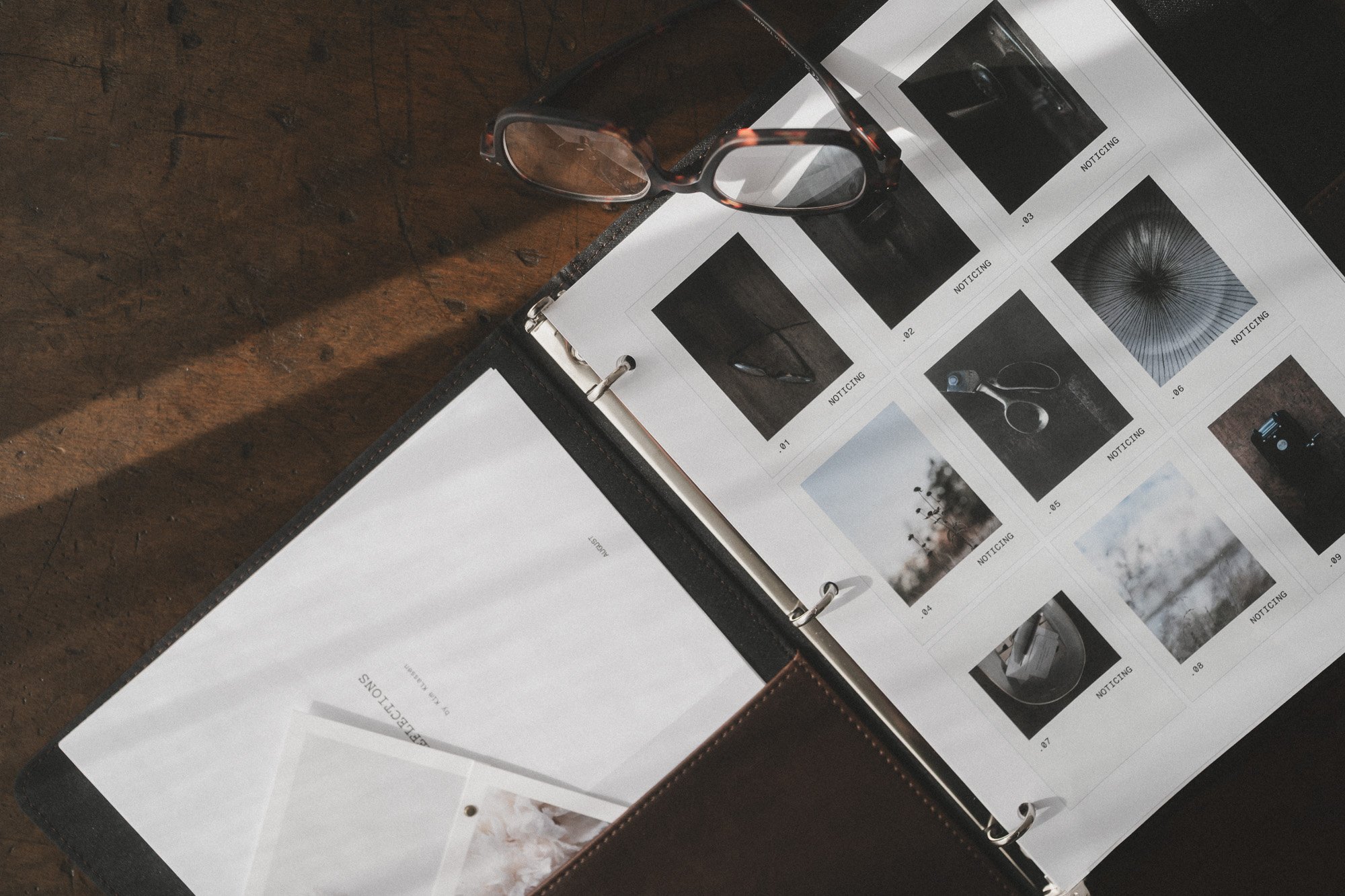
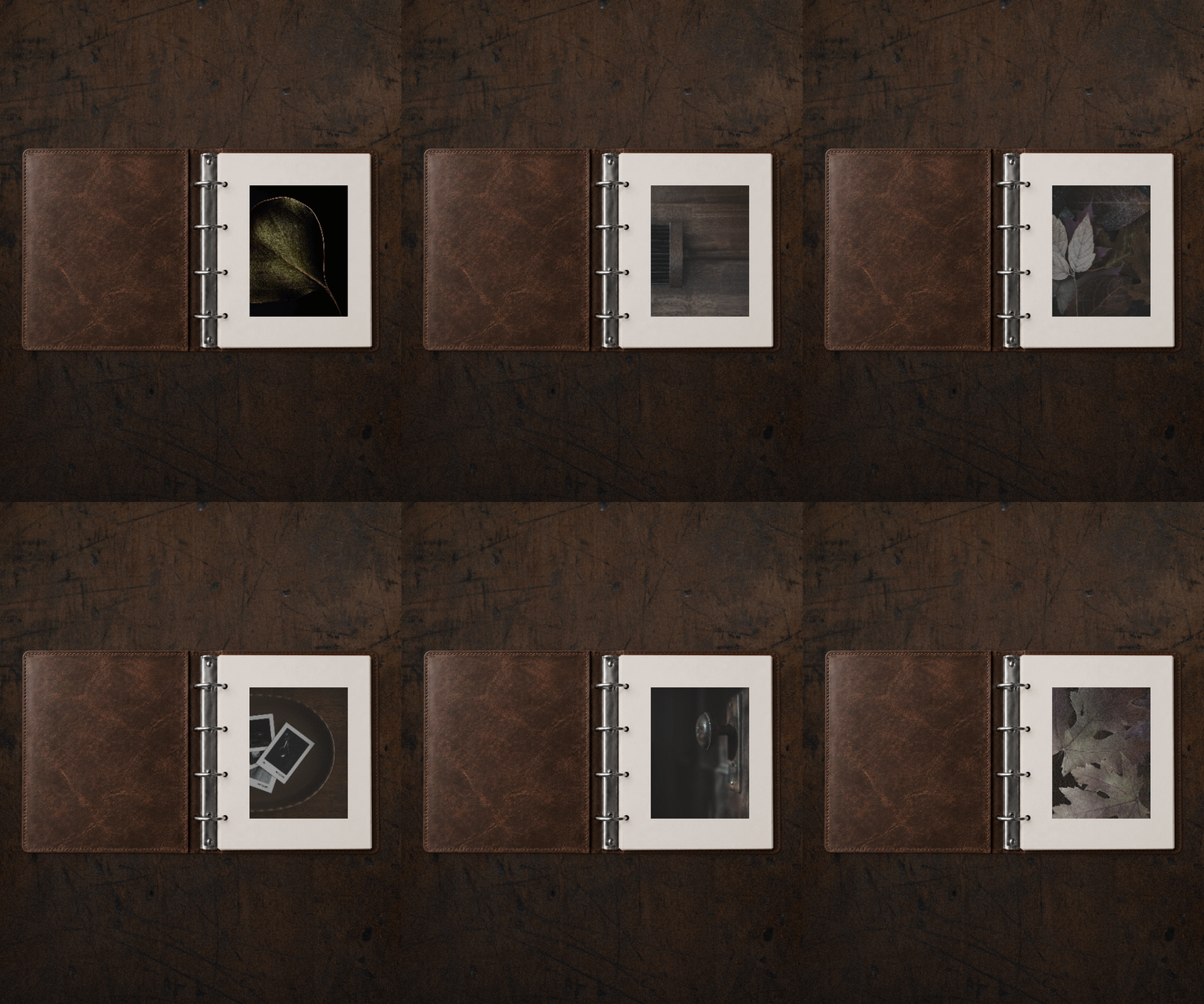
The whole shoot on one sheet, like the contact sheets we used to hold up to the light. Print it, circle your favourites with a pen, and slip it into a binder.
-
![]()
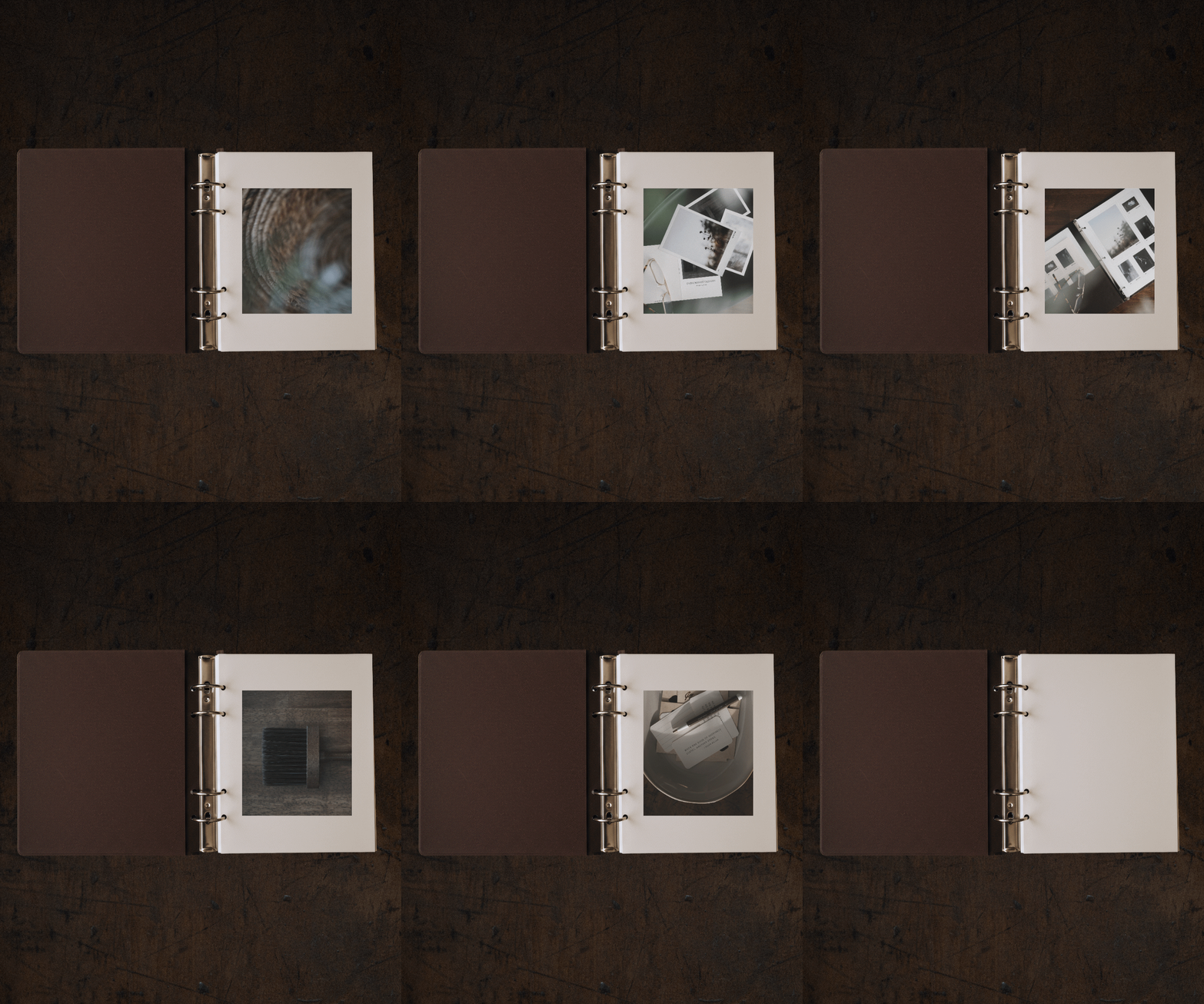
ZINE
A little book made from your photographs and words. Zine takes care of the page order, so you can print, fold, and hold a finished book. Your first one can start with the printer on your desk.
-
![]()
CONCEPT
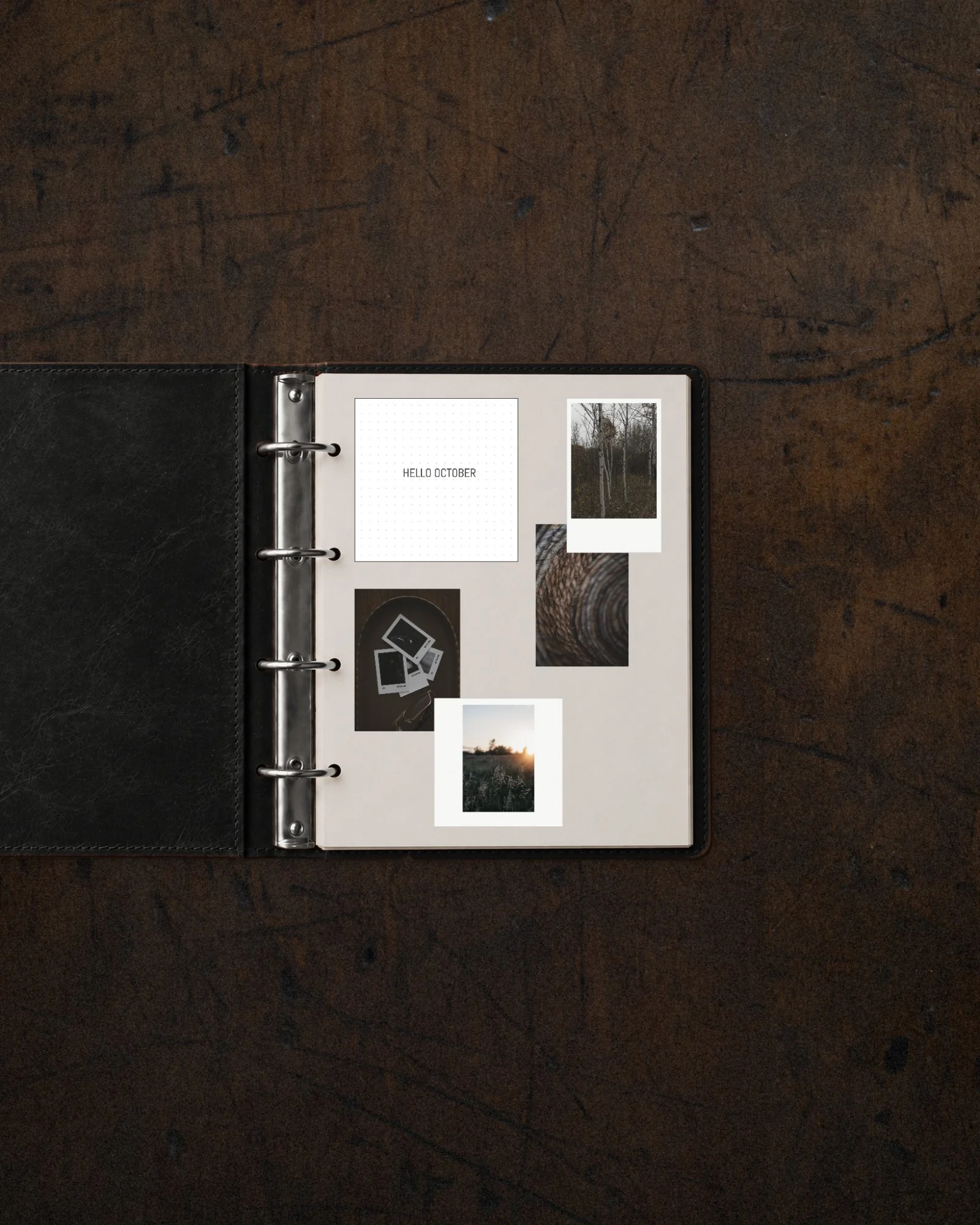
For the idea still taking shape. Gather photographs, words, and notes on one board and see what they're becoming.
-
![]()
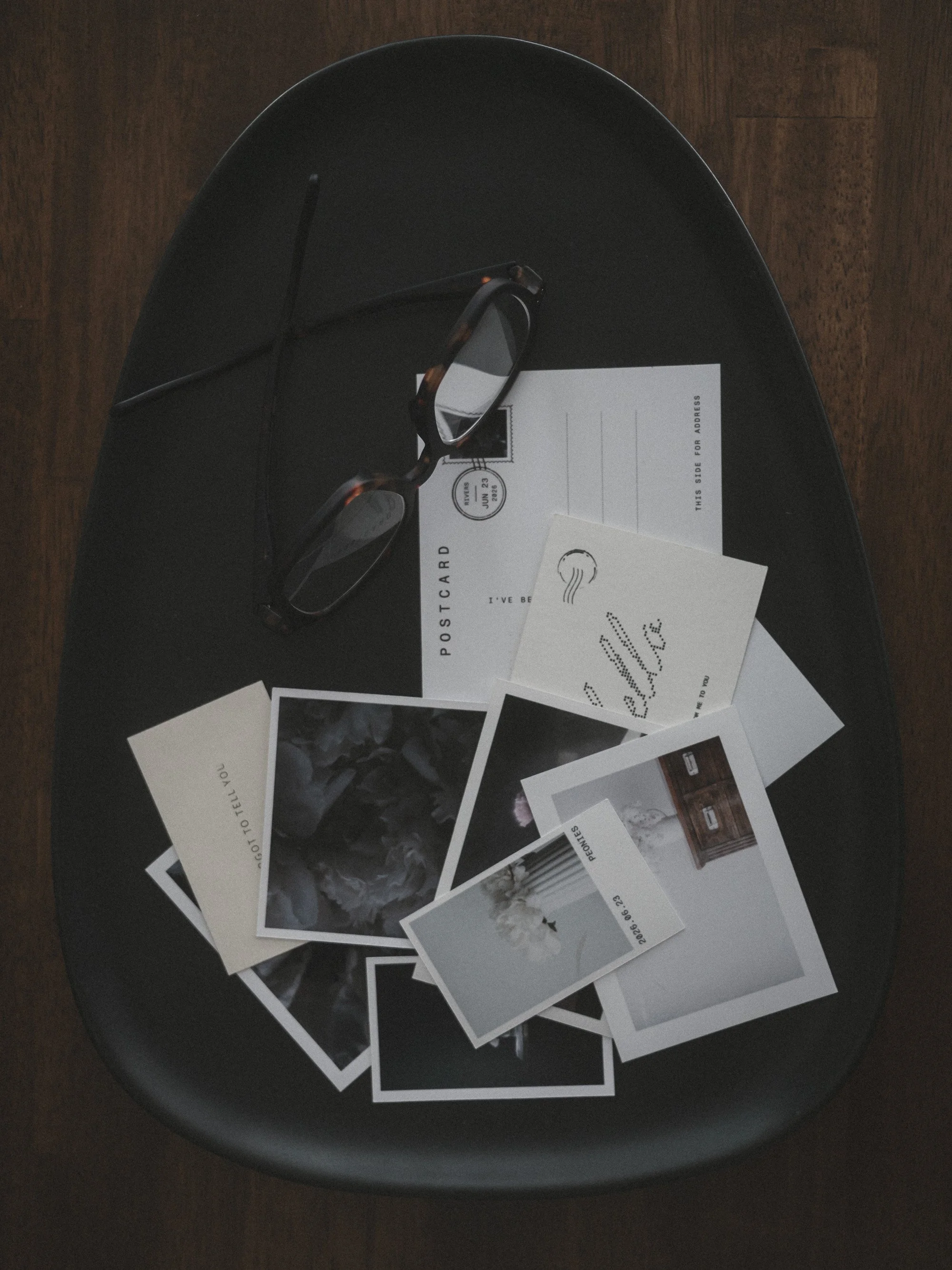
POSTCARD
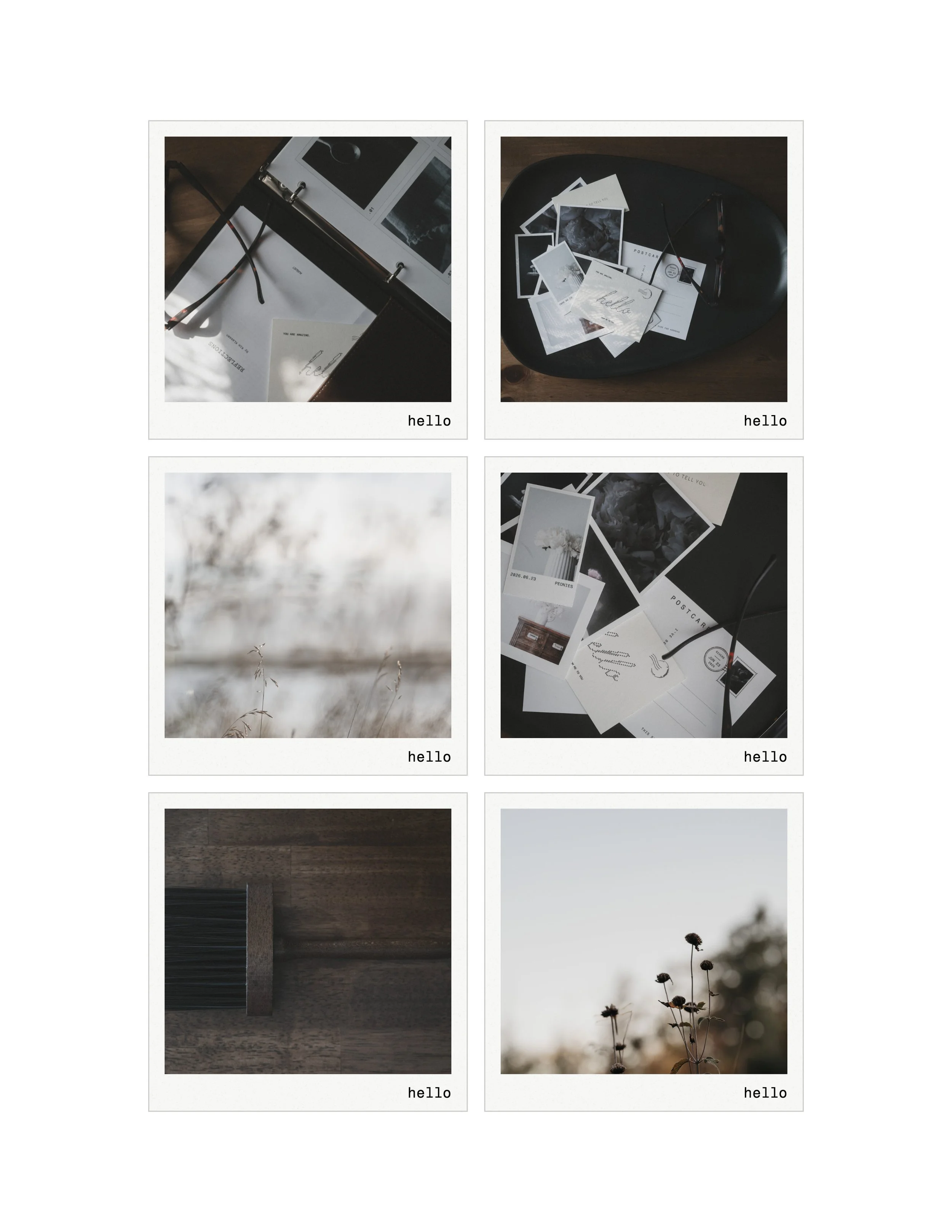
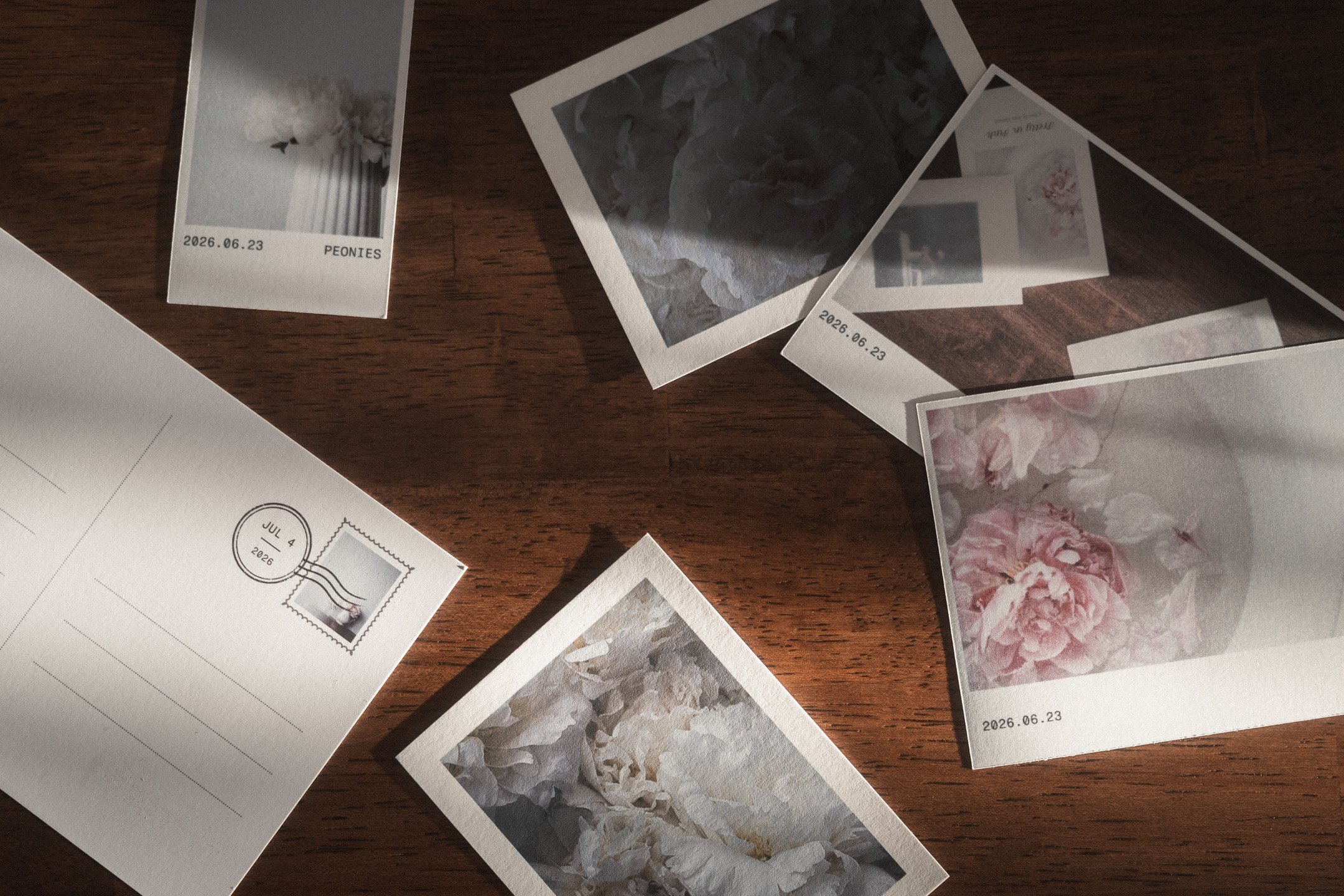
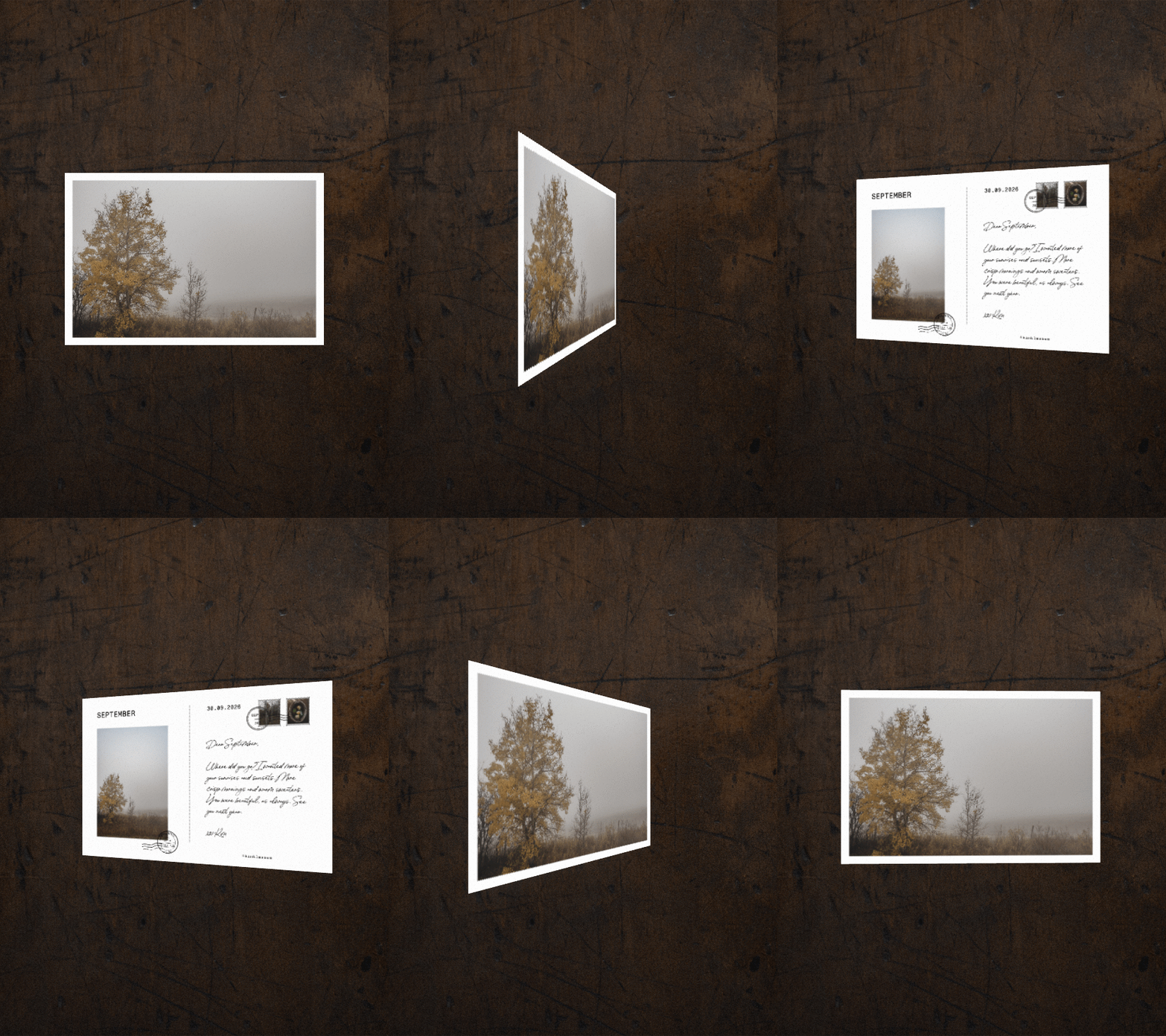
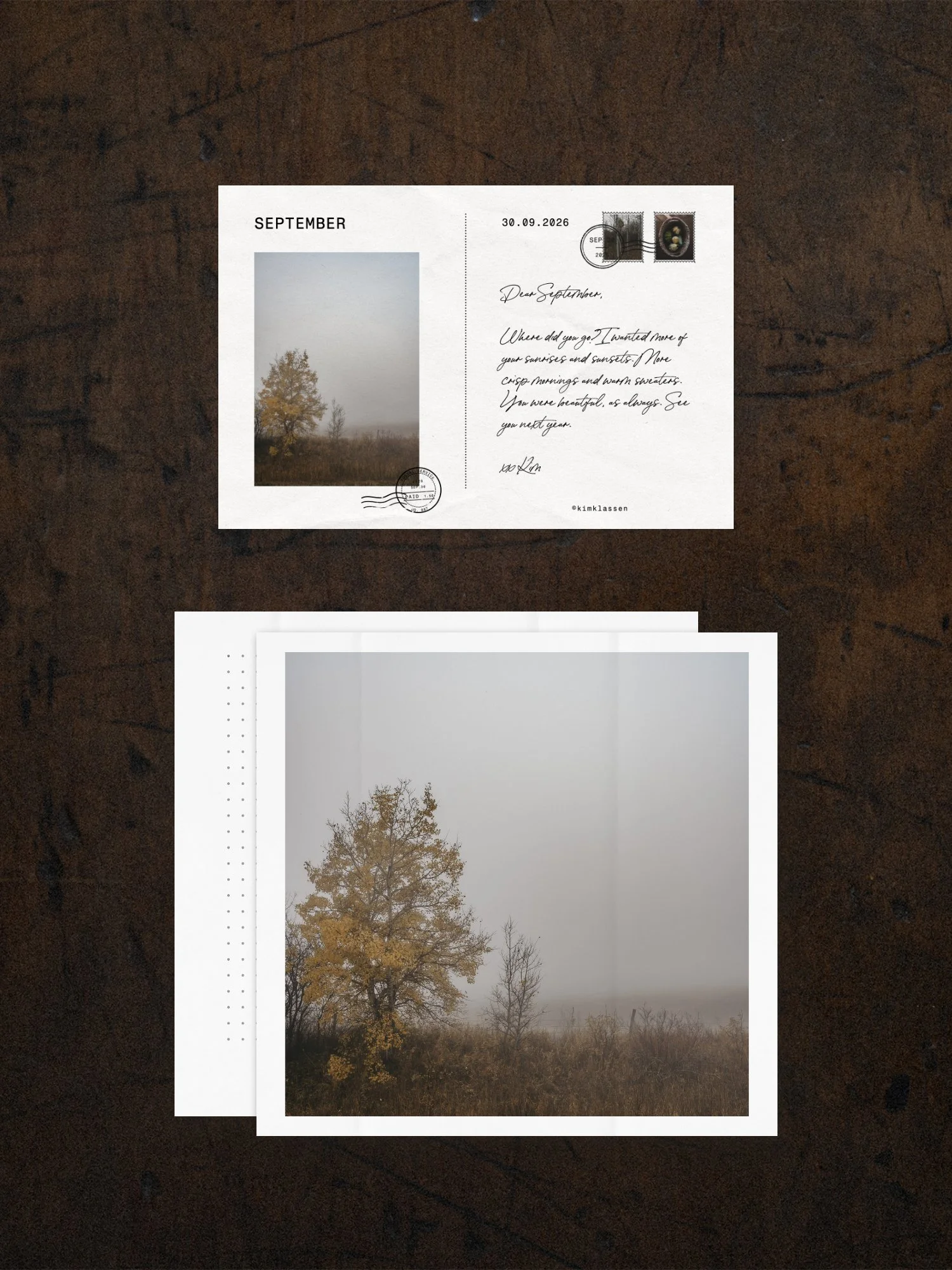
A real postcard, front and back. Write a message, add an address, and turn one of your own photographs into the stamp. Mail it, keep it, or give it to someone you love.
-
![]()
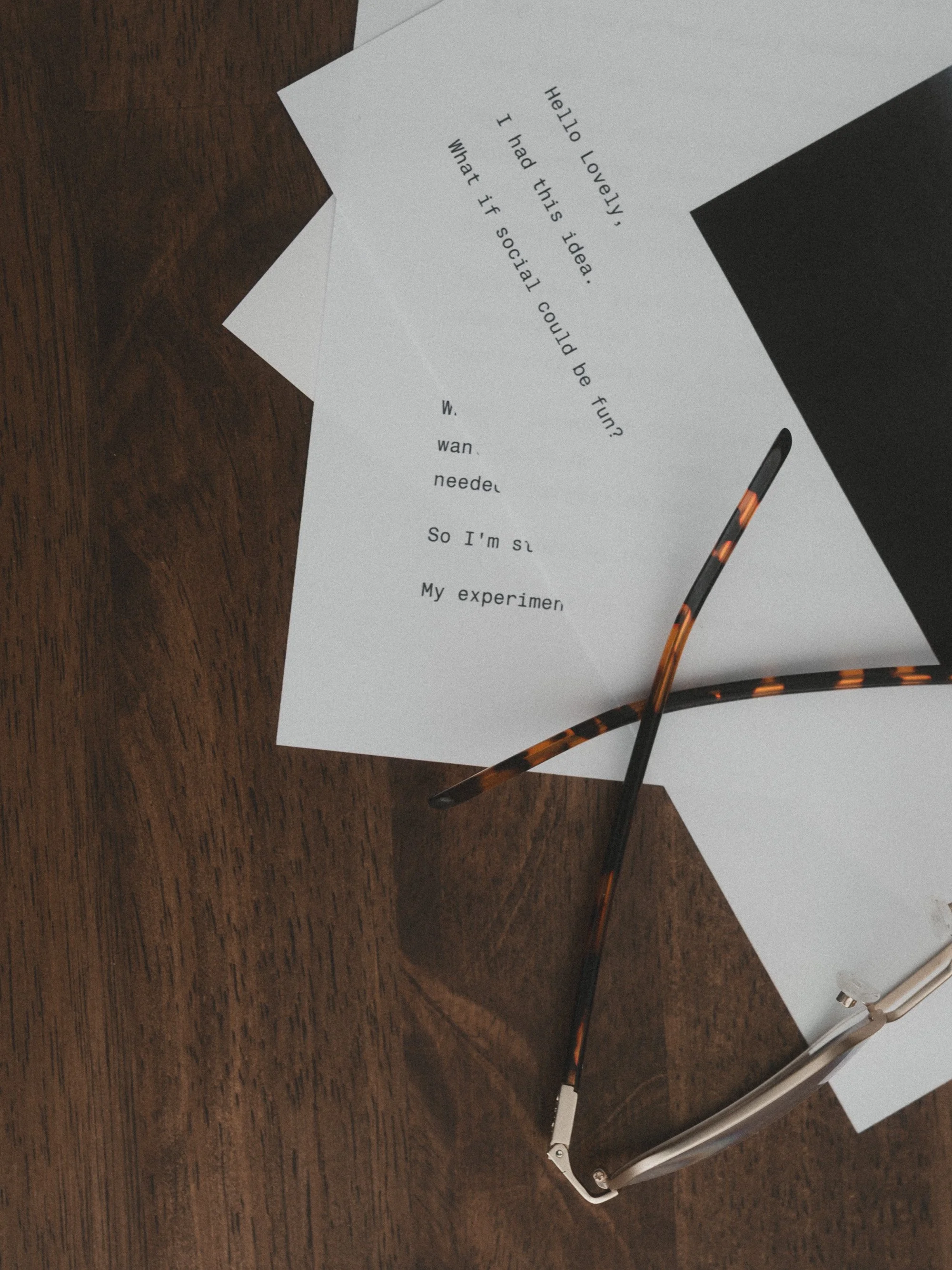
WRITER
A place to catch the thought before it slips away. Notes, lists, and the one good line you want to keep. Turn a favourite line into a card you can print.

FAQs
-
No. The layouts, font relationships, proportions, and print settings have already been considered. You begin inside a visual language that works, then make the choices that feel like you.
-
White Space Studio is both a web app and a Mac app. Once you join, you will receive instant access to the web WSS. Mac users will receive the Mac app download and license key upon request.
-
Yes. Home printing is part of the Studio’s purpose. Zine includes paths for printing and folding a correctly ordered booklet. Frame, Proof, and Postcard create high-resolution files ready to print.
-
You can start anytime. The workshop replay is waiting for you in the members area, and the tutorials are there whenever you are. You can join the Social Experiment whenever you’re ready too, even halfway through.
-
It’s completely up to you. White Space Studio is first and foremost about enjoying your photos. Printing them is where all of this began for me, and it’s still my favourite part. The Social Experiment is just that, an experiment. A fun one. Jump in if it feels good, or follow along and cheer everyone on. You’re so welcome either way.
-
Yes, it renews once a year. You can cancel anytime from your account, and it simply won’t renew. Your web access and your Mac app stay with you through the end of your year.
-
It saves in your browser, along with the option to save to your own file system. Mac users can set up their WSS folder and save their work there.
-
There is no generative AI making the work inside the Studio. Your photographs and words remain the source.
-
Yes. Work can move between several of the tools. A Frame can become part of a Postcard, Zine, or Concept board. Thoughts can move between Writer and Concept. The monthly theme also guides you through using the Studio as one connected creative practice. And the WSS tutorials will inspire you in so many lovely creative ways.
-
Share wherever you like to share. I’ll be on Instagram. SOCIAL makes posts, stories, and pins, so it works for Pinterest too. Add #thesocialexperiment so we can find each other.
-
SOCIAL is one of the tools inside the Studio, so you’ll need to be a member. When you join, you get the experiment, the MULTIPLES workshop, and all nine tools.
JOIN WHITE SPACE STUDIO
$127 USD a year.
The monthly theme, the live workshops and replays, the Social Experiment, the classroom, the weekly tutorials, and the tools on Mac and web.