
Lightroom Update - Testing Firefly Mood Boards
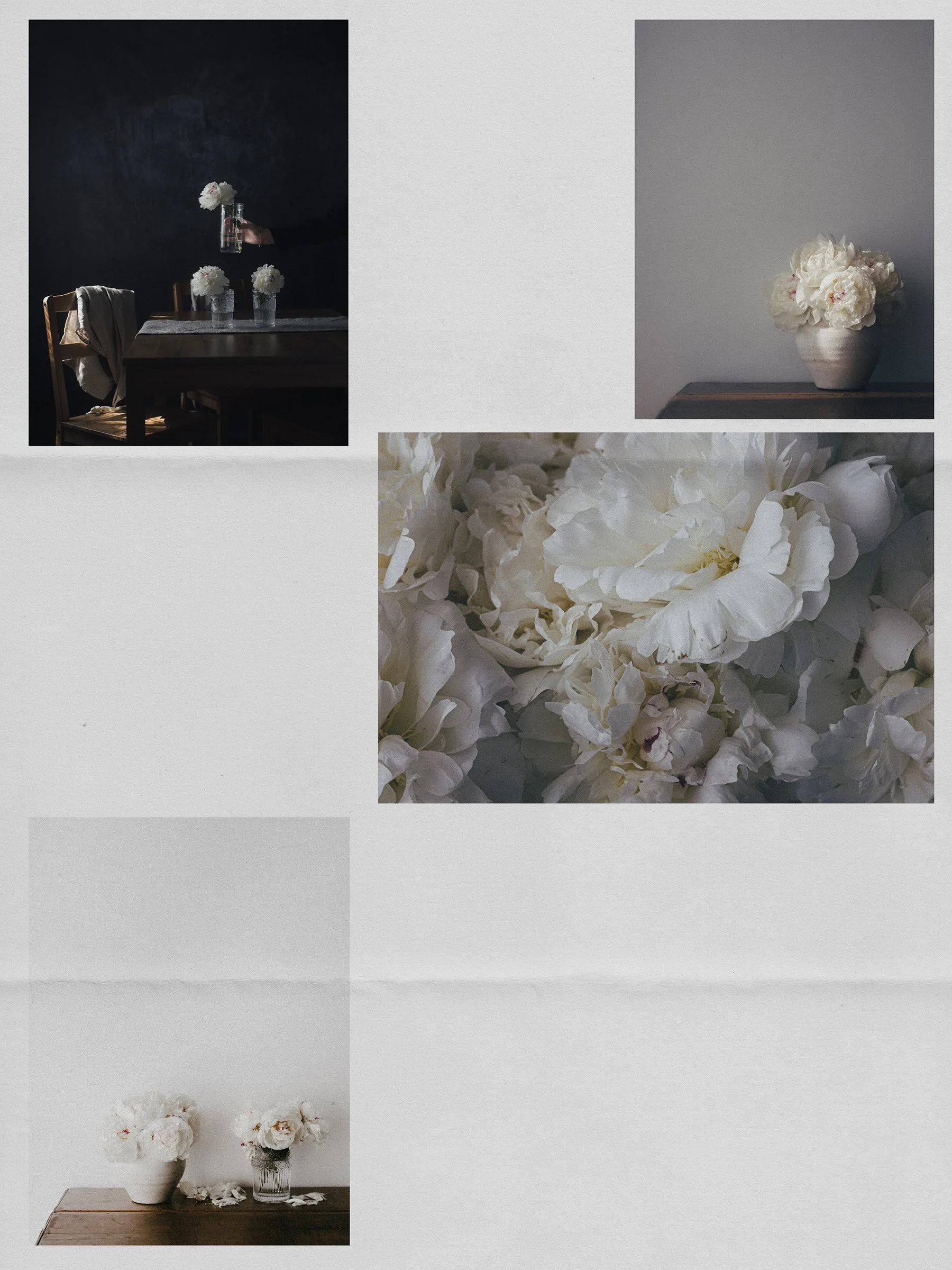
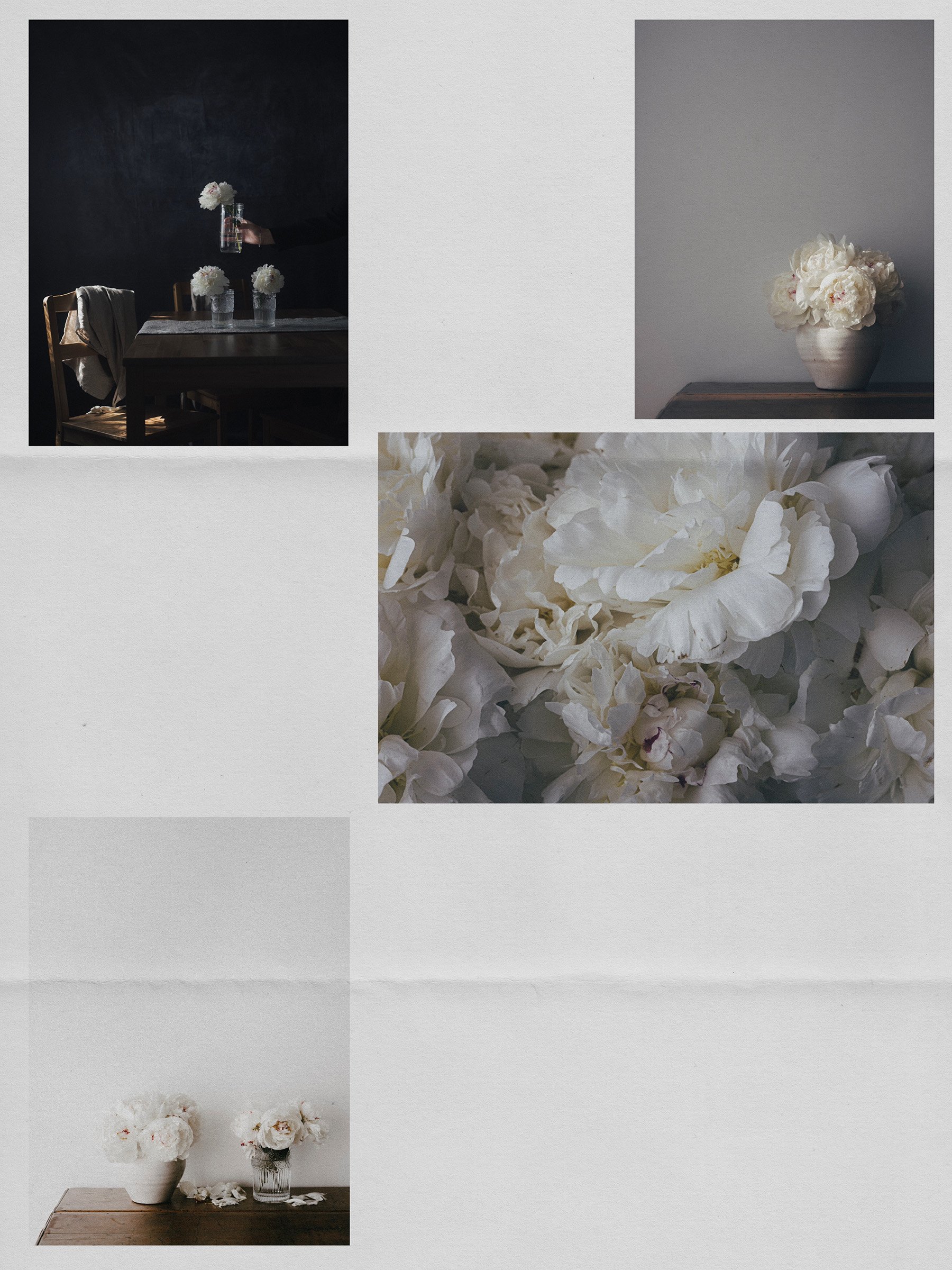
From Lightroom to Firefly Moodboards. No export needed.
signature system Recipe Kim (launching soon)
Hello my lovely,
The April 2026 update to Lightroom Classic (15.3) and Lightroom Desktop (9.3) added something that makes moodboarding feel completely different. You can now send photos straight from your catalog to a Firefly moodboard without exporting a single file.
In Classic, find it under File > Generate Using Firefly > Start a mood board. (or right-click like me)
In Lr Desktop, it lives in the Share menu.
Once you're in Firefly, you can pull in images from outside Lightroom too, add notes and text, and try out ideas without touching your originals at all.
Join me as I test out the Firefly moodboard integration with Lightroom Classic.
Quick, zip and straight to the point. ♡
Step-by-Step Tutorial
Share the Love
If you think a friend might enjoy this post, I'd love it if you'd share with them.
Until next time… Happy beautiful new week.
xx Kim
Click here to subscribe the White Space Letters.
Pin for Later
You might also Enjoy
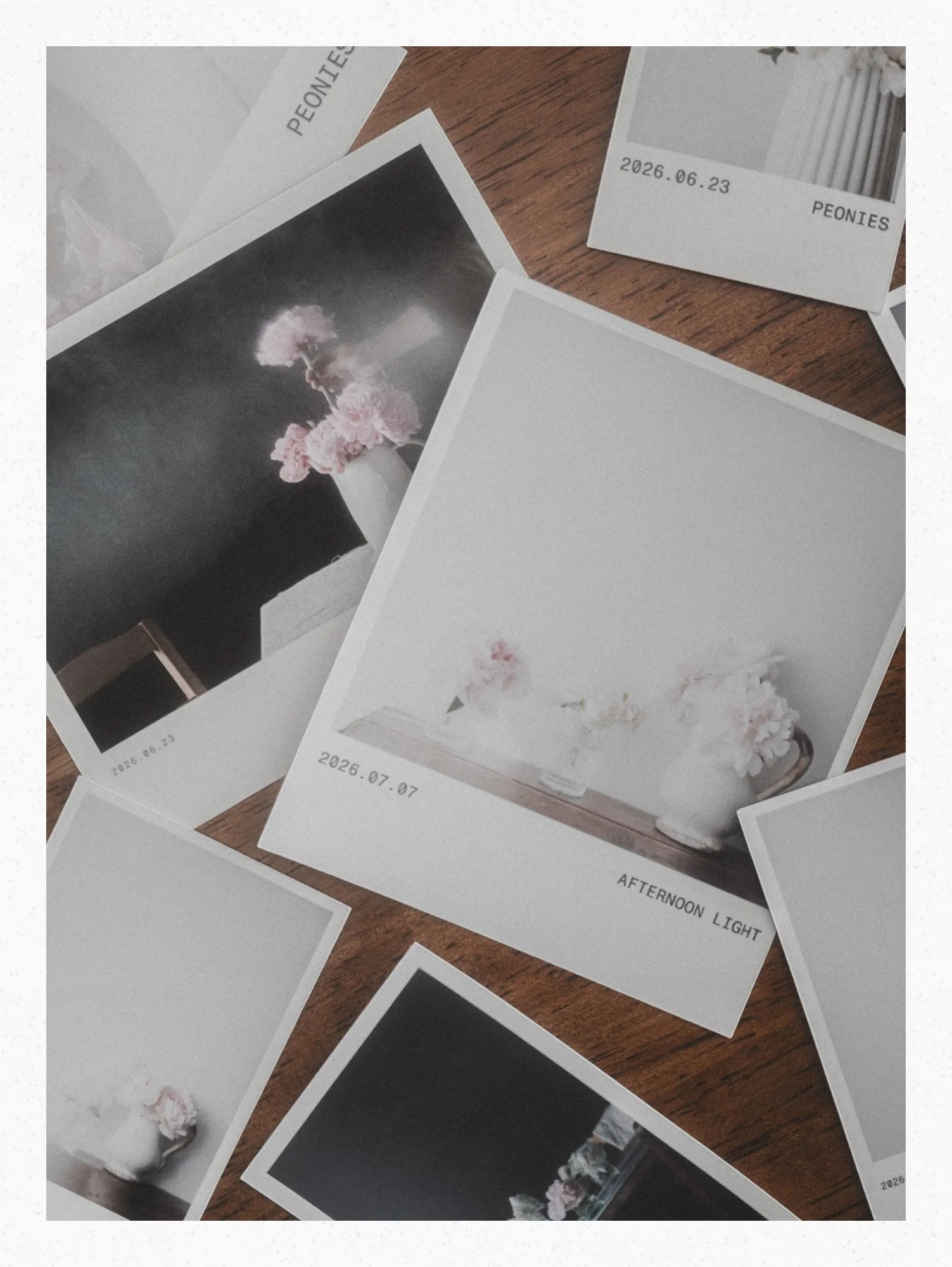



Design a seamless carousel from your own photos, check every swipe, split it for Instagram, then print it so it lives on instead of fading away in your feed. Video Tutorials included