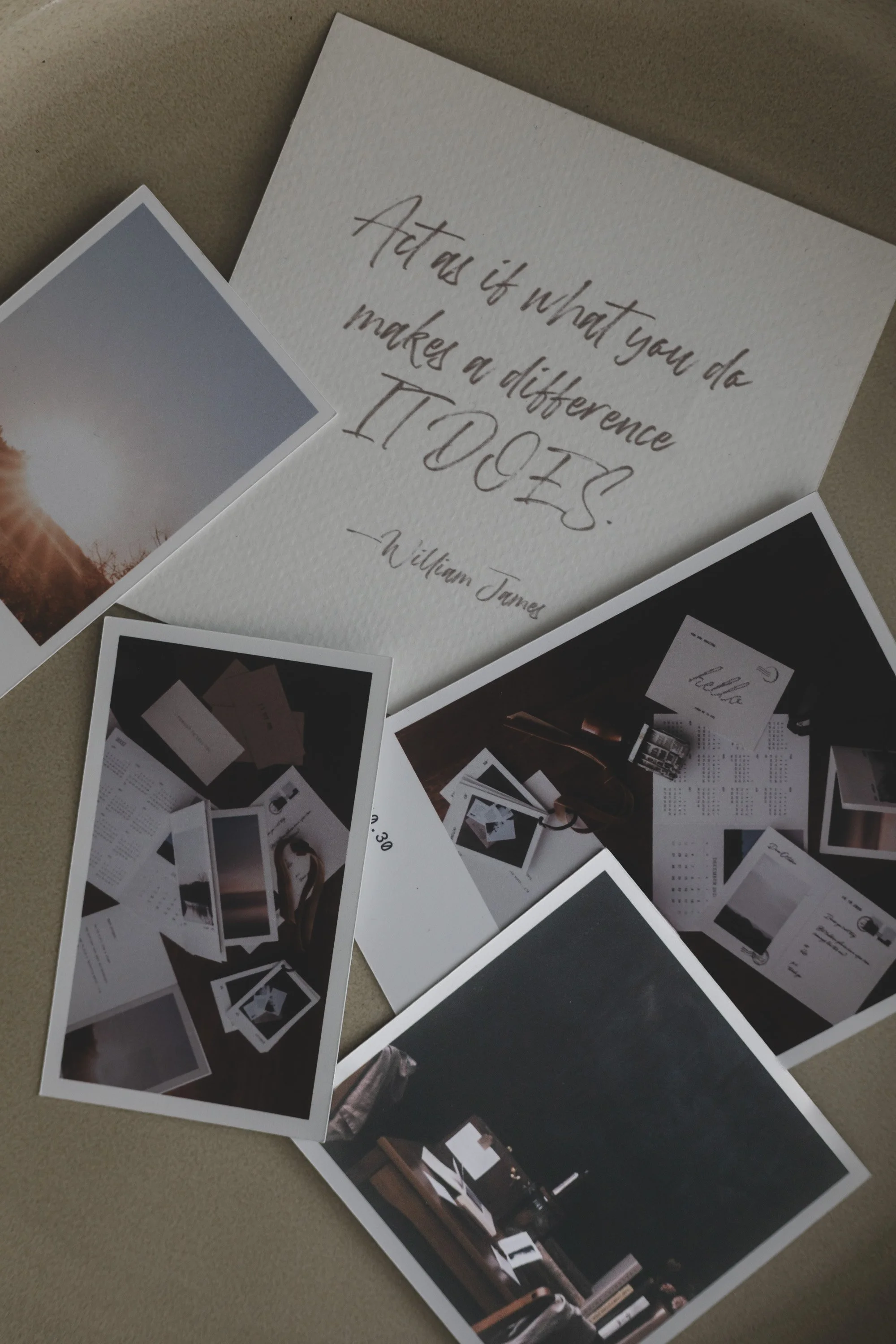
Cricut users, meet Proof—a photo-printing tool inside White Space Studio that creates your Cricut Print Then Cut files for you.
In this tutorial, I’ll show you how to turn your favourite photos into a sheet of beautiful little prints, ready for your Cricut to cut out.
If you’ve searched for sharper Cricut photo prints, you may have come across Photoshop overlay workarounds for Design Space’s reported 144 PPI limitation. Proof takes care of the file preparation: it creates a 300 PPI print PDF with registration marks and a matching PNG to upload into Cricut Design Space.
Print the PDF, upload the PNG, and choose “I’ve Already Printed.” We’ll finish by watching the Cricut cut and taking a close look at the finished prints on the mat.
It’s pretty amazing that Proof can do this and such a lovely possibility for scrapbooking, journaling, and memory keeping.