STUDIO HOUR — SOCIAL WORKSHOP
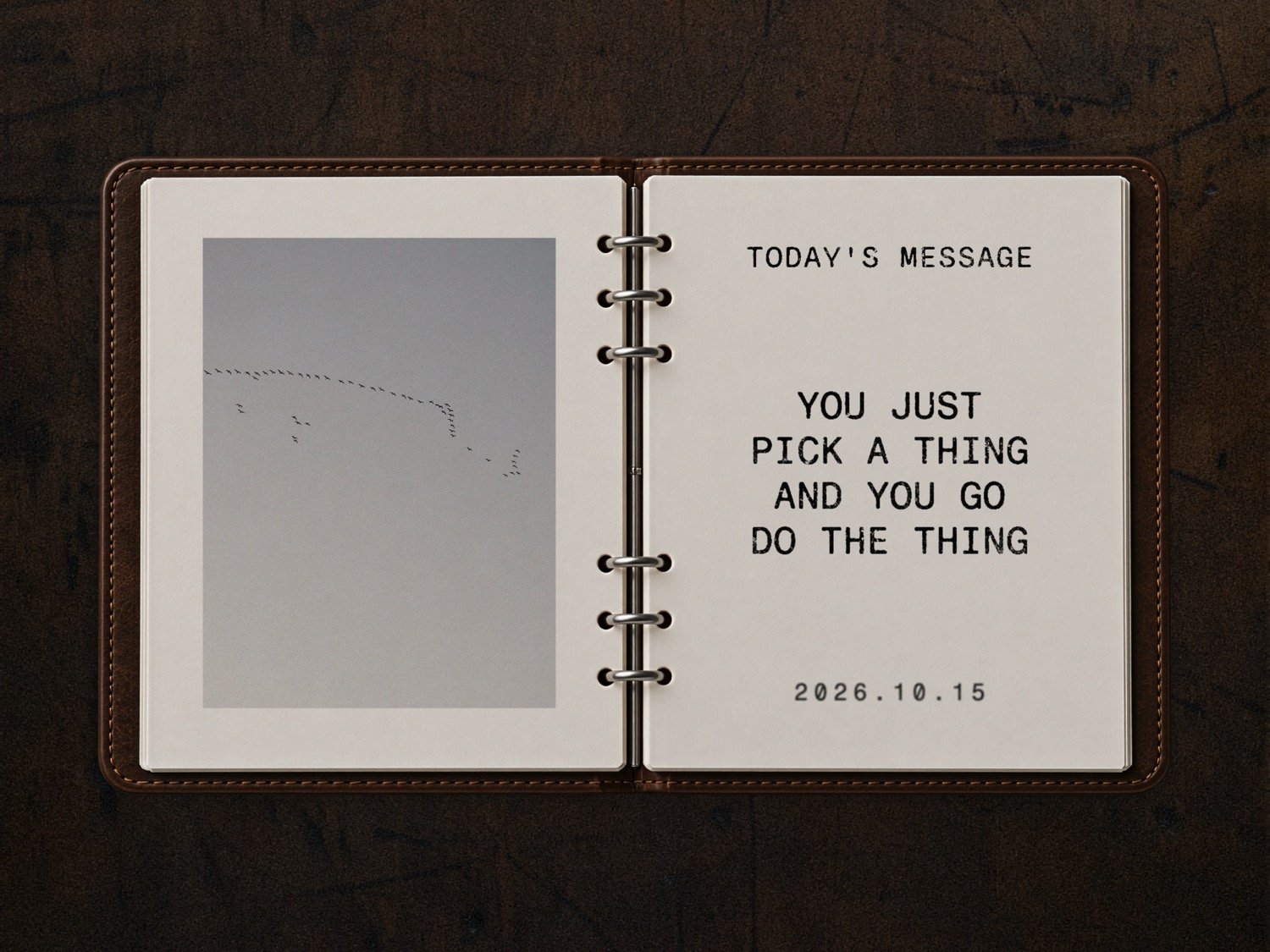
Today we explored ways to bring photos, words, and a little motion together in SOCIAL.
The invitation was simple: choose one thing that catches your attention and try it with a few of your own photos.
We covered:
Photos that feel printed on the page. On the Page effects, stamped text, paper surfaces, paper edges, and the hand-cut look of Paper Pieces.
Building a layout. Photo stacks, grids, Single Split, shuffling, resizing, and alignment.
Adding motion. Paper Pieces, Opposites Scroll, Slow Row, Corner Grid, Page Wipes, Typewriter, and Word by Word. We also looked at how much work some of these effects take in a video editor.
Telling a story with a carousel. Mixing still photos, motion, words, and details. One small piece can lead to the next.
Moving between tools. Saving designs to LIBRARY, reusing postcards in SOCIAL, and sharing from the Mac app.
Saving, exporting, and printing. Finding your Studio folder, choosing digital or print exports, making a ZINE flip video, and creating mini 3 × 4 calendars.
Finding your way. The Start Here page, SOCIAL Guide, tutorials, Print Guide, and getting help when something feels confusing.
We also looked at LIBRARY updates and a few things in development, including notebook page-turning ideas, named designs, and a PROOF printing workflow for Cricut that was still being tested.
You can learn as you make. Pick a tutorial, follow along, and see where it takes you.