FRAME — HOW TO MAKE TINY CALENDARS
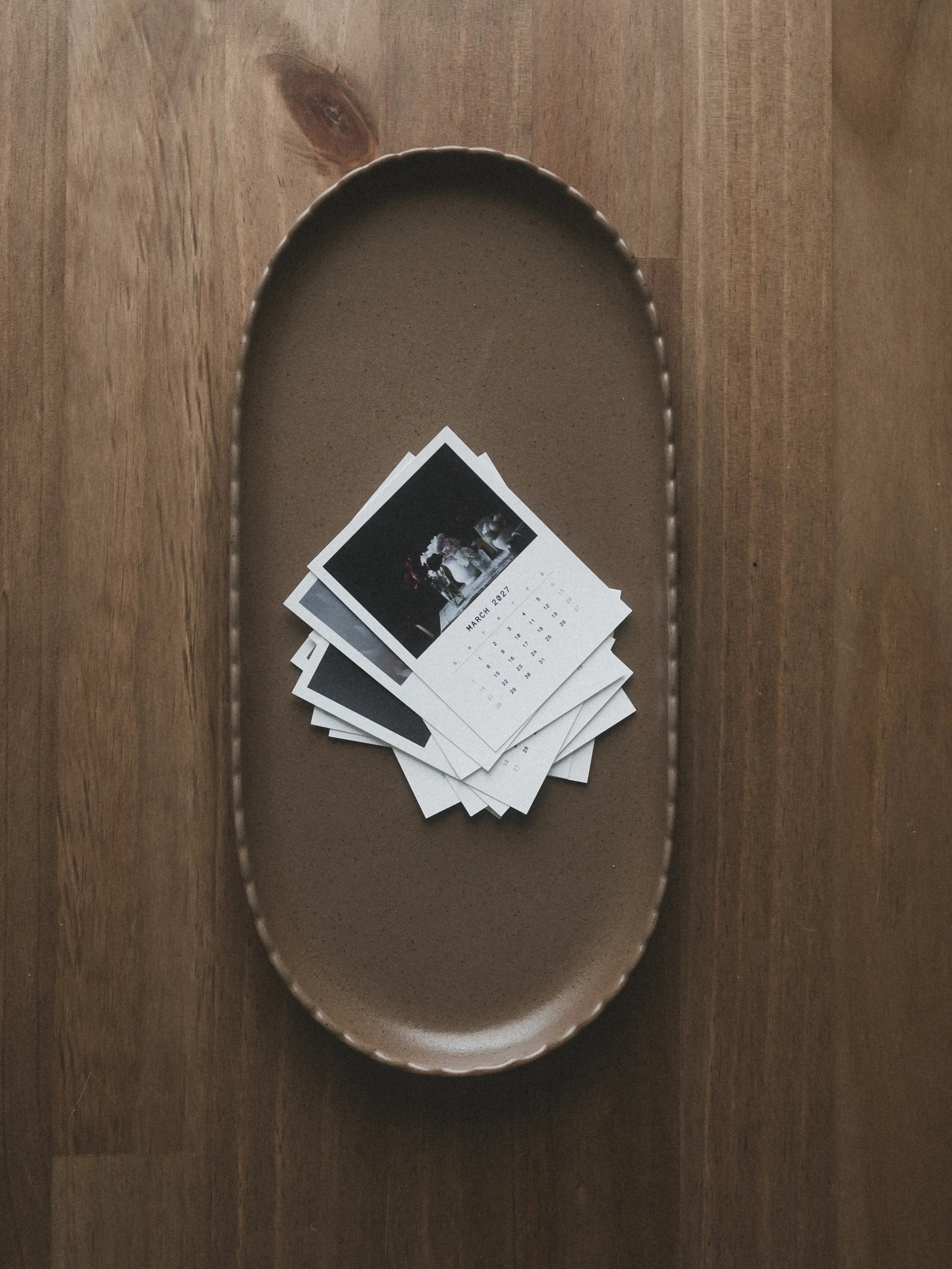
Make a tiny photo calendar in White Space Studio Frame. I’ll show you how to arrange your photos, choose the 3x4 size, fonts, and paper texture, then create all twelve months in one tap. We’ll adjust a photo crop, circle a special date, and export two calendars on each 4x6 print—ready to trim and tuck into a journal or gift.
Covered in the video:
Arrange a photo collection in month order in the Library.
Activate a calendar in Frame and choose 3x4, fonts, and paper texture.
Make the full year for 2027, starting in January, with the cover turned off.
Adjust photo placement, switch months, and circle a birthday directly on the calendar.
Export all 12 calendars as JPEGs with two up on 4x6 for printing and trimming.
My Instagram Post of Making the Calendars