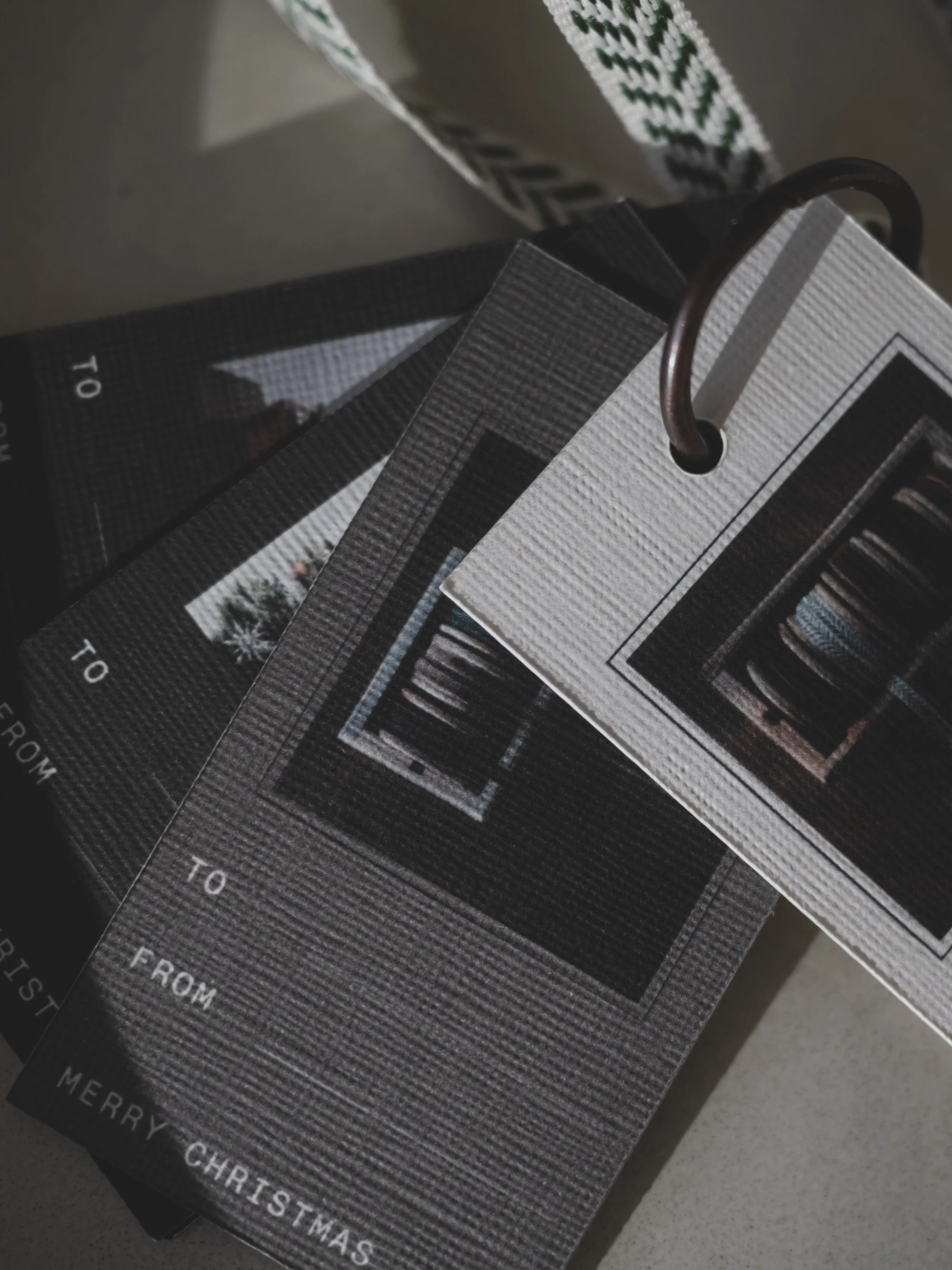
Printed holiday gift tags on a ring with herringbone ribbon and gold scissors in a white stoneware dish, beside the title Let's Make Some Holiday Tags in Proof.
Two ways to make holiday tags in Proof.
One:
Freeform. I picked the Point tag (I'm obsessed with Point), added a mat paper background and one of Michelle Mollinga’s Simple Words, Little Drawings graphics.
Then FX, deboss and foil. Brass, copper, silver or pearl, or the ink deboss for that pressed look.
I love the brass.
Quick Tip: design your first tag, then fill your sheet. Every tag already has the foil, so you just drop a new graphic onto each one.

Two:
The Holiday Gift Tags template from the Holiday Set. Open it from the Template Library, add your photos and a mat paper as the background. Like magic, PROOF turns the text white on a dark paper and keeps it dark on a light one.
Then export Print Then Cut. You get a PNG for Design Space and a PDF with the registration marks. Design Space prints your file at 144 DPI, so I print the PDF from Proof myself and my photos stay at 300 DPI. Then I upload the PNG, tap I've Already Printed, and the Cricut cuts out the tags. If you're not using a Cricut, choose the letter size and cut them yourself.
PRINTED ON STRATHMORE LINE ACRYLIC PAPER