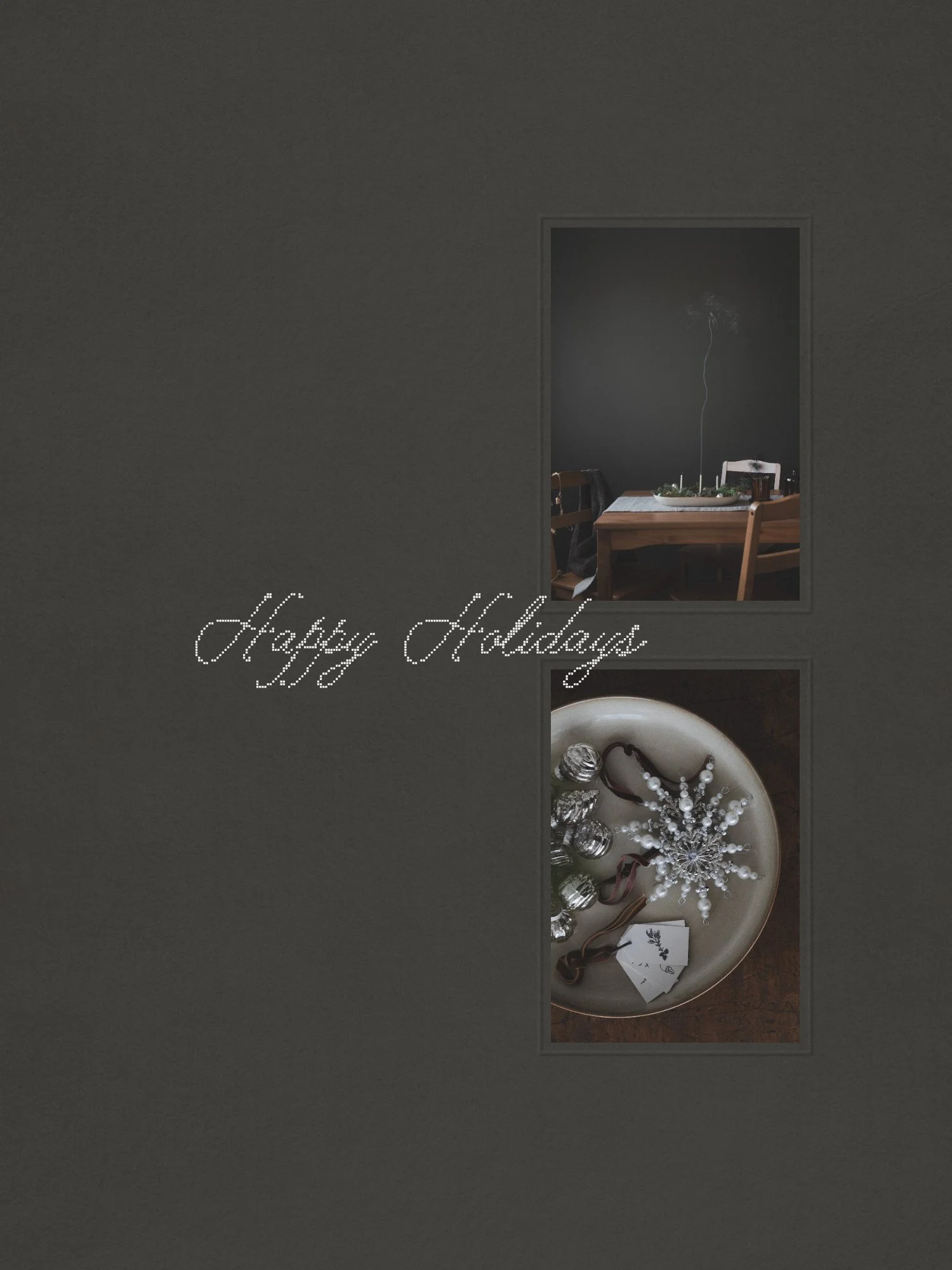
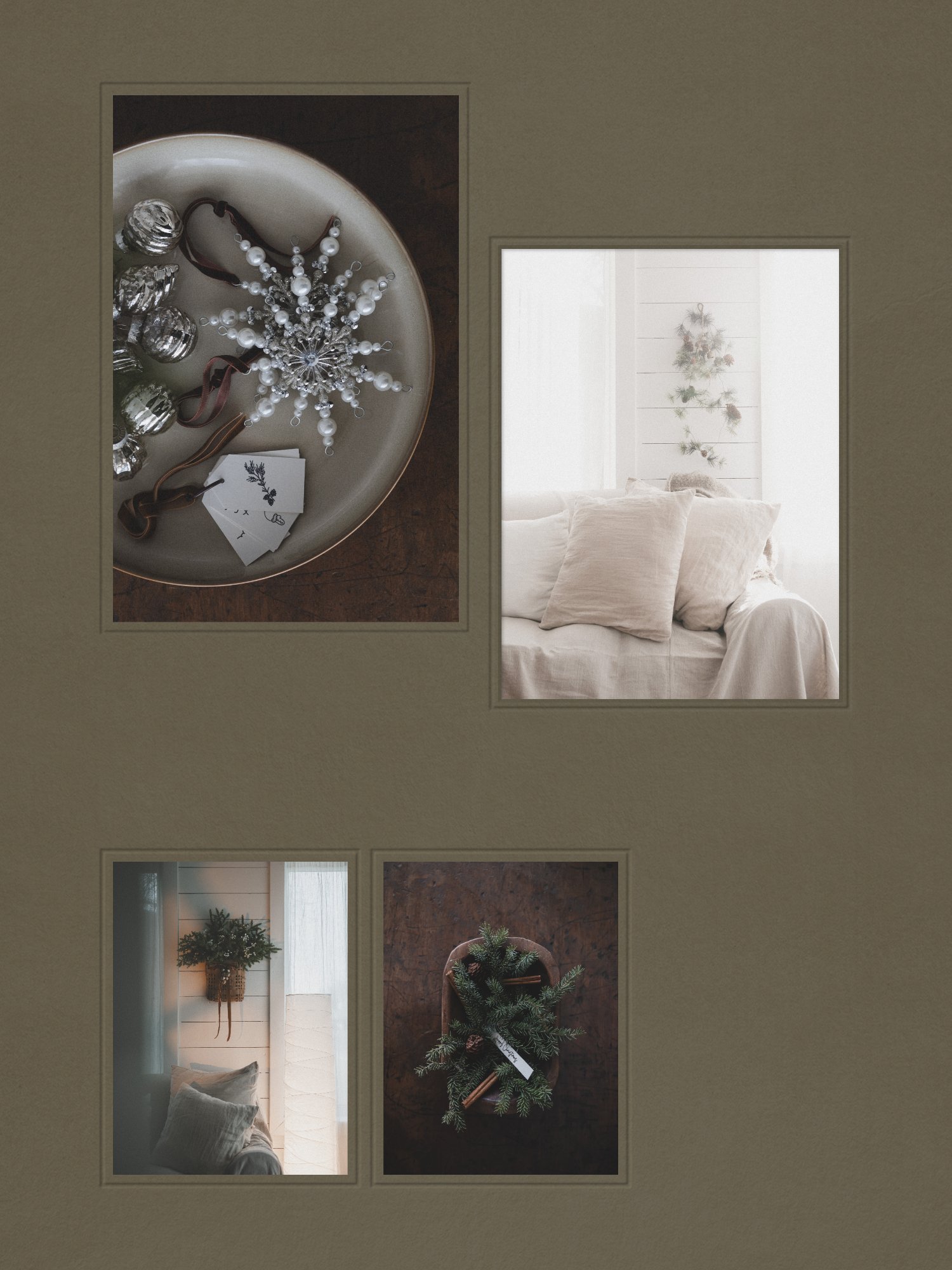
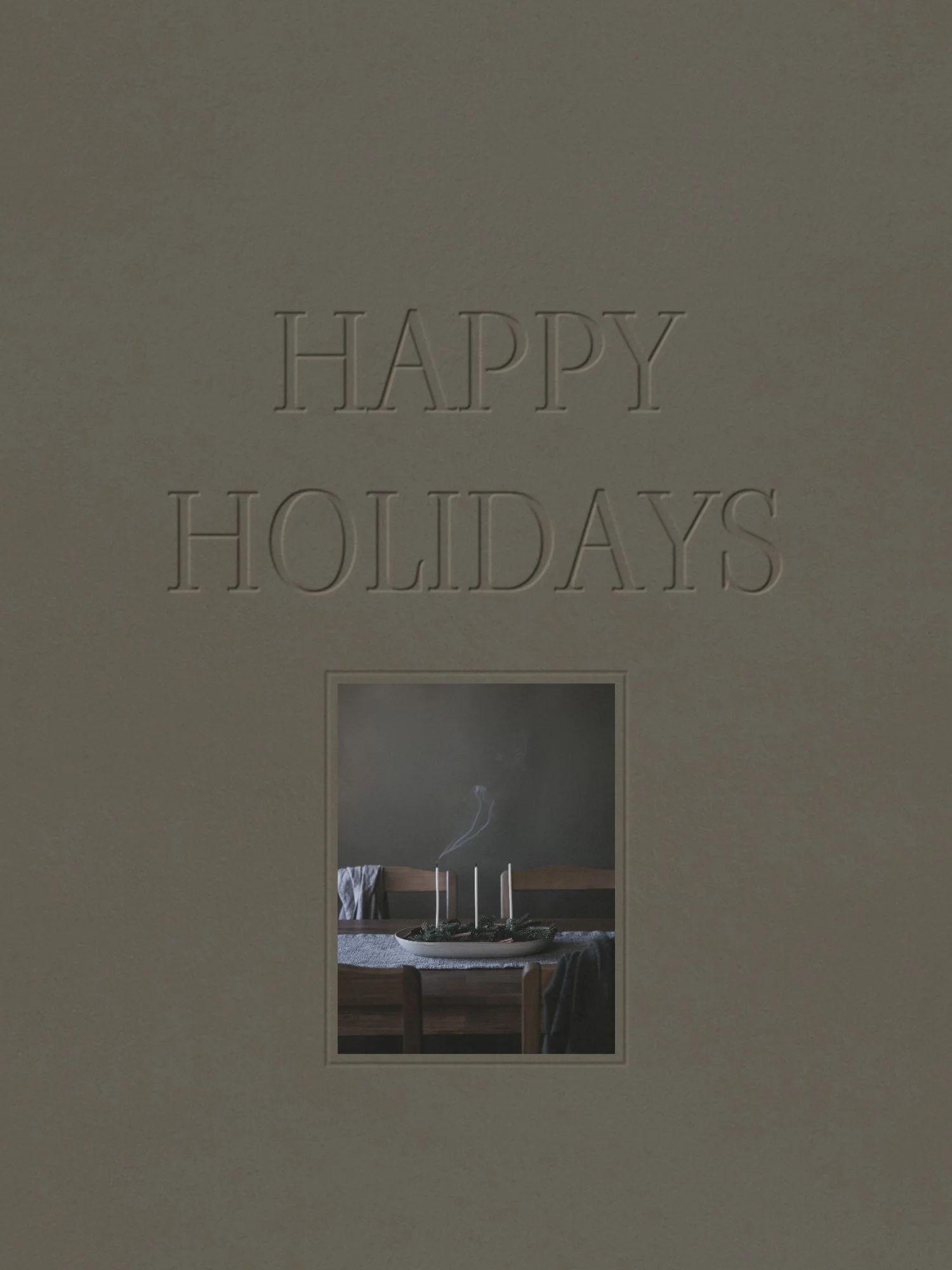
Twenty-two tasteful designs for the season. Cards, a year in photos, the table, and a few things to print and cut.
Open one in DESIGN or PROOF, drop in your photos and change the words. Then print it, or share it online.
The year in photos is the one I love most. Twelve months, one photo for each. Send it as a card with your letter on the back, tuck it in as a page, or print and frame it. 2027 and 2028 calendars included, month by month or the whole year on one page.
For the table, a dinner menu and place cards with a conversation-starter question inside. And if you like to cut, there are gift tags, bookmarks, recipe cards, and twenty-four little tags for the days of December. Print and cut them by hand, or use the Cricut files.
The set opens in DESIGN and PROOF, inside White Space Studio, so you’ll need a membership to use it. I’d love for you to join us there.
Details
Designs: 22, some in more than one size or version
Cards: Folded card in two sizes, tri-fold card, triptych postcard with one photo or three, catalogue postcard, recipe cards in 2 styles
The year: Card in two sizes, letter page, 8 x 10 print, 2027 and 2028 calendars, one-page year for 2027 and 2028
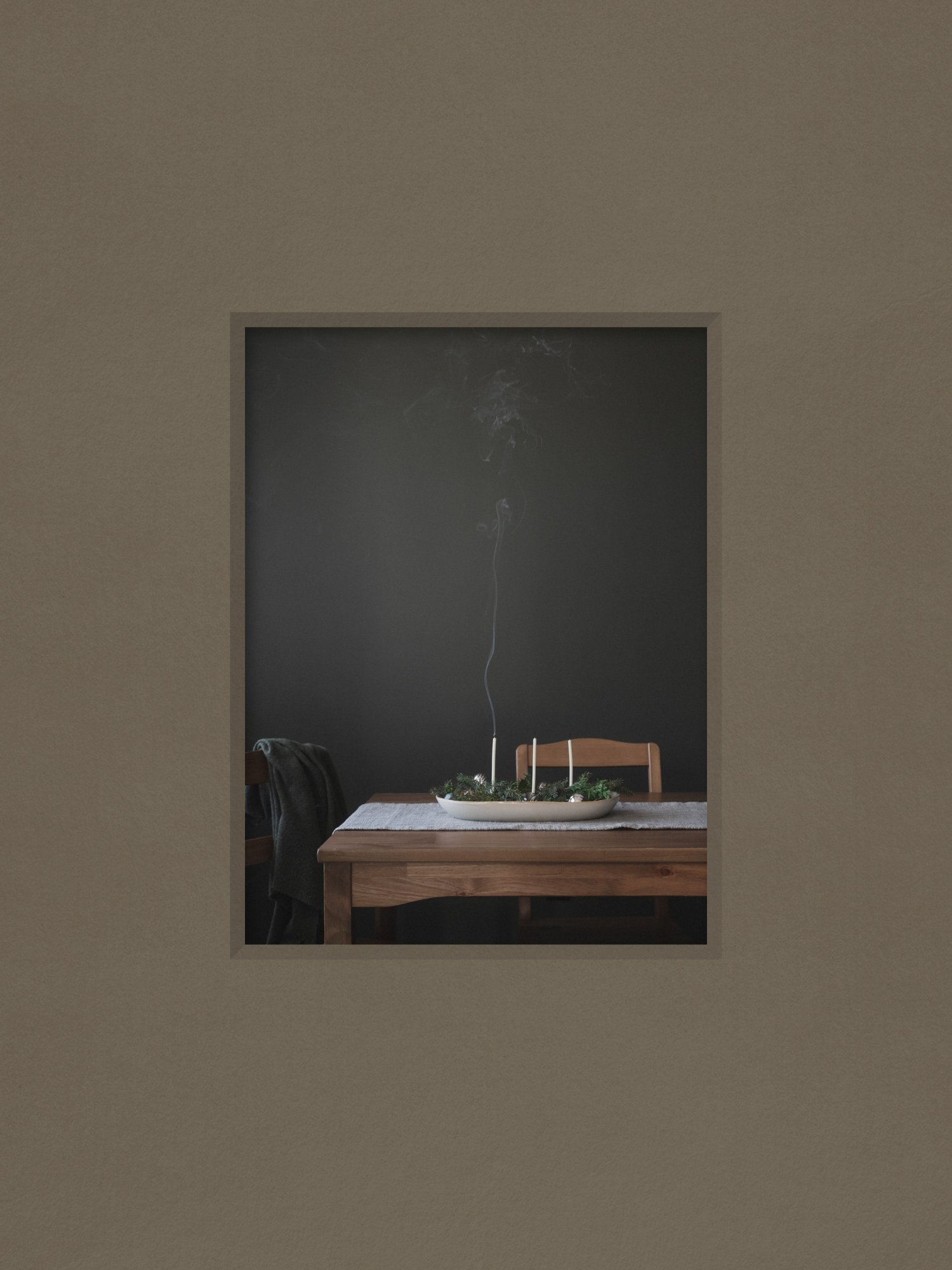
The table: Dinner menu, place cards, gift tags
Catalogue: Three sheets
Social: Posts in six shapes, a Story and a Pin
Print and cut: Gift tags, fold-over tags, place cards, twenty-four days, bookmarks, recipe cards
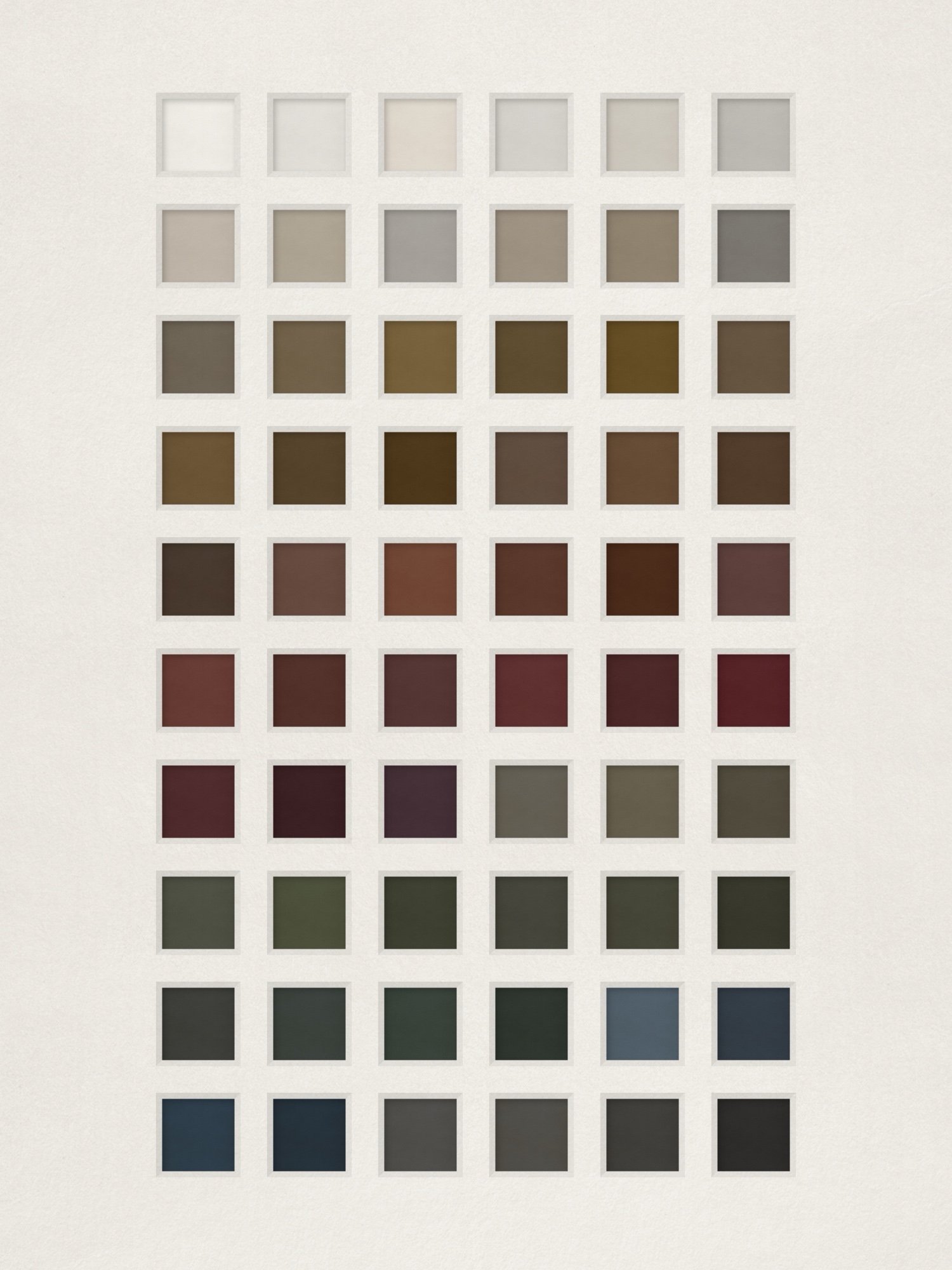
Colours: White and greige, for every DESIGN file
Paper: Letter, with Cricut files for print and cut
Also inside: The lookbook and a START HERE guide (PDF)
Opens in: DESIGN and PROOF, White Space Studio
Download: one ZIP
How to use
Download the ZIP and unzip it on a computer.
Look through the lookbook and pick a design.
Open a .design file in DESIGN, or a .proof file in PROOF.
Drop your photos on the placeholders. Tap the words to make them your own.
Export a PDF to print, or an image to share.
Questions
Do I need to be a member?
Yes. The files open in DESIGN and PROOF, inside White Space Studio.
Can I change the photos and the words?
Yes. Every placeholder takes your own photo, and you can change the names, dates and words.
Do I need a Cricut?
No. Every print and cut design has a Letter file to cut by hand.
Is anything mailed to me?
It’s a download. You print what you make, at home or at a print shop.

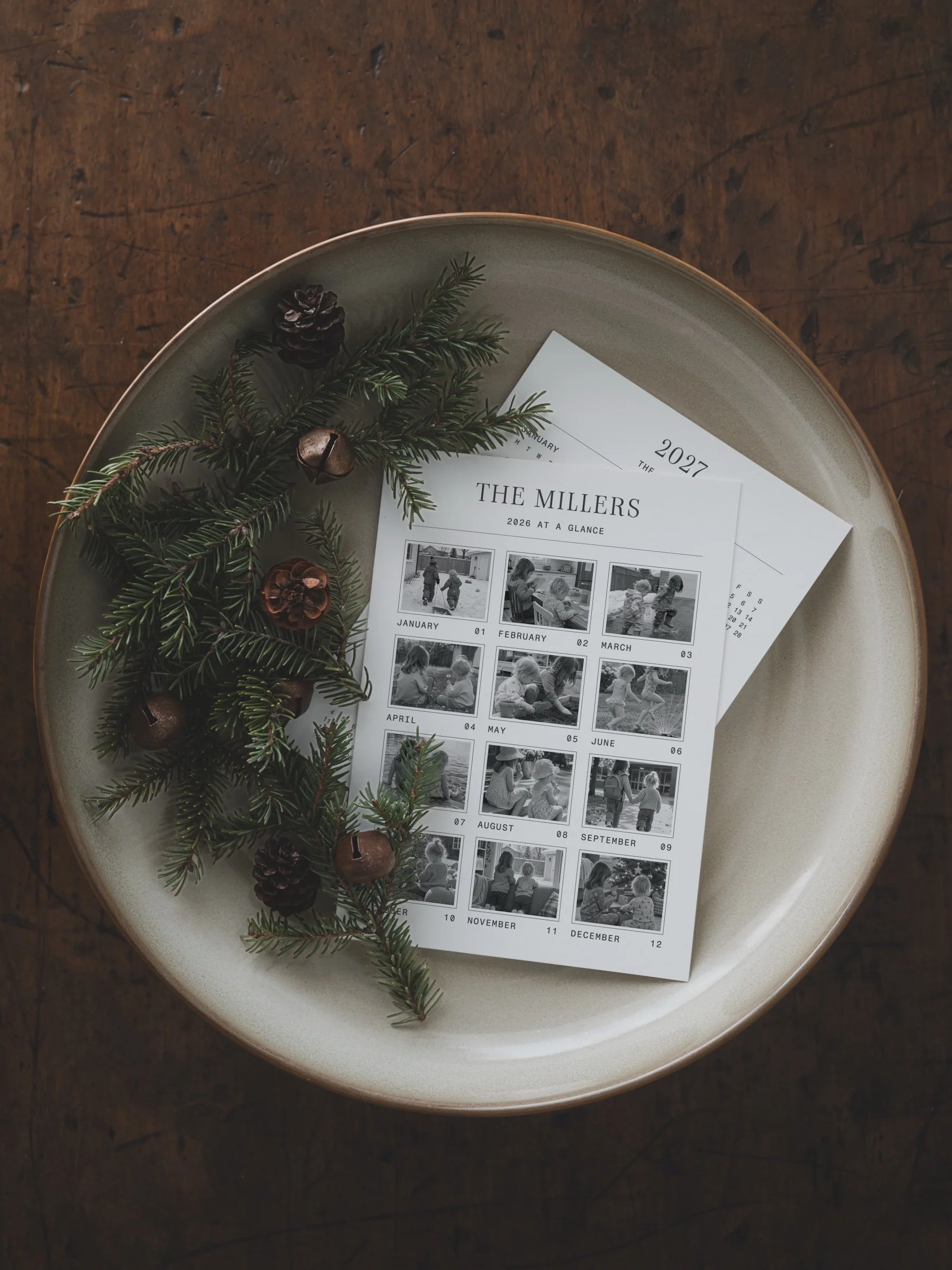 Image 1 of 20
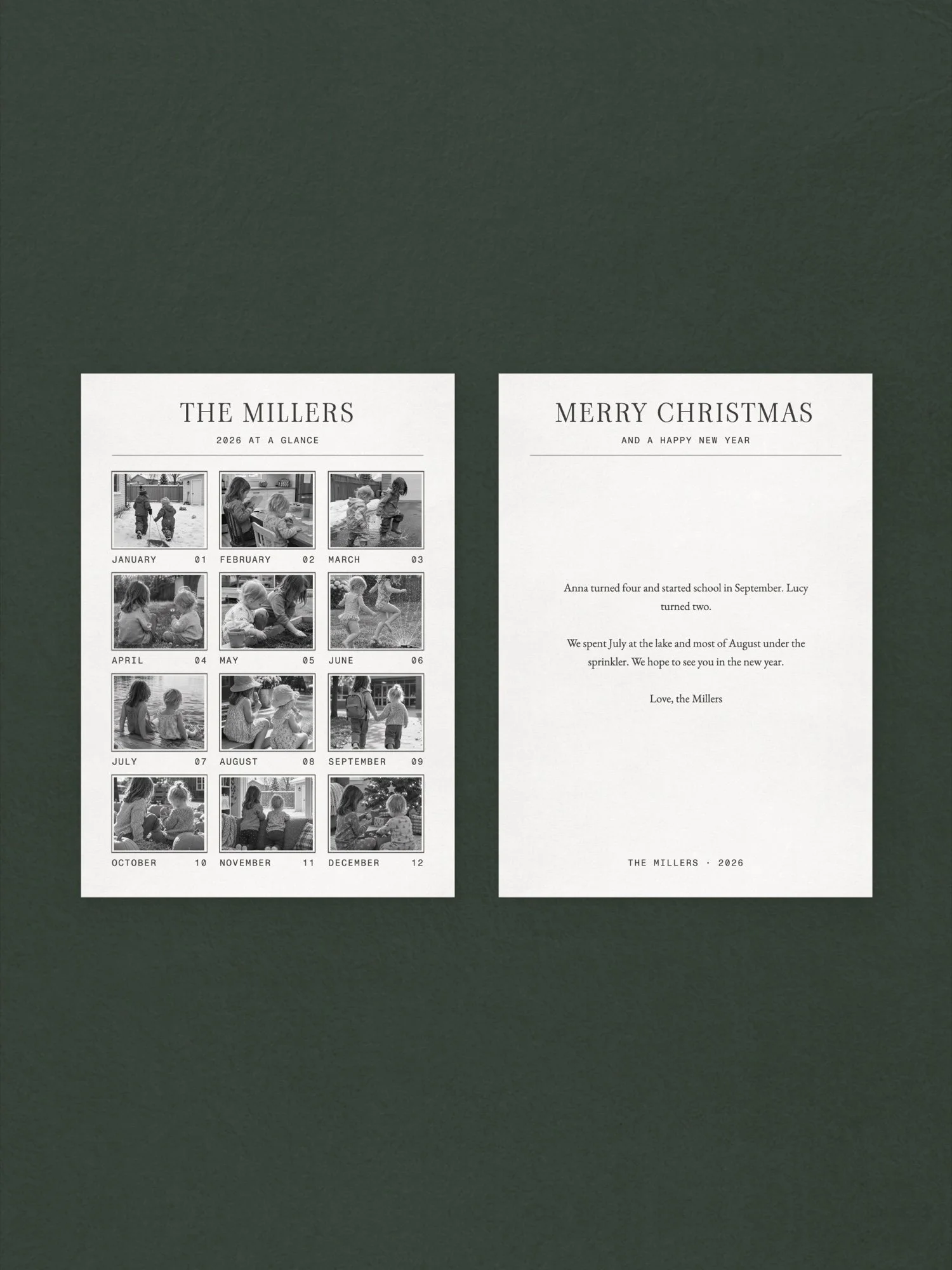 Image 2 of 20
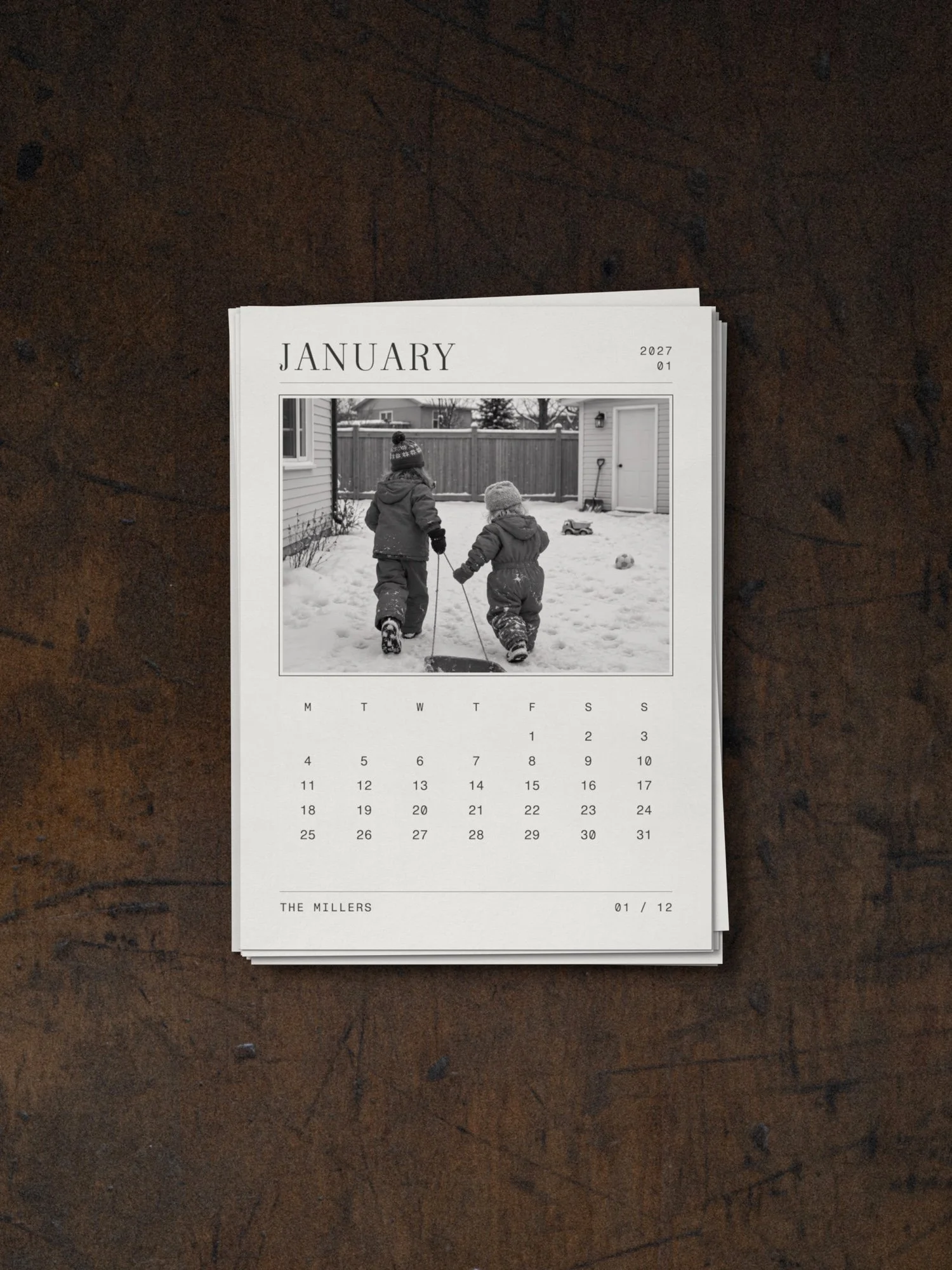 Image 3 of 20
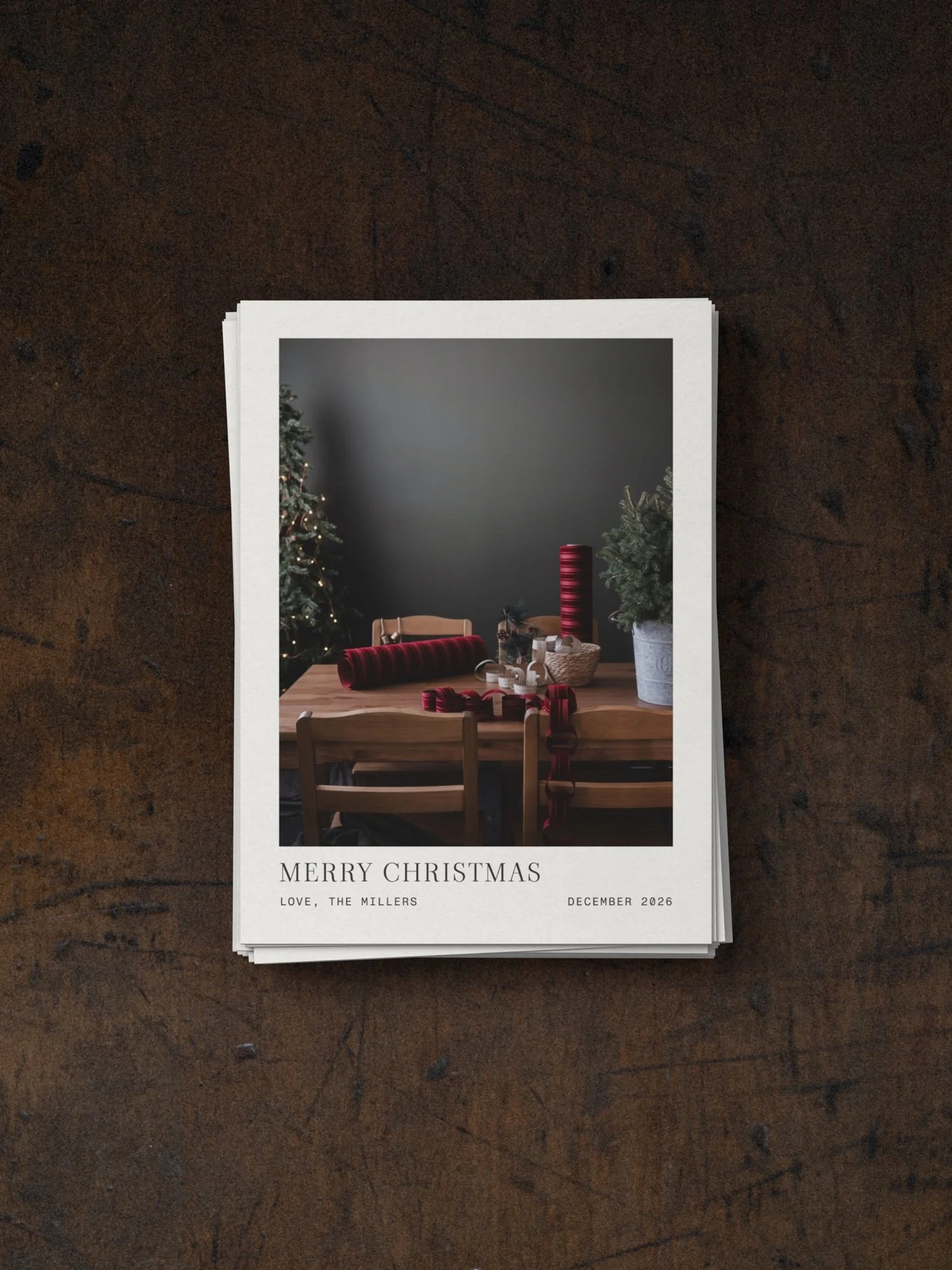 Image 4 of 20
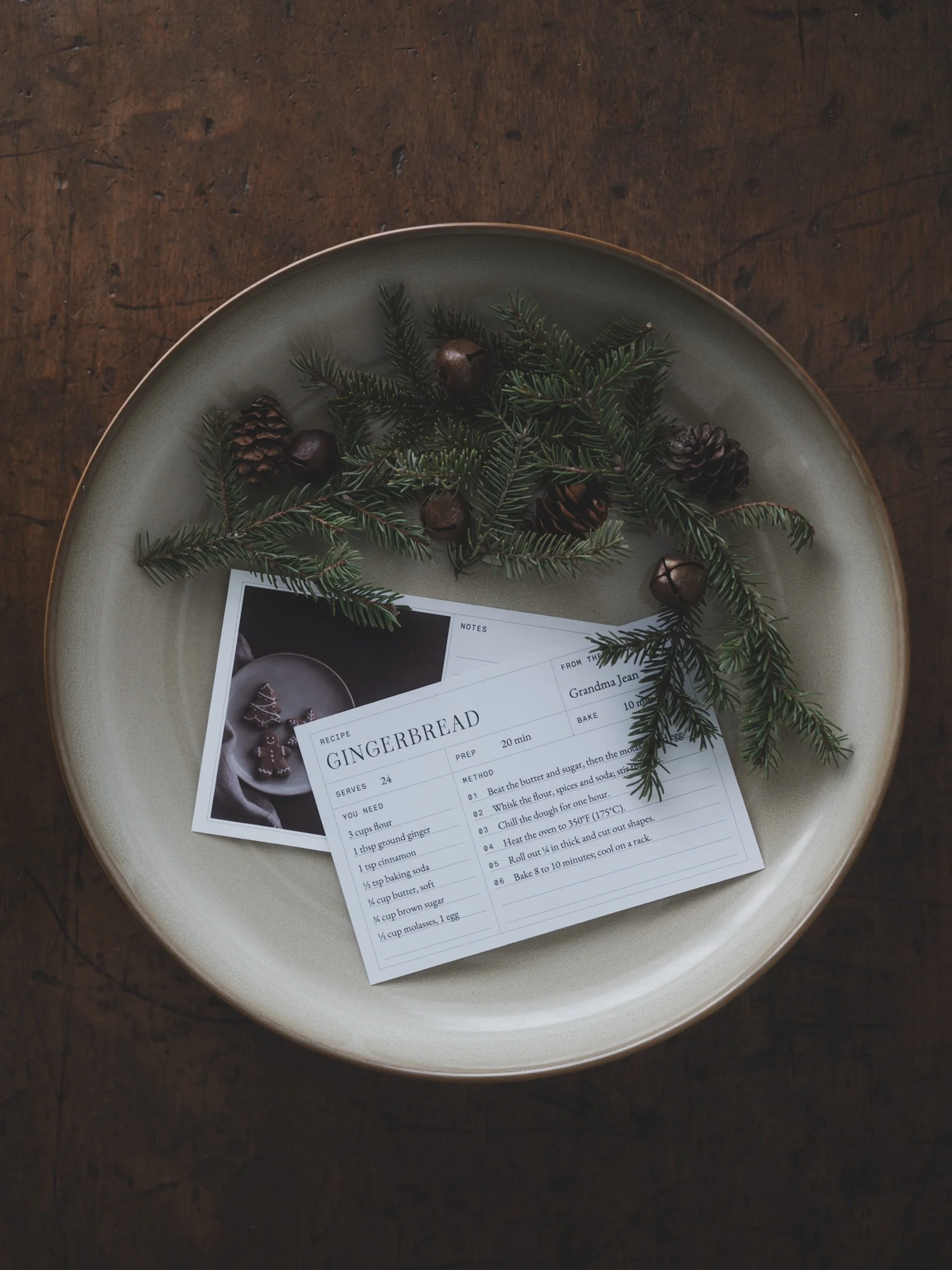 Image 5 of 20
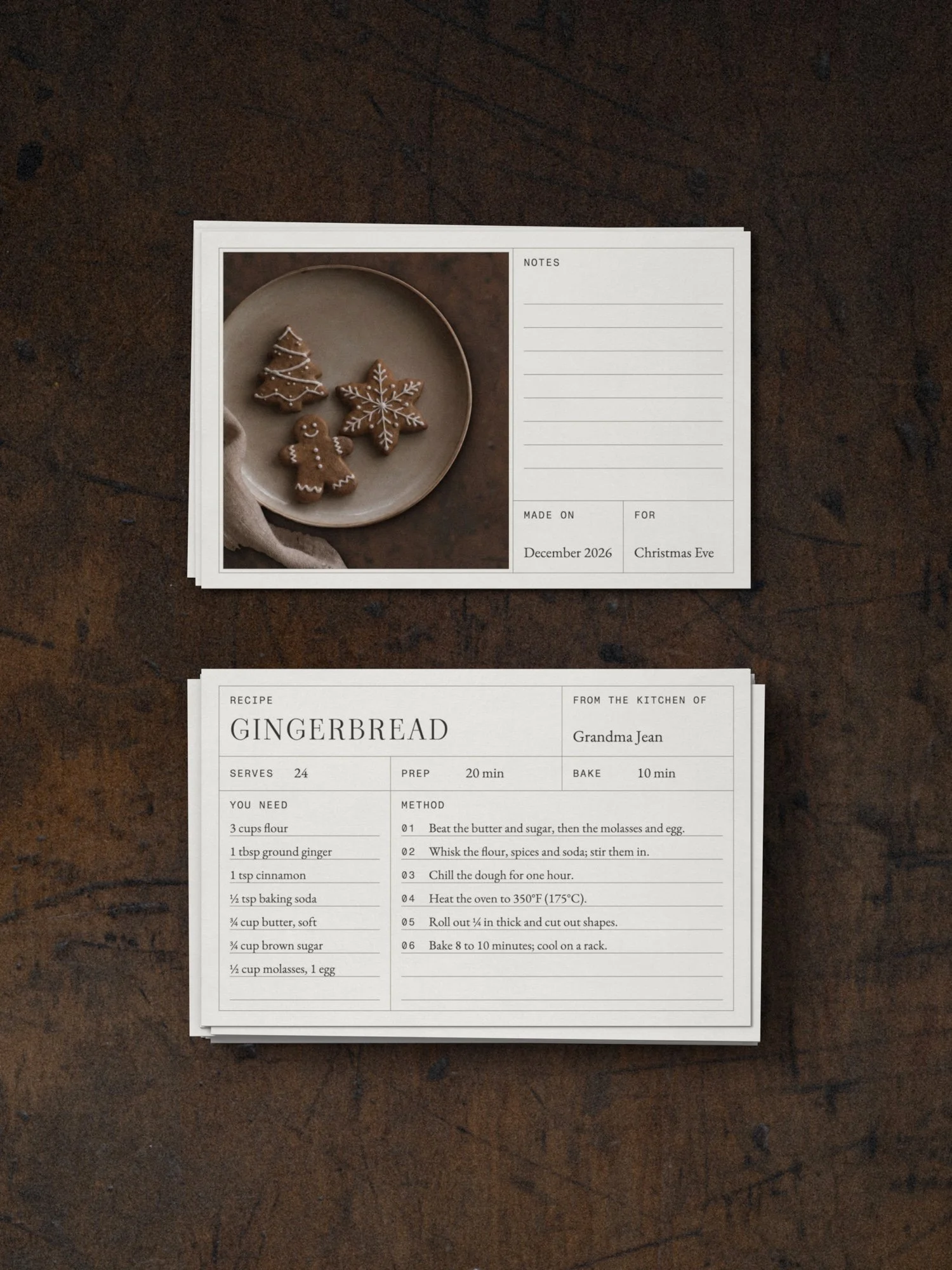 Image 6 of 20
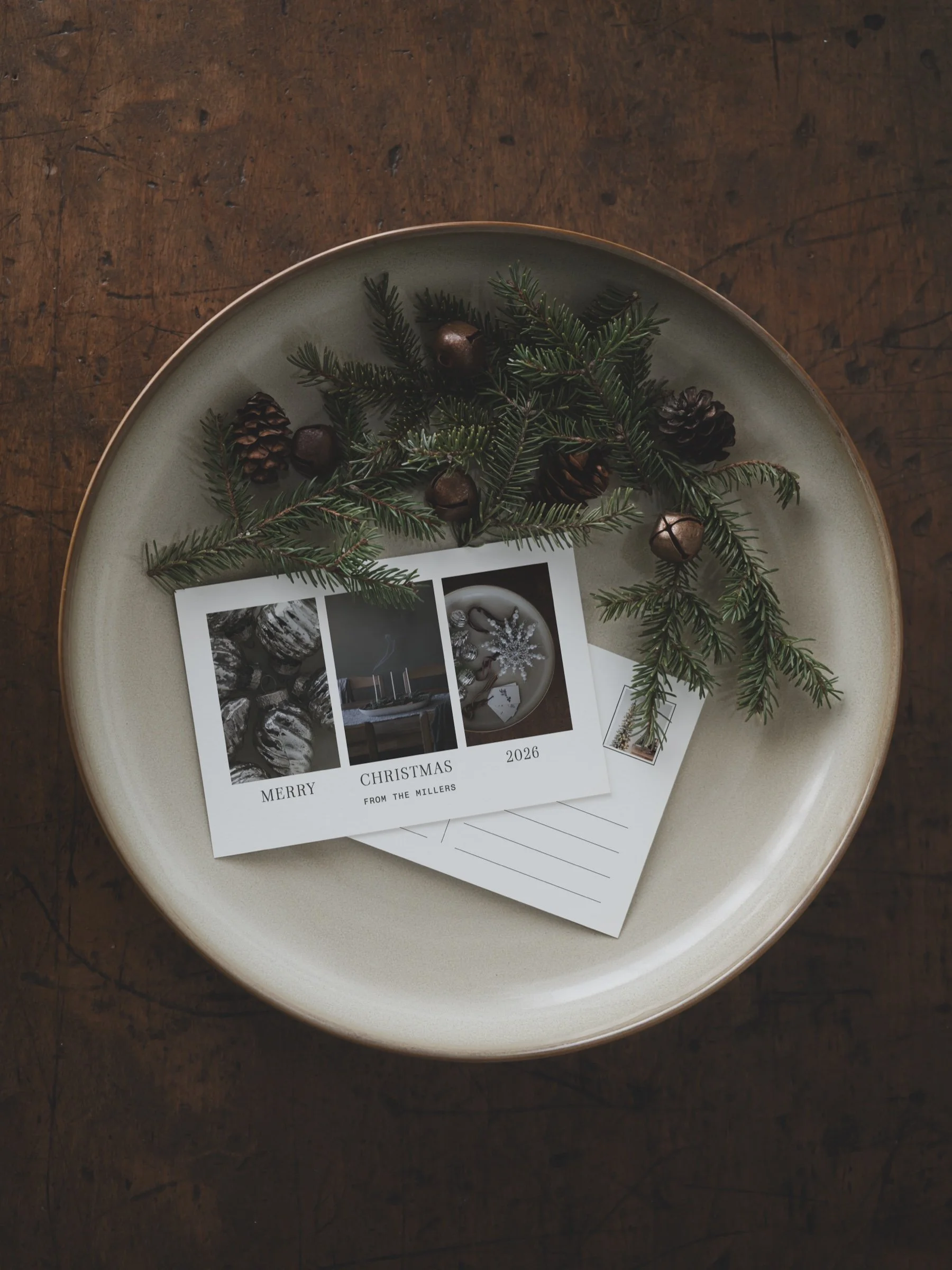 Image 7 of 20
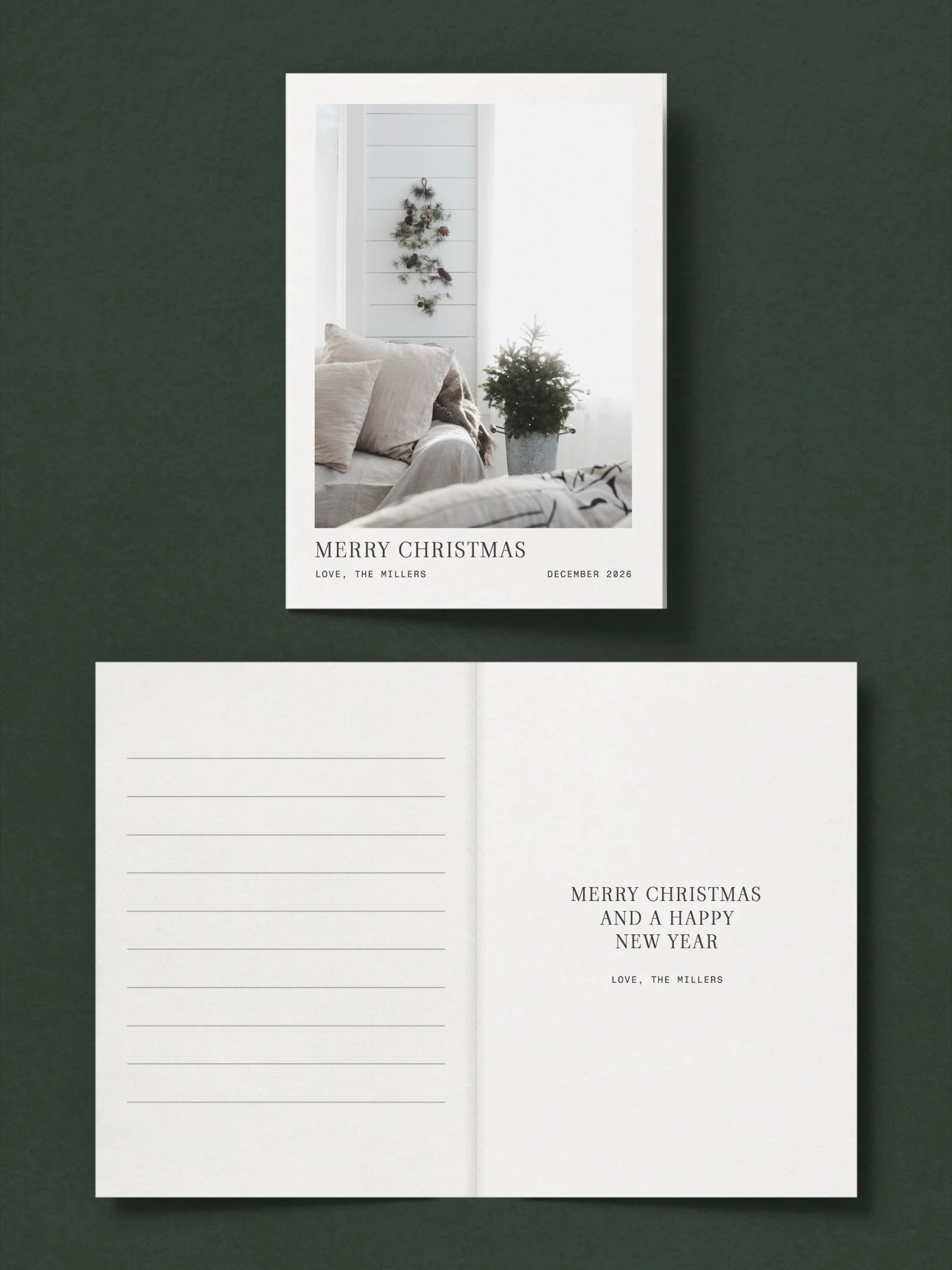 Image 8 of 20
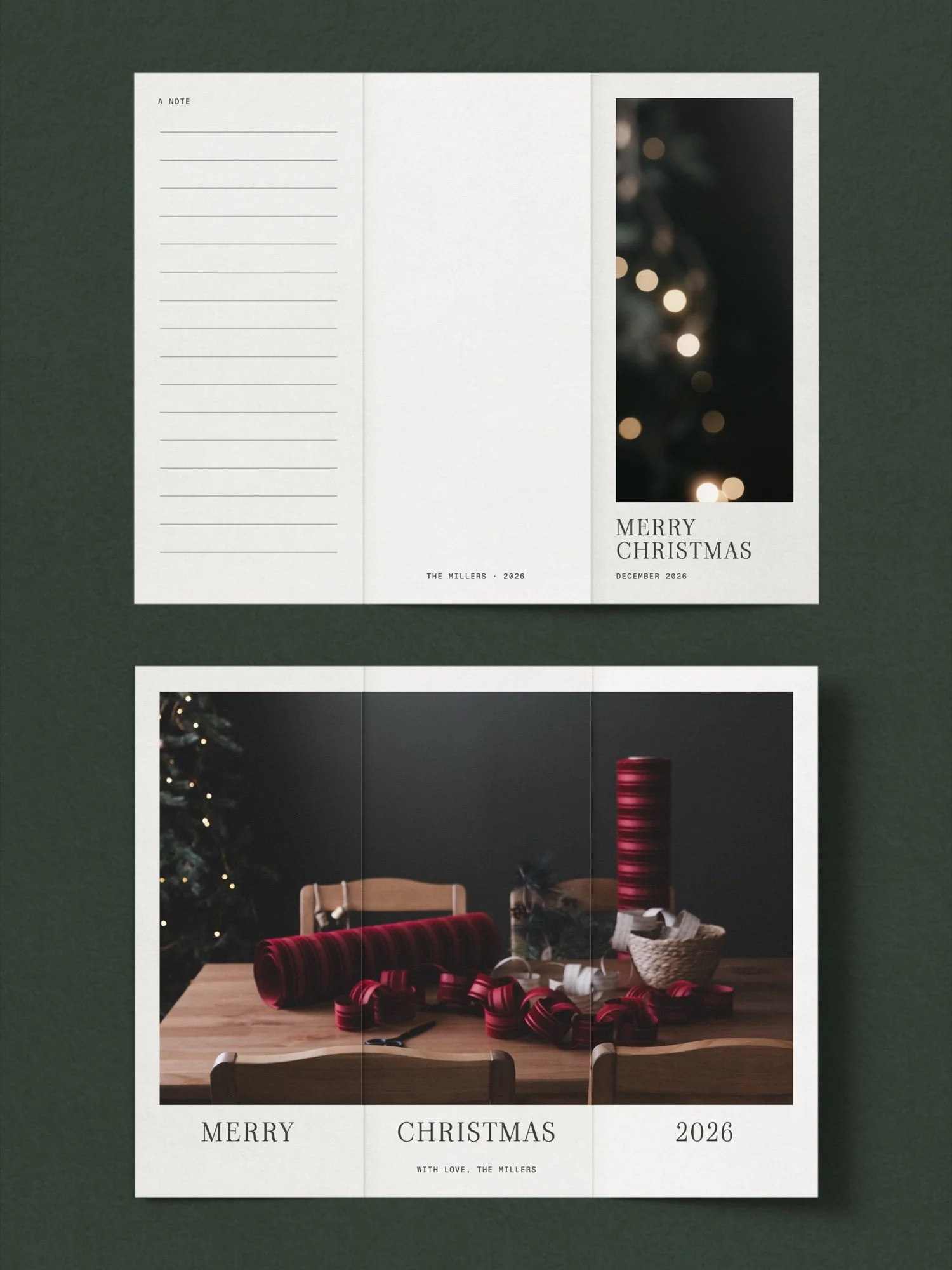 Image 9 of 20
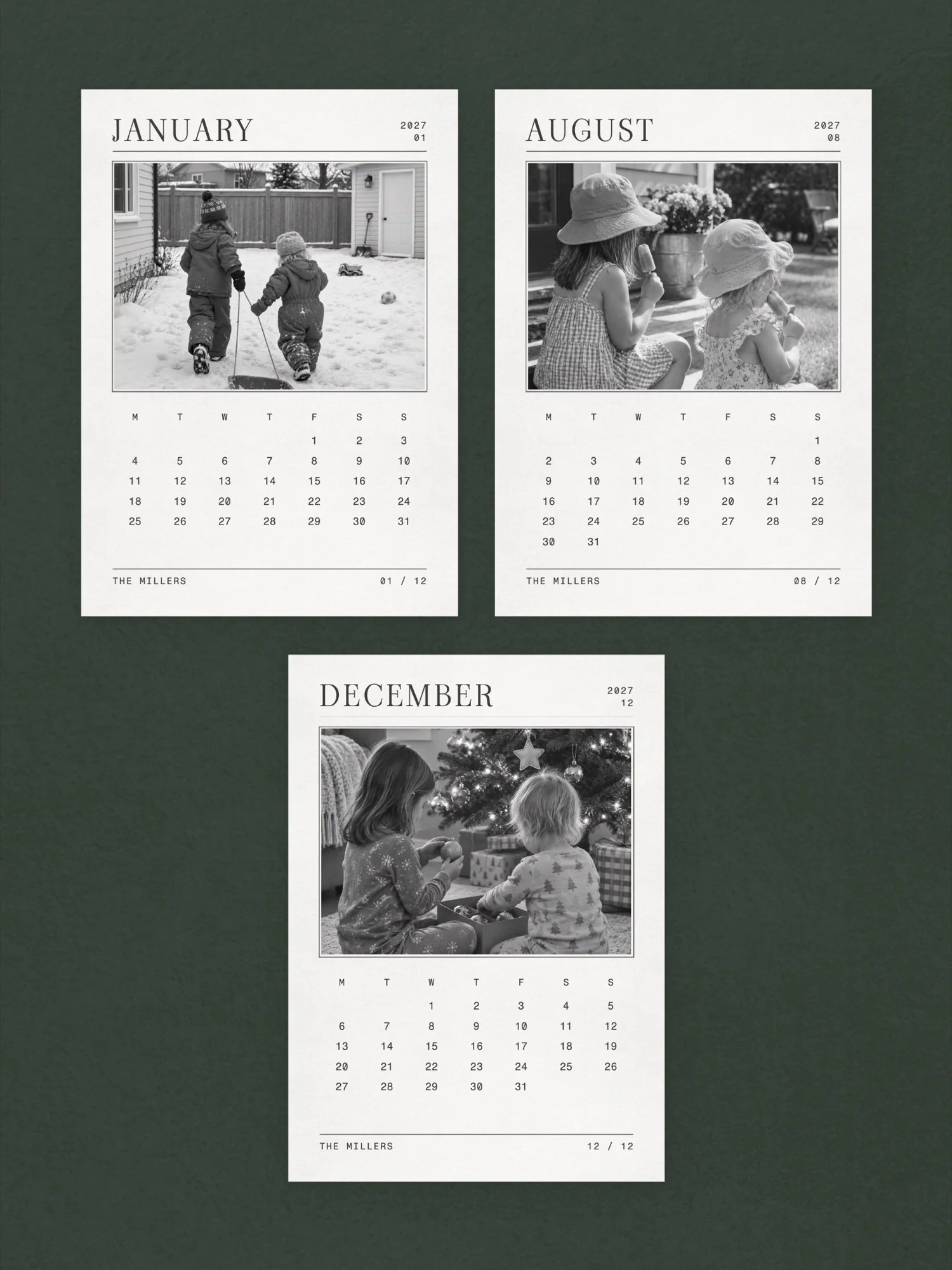 Image 10 of 20
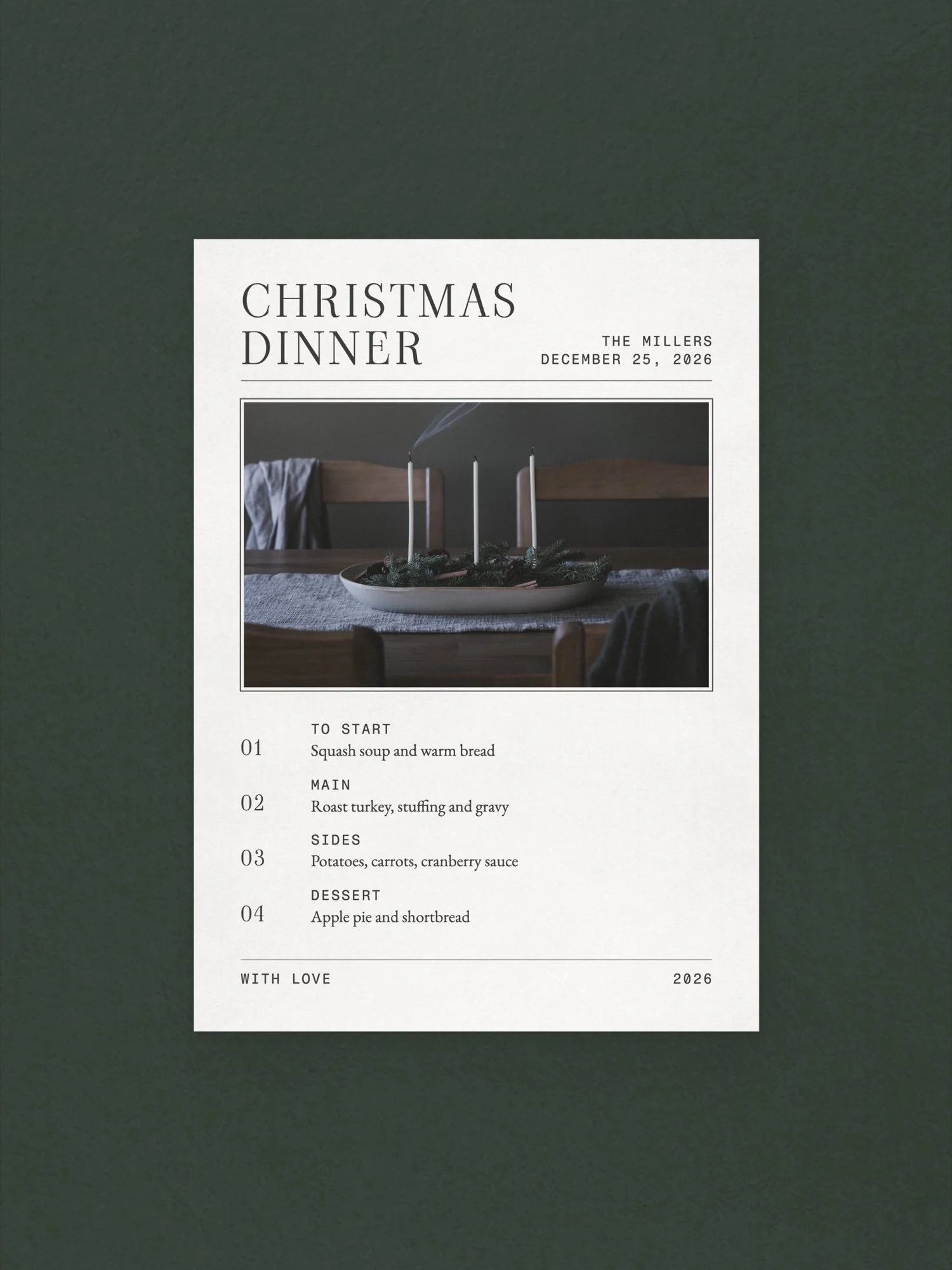 Image 11 of 20
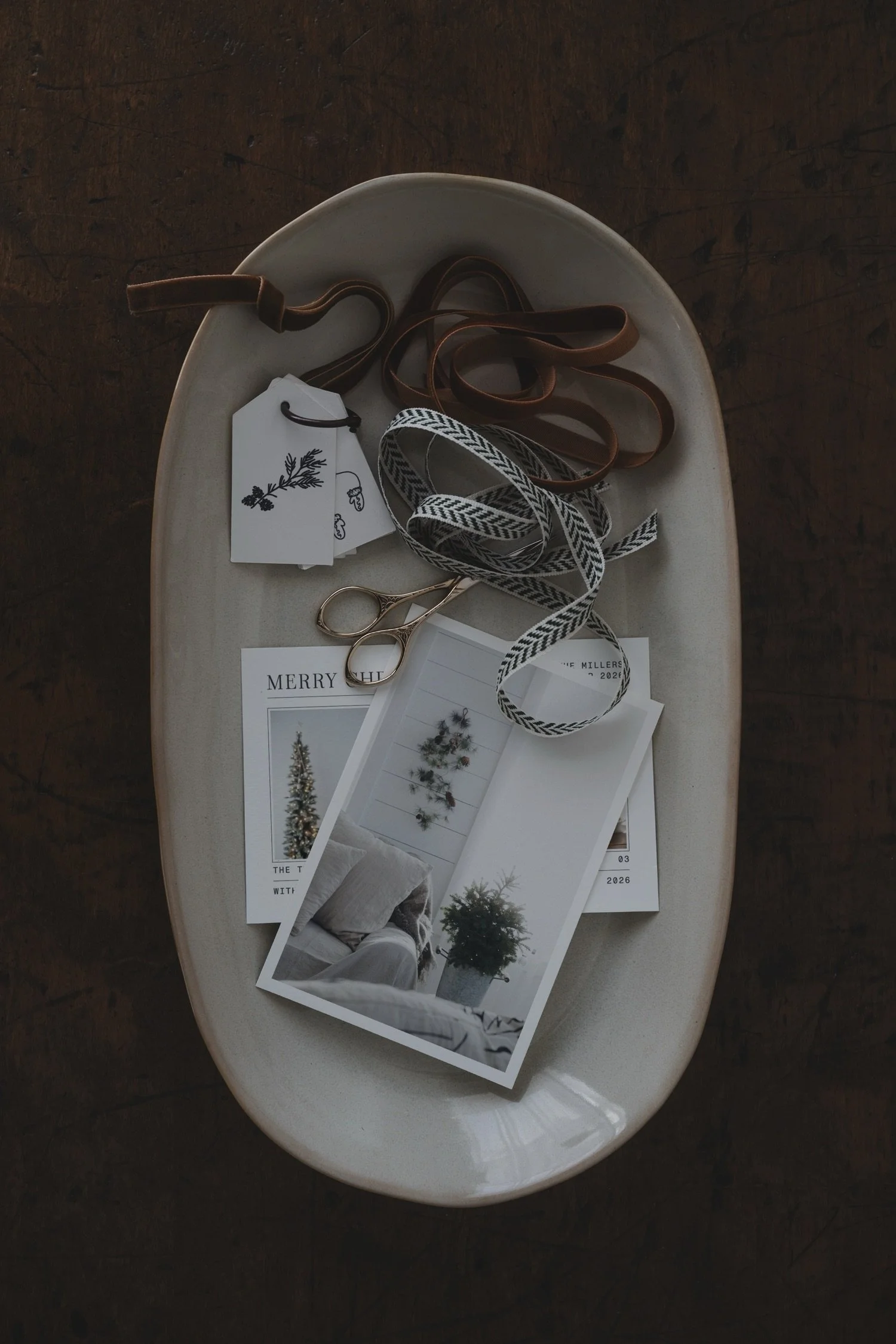 Image 12 of 20
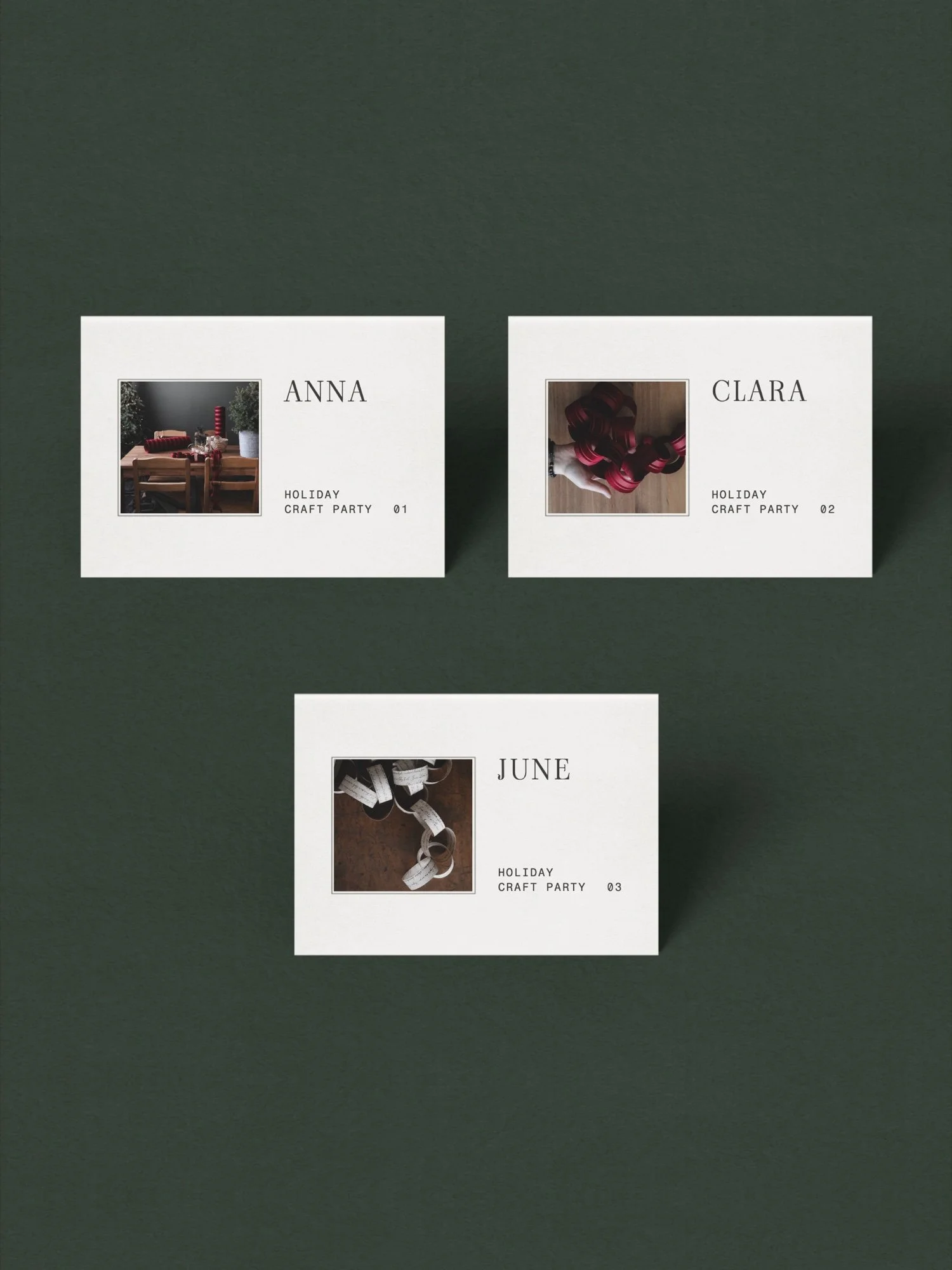 Image 13 of 20
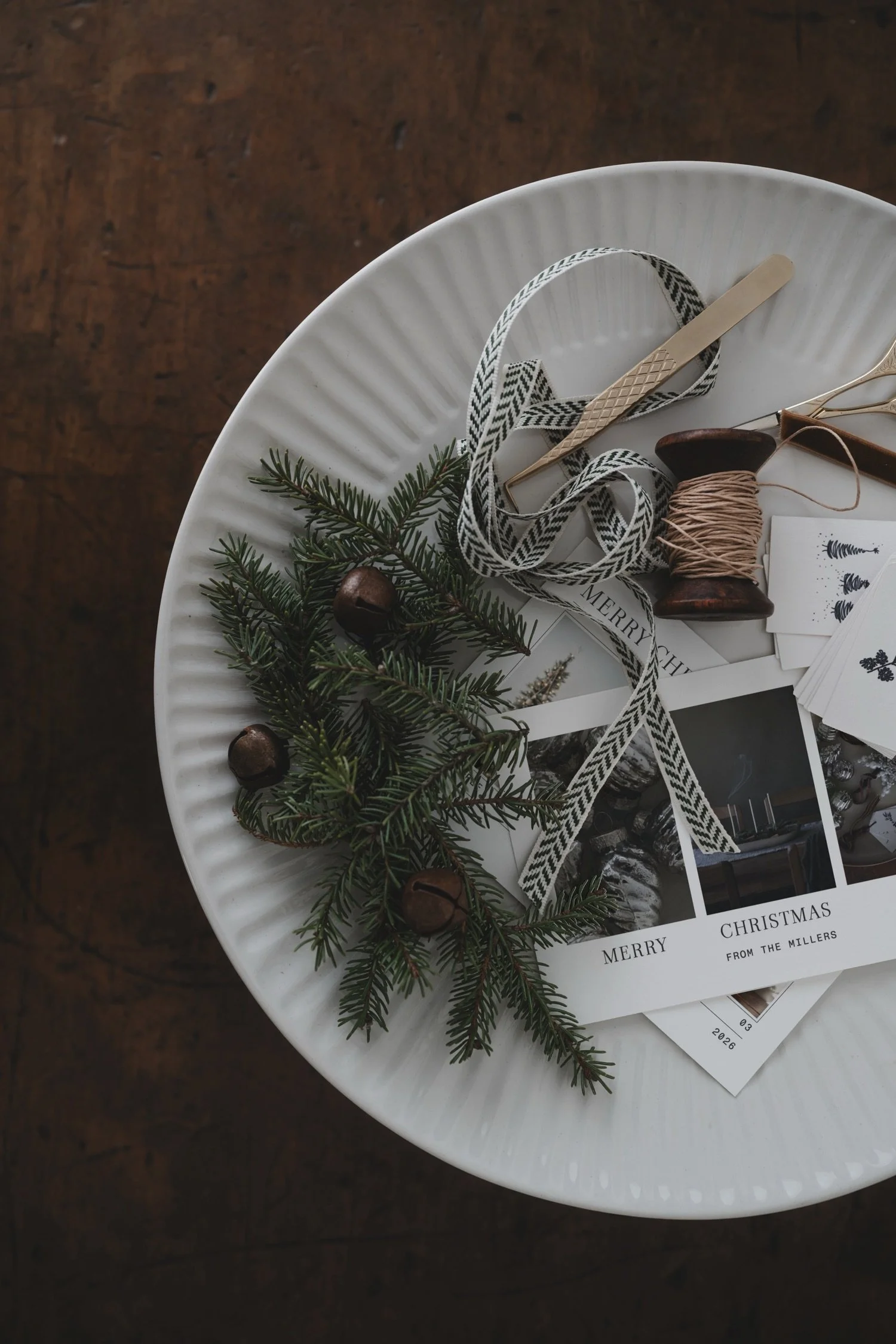 Image 14 of 20
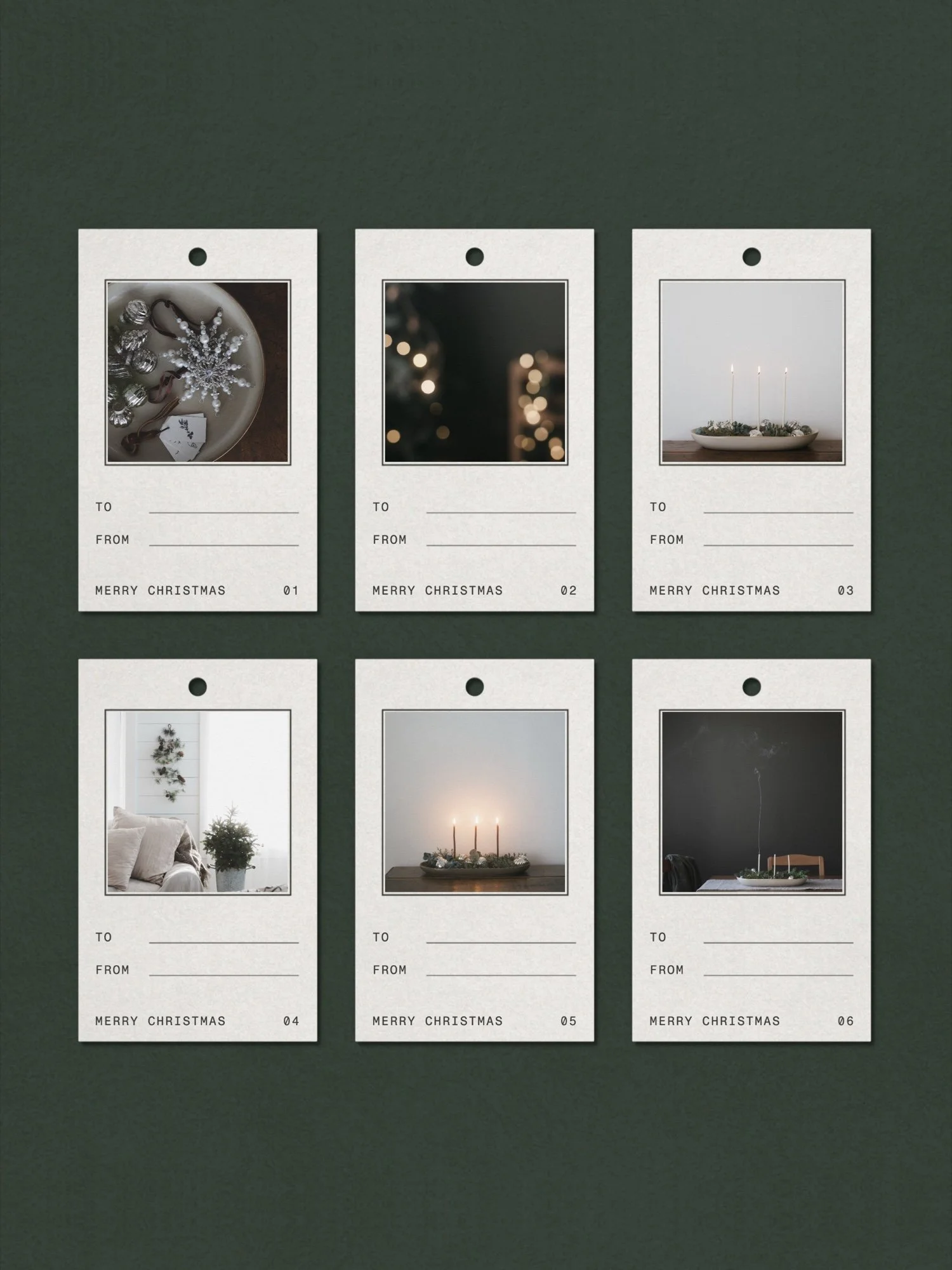 Image 15 of 20
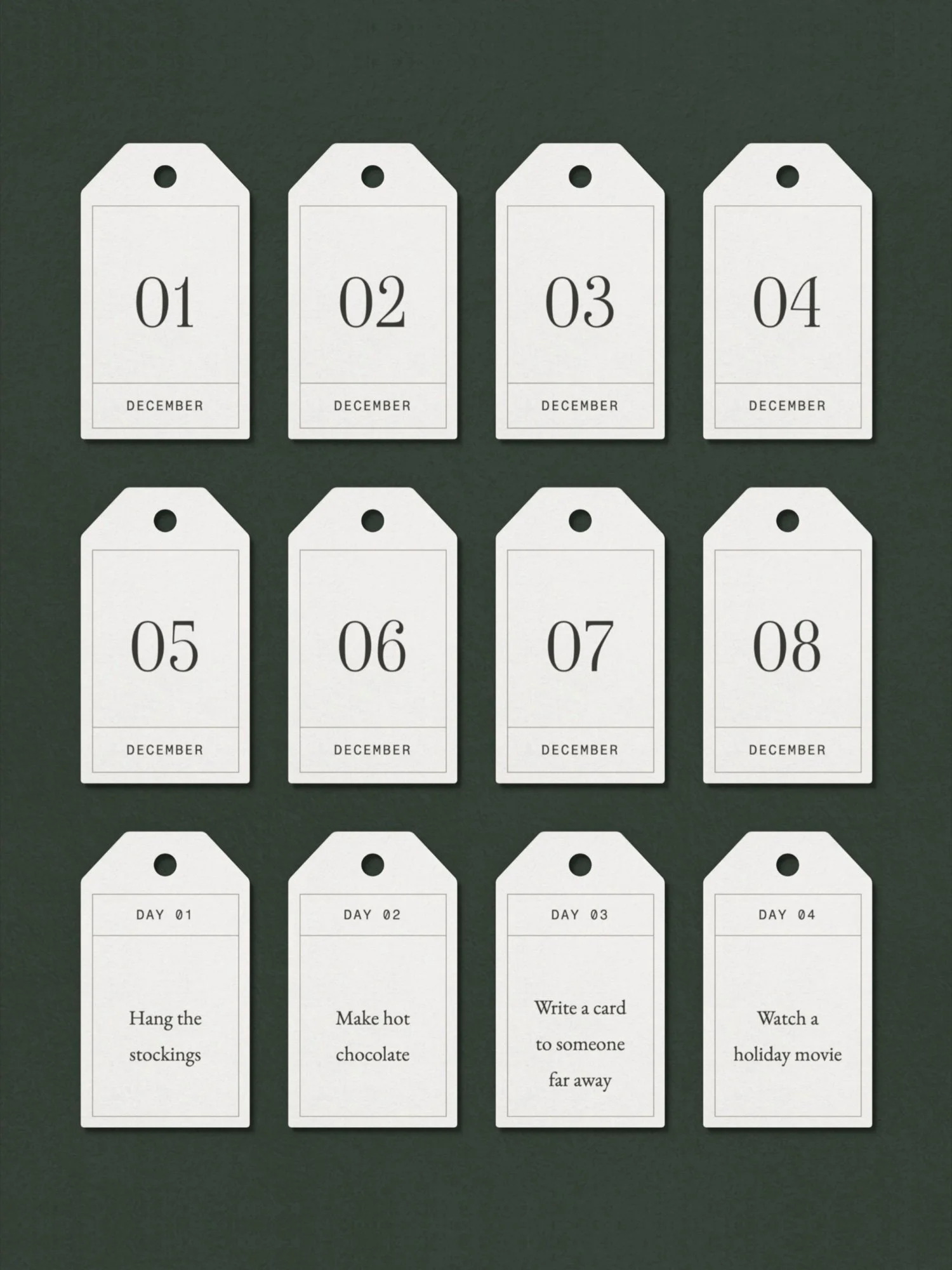 Image 16 of 20
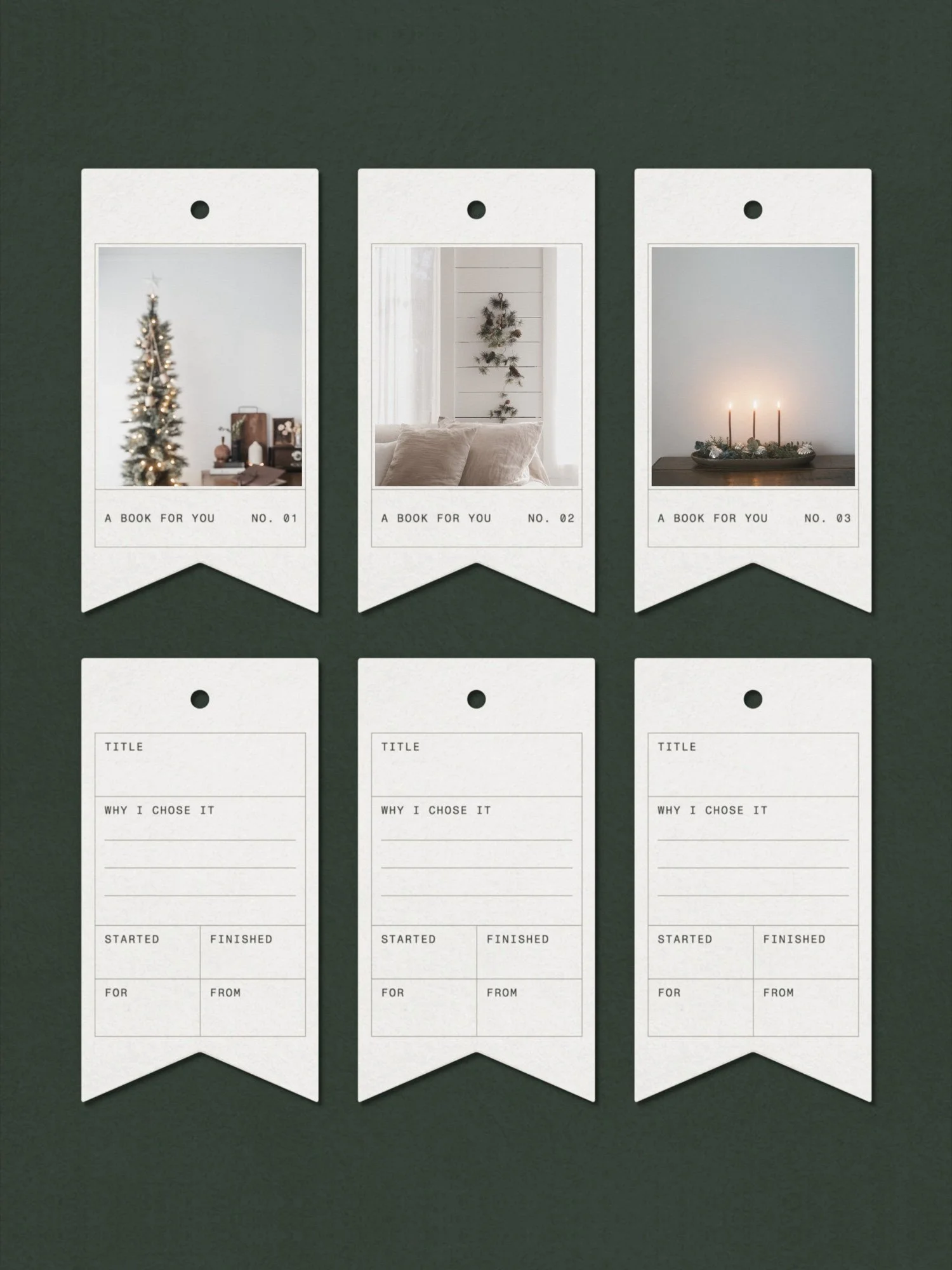 Image 17 of 20
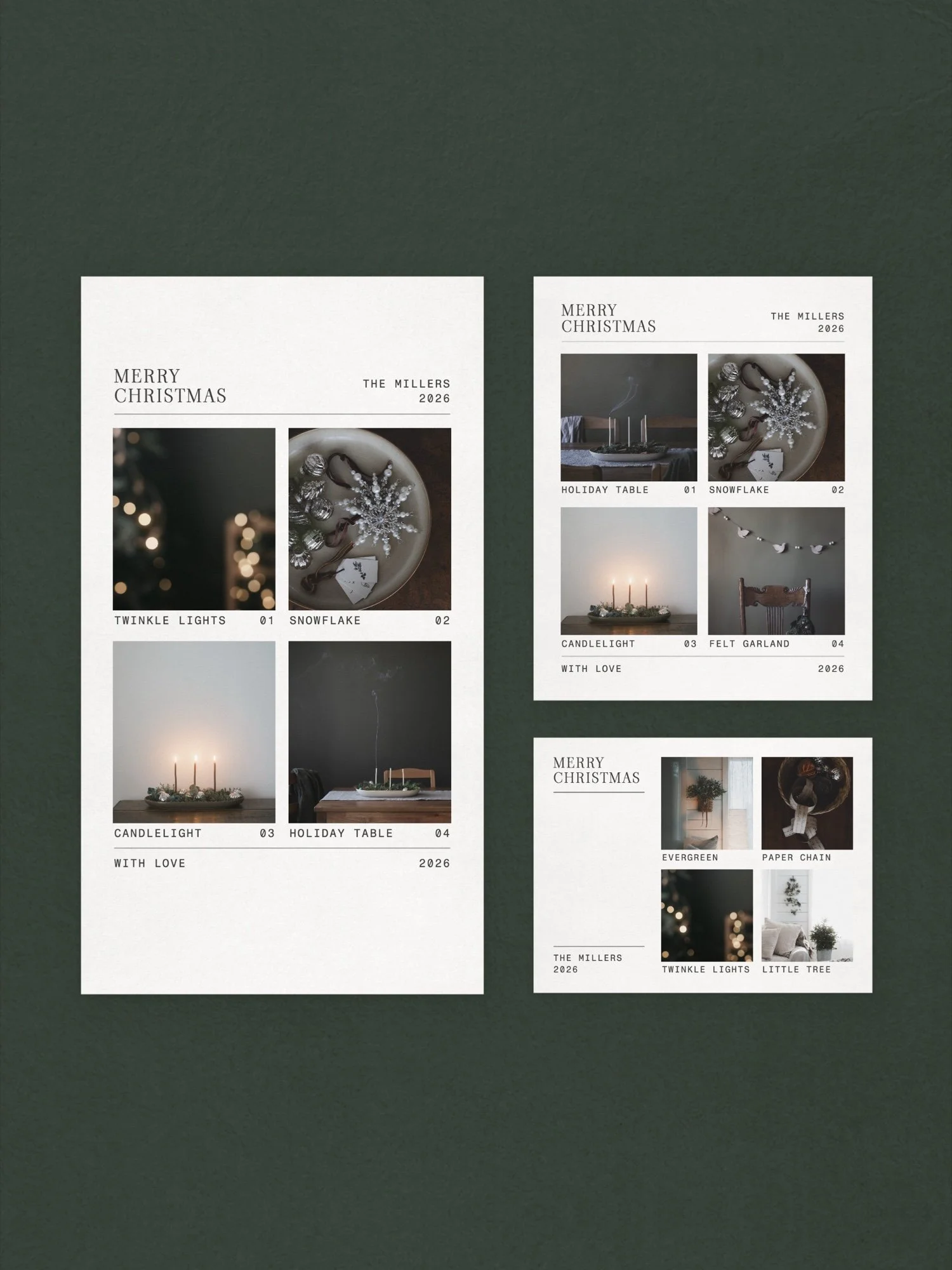 Image 18 of 20
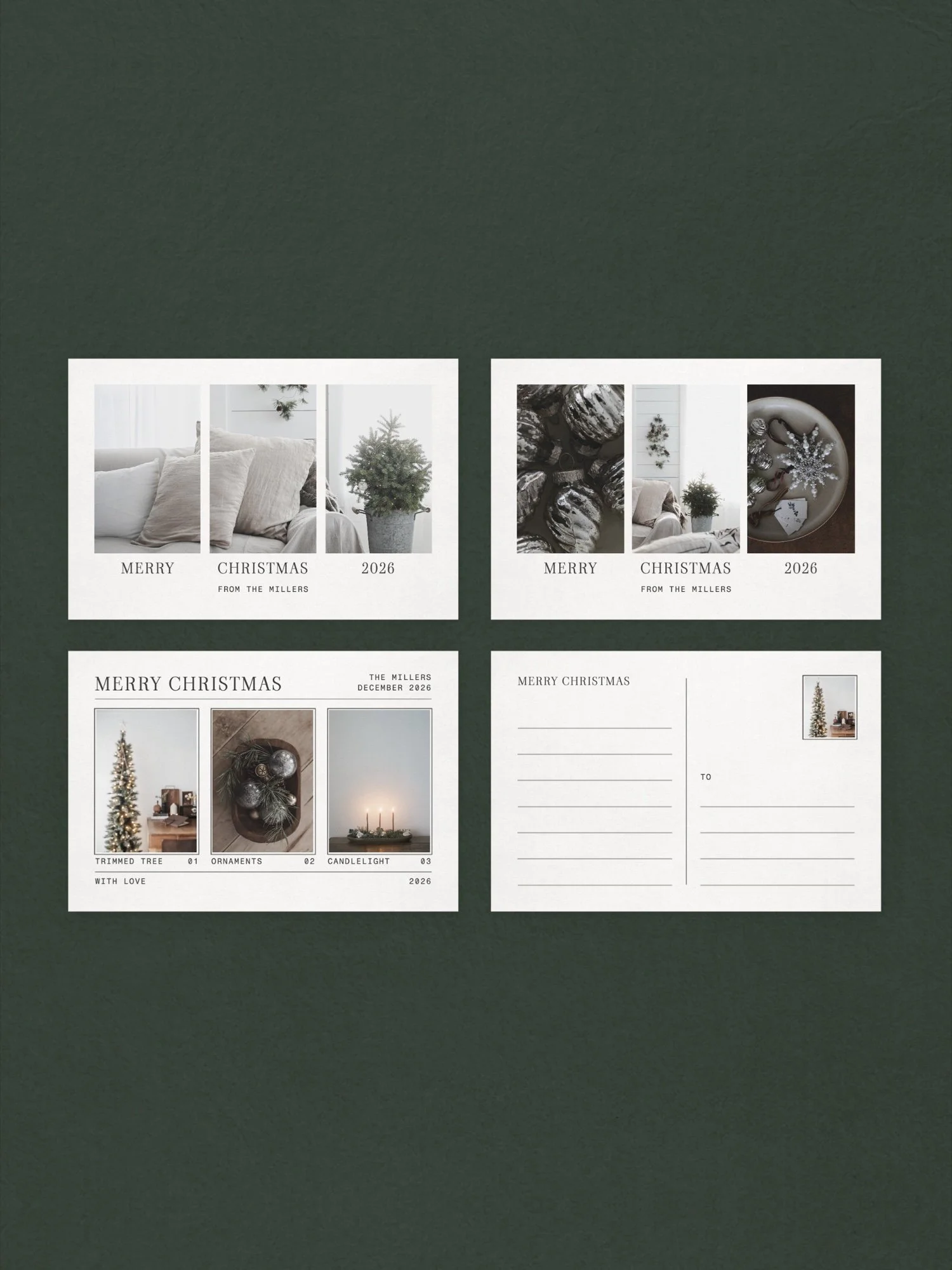 Image 19 of 20
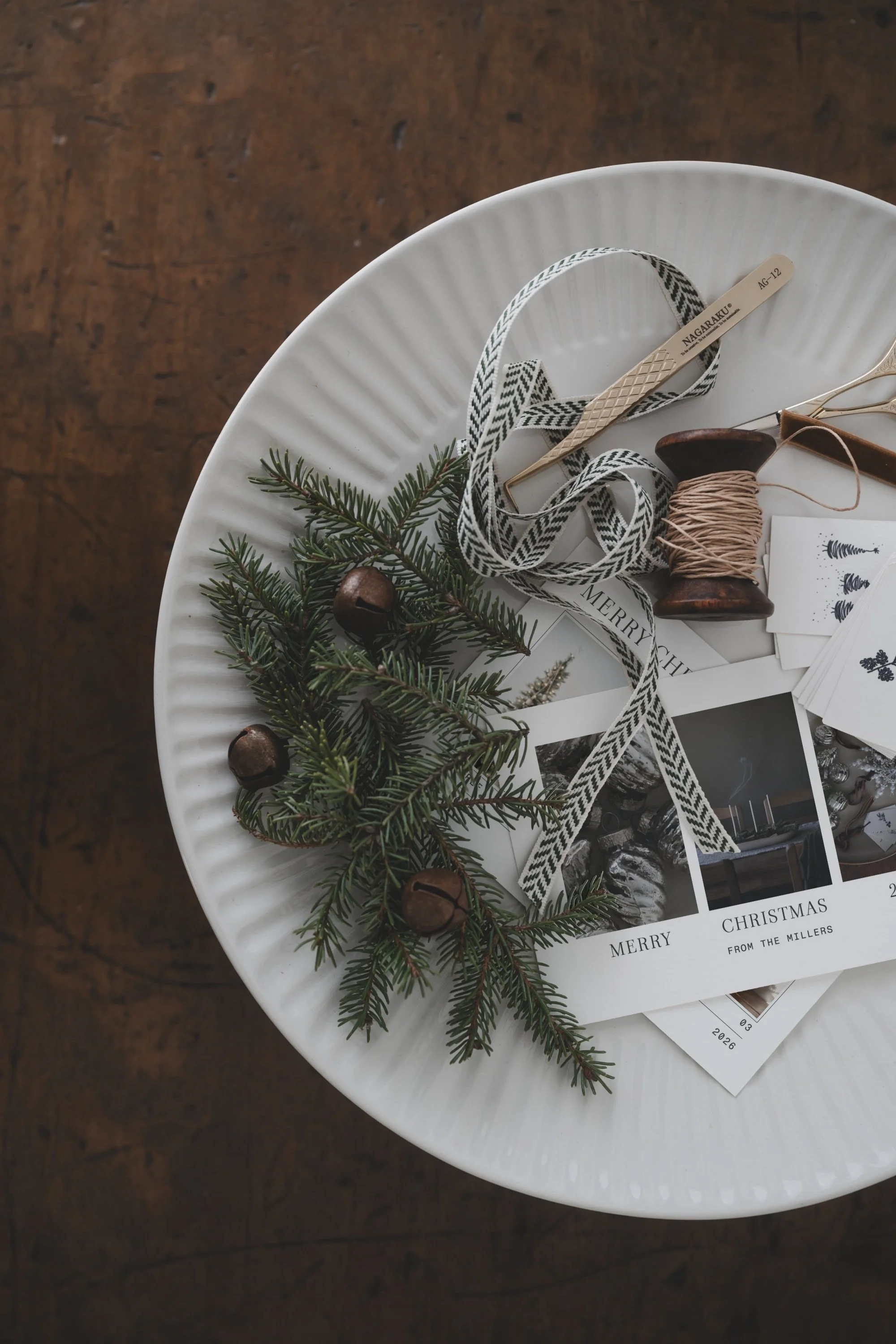 Image 20 of 20