
STUDIO TOOLS
Your photos, off the screen and into your hands.
Postcard Studio
Zine Studio
In the Frame
STUDIO TOOLS
tools designed with the photographer in mind
.01 POSTCARD STUDIO
POSTCARD STUDIO
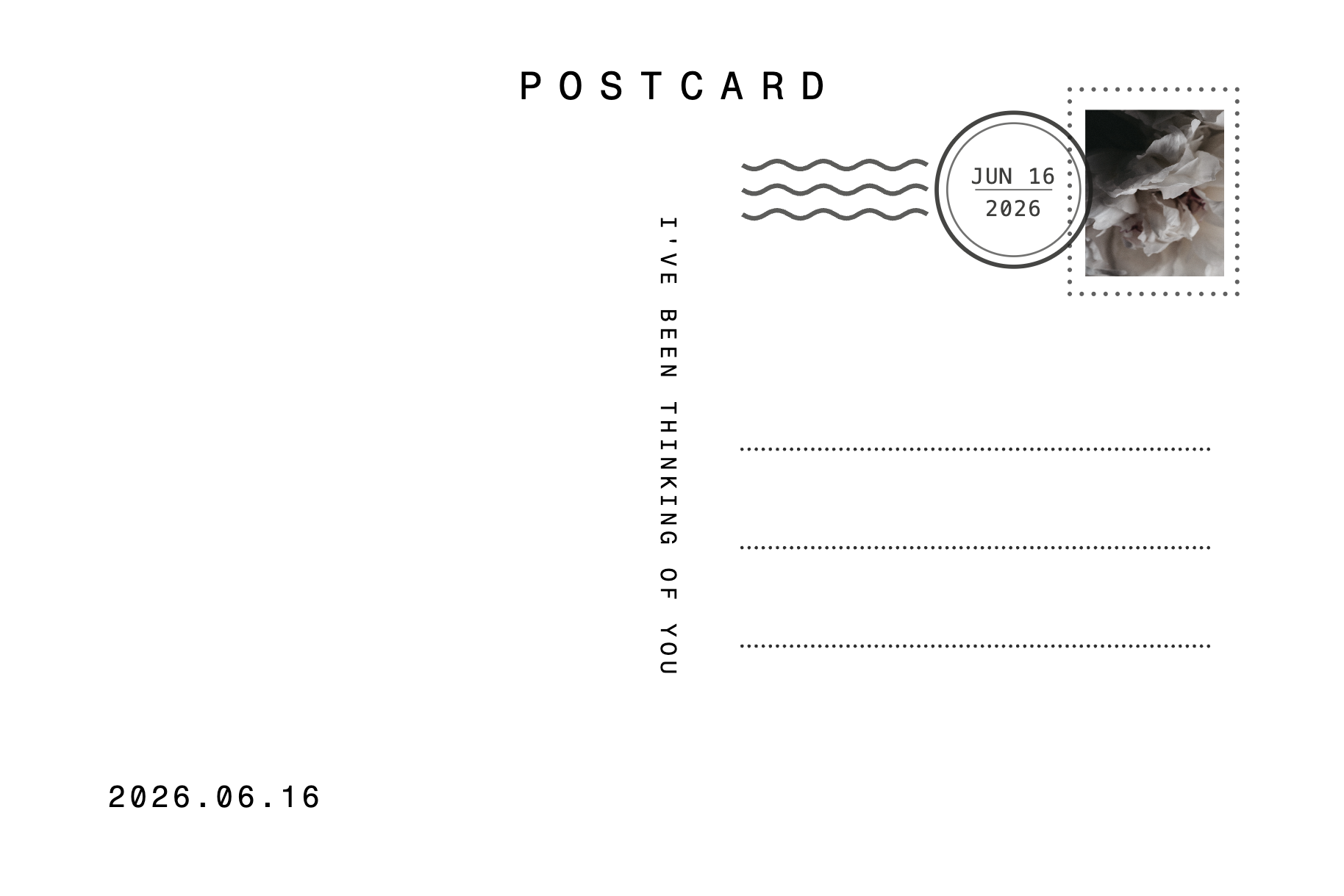
Design both sides, front and back
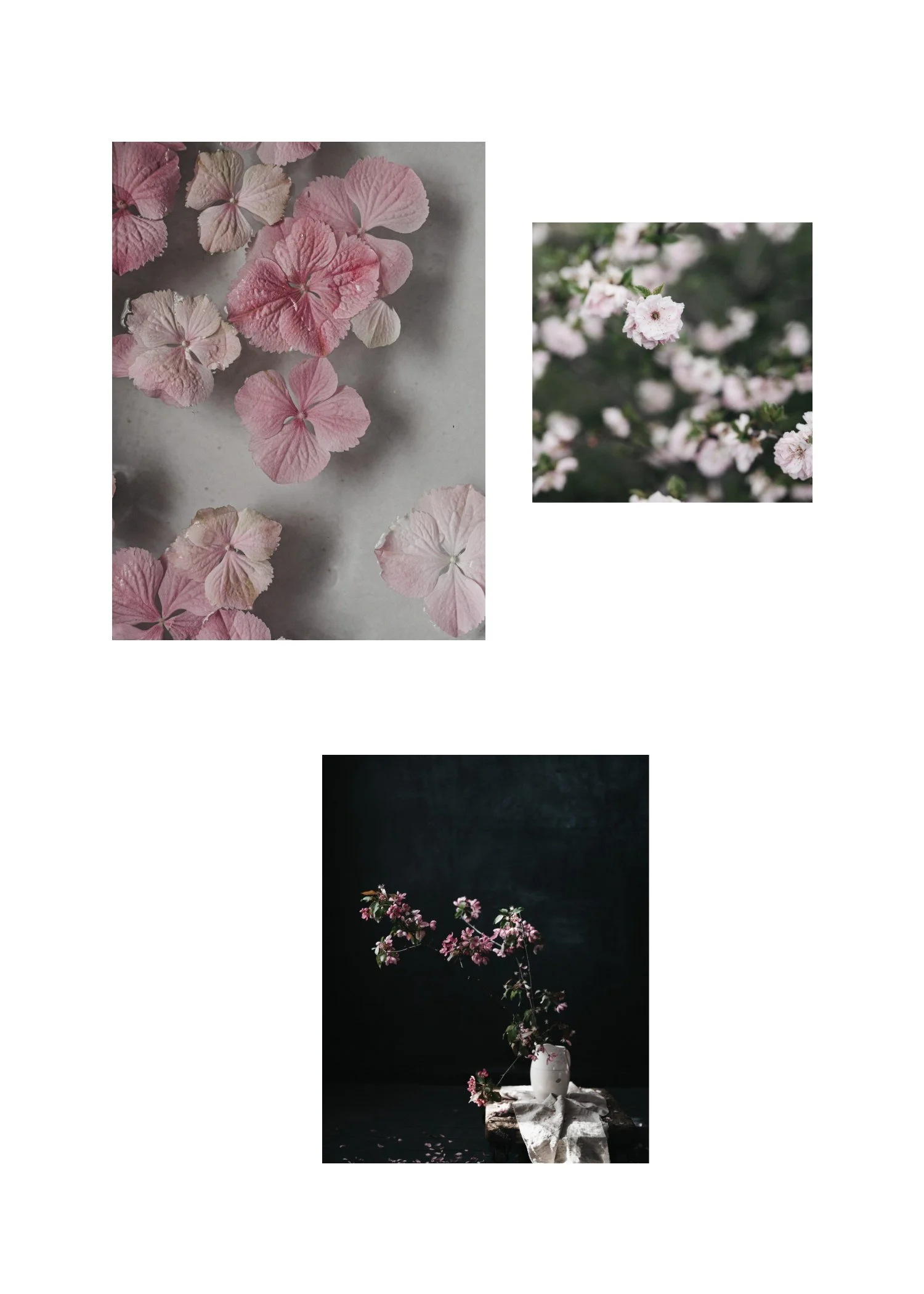
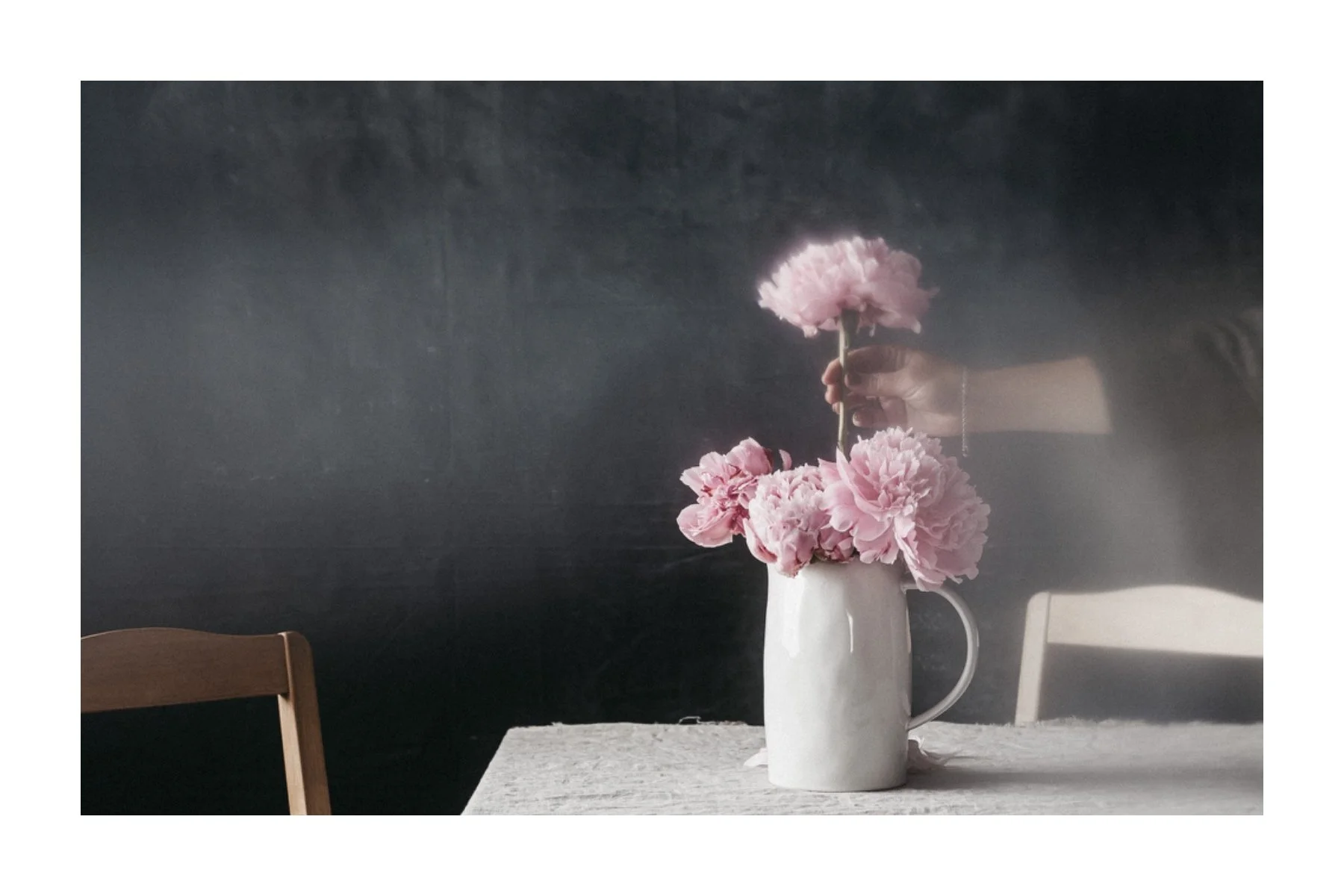
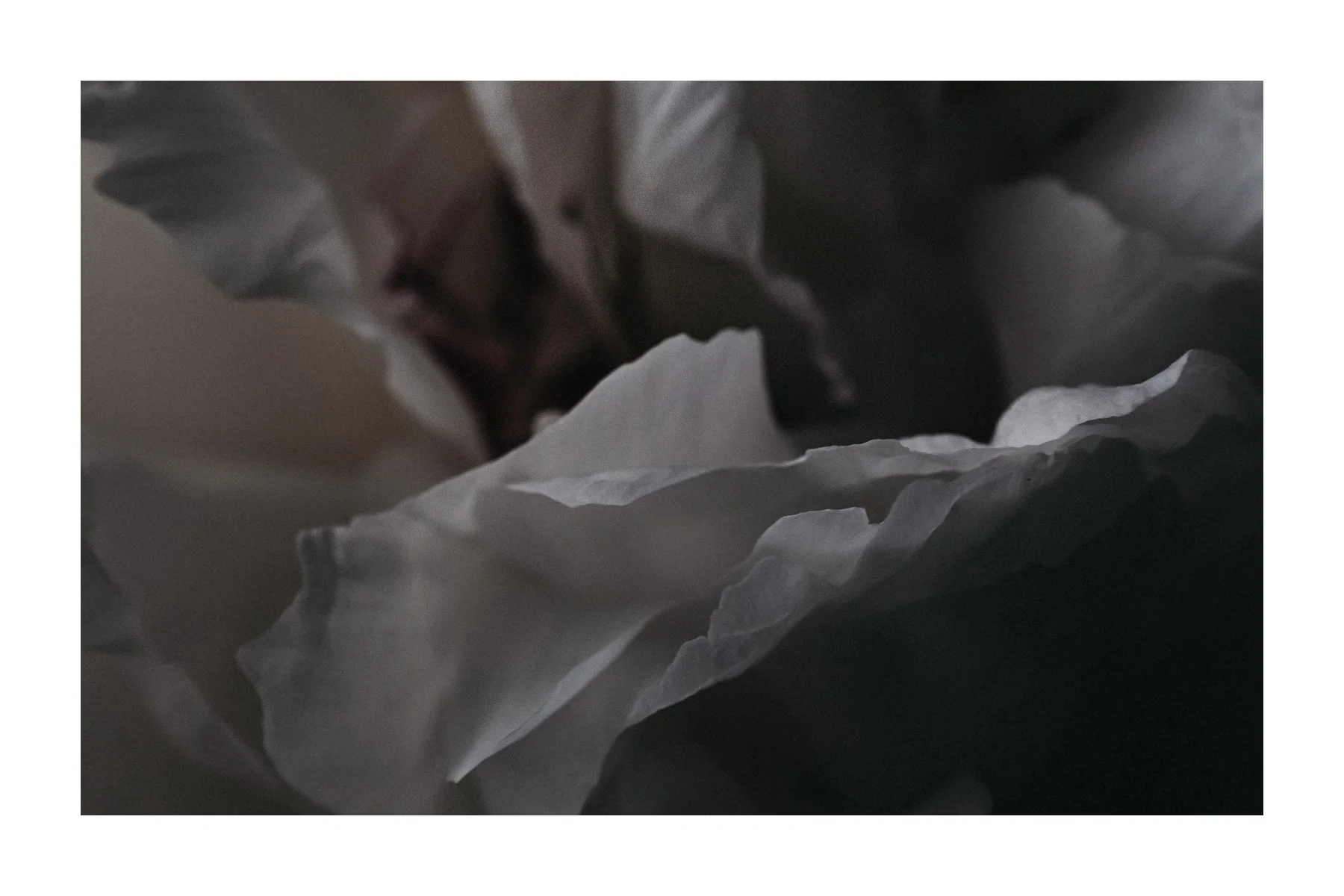
Front photo layouts: single, triptych, and more
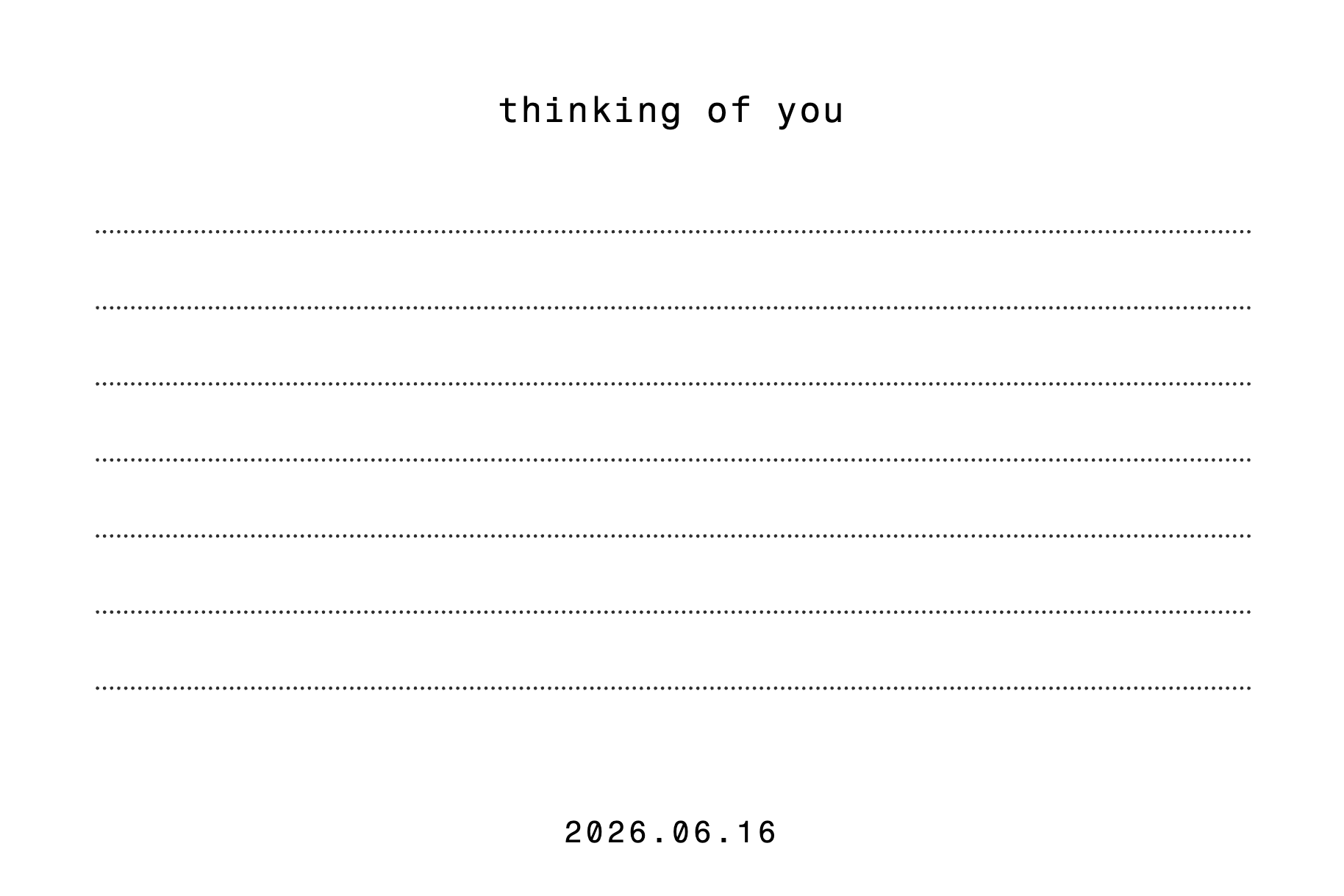
A real back side with your message, a stamp, and address lines
Add words to the front too
A white space dial to control the breathing room
Drop your own photo into the stamp
Download print-ready front and back at 300dpi
Start a postcard straight from a layout in In the Frame
Save your postcards and reopen them anytime
.02 IN THE FRAME
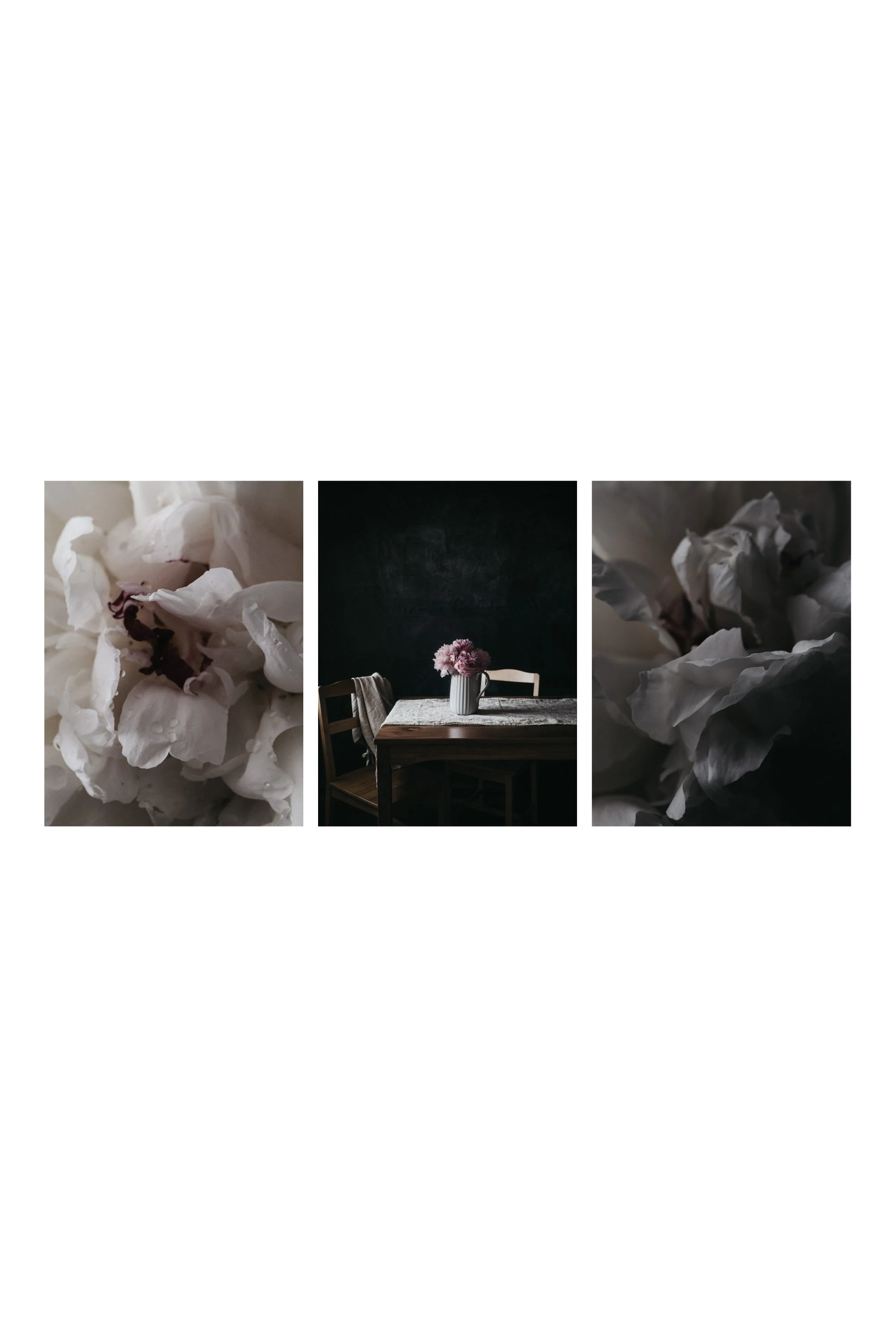
In the Frame
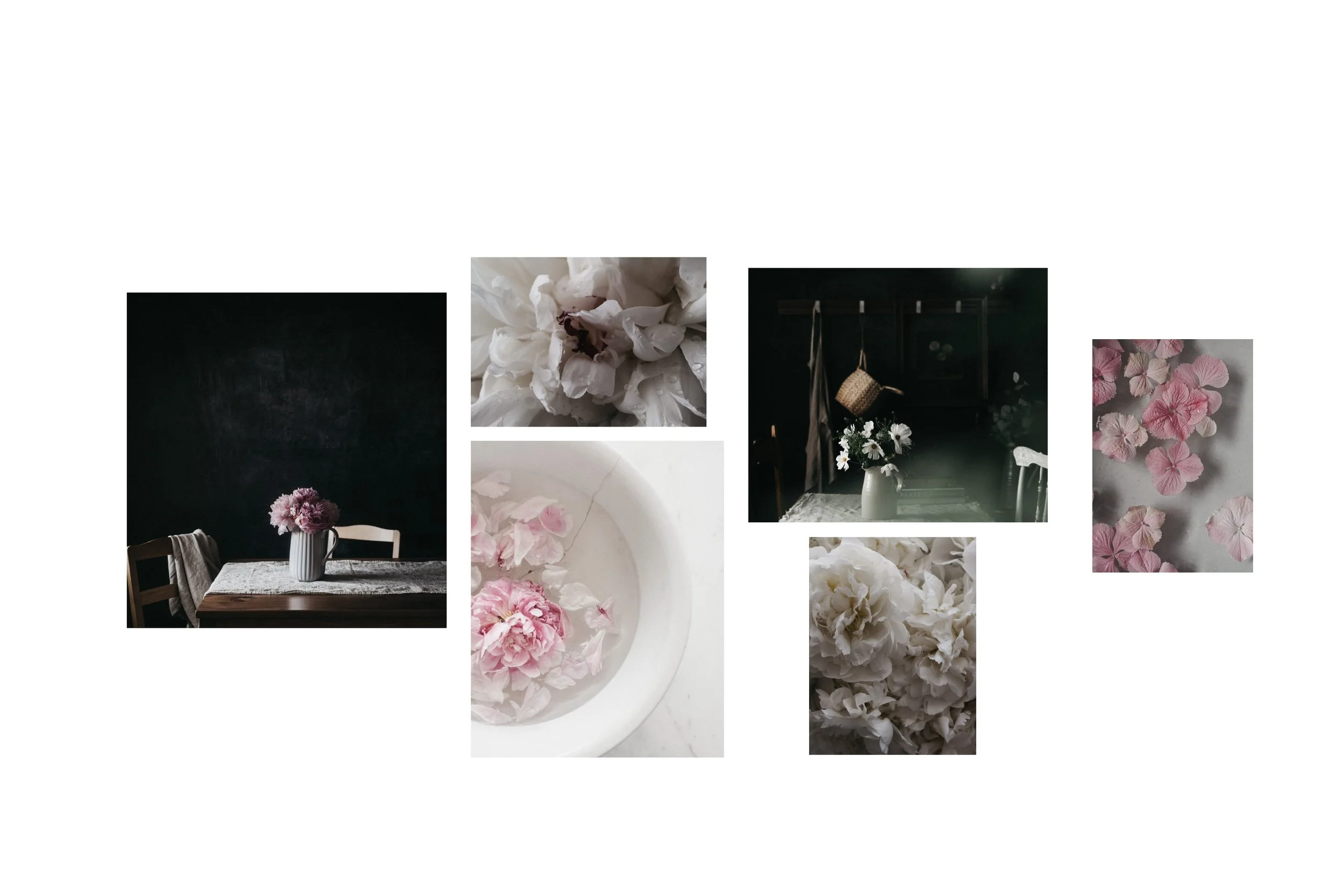
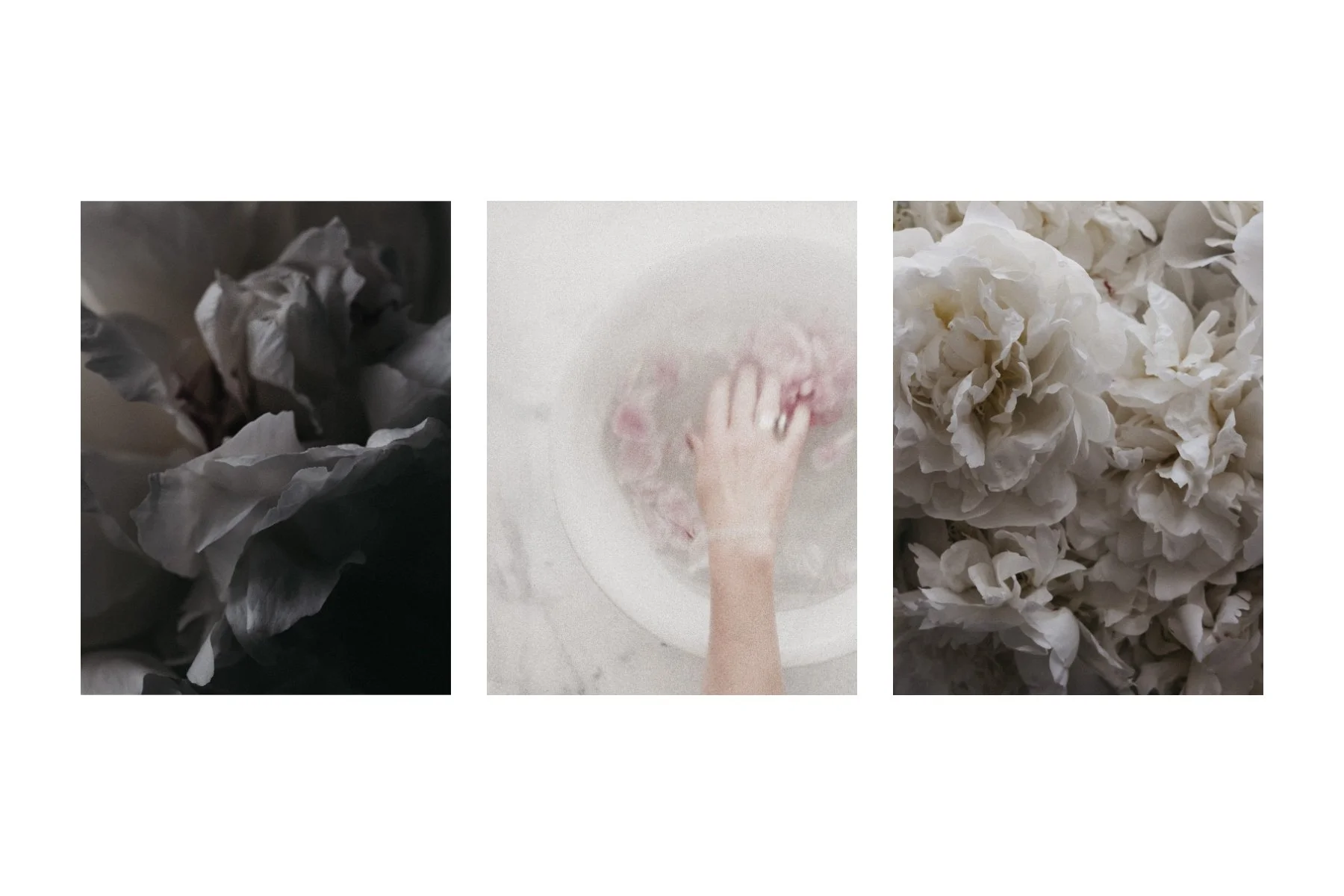
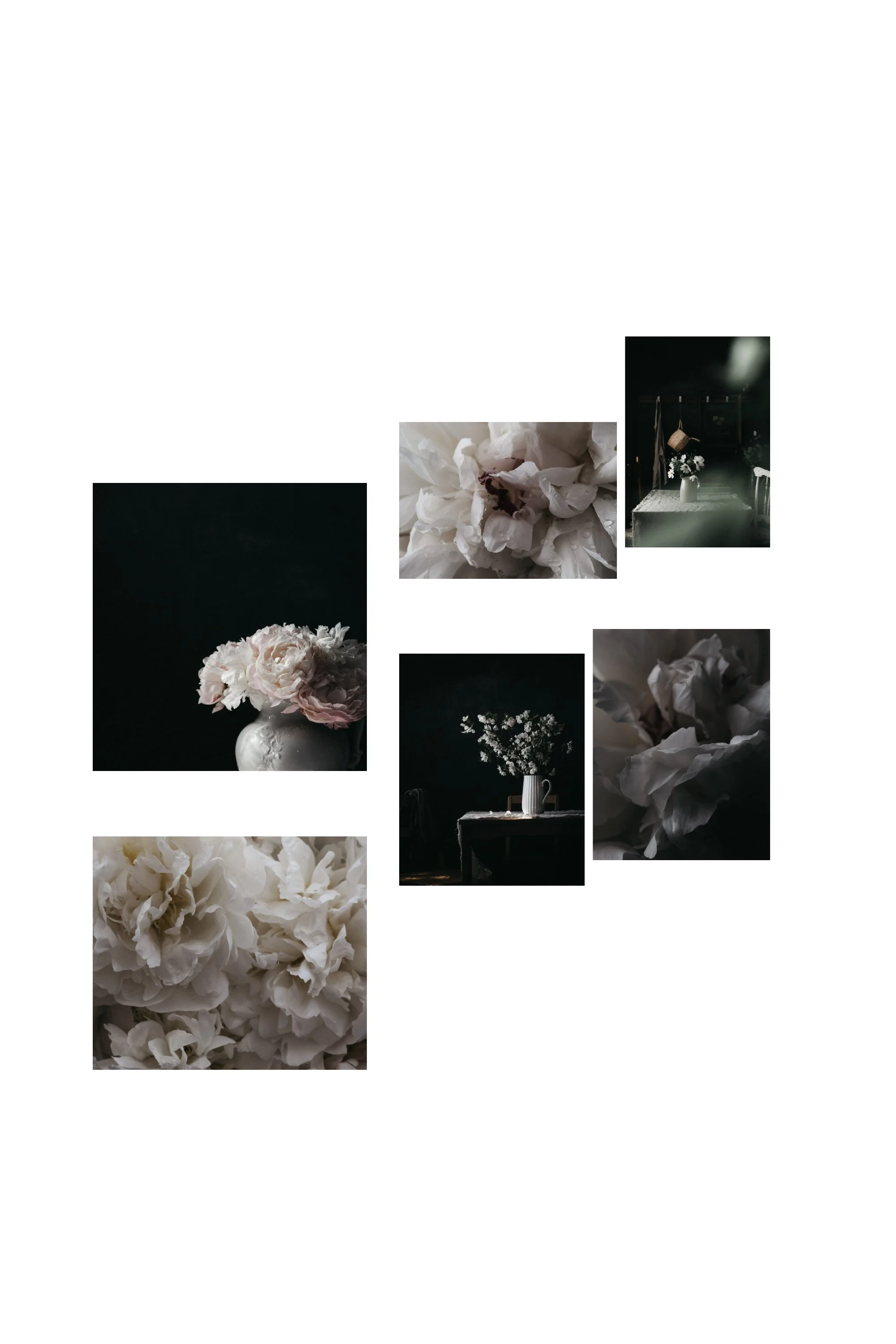
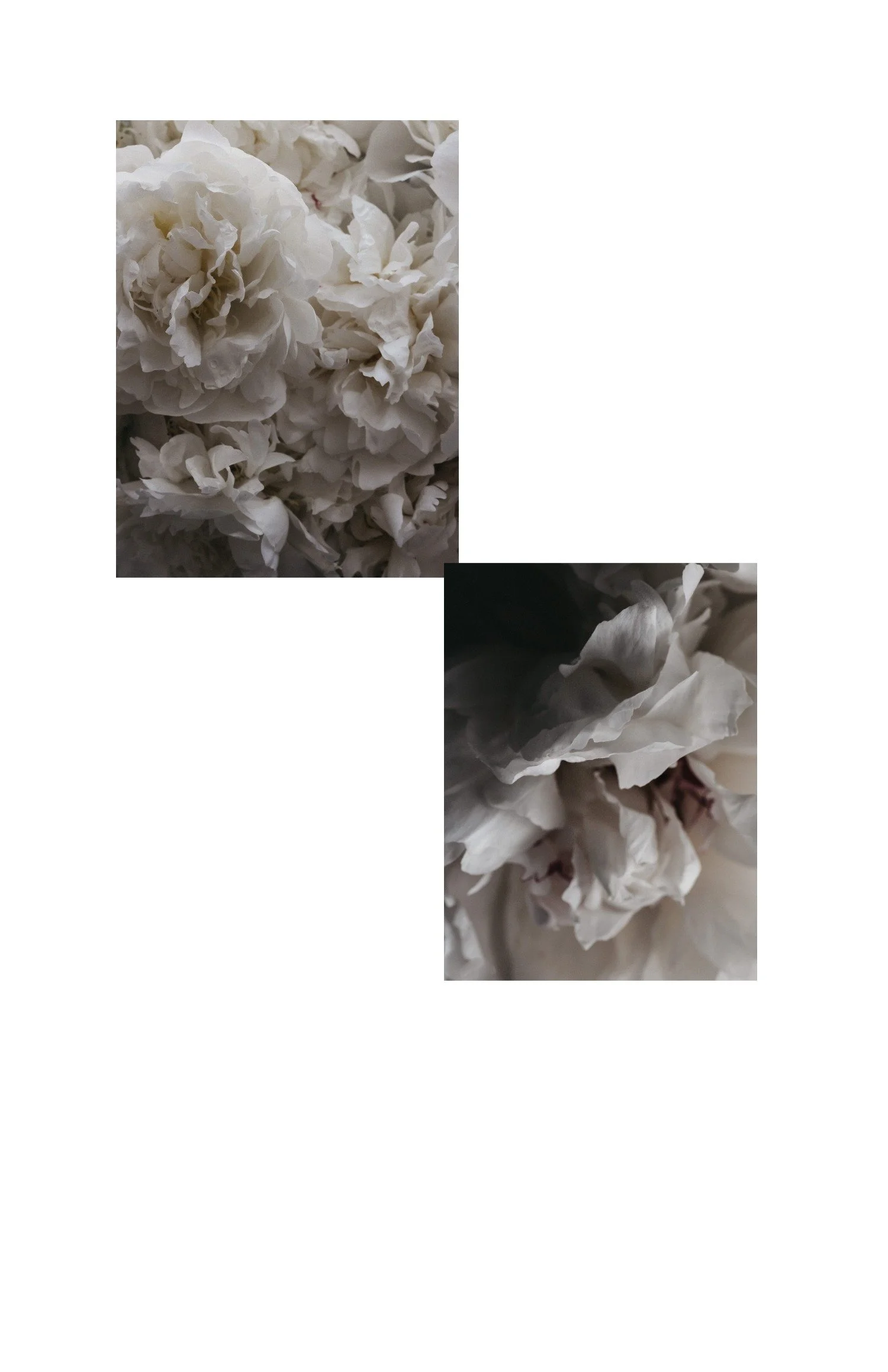
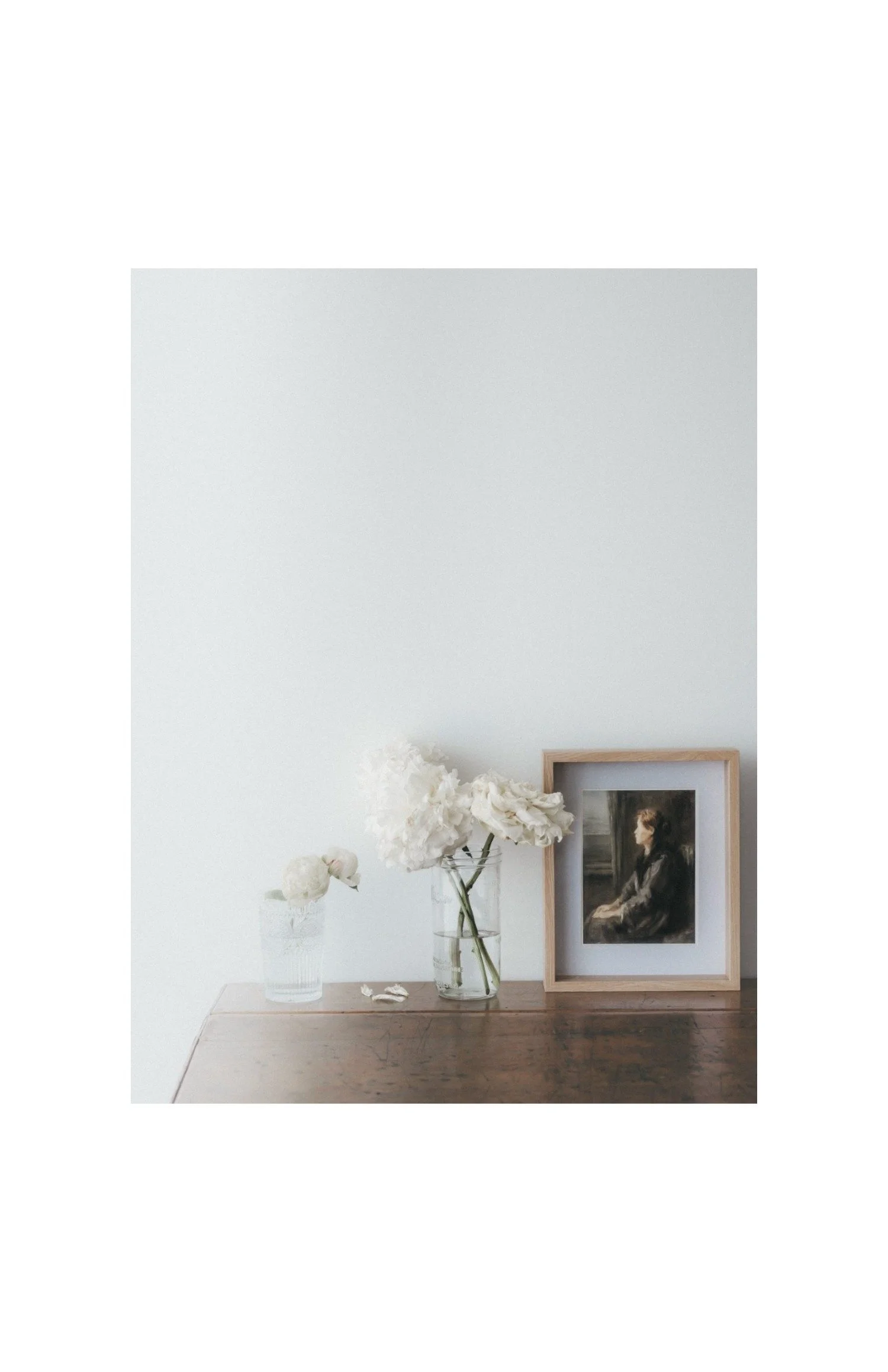
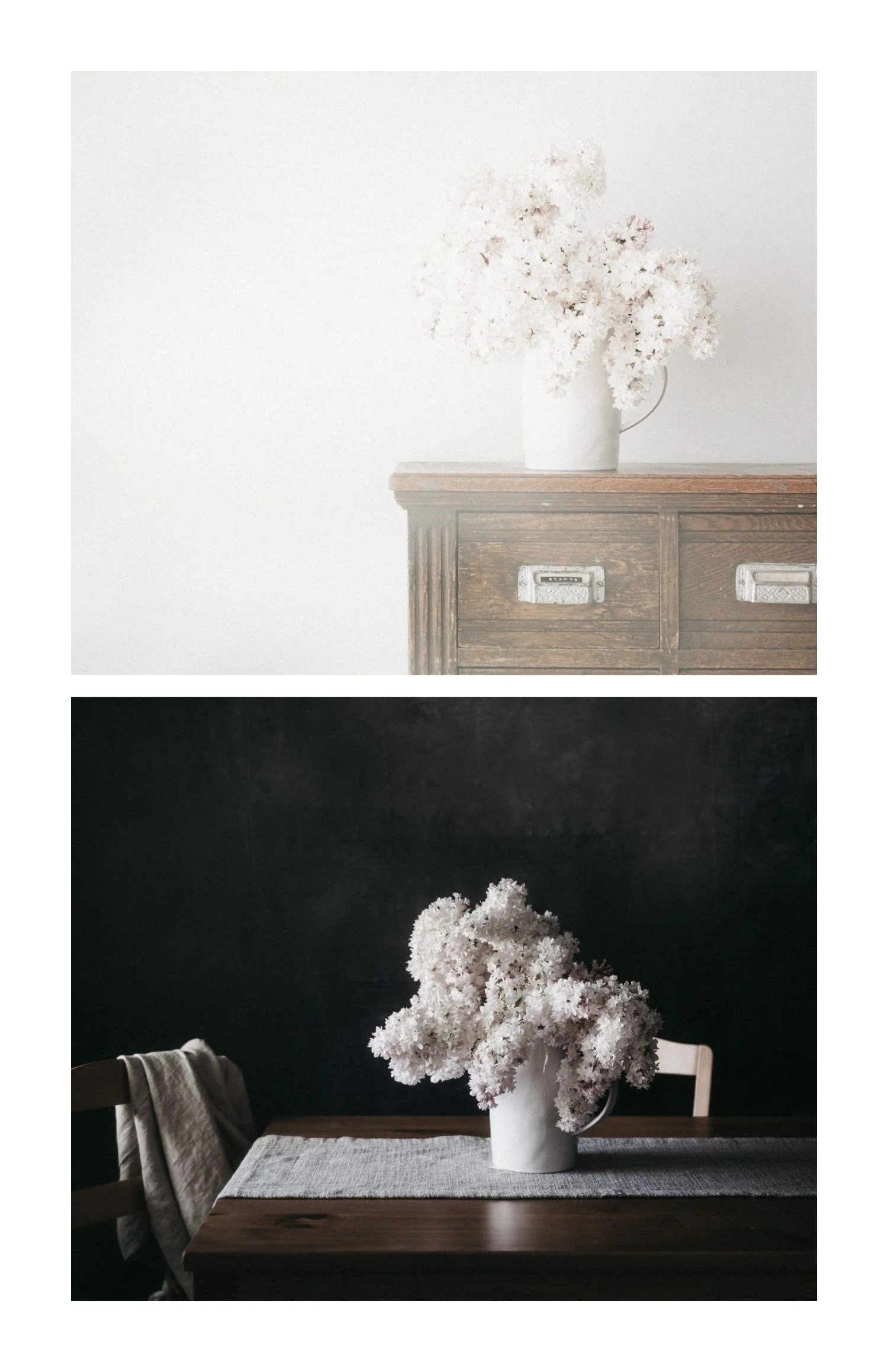
Drop in your photos and arrange them in clean, gallery-style layouts
A library of layouts: single, diptych, quad, triptych, six-up, and more
Drag photos cell to cell to reorder in seconds
Add words and captions with curated font pairings
A white space dial to set how much room your photos get to breathe
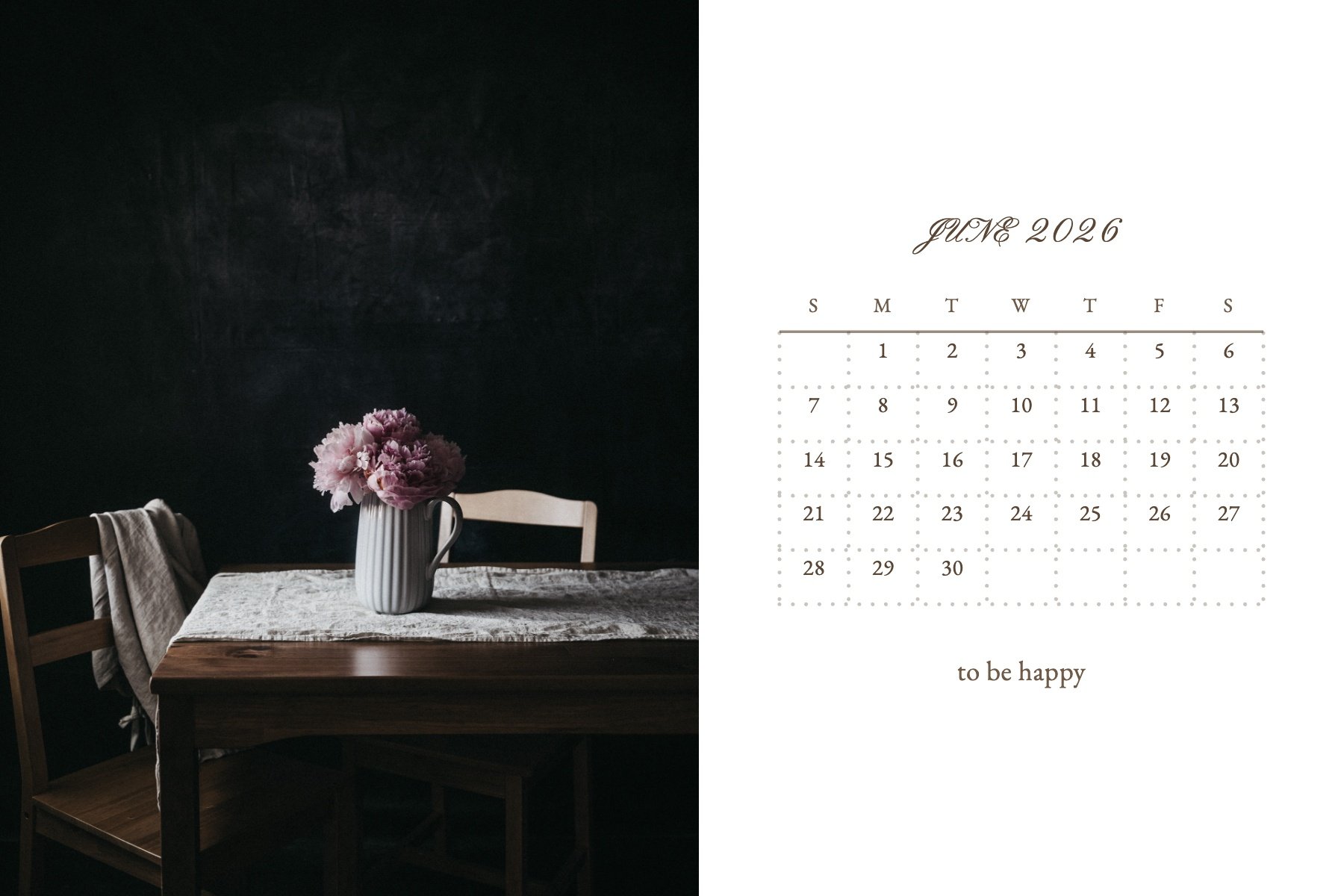
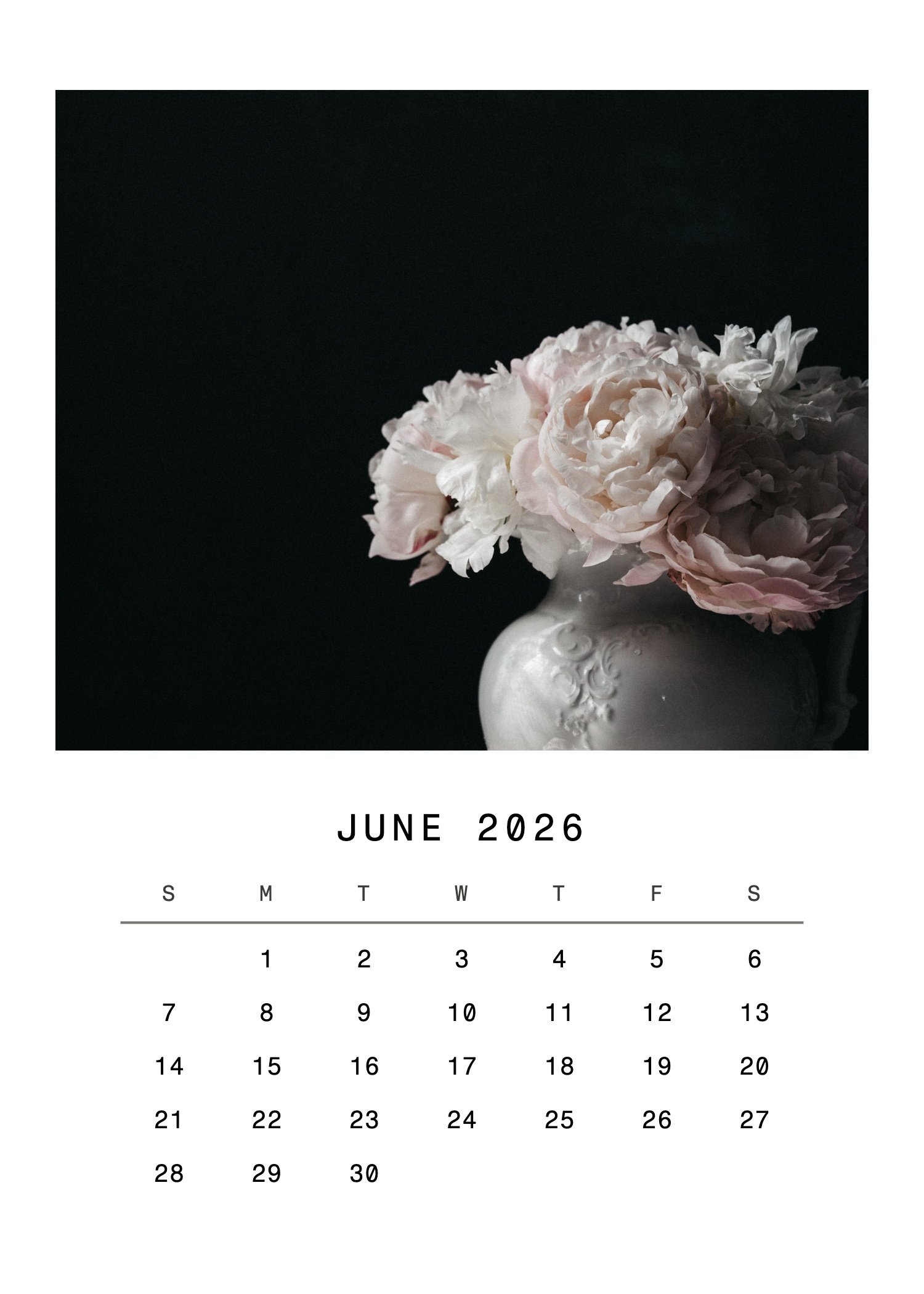
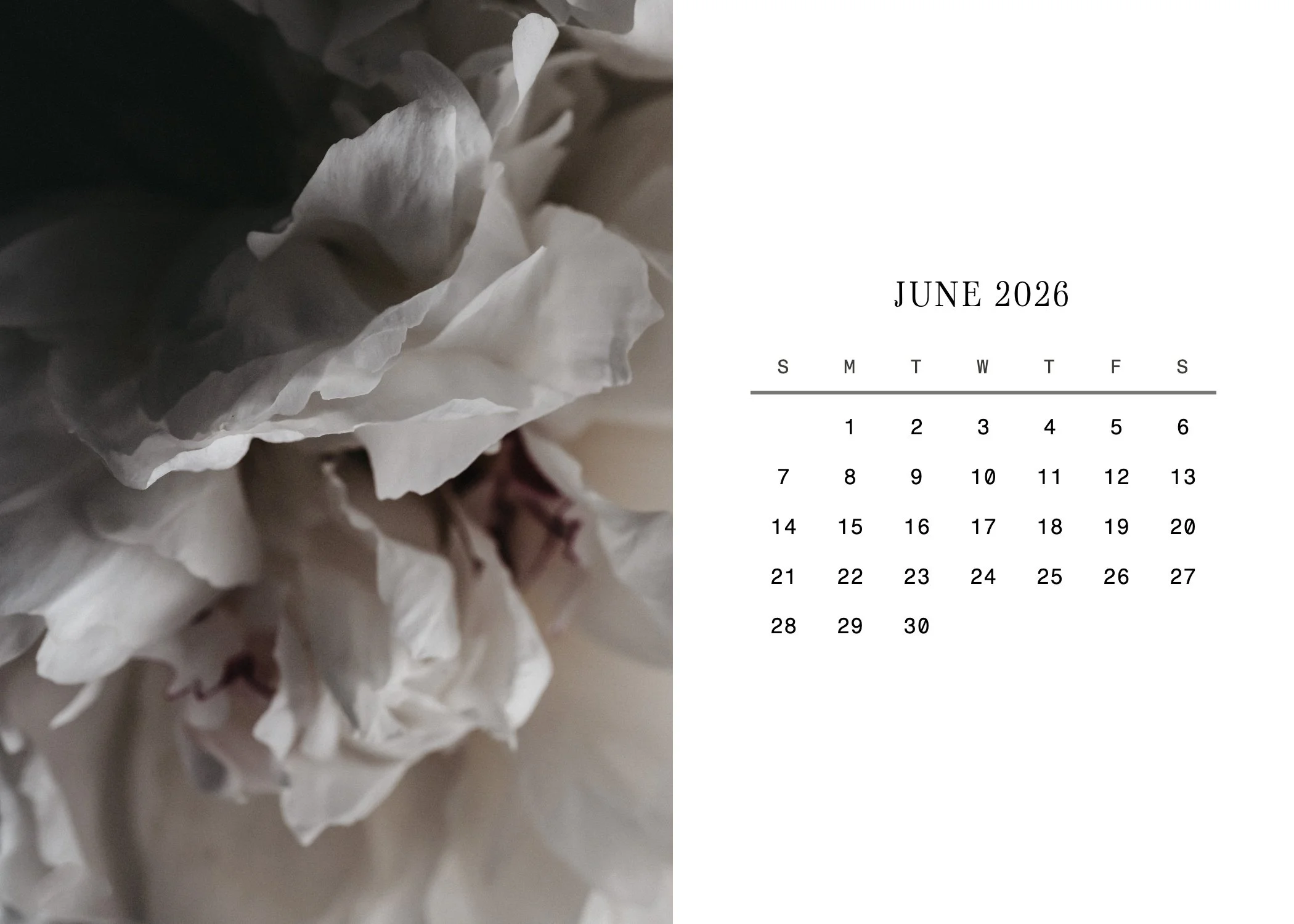
Built-in calendar maker: turn any photo into a 5x7 or 4x6 calendar, one month or a full year
Download full sheets, transparent PNGs, or images sized for Canva
Send a layout straight over to Zine Studio or Postcard Studio
Save your frames and reopen them anytime, on any computer
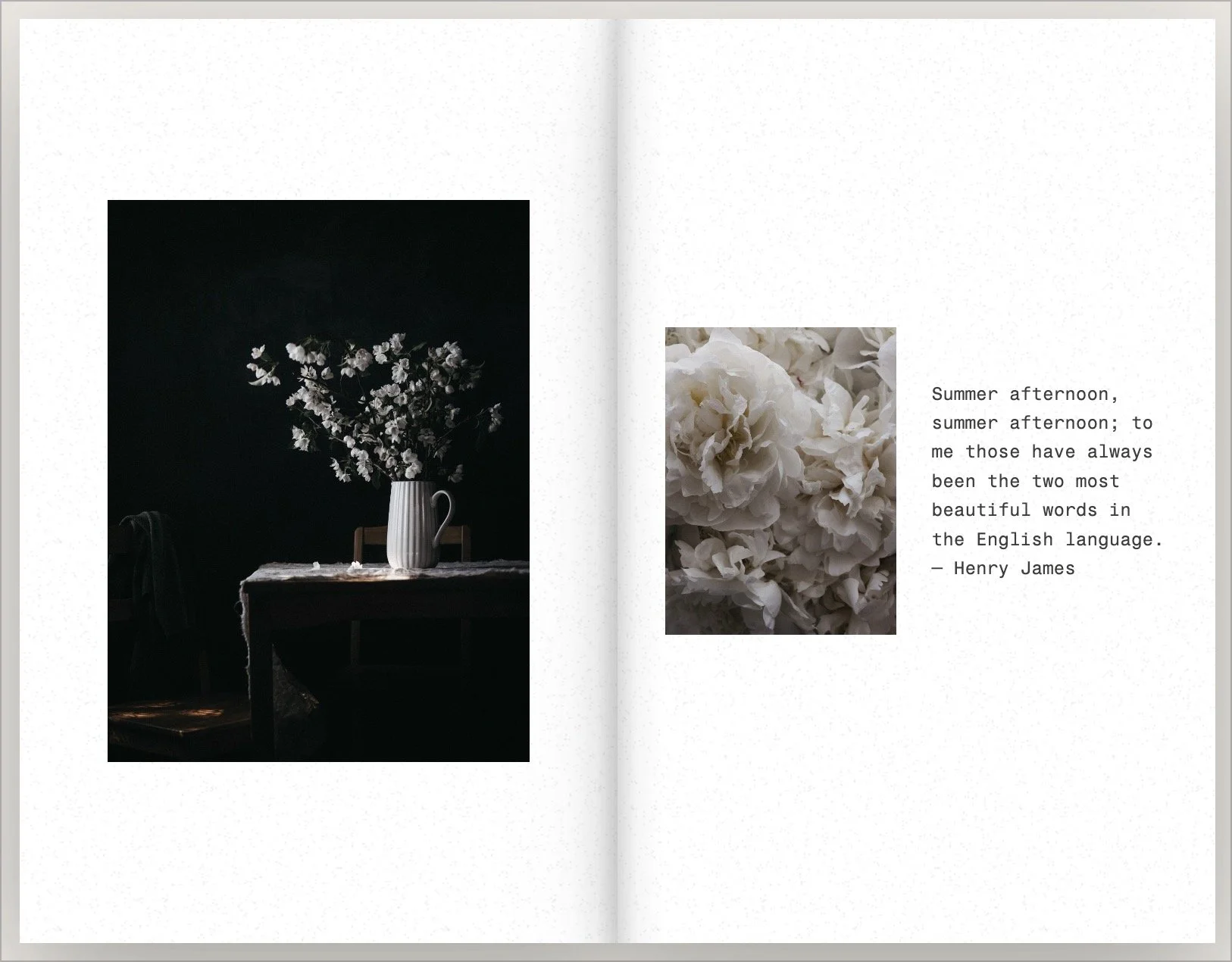
.03 ZINE STUDIO
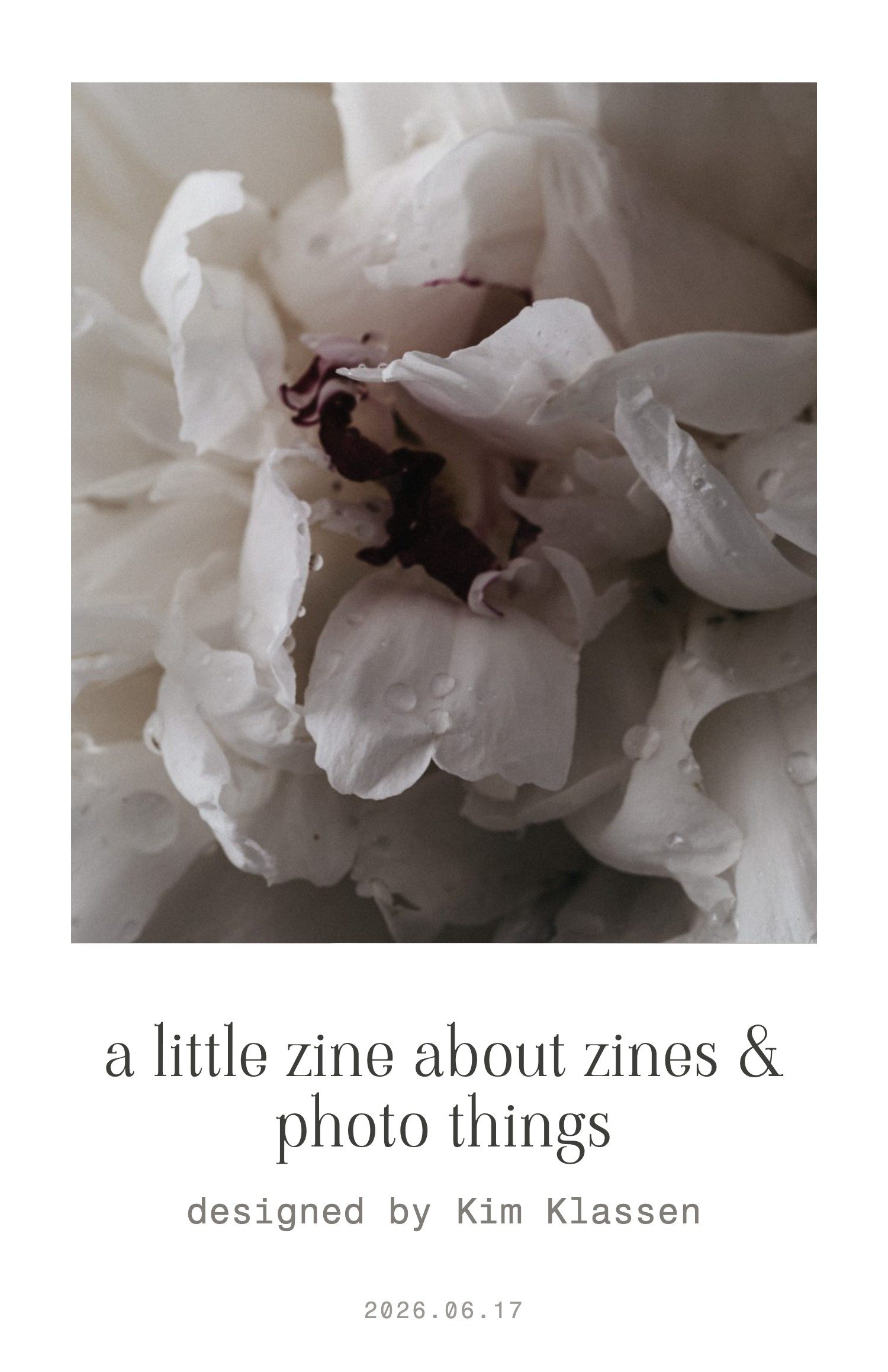
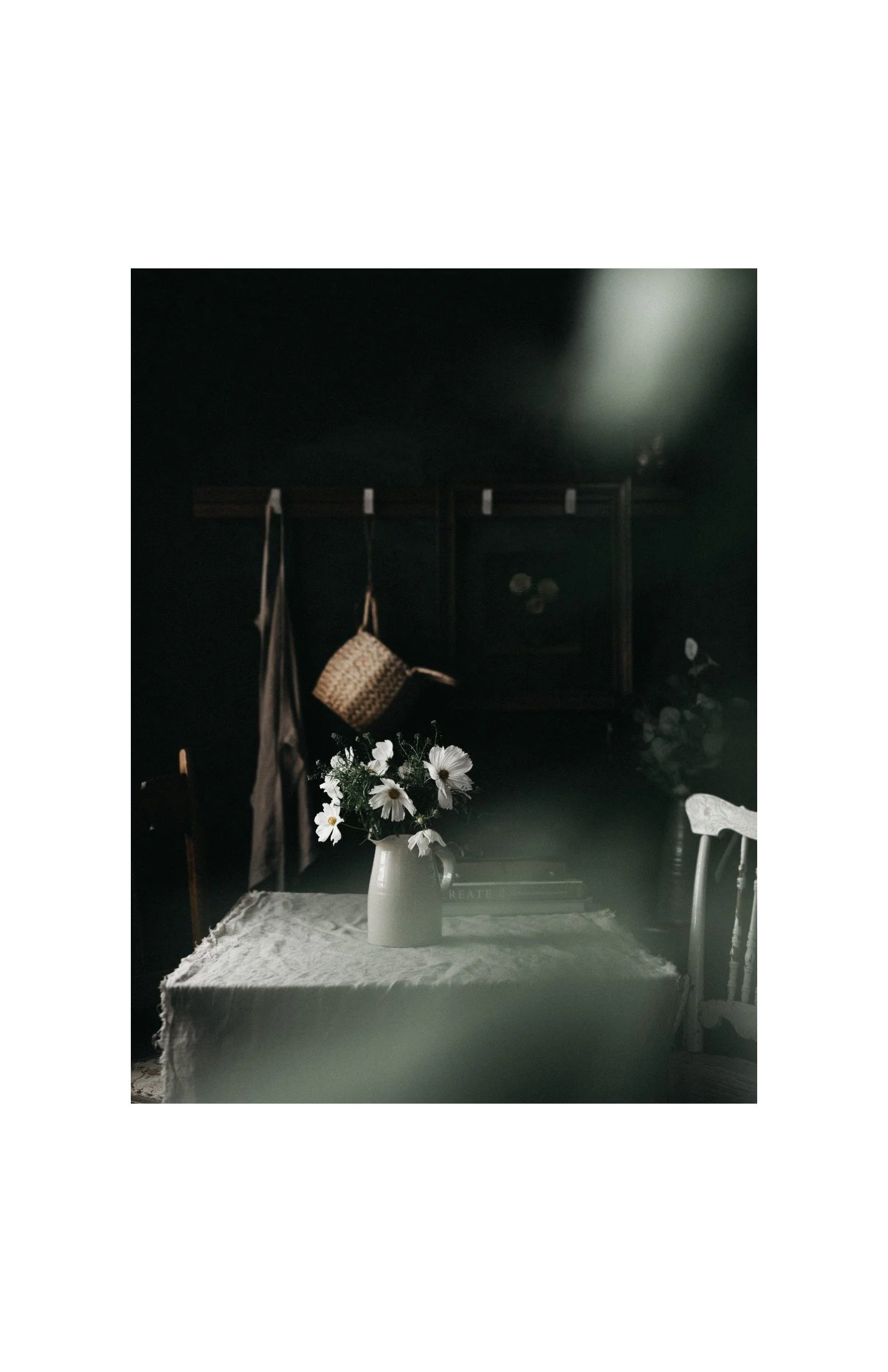
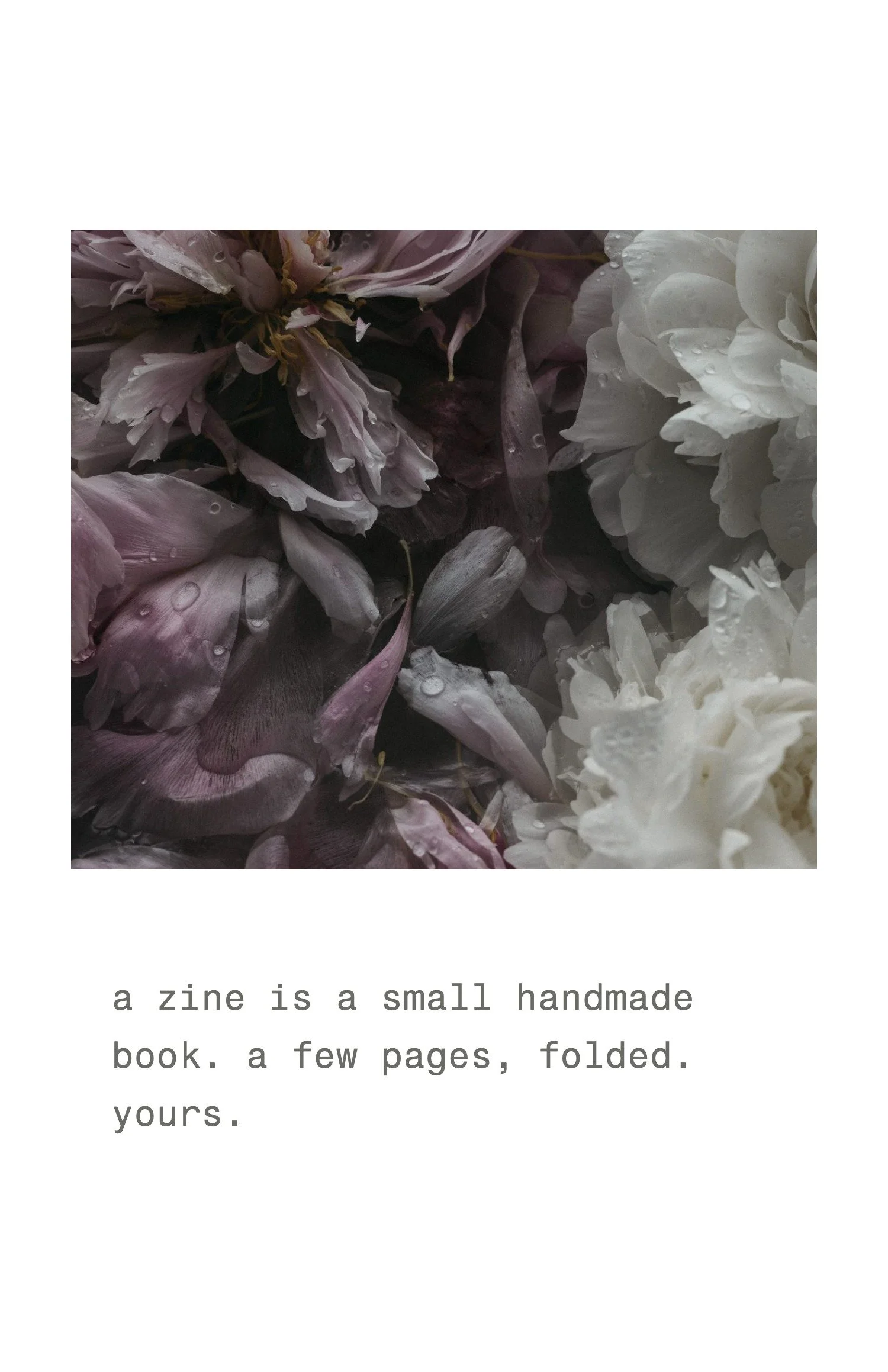
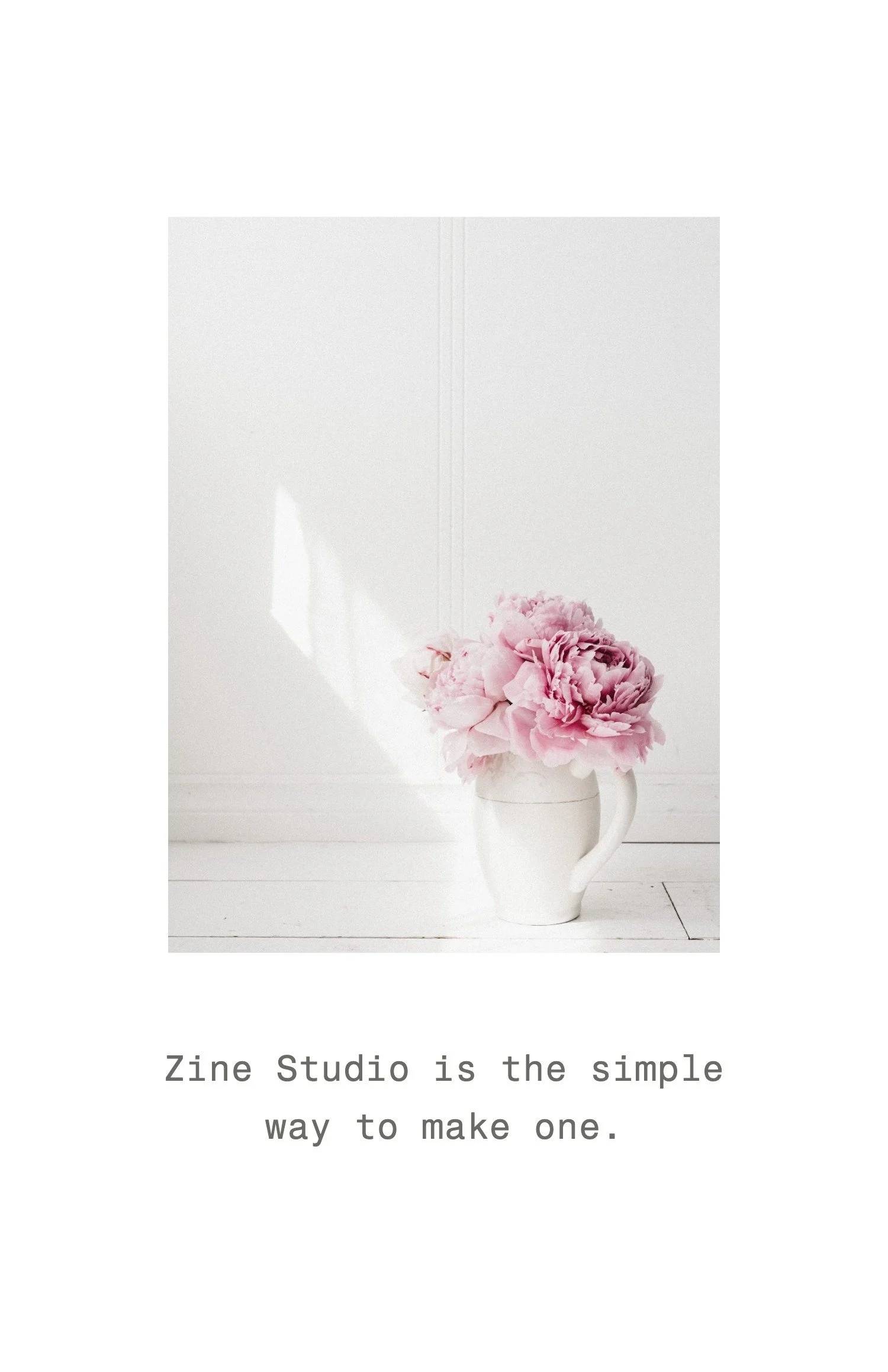
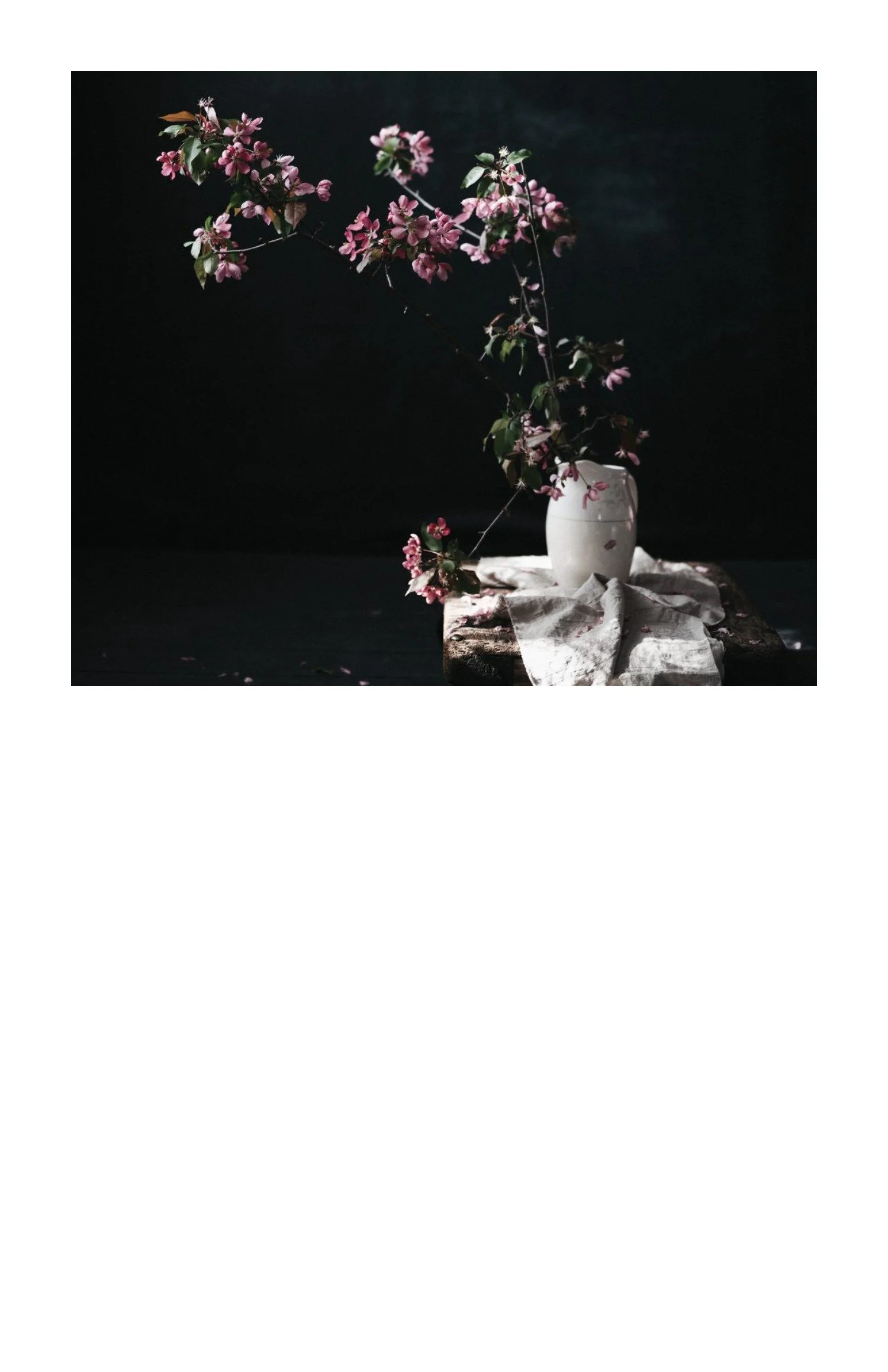
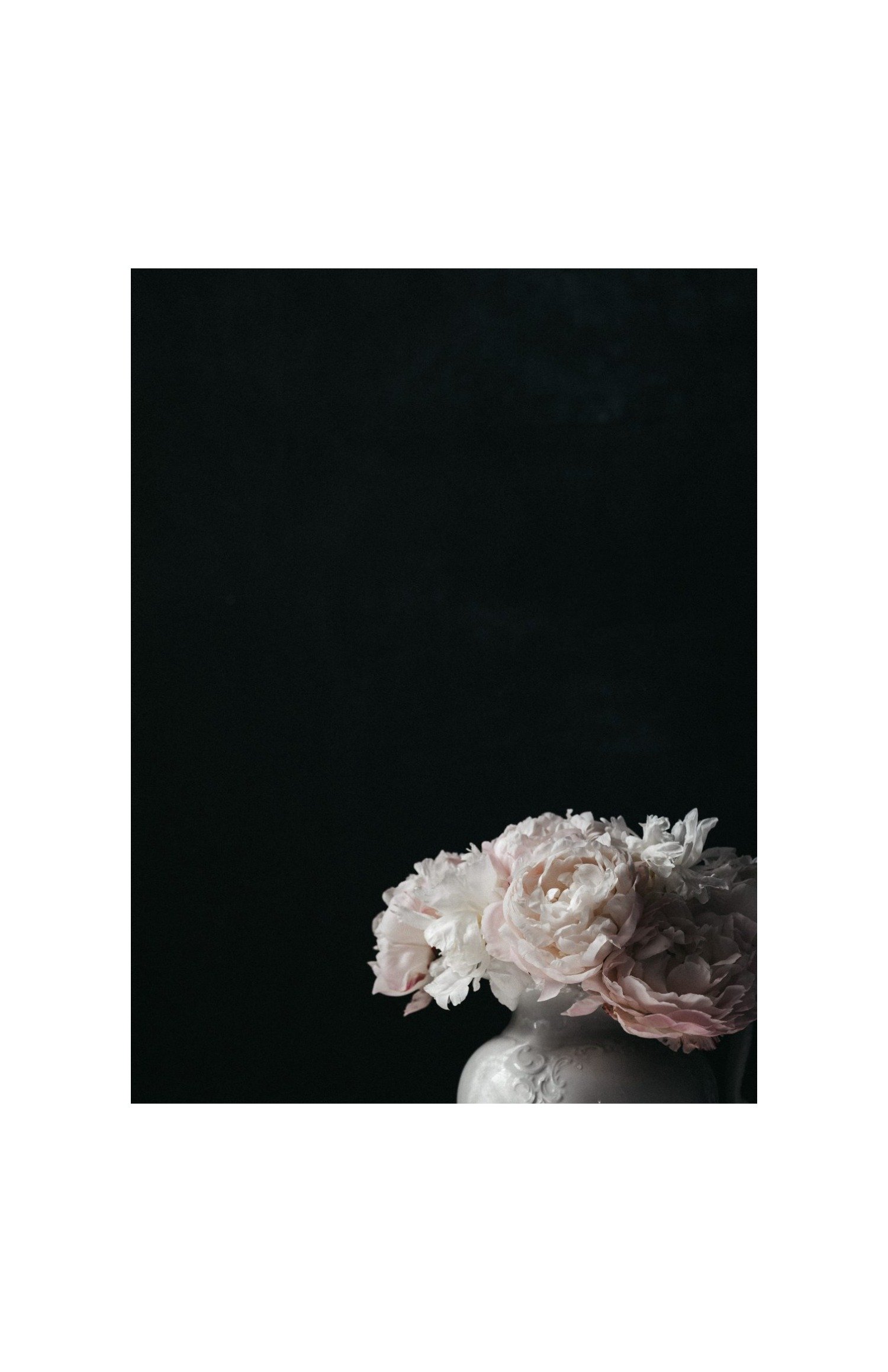
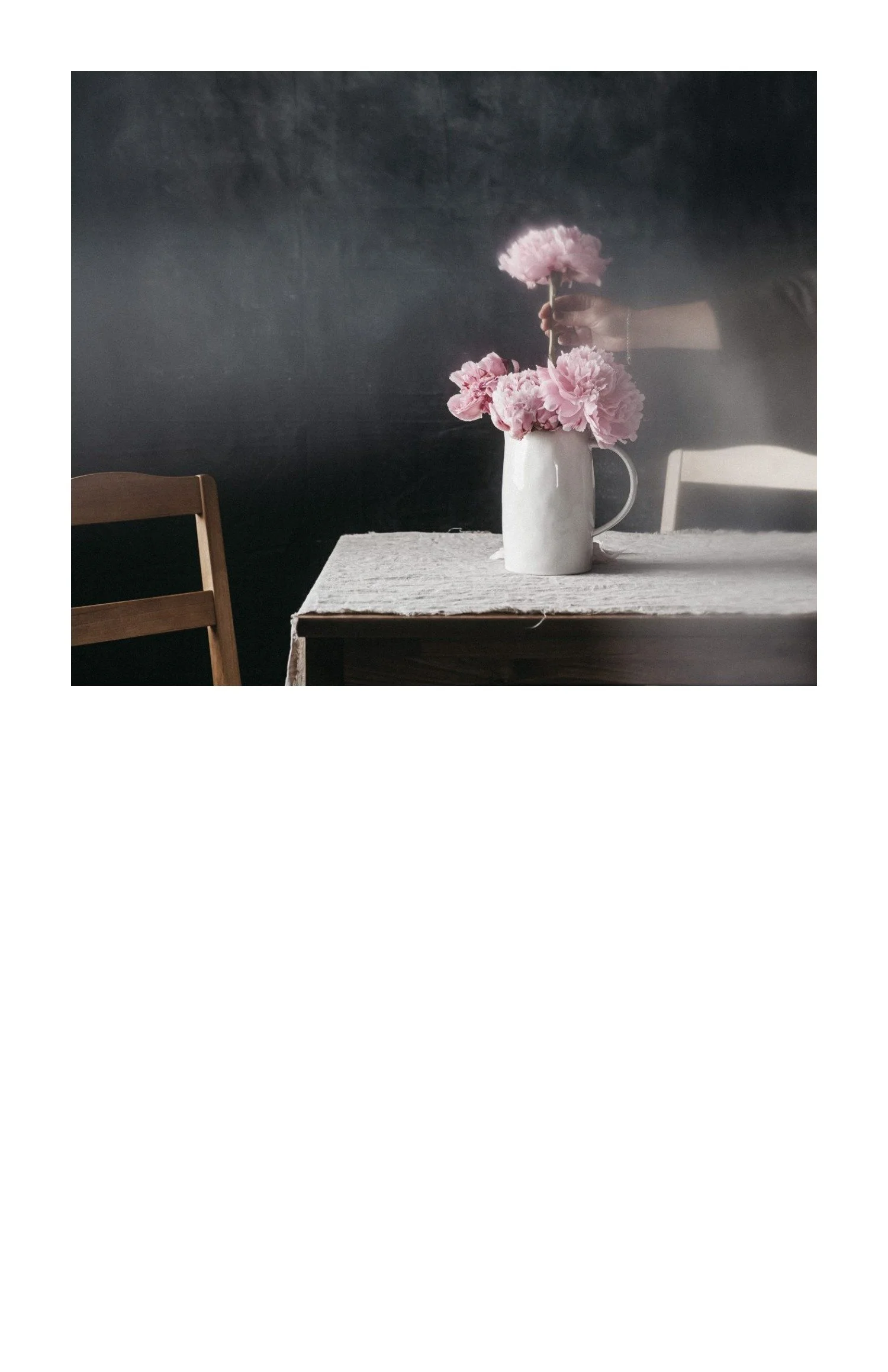
Zine Studio
Drop in your photos and arrange them in clean, gallery-style layouts
A library of layouts: single, diptych, quad, triptych, six-up, and more
Drag photos cell to cell to reorder in seconds
Add words and captions with curated font pairings
A white space dial to set how much room your photos get to breathe
Built-in calendar maker: turn any photo into a 5x7 or 4x6 calendar, one month or a full year
Download full sheets, transparent PNGs, or images sized for Canva
Send a layout straight over to Zine Studio or Postcard Studio
Save your frames and reopen them anytime, on any computer