
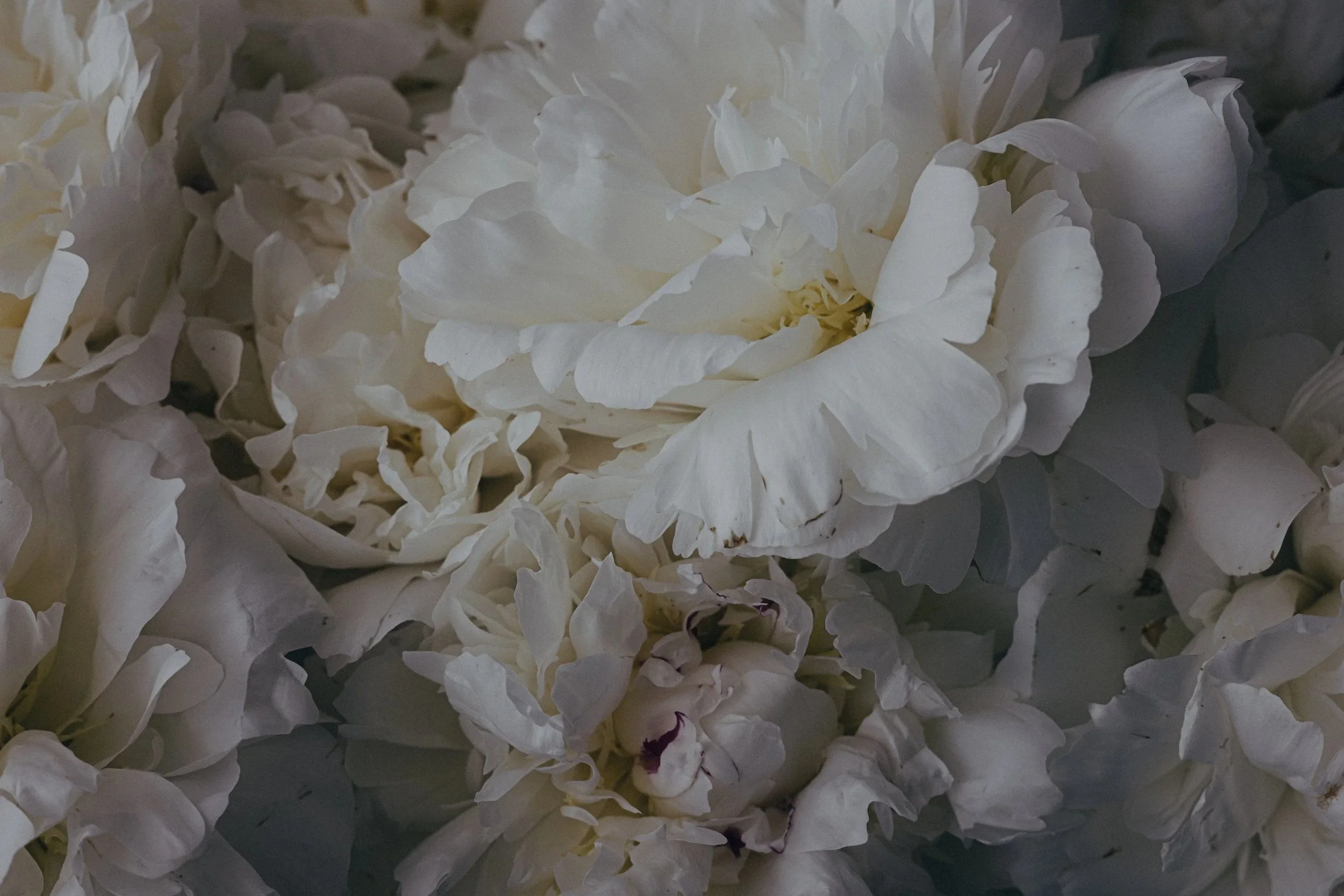
THE SIGNATURE SYSTEM
Film tones. Clean colour. No guesswork.
A modular Lightroom workflow built on real colour science. Film tones that behave ⋯ whatever you're shooting.
The 'film look' is the dream.
Especially now. We're all a little tired of how perfect everything looks. The AI smoosh. The skin that's been smoothed into something that doesn't quite look human anymore.
I don't know about you, but I want a little blur. Some grain. Less perfect.
Photos that look like they could be printed on paper and held in someone's hand.
That feeling. You know the one.
Maybe you've tried to find that with film presets. And maybe you've had that moment where you apply one and watch your greens go blue-ish, your skin go orange, your shadows turn some shade of magenta that was never in your original scene.
Real film actually looked like that. Cross-processing was real. But that's not what I was looking for…
I’ve been longing for the feeling of film. The warmth. The softness. The sense that a photo was made somewhere.
Most film presets give you the colour cast…not that ‘perfectly imperfect’ feeling.
Before + After
So I spent a long time figuring out why film presets behaved the way they did.
Eventually I found it. Most film presets build the colour character into the curves. And that's why your greens go blue-ish on your photo but not the demo image. Why the skin shifts when the light is different. Why you keep adjusting and never quite get it right.
I built the Signature System differently.
The colour science lives in calibration, not the curves. Which means the tone and the colour don't interfere with each other.
Skin stays skin. Greens stay green. Shadows stay clean.
And here's the part I love most... you can fade the tone all the way back and the colour stays put. Pull it down to almost nothing. The palette sticks. The tone is yours to play with.
HERE’S HOW IT WORKS
The Signature System is built in layers. Each one handles a single thing. And because they're independent, you can stack them, swap them, or skip the ones you don't need.
☐ Start with a Base. That's where the film character lives. Tone curve, colour science. Your foundation.
☐ Add a Refinement. First colour. Next grading. Separated on purpose. So you can adjust one without disturbing the other.
☐ Finish with a Wrap. Grain, vignette, sharpening, AI masks. The details that make a photo feel finished.
And at every level, there's a Reset. One click back to zero. Experiment without fear.
And then there are the Recipes.
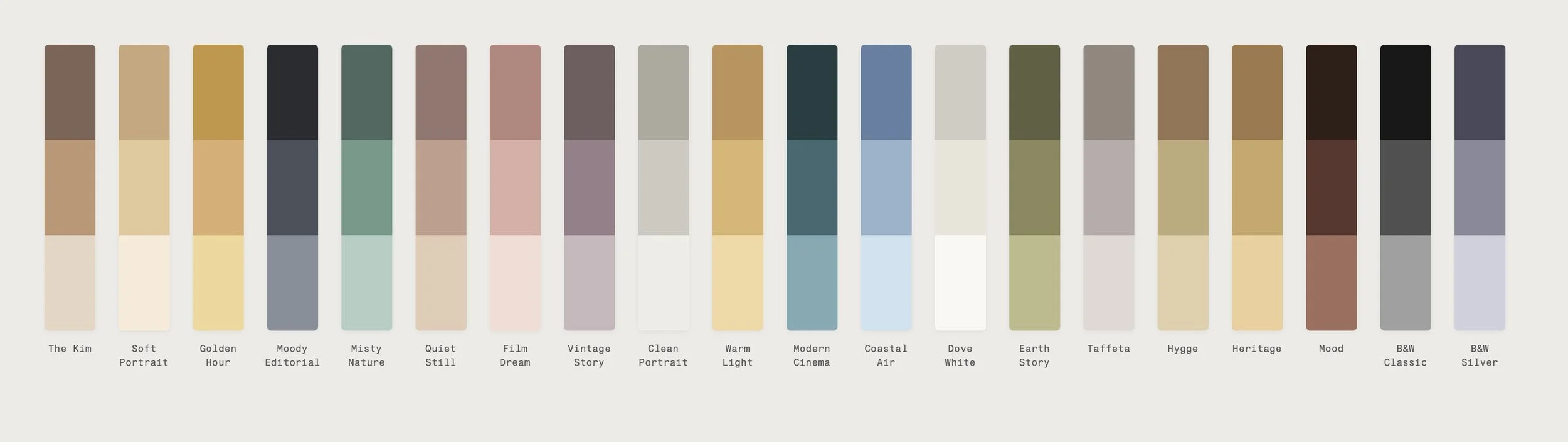
Twenty complete looks. One click each. Start with a recipe when you want speed. Pull it apart when you're curious.
THE SIGNATURE SYSTEM
THE SIGNATURE SYSTEM INCLUDES:
46 bases. 37 refinements. 37 wraps. 21 one-click recipes. 10 brushes.
A Recipe Cheat Sheet — every look mapped out visually, so you always know what's inside it.
A complete editing guide.
Everything you need to build a look that's yours.
THE SIGNATURE RECIPES
Twenty complete looks. One click each.
One of them is named after me. It's the one I reach for most.
A few of these have lived in my editing world for years. Some of them in yours too. They found their way into earlier collections and people kept coming back to them. So I rebuilt them properly, from the colour science up. ♡
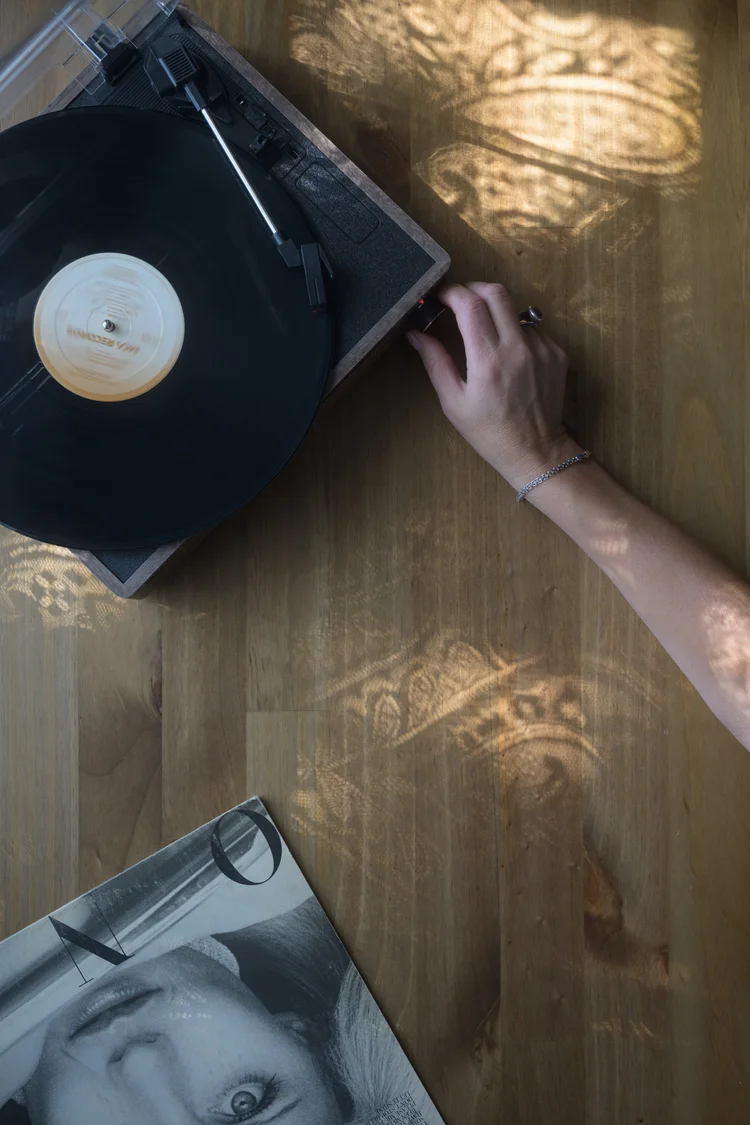
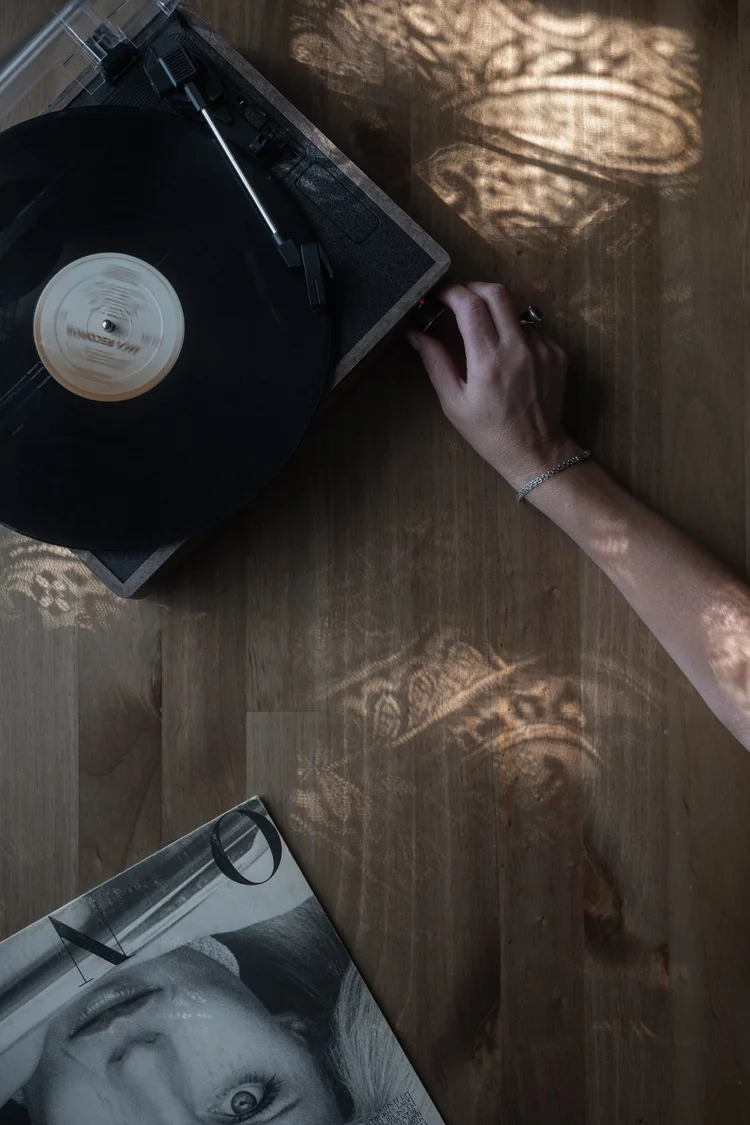
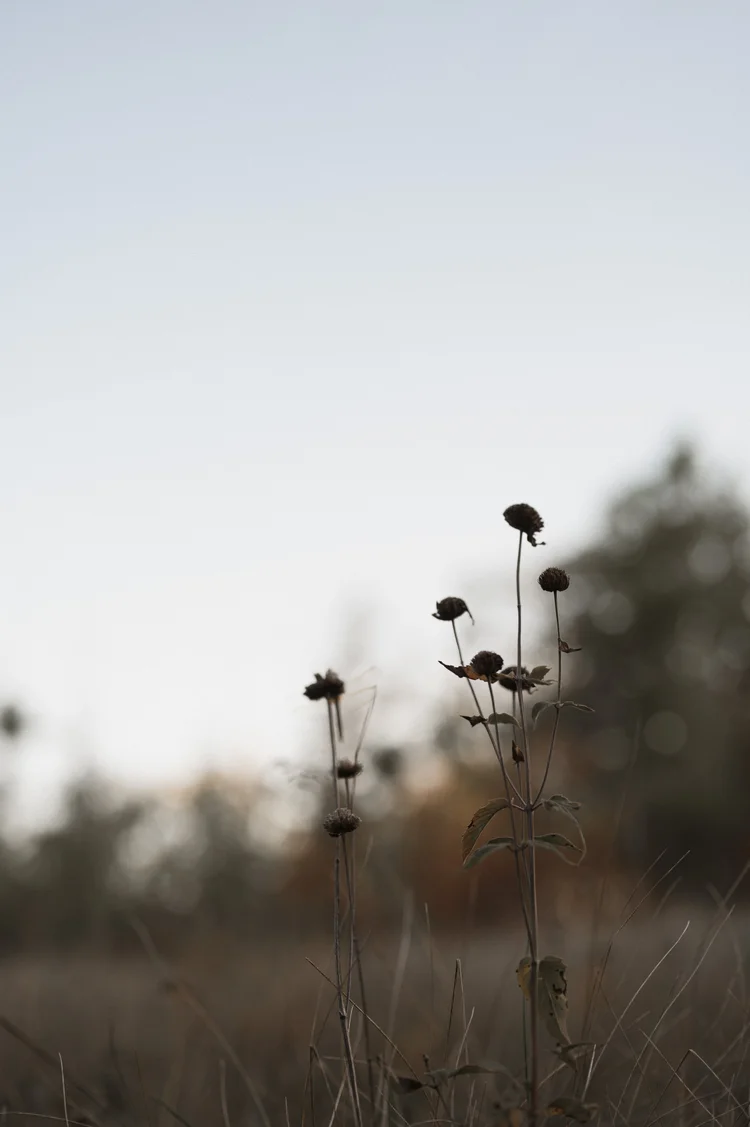
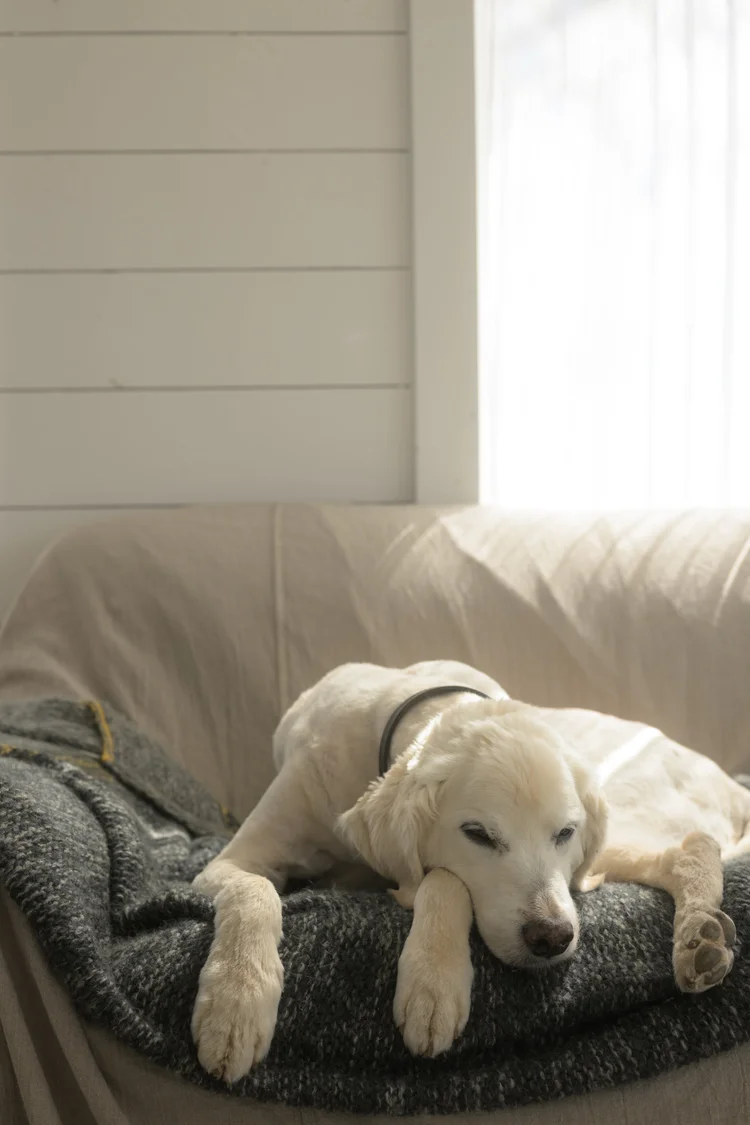
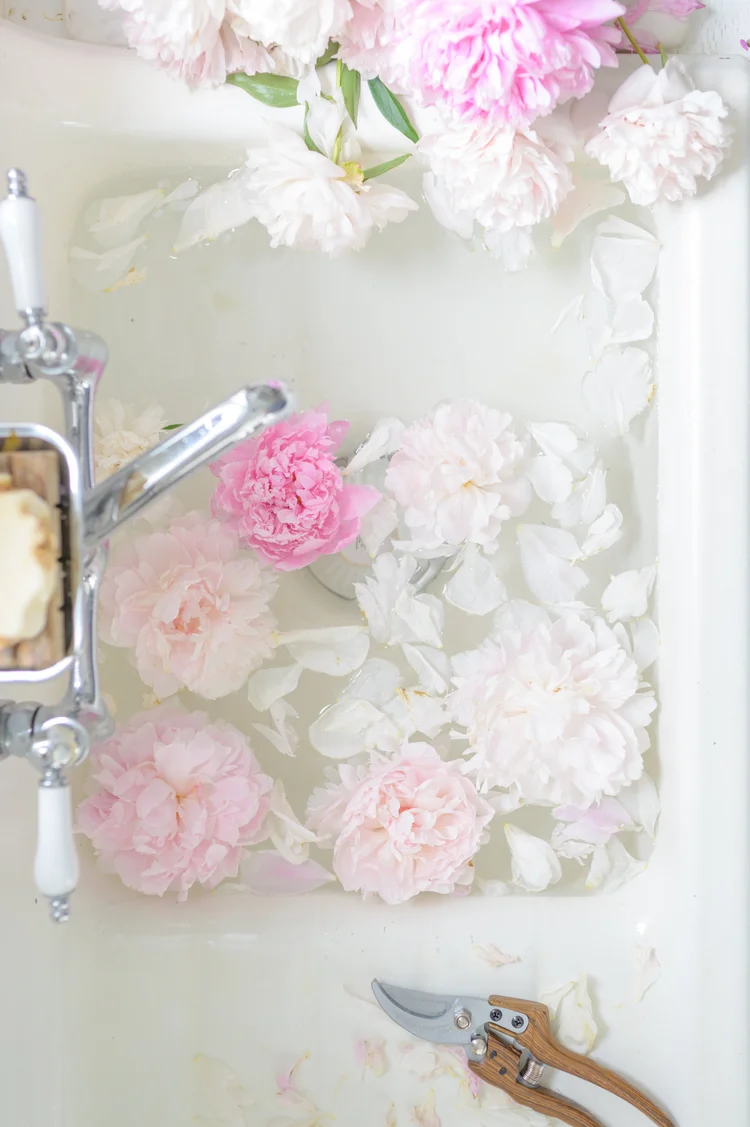
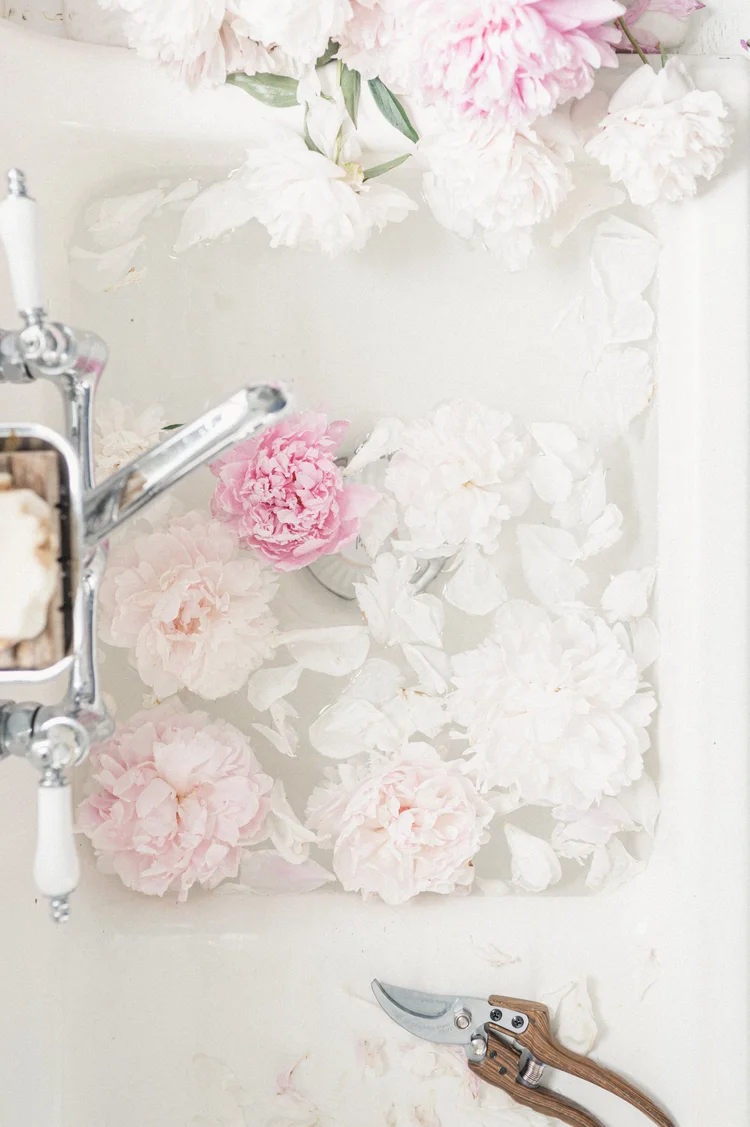
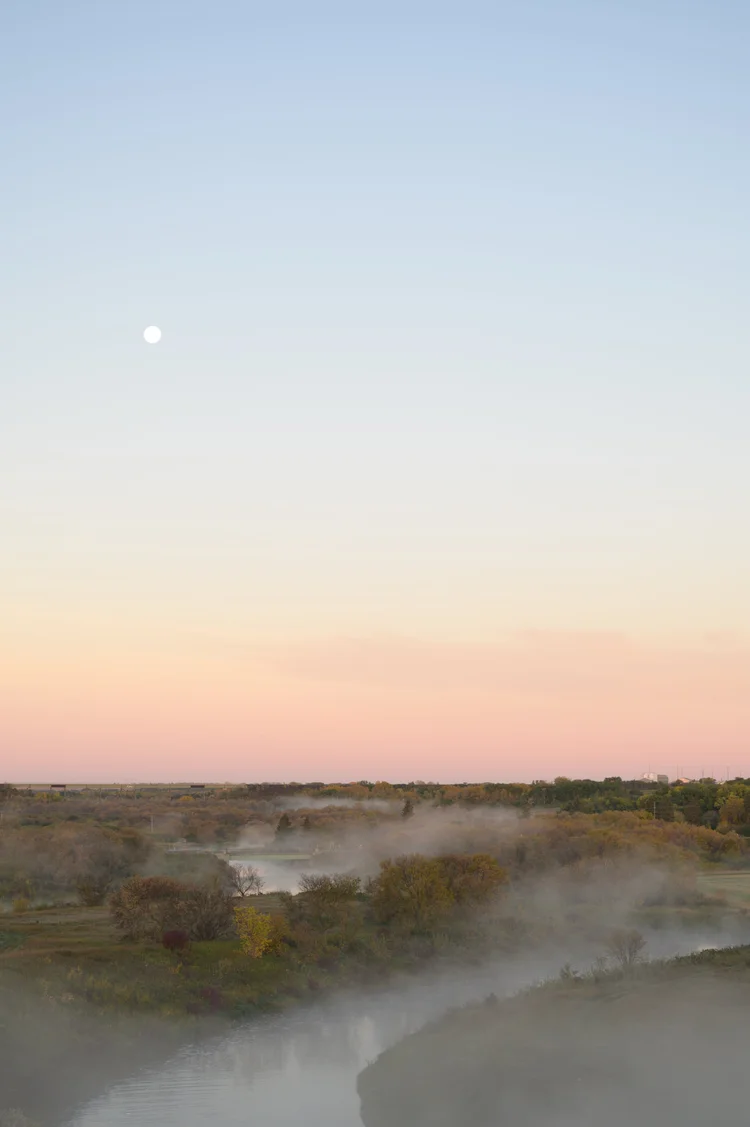
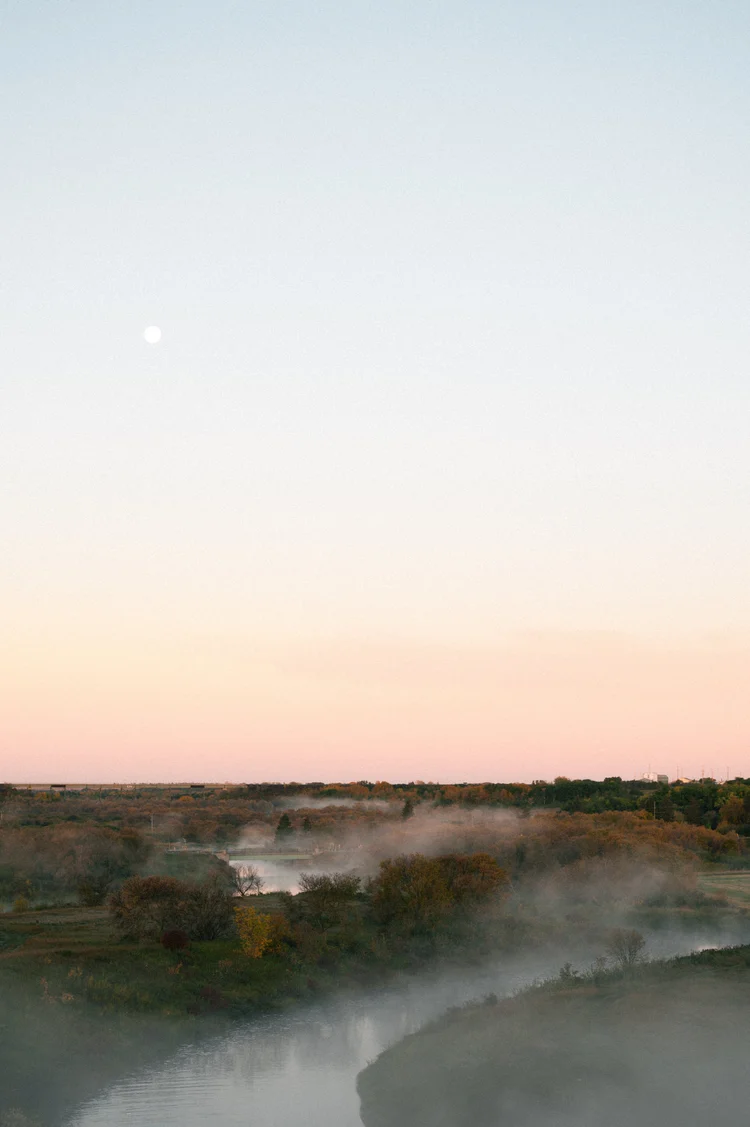
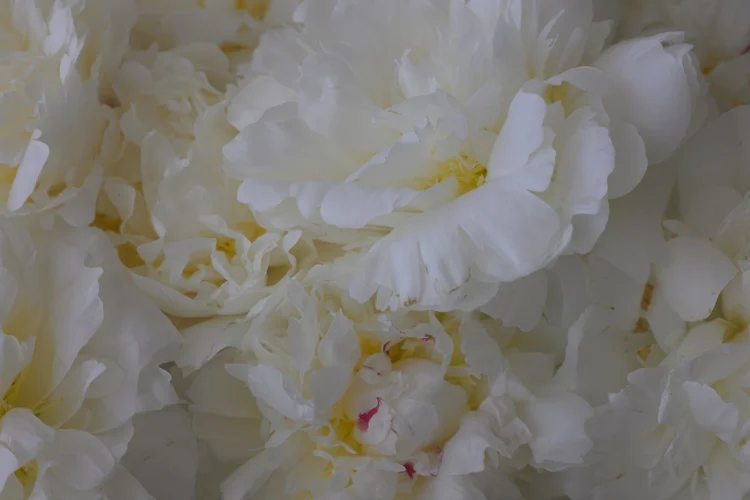
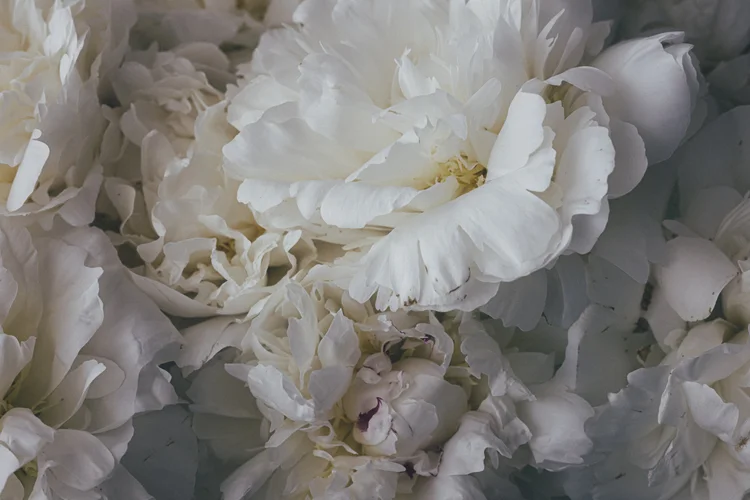
SLIDE RIGHT TO REVEAL THE FULL TRANSFORMATION






WHO THIS IS FOR.
This system was built for photographers who love the look of film but have been let down by film presets. Who are tired of preset packs that don't behave on their photos. Who want to understand their editing, not just apply someone else's look and hope it does the trick.
It's for people who want a process they can trust. Something repeatable. A starting point that actually feels like them.
If you've ever thought 'I just want my photos to look like me'…This is where that starts.
A YEAR OF RECIPES
April is my birthday month.
And when I thought about how I wanted to launch this, I kept coming back to the same idea. I didn't want it to feel like a download. Something you install and forget. I wanted it to feel like something you return to.
So here's what's built in.
Starting in May, a new recipe arrives every month. A complete look, built from the colour science up. And with each one, a short video. A walkthrough of the palette, the layers, the thinking behind it. Not a tutorial exactly. More like sitting with me while I work through an edit.
A year from now, your library will look very different from today. ♡
THE SIGNATURE EDITING SYSTEM
This is the full system.
46 bases. 37 refinements. 37 wraps. 21 one-click recipes. 10 brushes. A complete editing guide. Companion videos for every recipe. And every month, a new one. ♡
Everything lives in your Podia classroom. It's yours to return to whenever you need it.
$149 through April 30. After May 1, it moves to $197.
Just the recipes for now?
The Recipe Collection — 21 complete looks, built from the same colour science. $49.
SIGNATURE EDITING SYSTEM FAQ’S
Yes. The presets are .xmp format, which works in both Lightroom Classic and Lightroom (cloud). The brushes are .lrtemplate format for the Masking panel in Lightroom Classic.
No. It depends on the image. Sometimes a base and a colour tweak is all it needs. But if you want to layer on some grain, a little texture, open the wrap panel. Help yourself.
Every level of the system has a reset preset. Base reset, colour reset, grade reset, recipe reset. One click back to zero. You can't break anything.
The recipes are complete looks. The full system gives you the building blocks those recipes were made from, plus refinements, wraps, masks, and brushes to create your own combinations.
Most preset packs give you 50+ looks and hope you find one that works. This system gives you a workflow. A process. Layers you can stack, swap, and adjust. It's designed to be used. Not scrolled through and abandoned.
The colour science in each base lives in the camera calibration panel, which isn't affected by Lightroom's Amount slider. That means you can fade the tone curve to your taste without losing the colour palette. It's like having a separate opacity control for tone and colour.
The Recipe Collection is 21 complete one-click looks, built from the same colour science as the full system. It's a standalone product for anyone who wants to start with the recipes before committing to the full workflow. $49.
SIGNATURE SYSTEM — RECIPE REVEAL GALLERY WALL
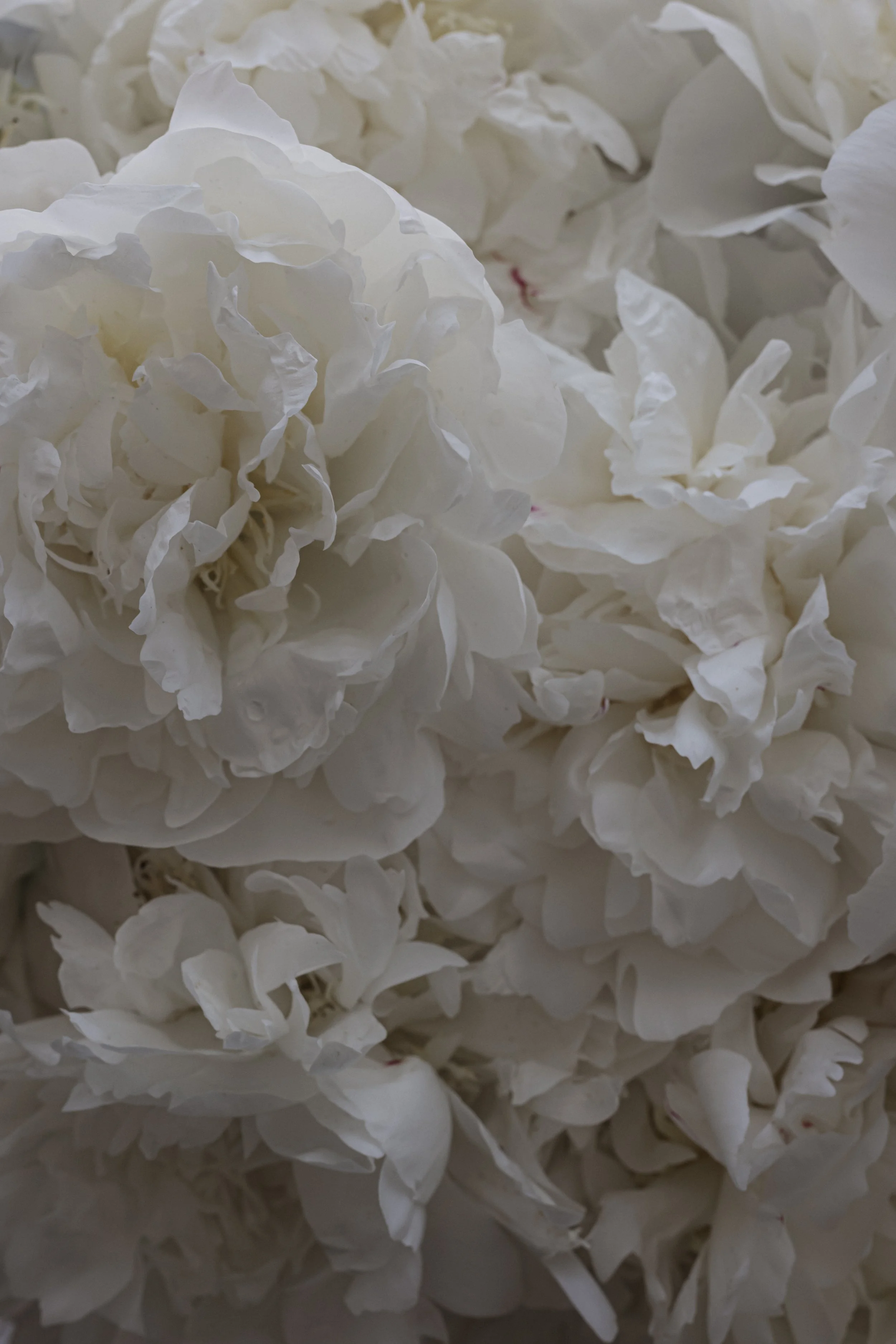
STYLED - SIGNATURE MOOD

RECIPE - B&W SILVERTONE
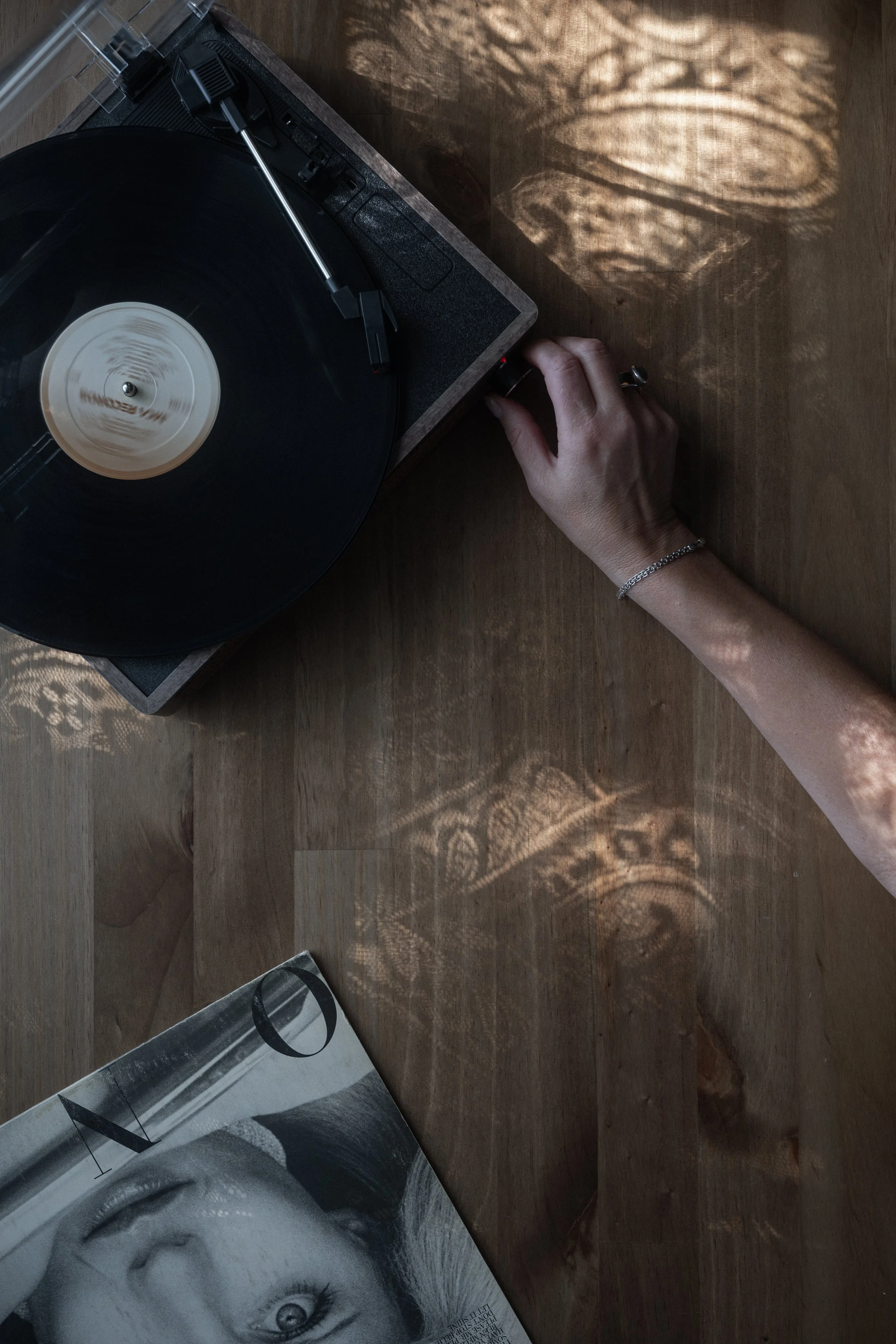
RECIPE - MOODY
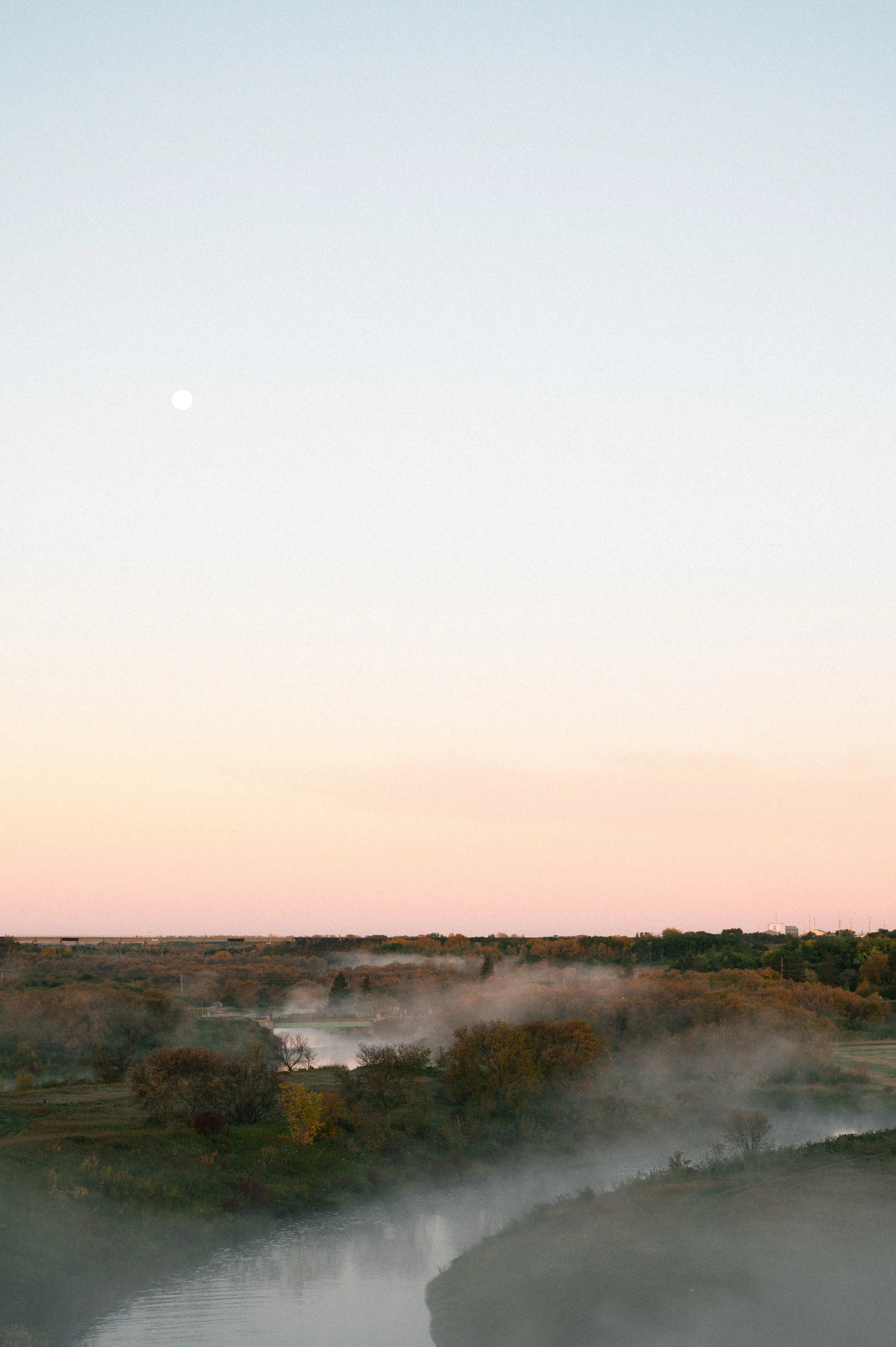
RECIPE - MODERN CINEMA
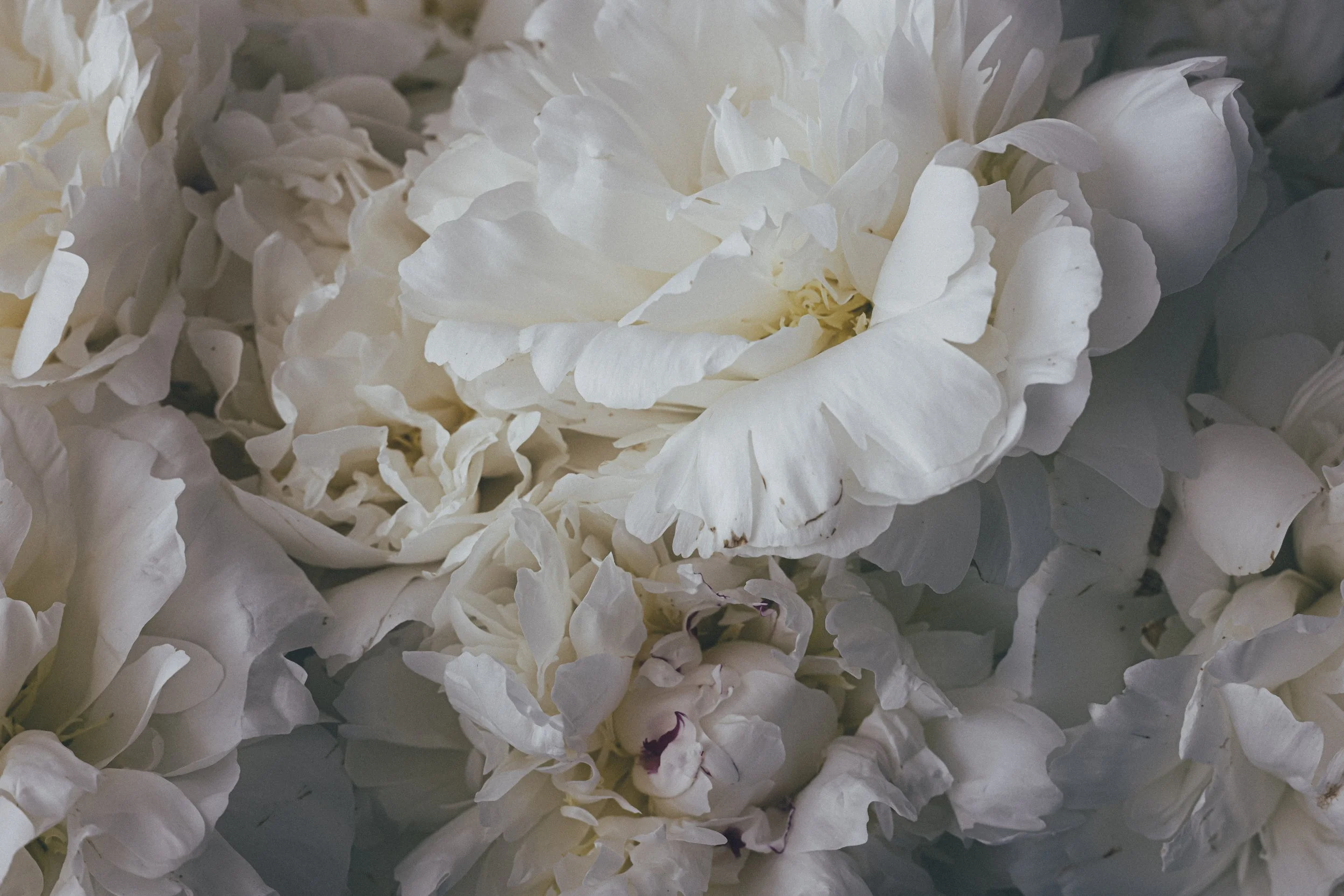
RECIPE - TAFETTA
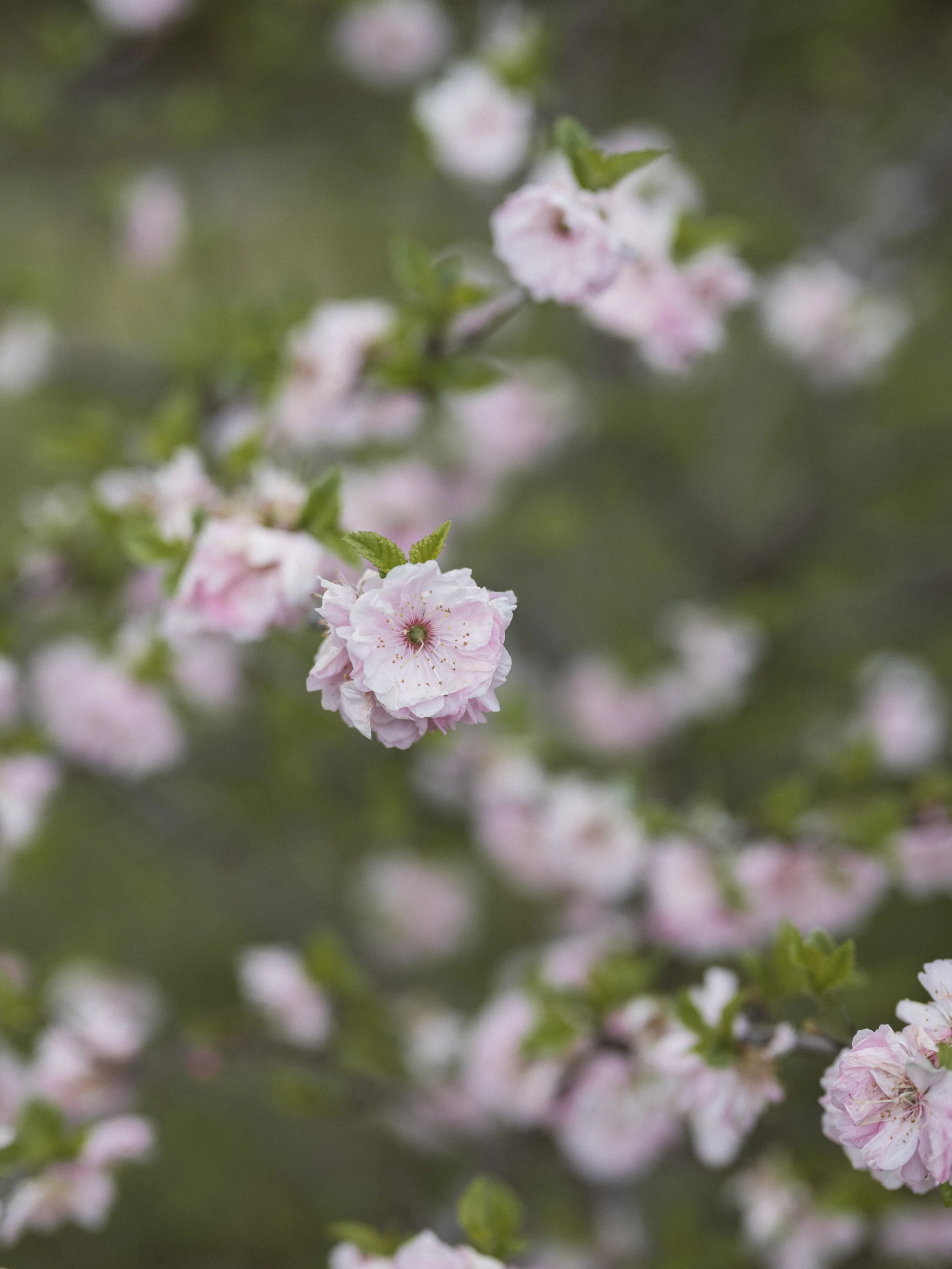
RECIPE - EARTH STORY
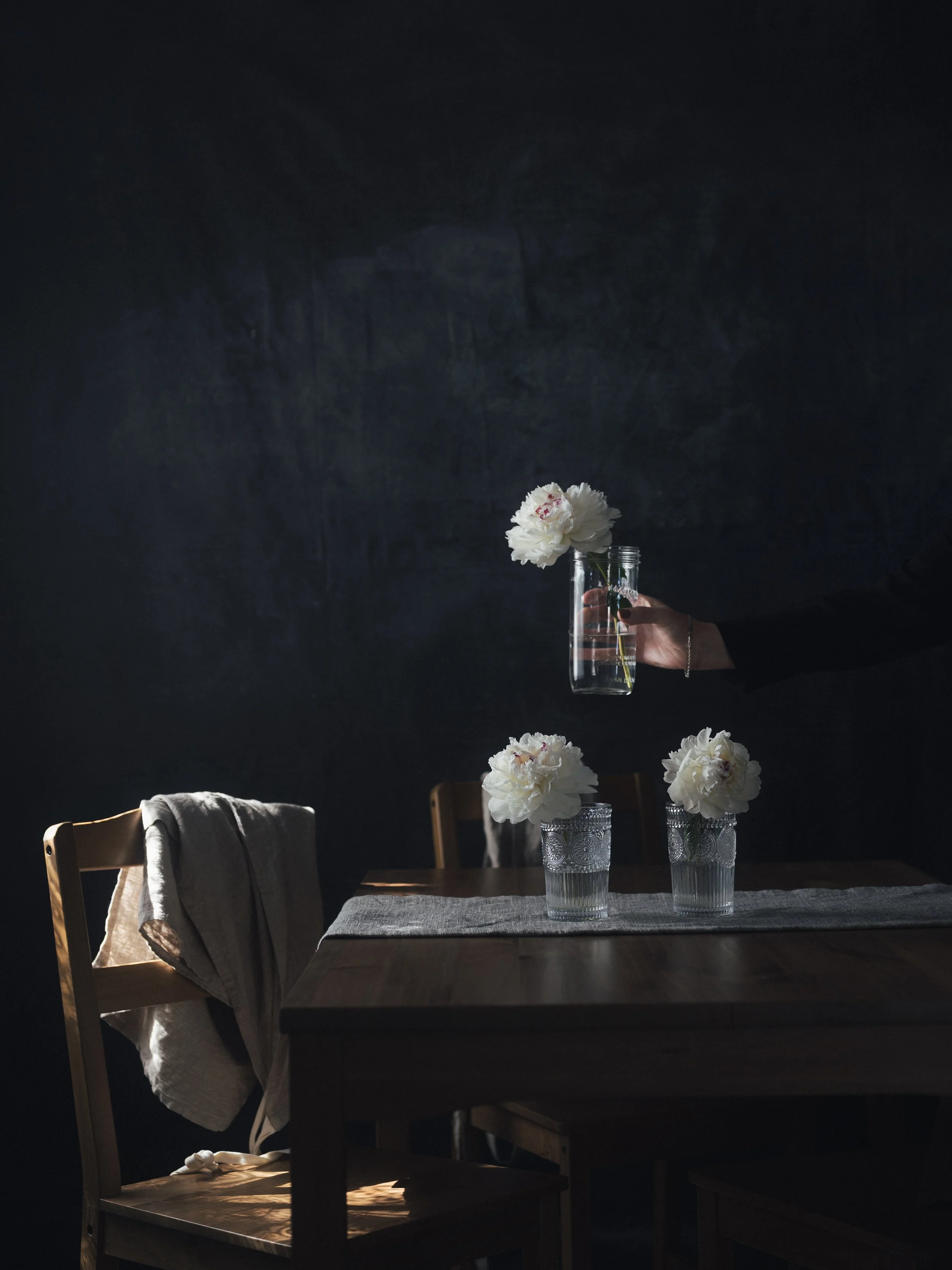
RECIPE - TAFFETA
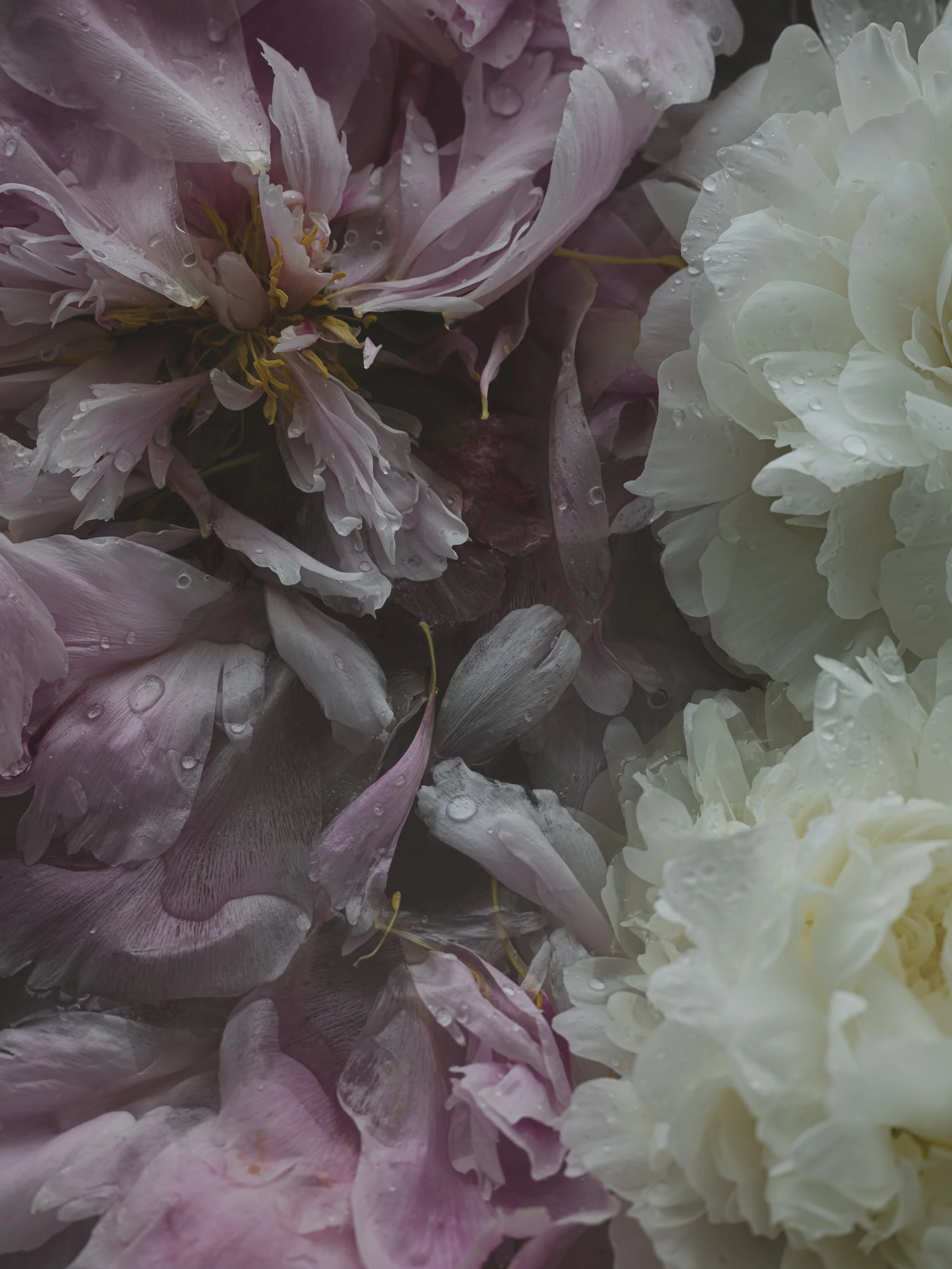
STYLED - SIGNATURE MOOD

RECIPE - KIM
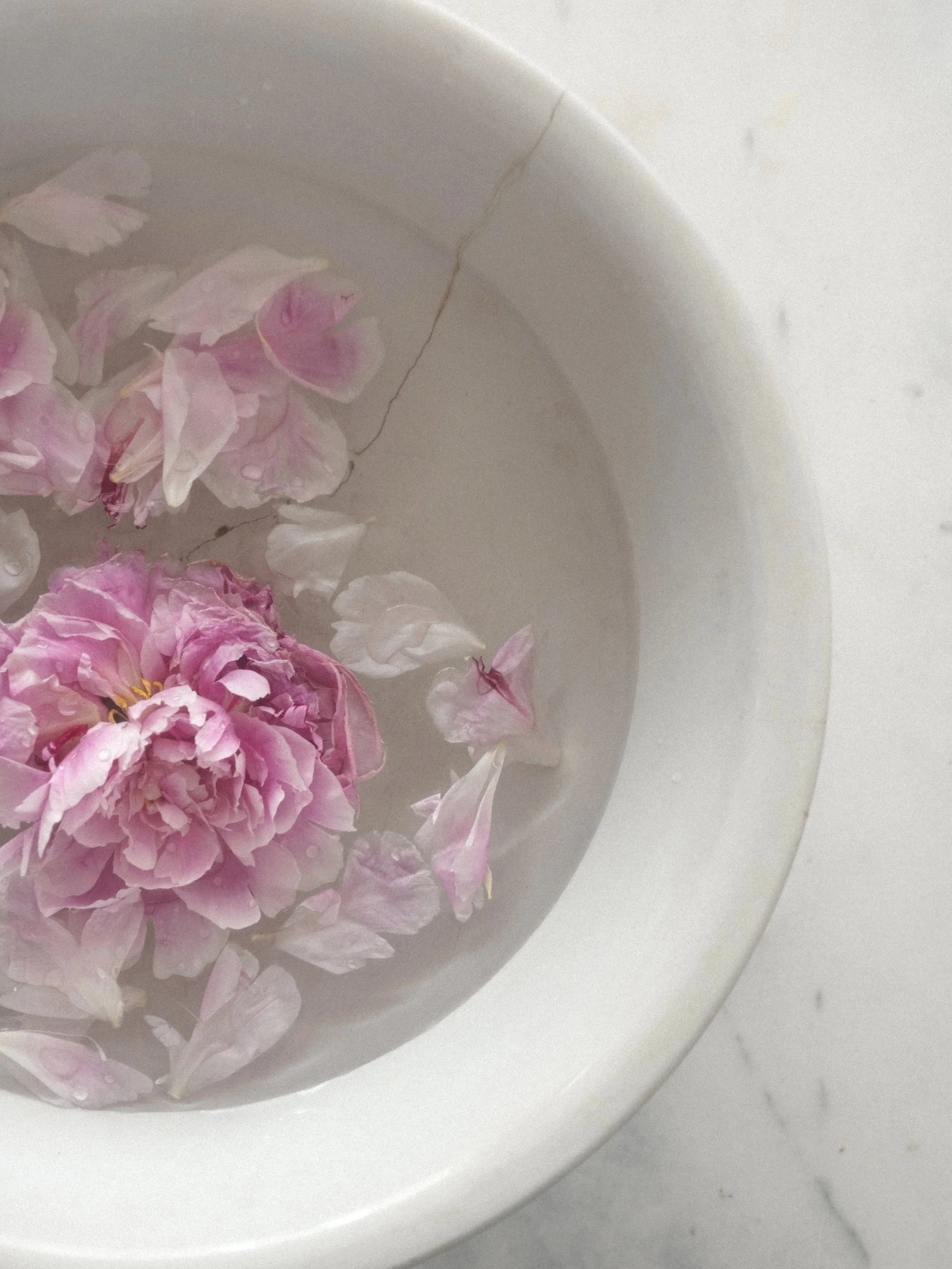
STYLED - MUTED & MOODY

RECIPE - SOFT PORTRAIT
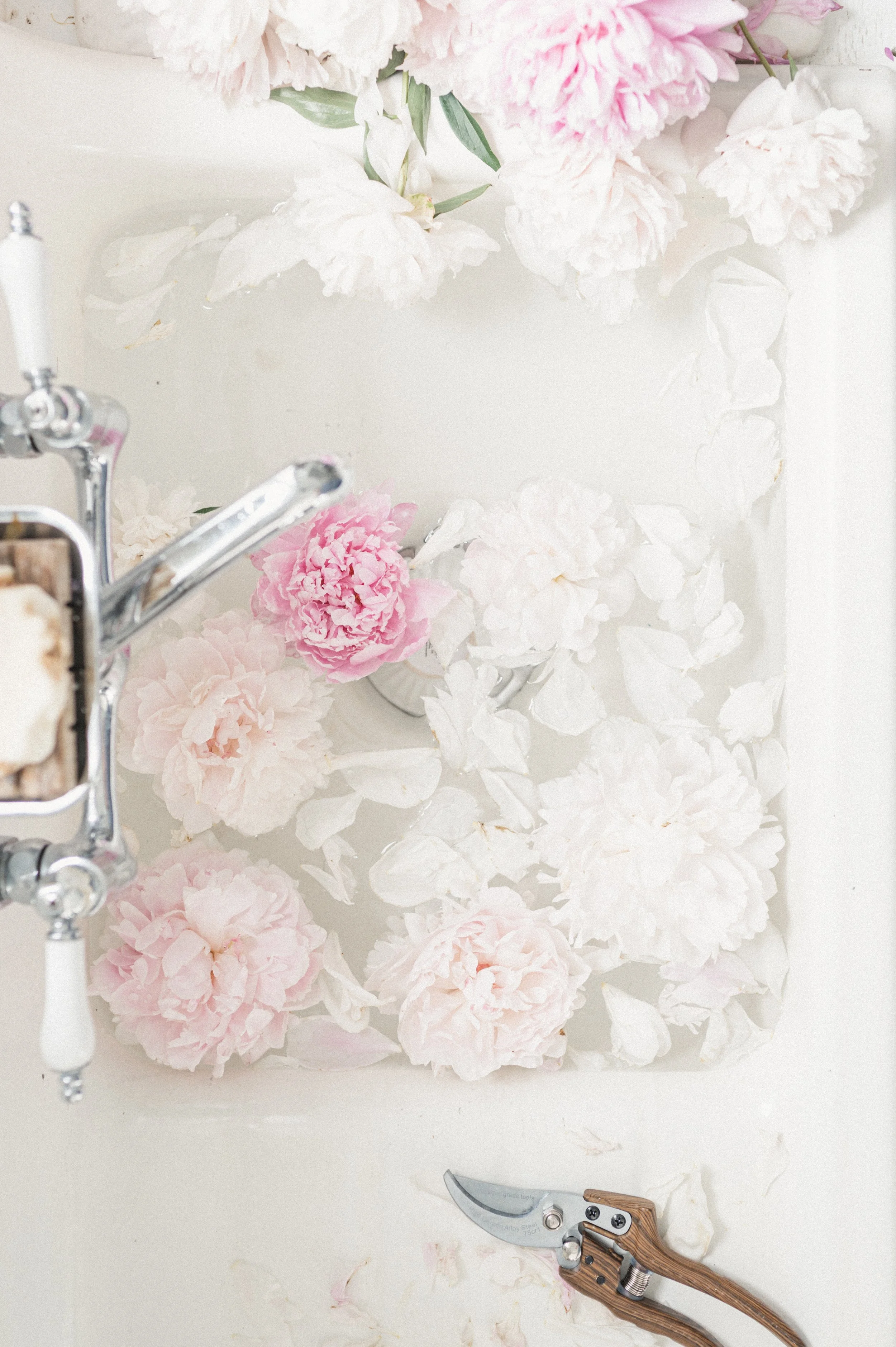
RECIPE - FILM DREAM
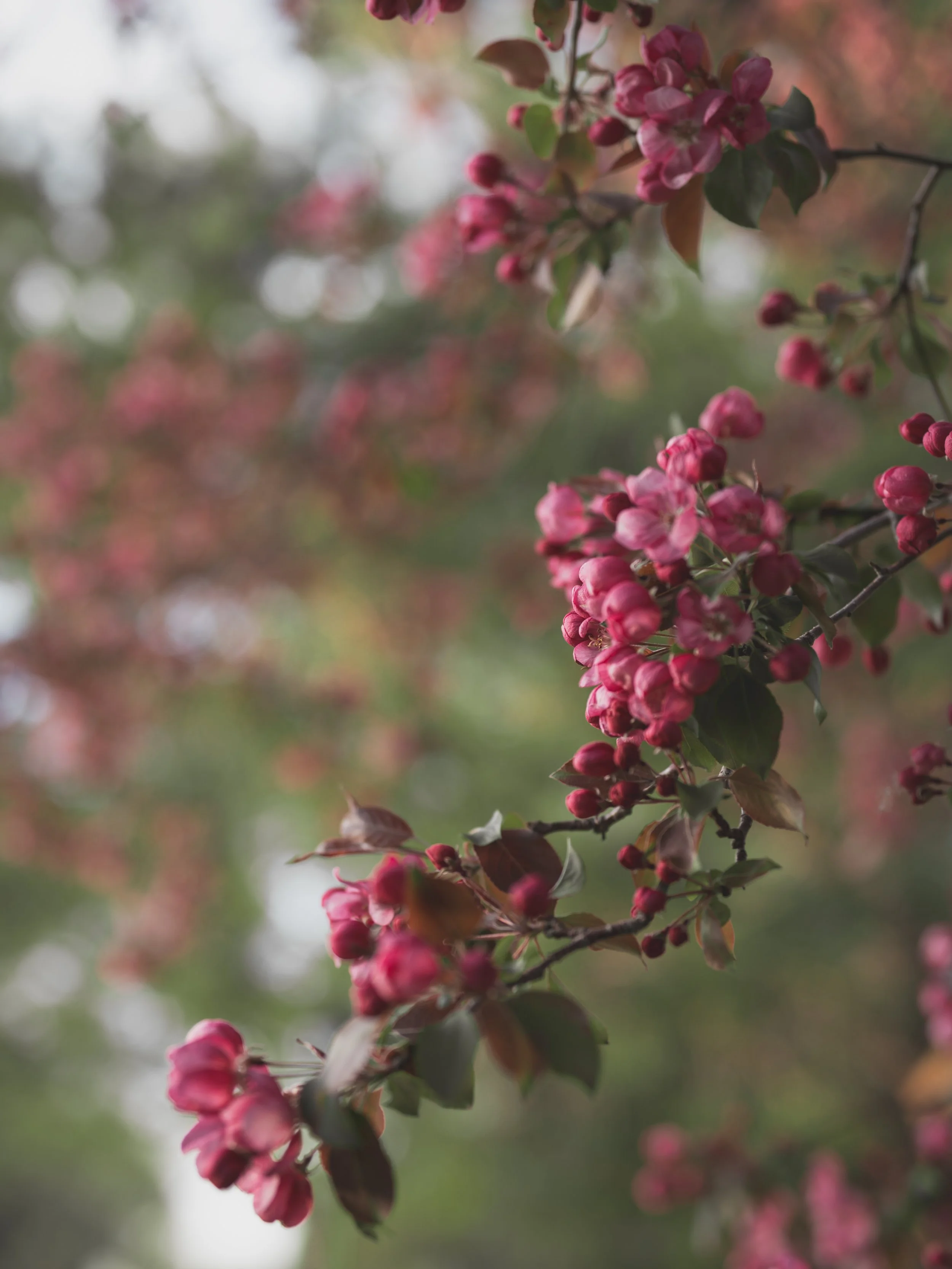
NATURE - MISTY GREENS
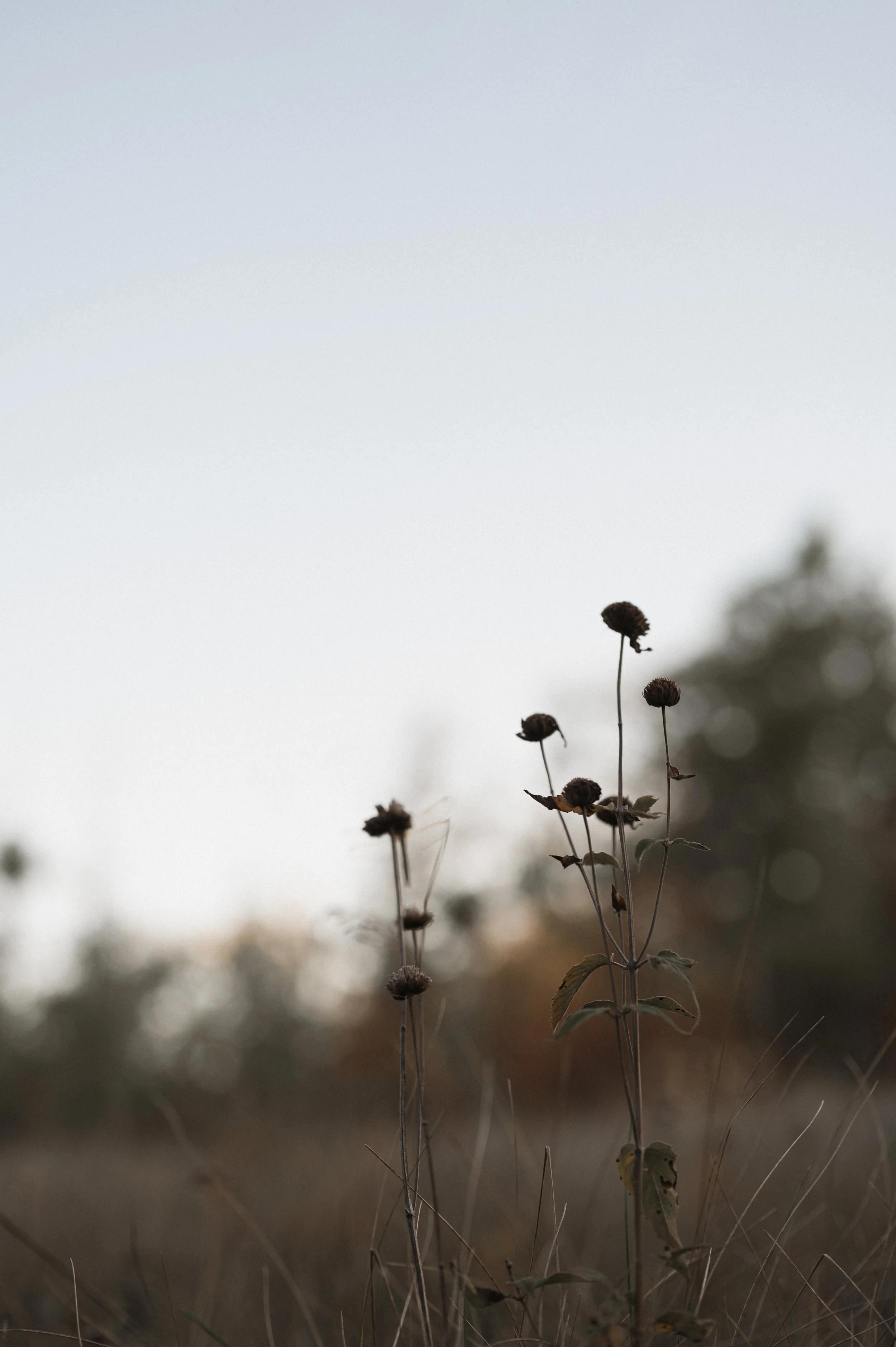
RECIPE - EARTH STORY

RECIPE - MOOD
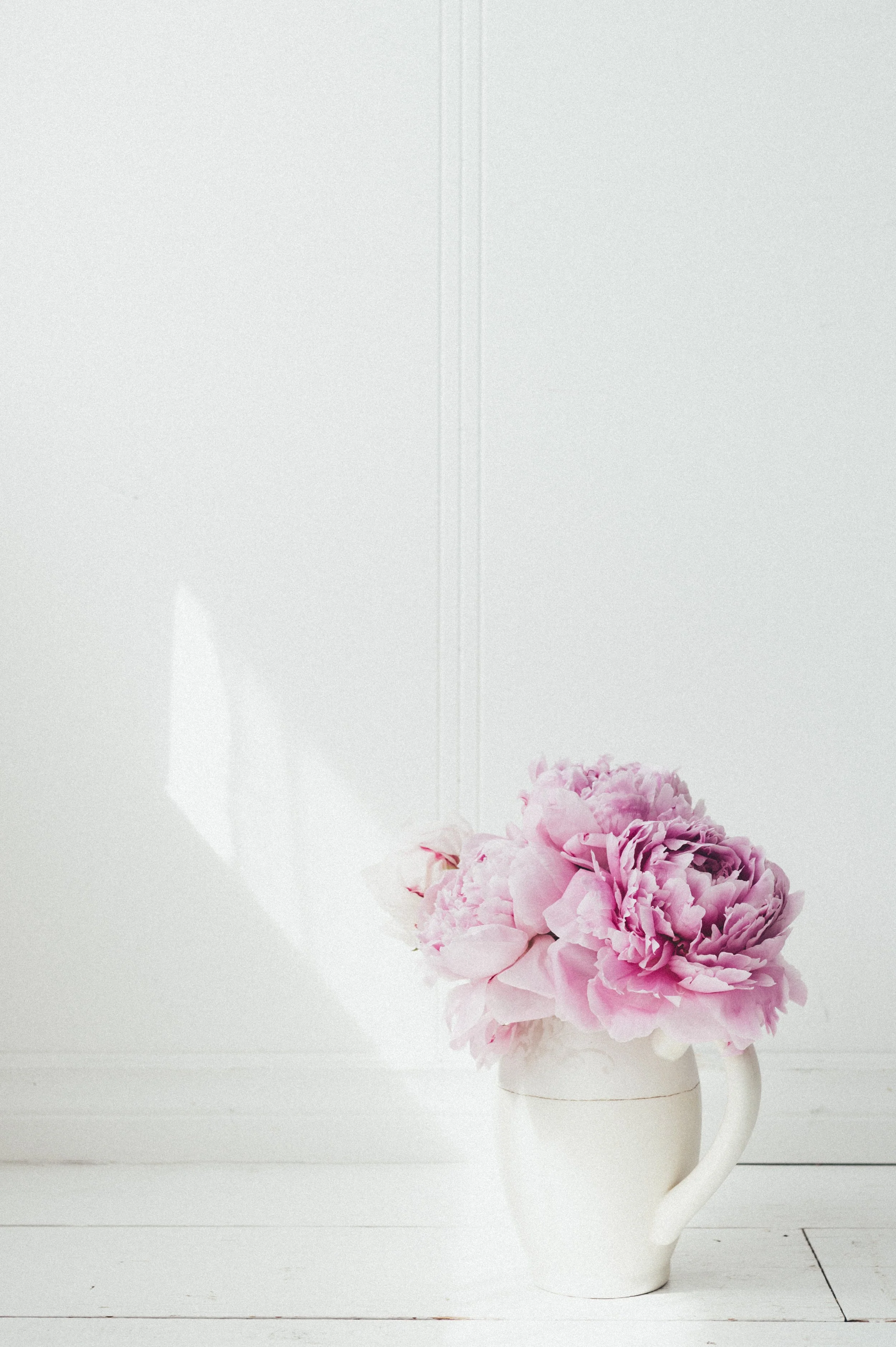
RECIPE - TAFFETA
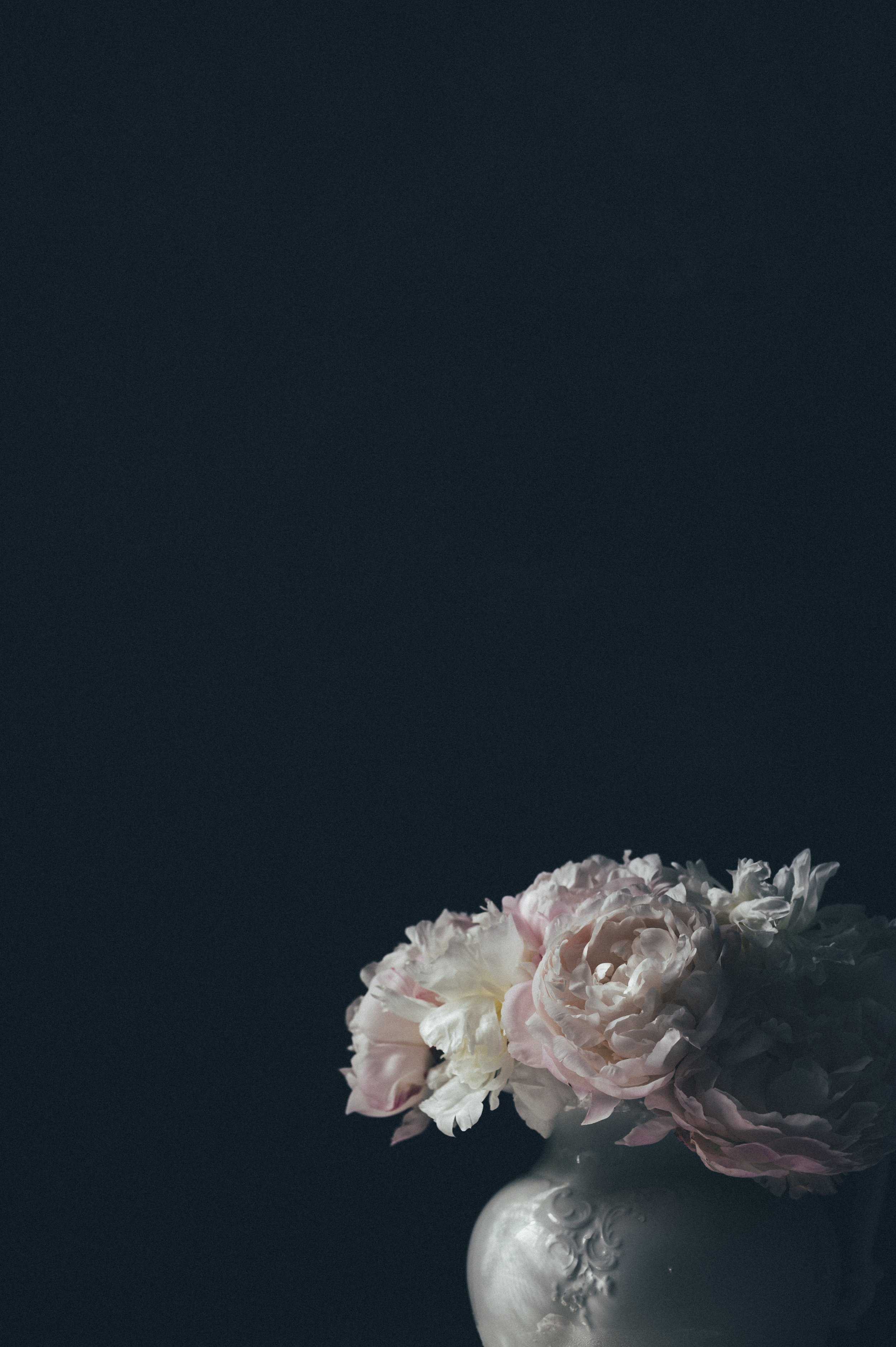
RECIPE - TAFFETA
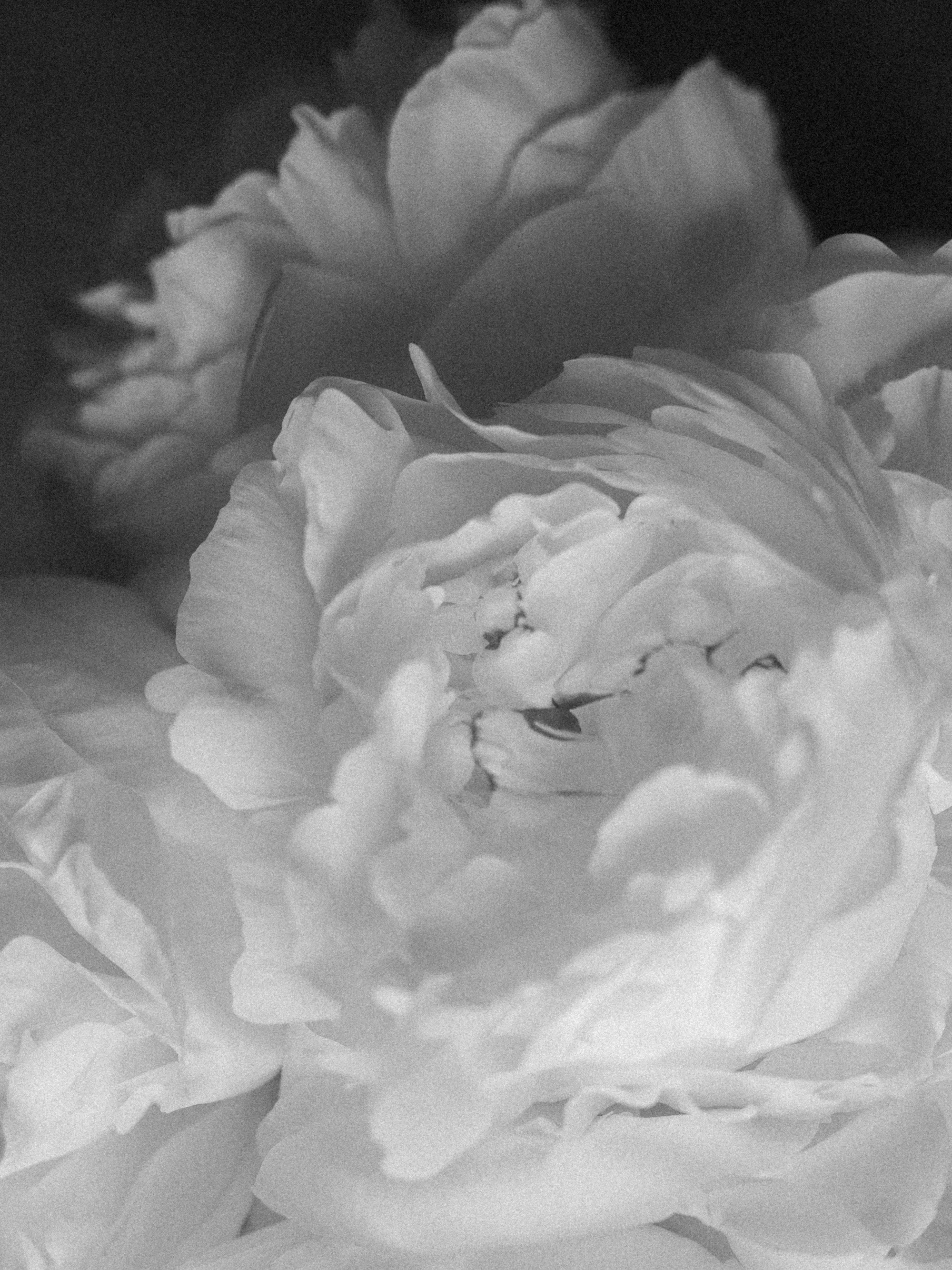
RECIPE - CLASSIC B&W
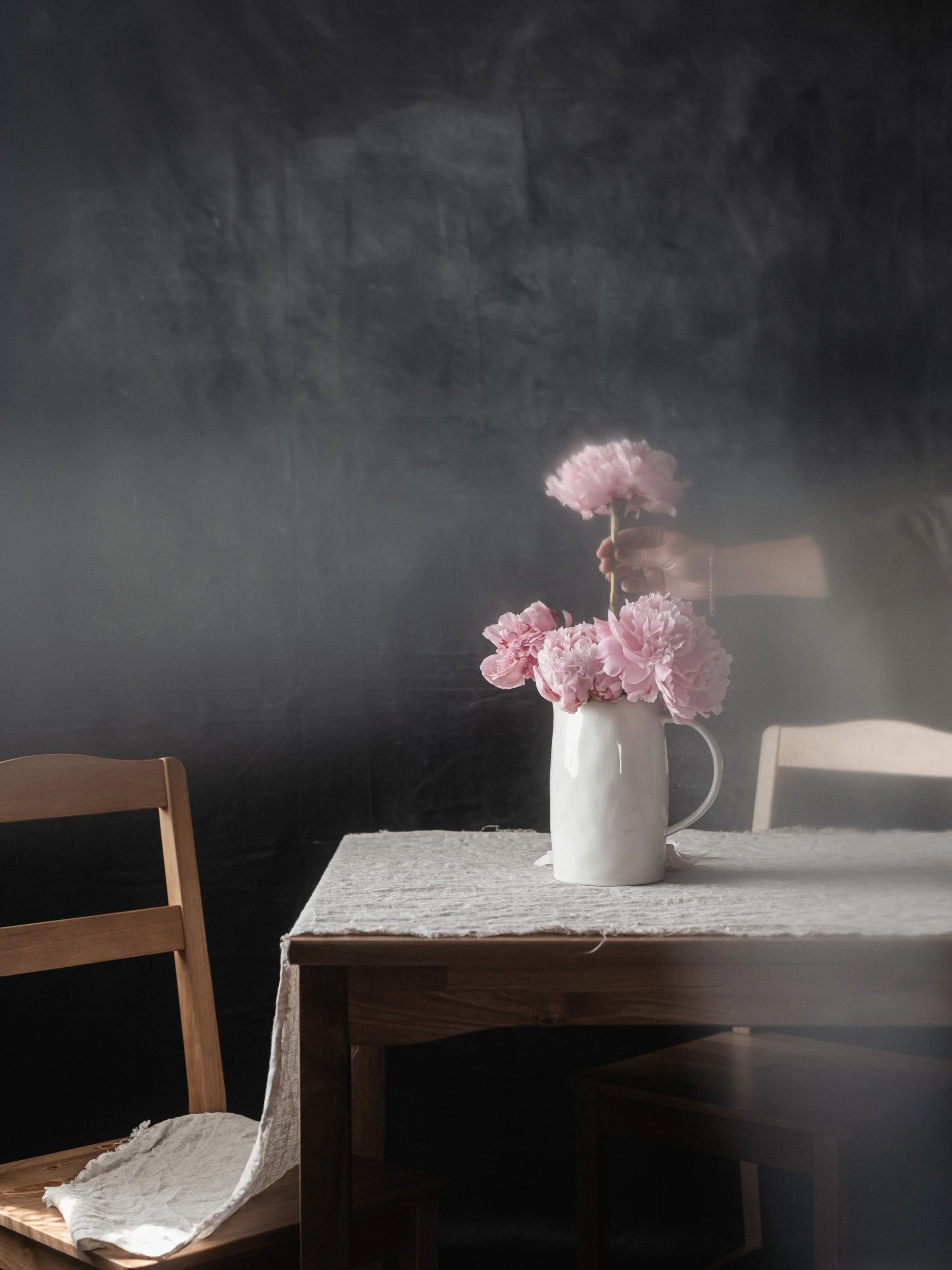
RECIPE - HYGGE
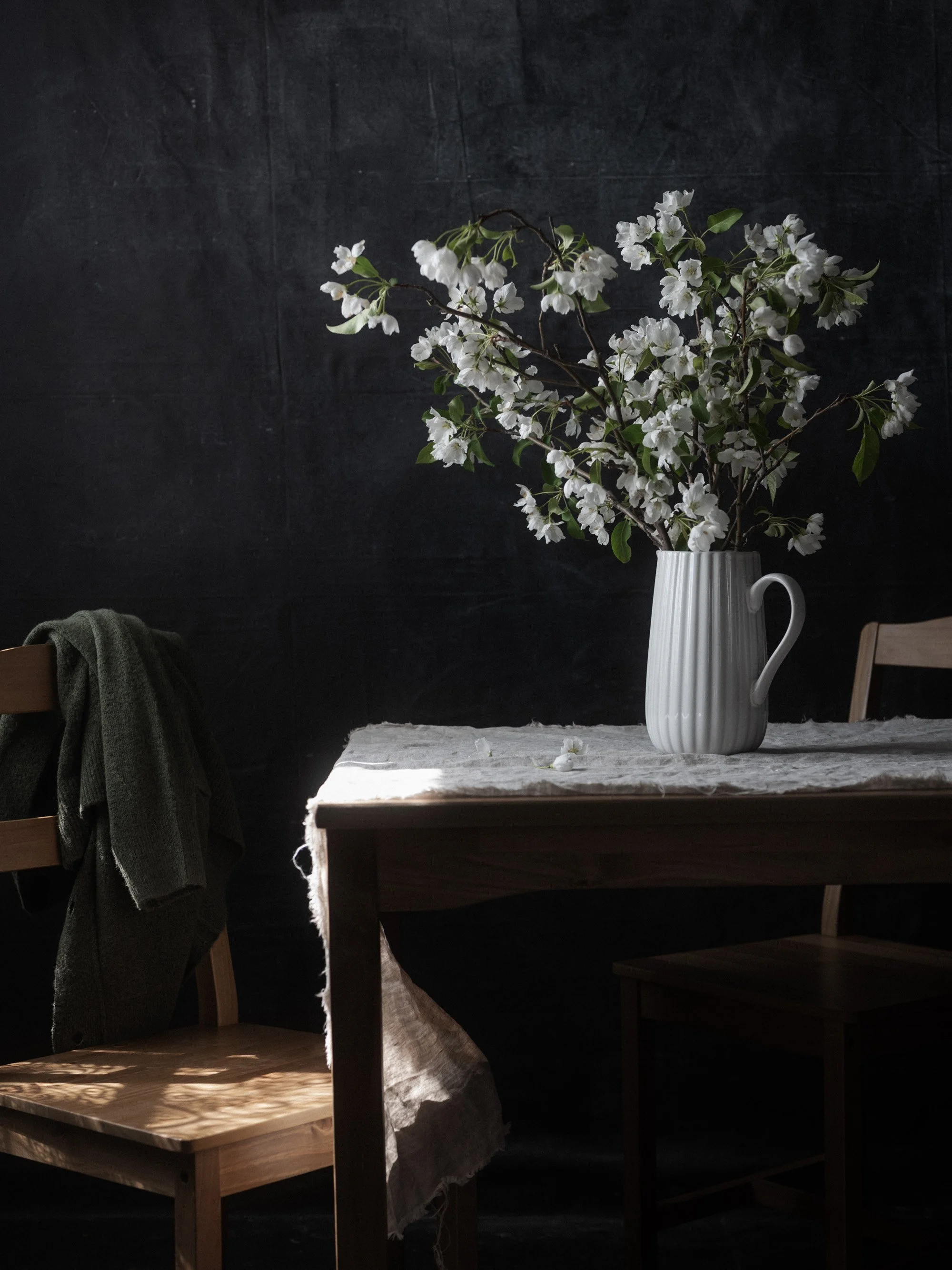
RECIPE - MOOD

RECIPE - MOODY EDITORIAL
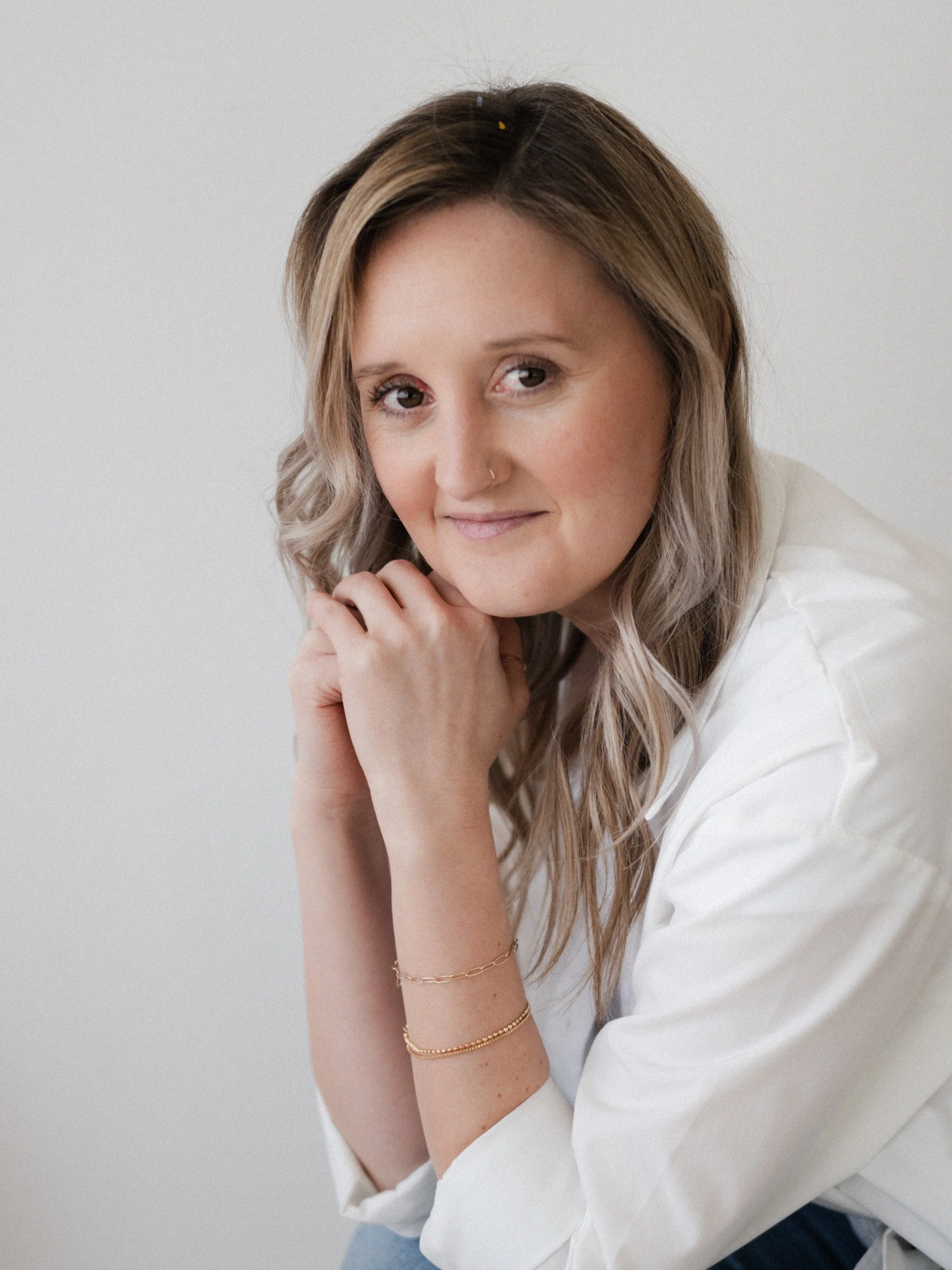
FILMIC - PORTRAIT SOFT
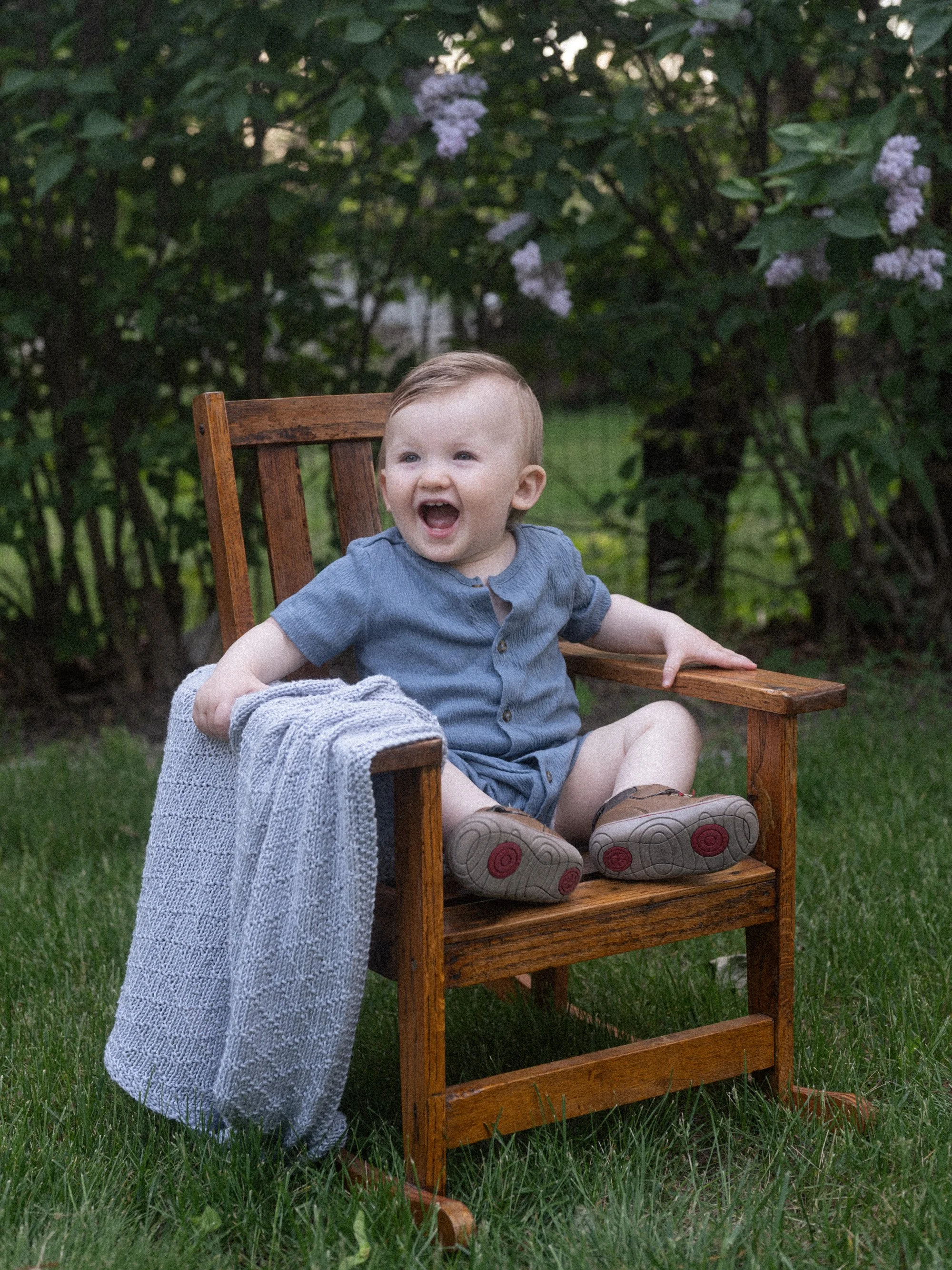
RECIPE - QUIET STILL
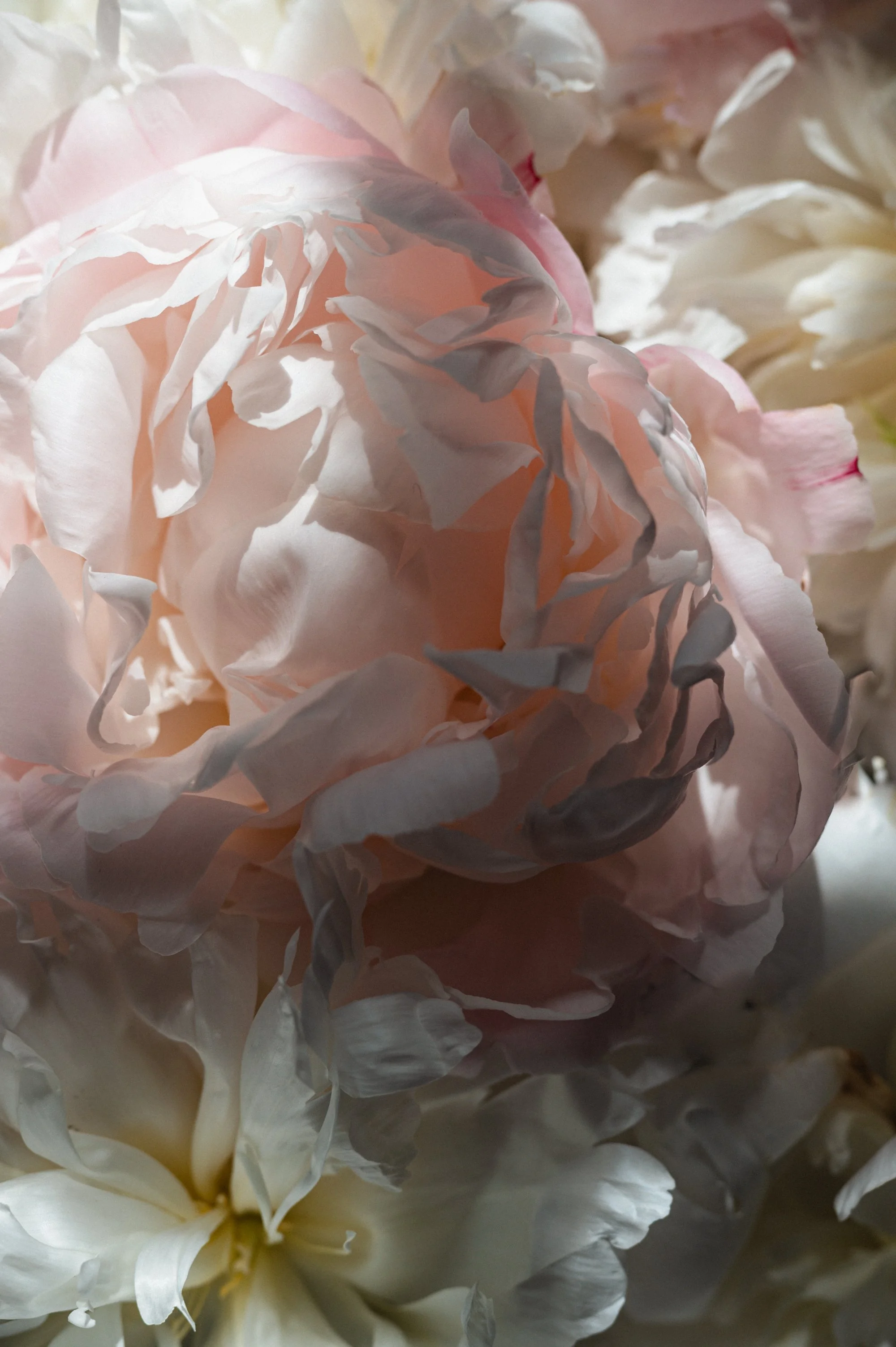
RECIPE - EARTH
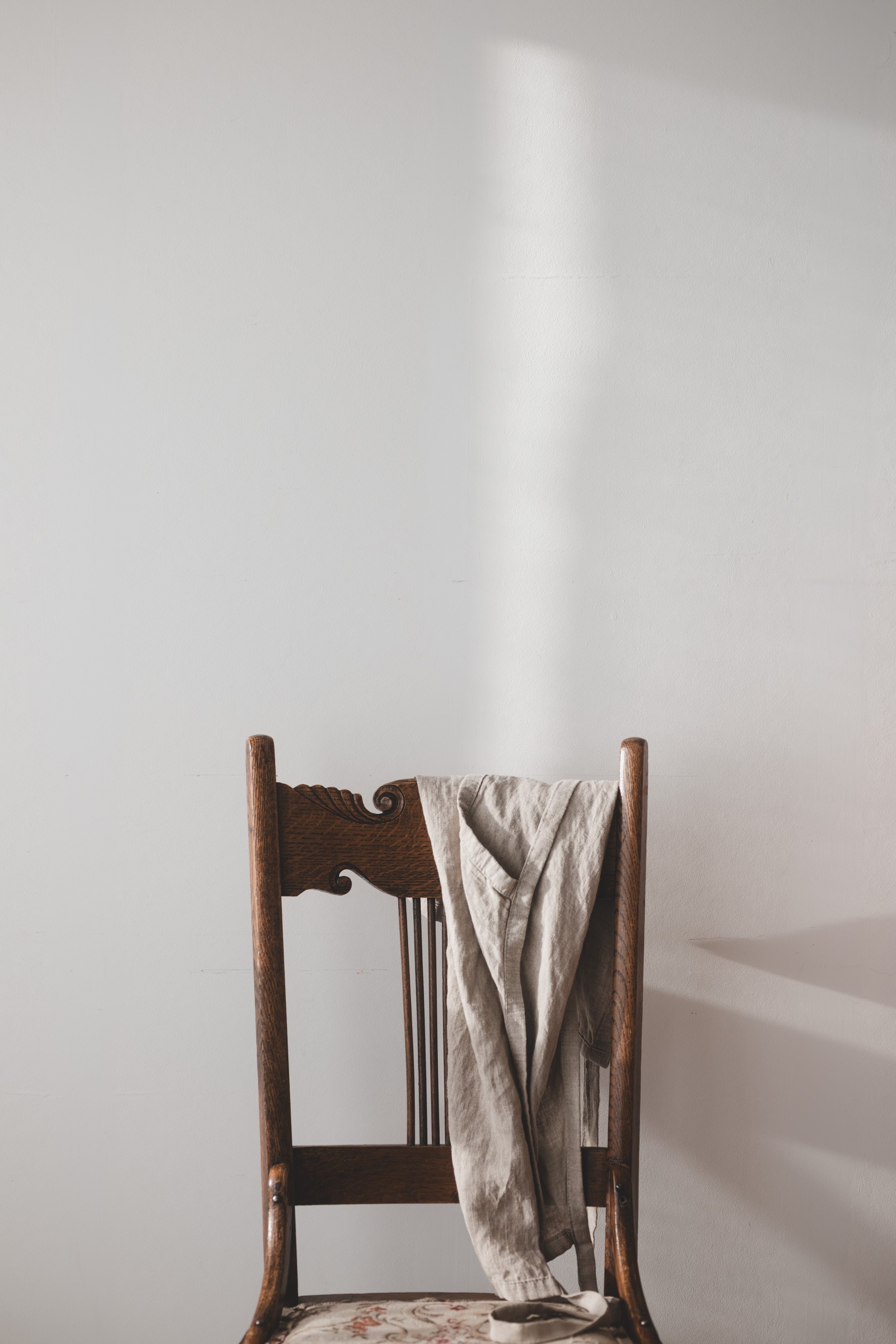
STYLED - SIGNATURE MOOD
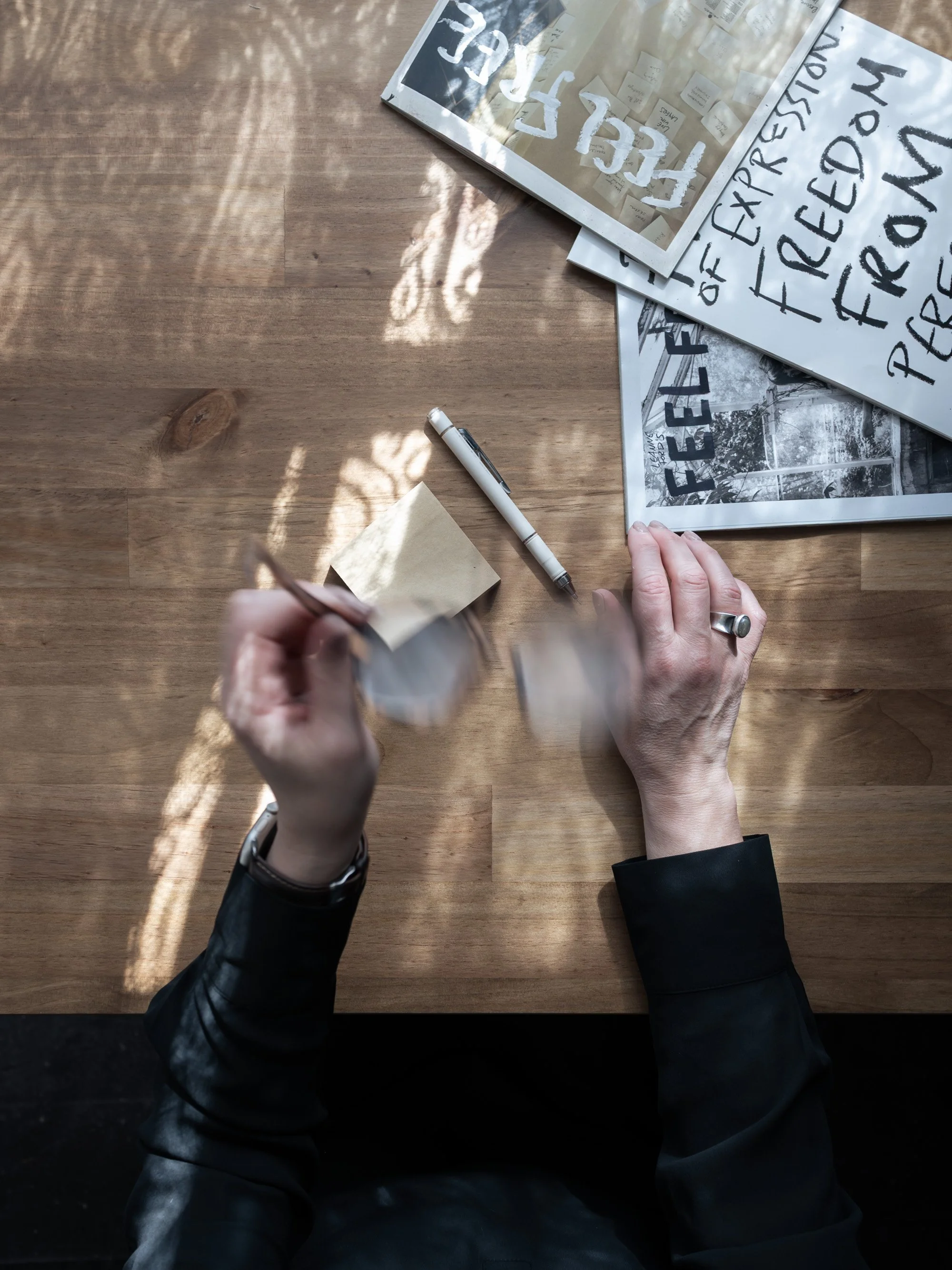
RECIPE - QUIET STILL
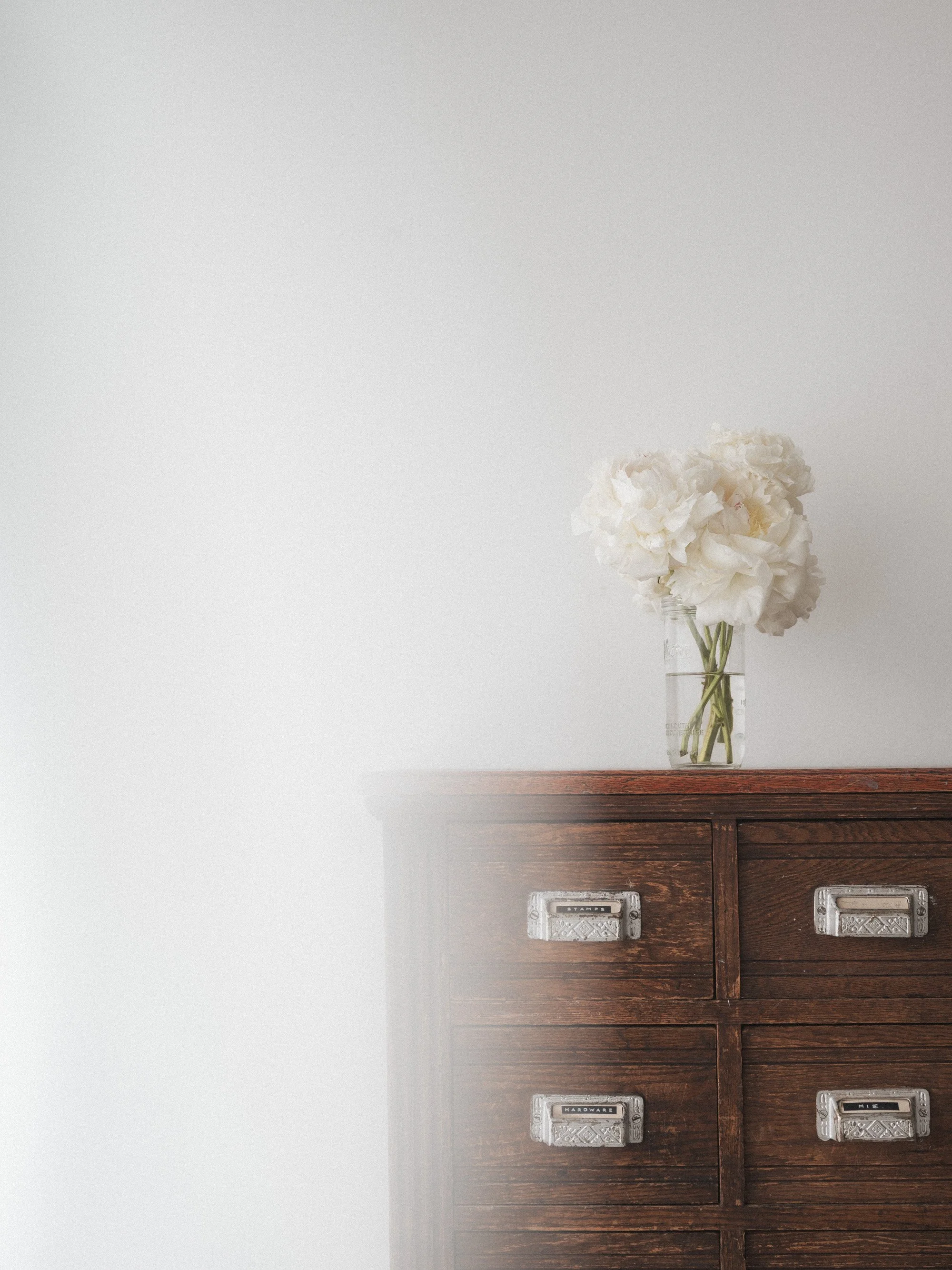
RECIPE - FILM DREAM
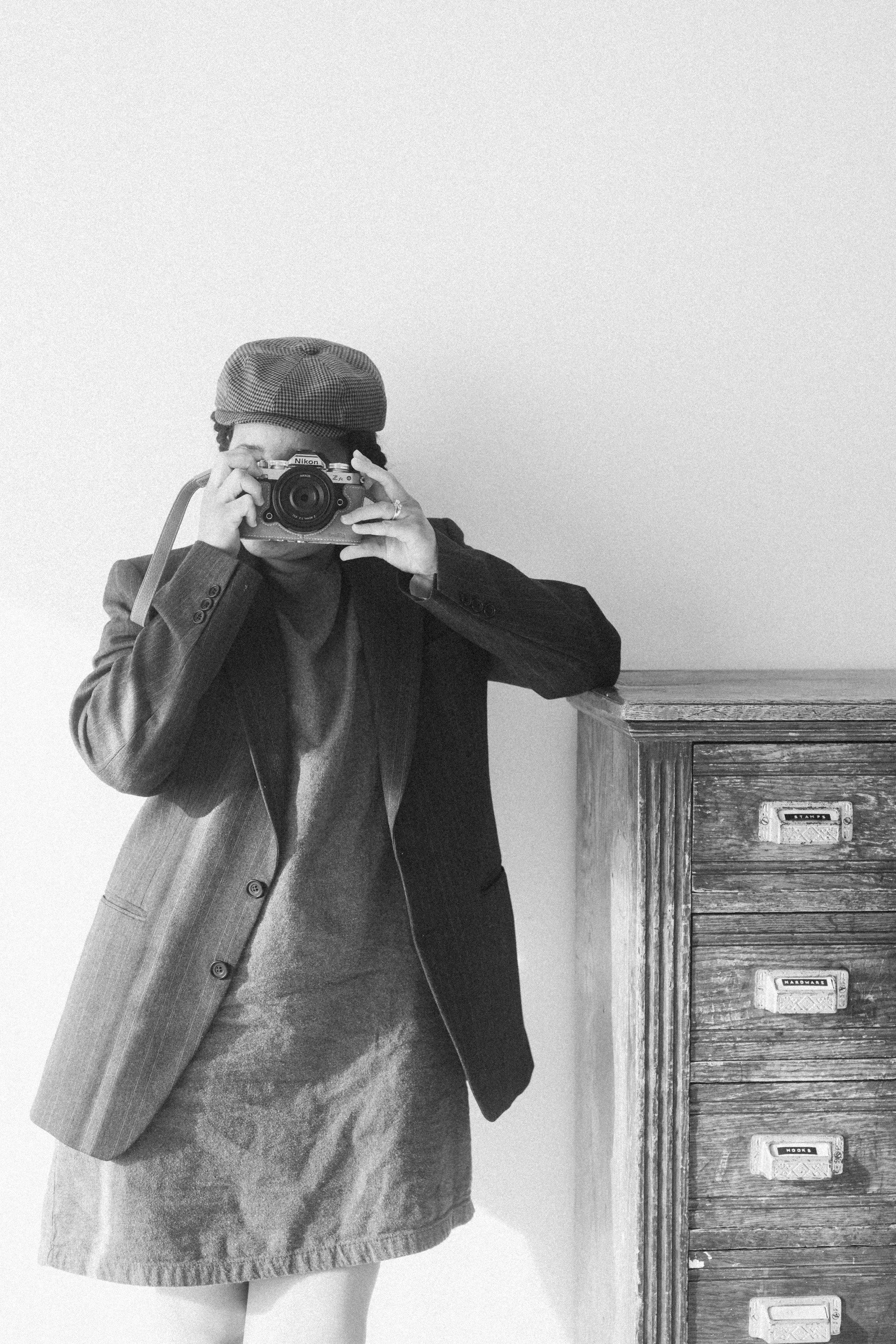
RECIPE - B&W CLASSIC FILM
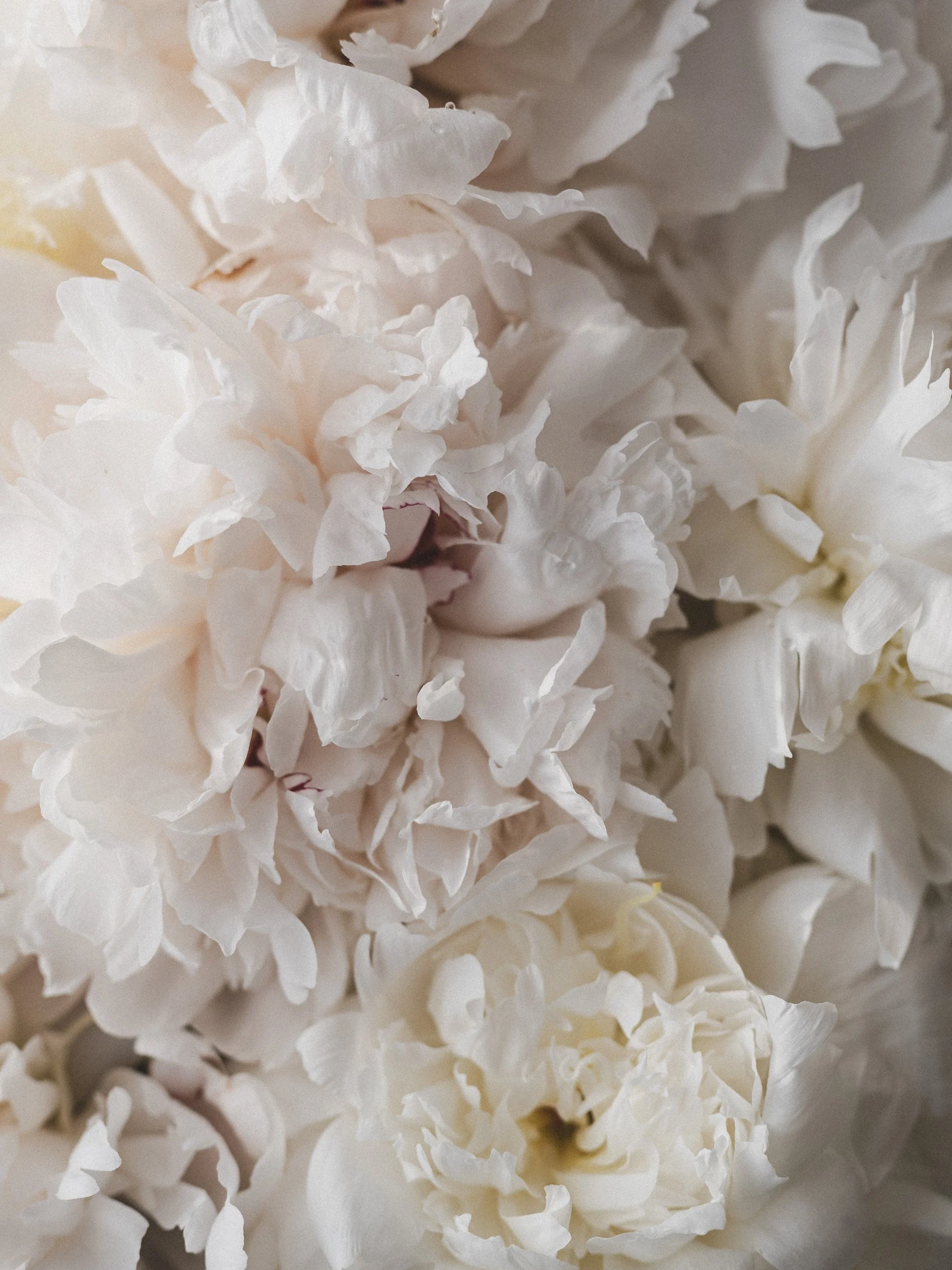
STYLED - SIGNATURE MOOD
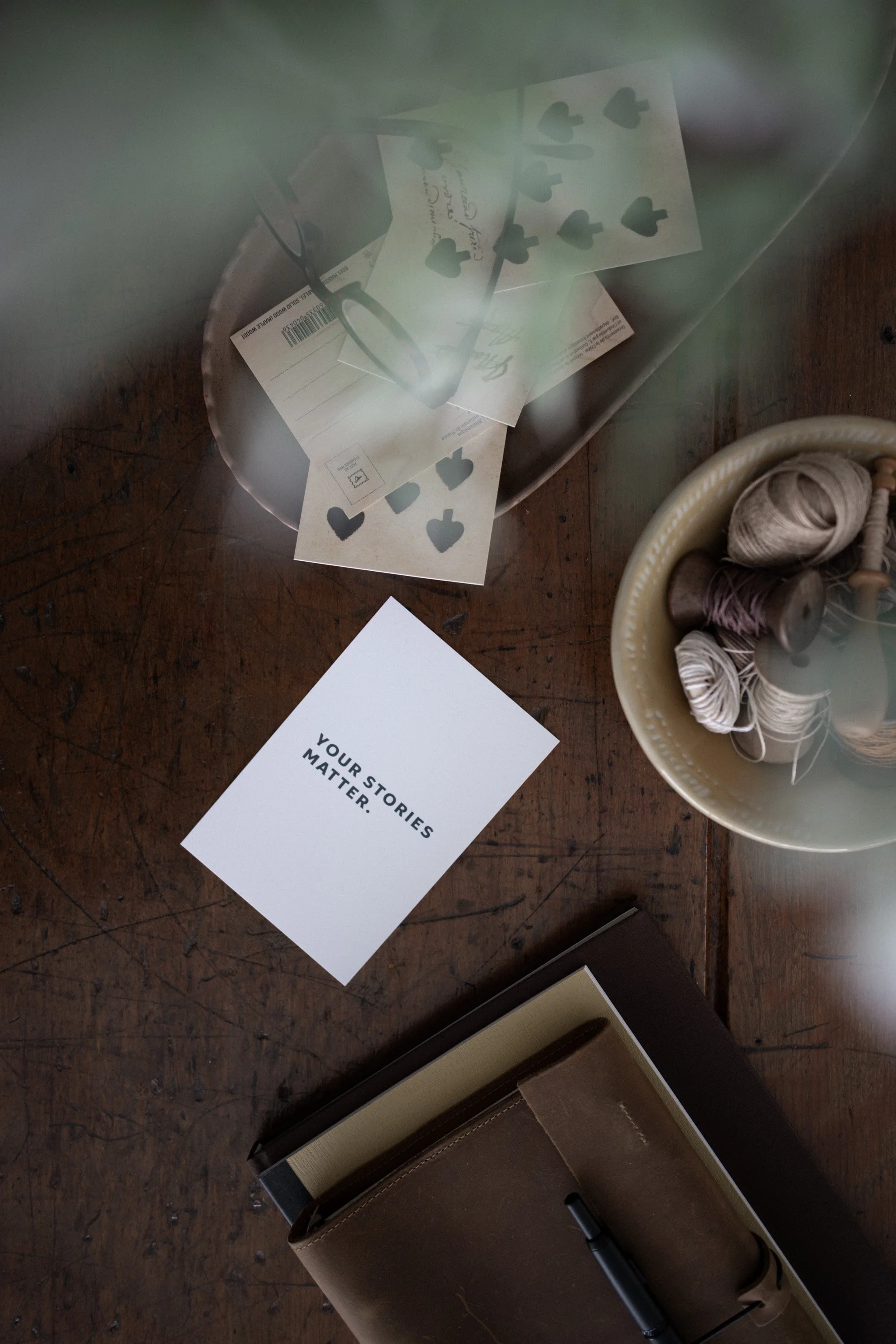
RECIPE - MOOD
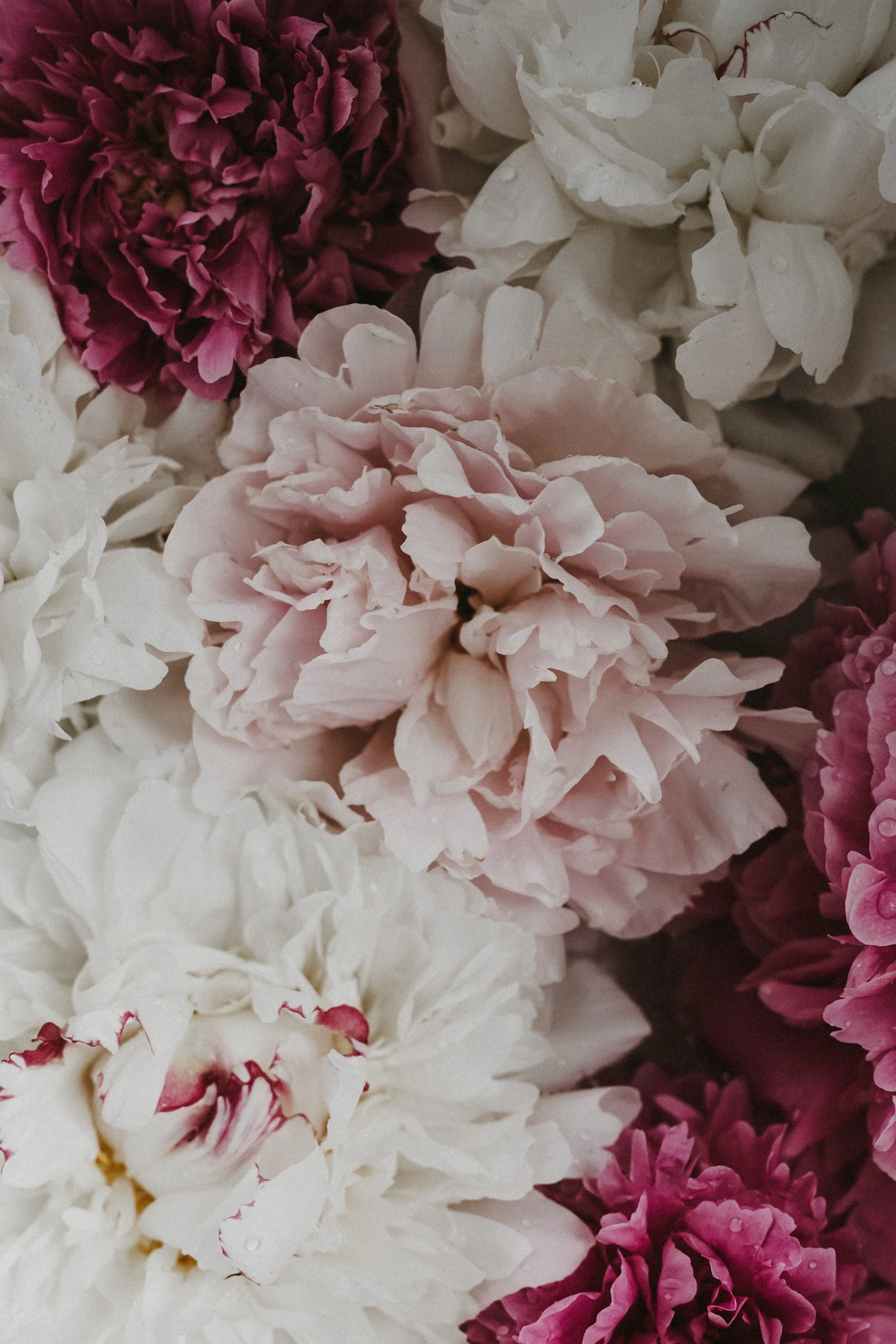
RECIPE - KIM
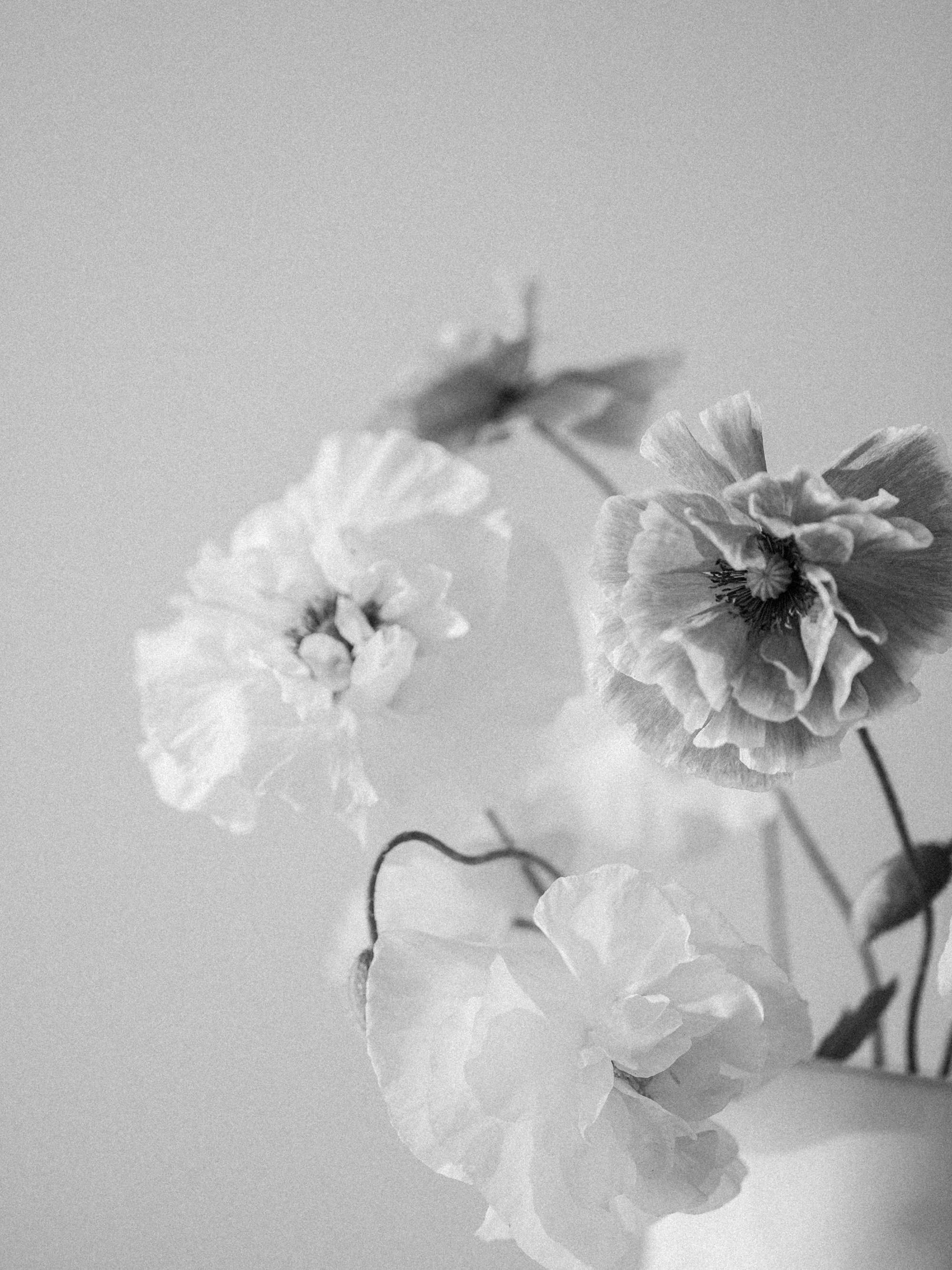
RECIPE - B&W CLASSIC
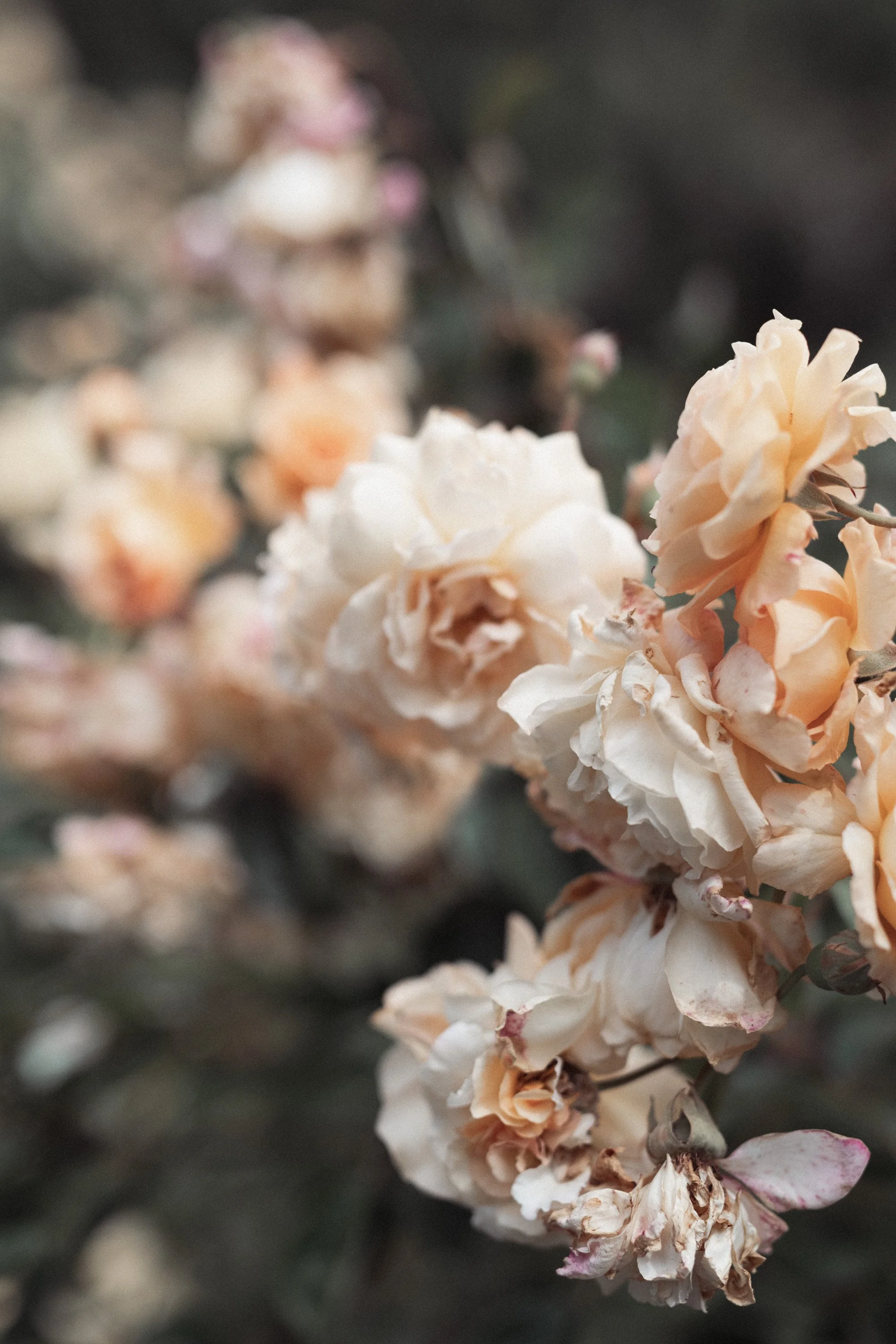
RECIPE - VINTAGE STORY
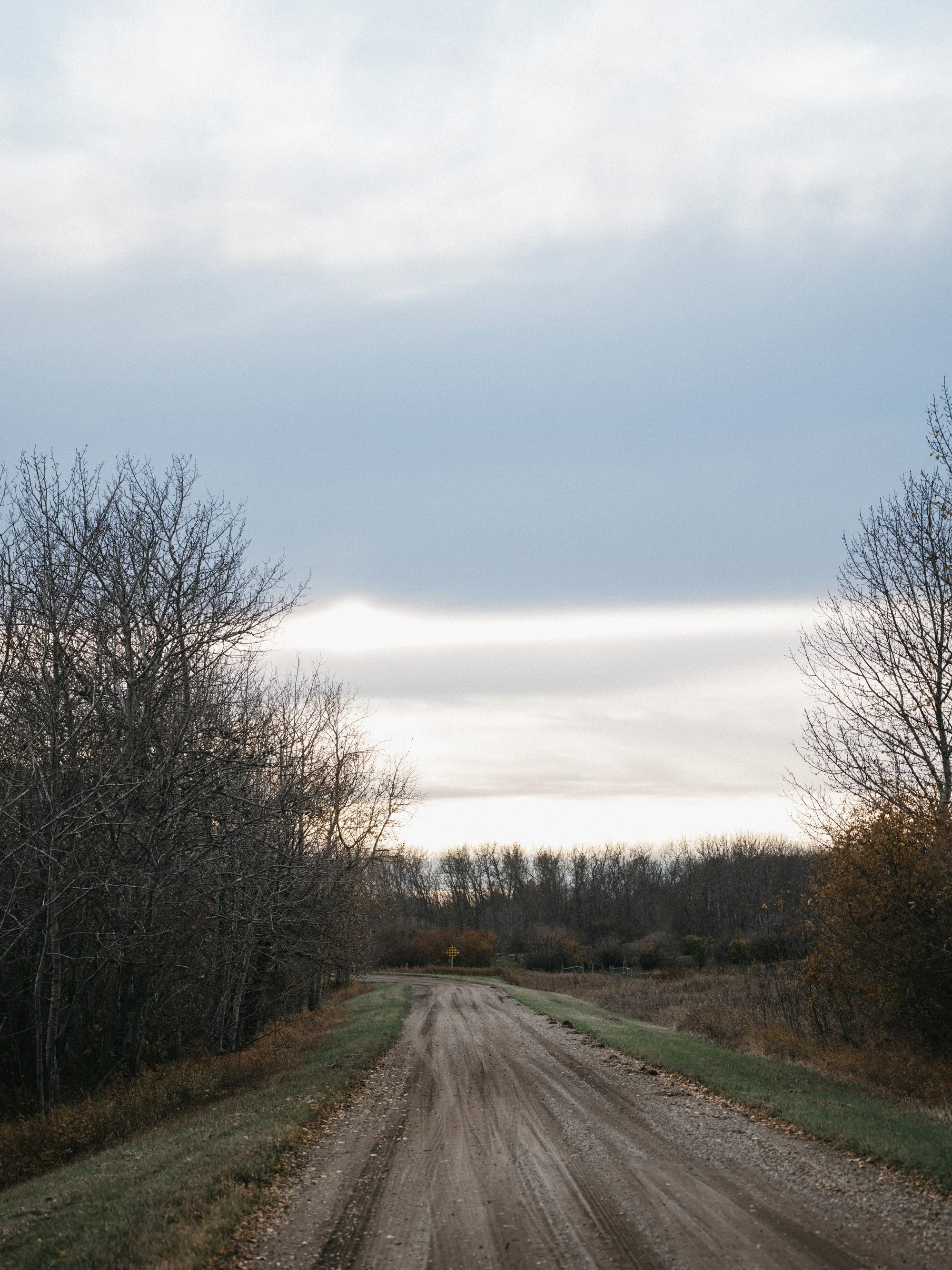
RECIPE - KIM
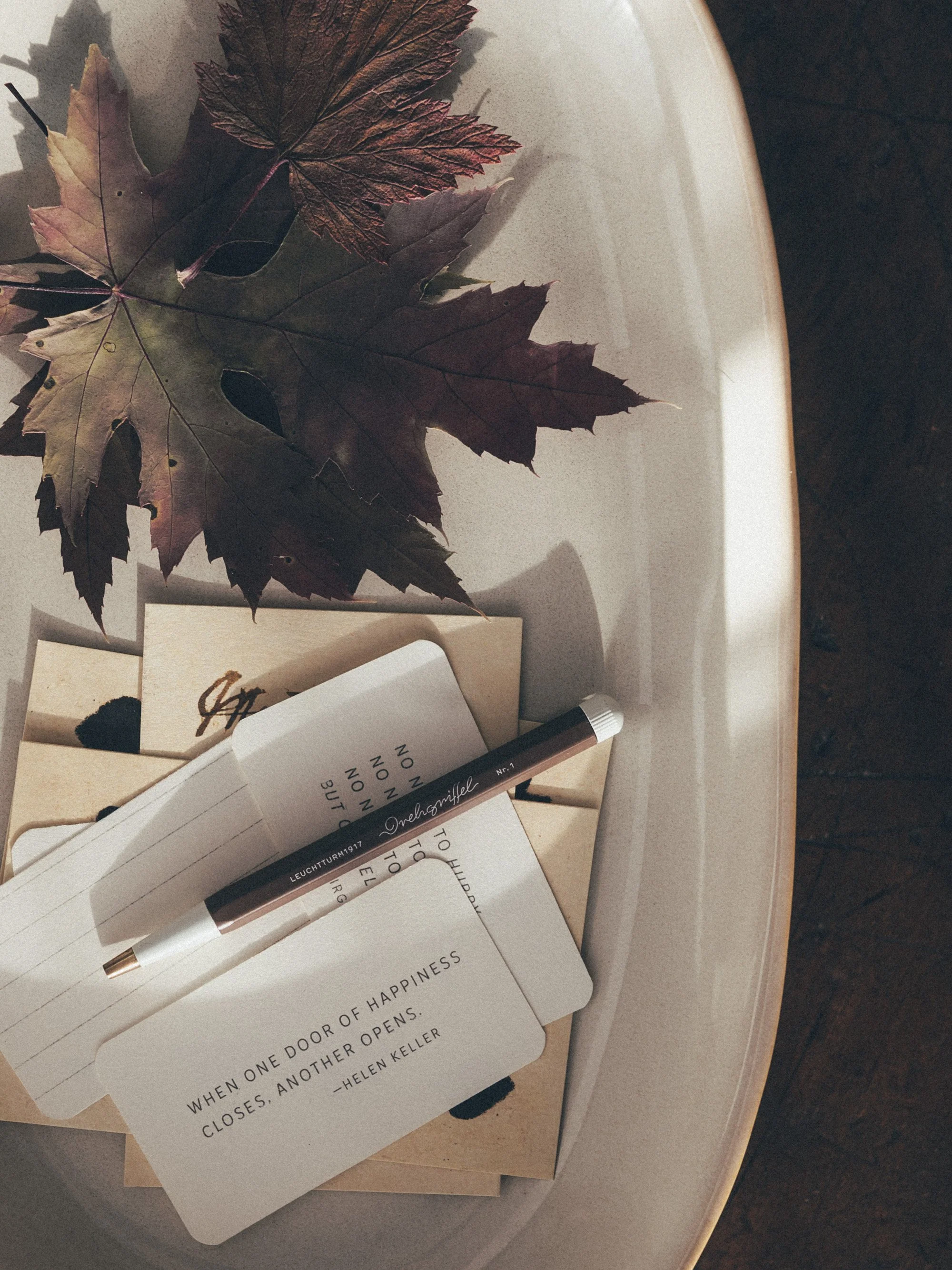
RECIPE - TAFFETA